> ## Documentation Index
> Fetch the complete documentation index at: https://help-plum.xoxoday.com/llms.txt
> Use this file to discover all available pages before exploring further.
# Sign Up
> Learn how to sign up and log in as an end user on Plum so you can view and redeem the rewards you've received.
*How to Login/Signup to the Storefront?*
***
## Sign up to Plum Storefront
Go to [https://stores.xoxoday.com/](https://stores.xoxoday.com/)companyname.
Login using your registered email address and password.
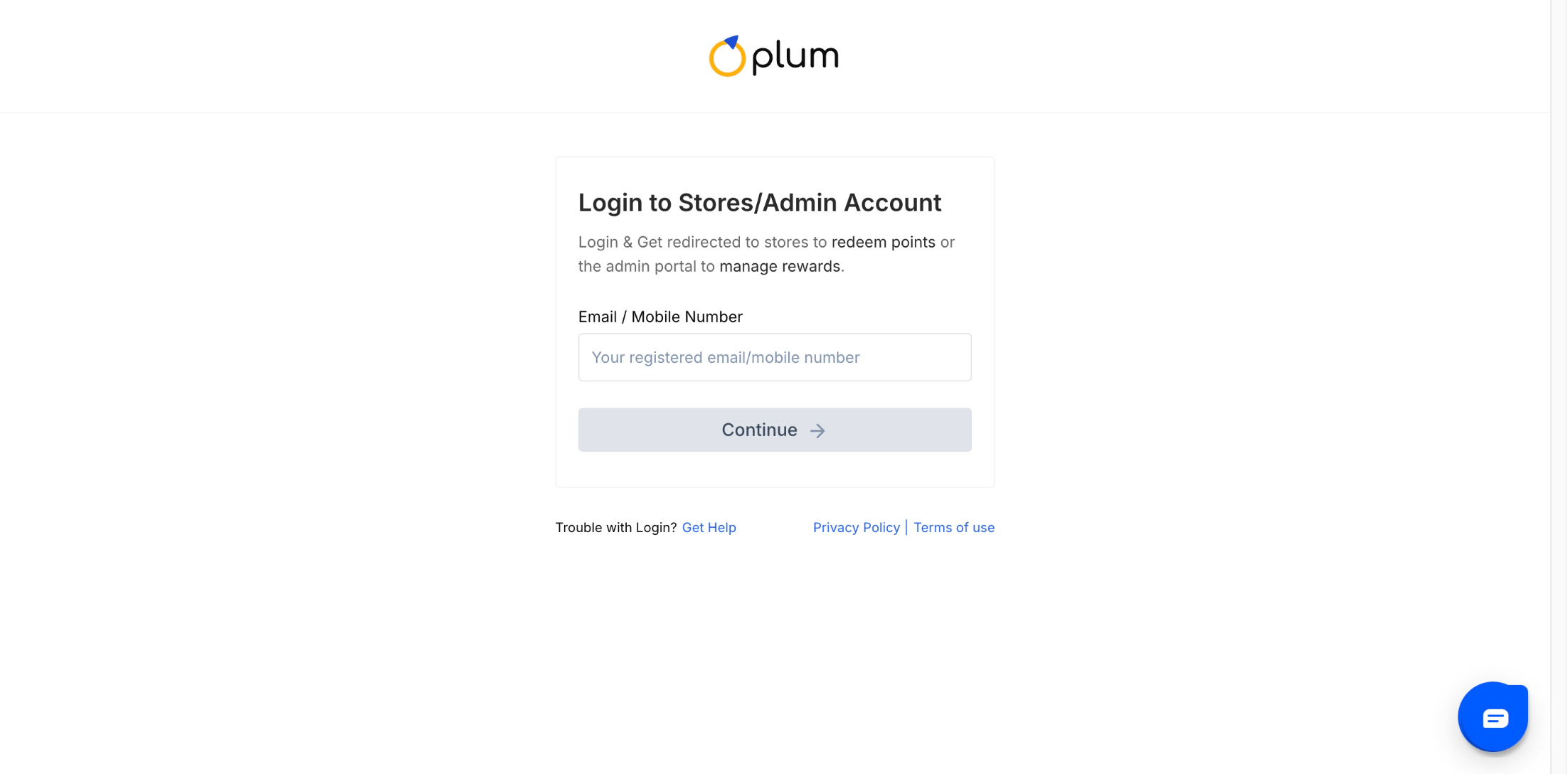
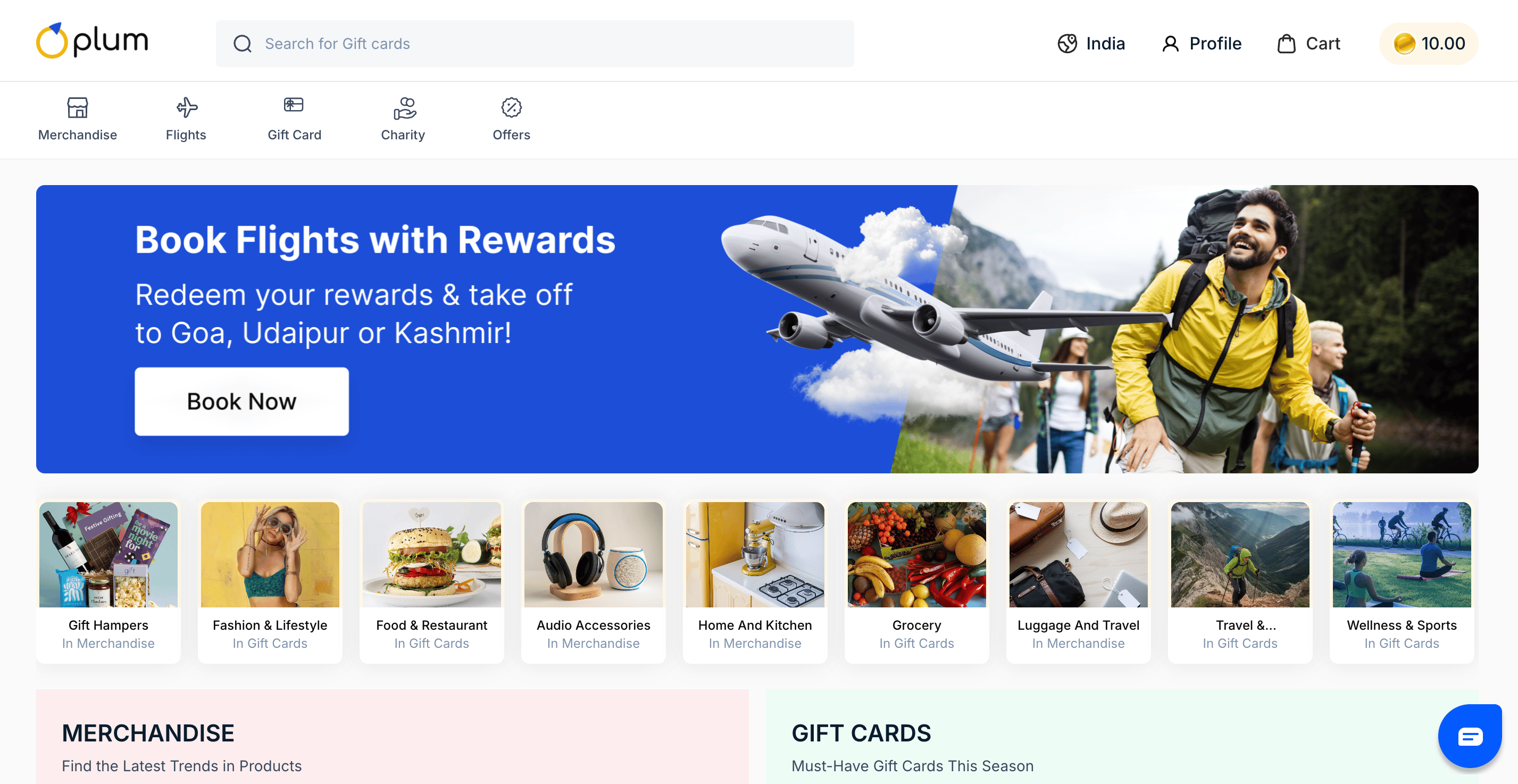 You have successfully signed up for Xoxoday Plum.
**Note:** Users with a valid Reward Code do not need login credentials. During checkout, they can continue as a guest and redeem the code directly.
* For Signing up, select the signup option from the accounts dropdown.
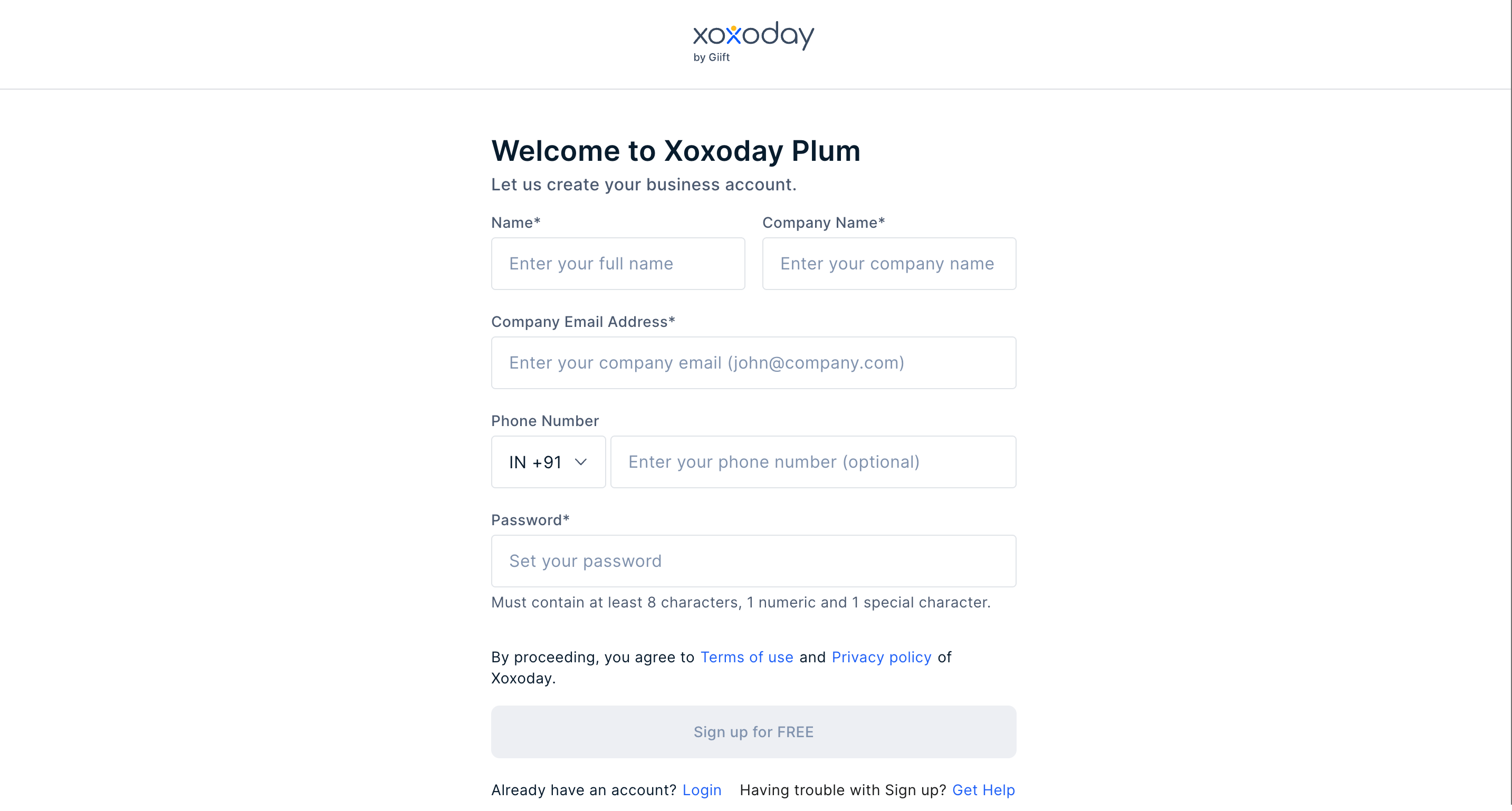
Provide necessary information such as name, email address, country etc to proceed with the signup process.
You have successfully signed up for Xoxoday Plum.
**Note:** Users with a valid Reward Code do not need login credentials. During checkout, they can continue as a guest and redeem the code directly.
* For Signing up, select the signup option from the accounts dropdown.
Provide necessary information such as name, email address, country etc to proceed with the signup process.
 Congratulations! You have successfully signed up for Xoxoday Plum.
**Note:** Users with a valid Reward Code need not have login credentials. During checkout, they can continue as guest users and redeem the Reward Code.
***
## Forgot your password?
Visit [https://stores.xoxoday.com/vouchers](https://stores.xoxoday.com/nreachtech/vouchers/)
Enter your registered email ID and click "**Forgot password**".
A reset password link is sent to the email ID provided. Click on the link and set a password.
Congratulations! You have successfully signed up for Xoxoday Plum.
**Note:** Users with a valid Reward Code need not have login credentials. During checkout, they can continue as guest users and redeem the Reward Code.
***
## Forgot your password?
Visit [https://stores.xoxoday.com/vouchers](https://stores.xoxoday.com/nreachtech/vouchers/)
Enter your registered email ID and click "**Forgot password**".
A reset password link is sent to the email ID provided. Click on the link and set a password.
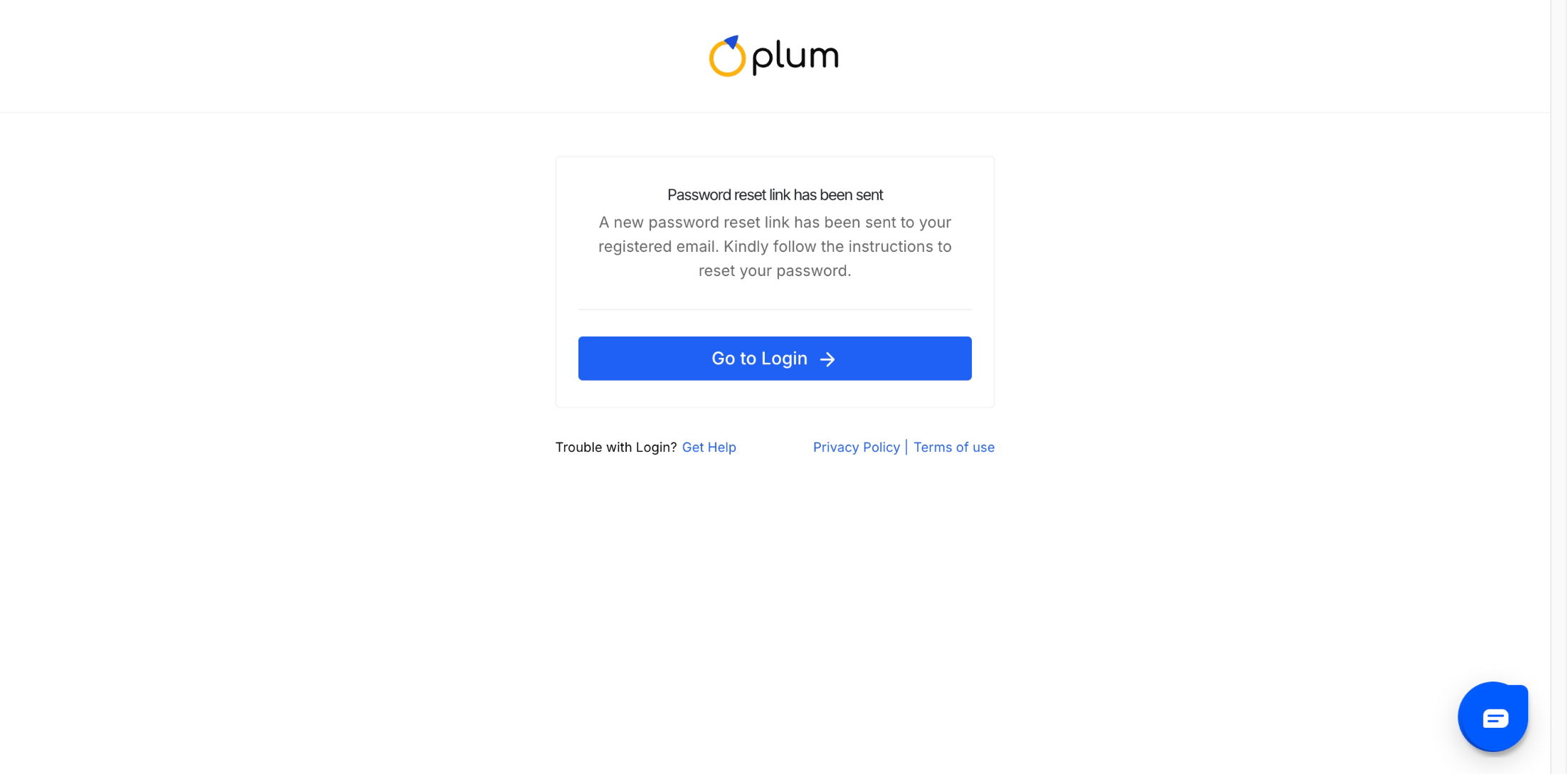 You will now be able to log into the portal with a new password.
**Note:** Any users with a valid Reward Code need not have login credentials. During the checkout, continue as a guest user and redeem the Reward Code.
***
## Logging in for the first time
First-time users, please follow the steps below:
Go to [stores.xoxoday.com](https://stores.xoxoday.com/)/companyname, click on the login page and select sign up and this opens the Sign-up form as below.
Enter the required information, such as your "Name", "Email ID", "Country Code for Phone Number", and "Password". You will receive an OTP to verify and you will be successfully signed up.
***
Feedback or Questions: Reach out to [cs@xoxoday.com](mailto:cs@xoxoday.com)
You will now be able to log into the portal with a new password.
**Note:** Any users with a valid Reward Code need not have login credentials. During the checkout, continue as a guest user and redeem the Reward Code.
***
## Logging in for the first time
First-time users, please follow the steps below:
Go to [stores.xoxoday.com](https://stores.xoxoday.com/)/companyname, click on the login page and select sign up and this opens the Sign-up form as below.
Enter the required information, such as your "Name", "Email ID", "Country Code for Phone Number", and "Password". You will receive an OTP to verify and you will be successfully signed up.
***
Feedback or Questions: Reach out to [cs@xoxoday.com](mailto:cs@xoxoday.com)