> ## Documentation Index
> Fetch the complete documentation index at: https://help-plum.xoxoday.com/llms.txt
> Use this file to discover all available pages before exploring further.
# History Module
> Learn how merchants can view a complete history of their offer activity within Plum's Offers Management portal.
*Learn all about checking history on the Merchant platform.*
The History module allows you to view a detailed record of offer activity, including claims and redemptions.
## How to Access
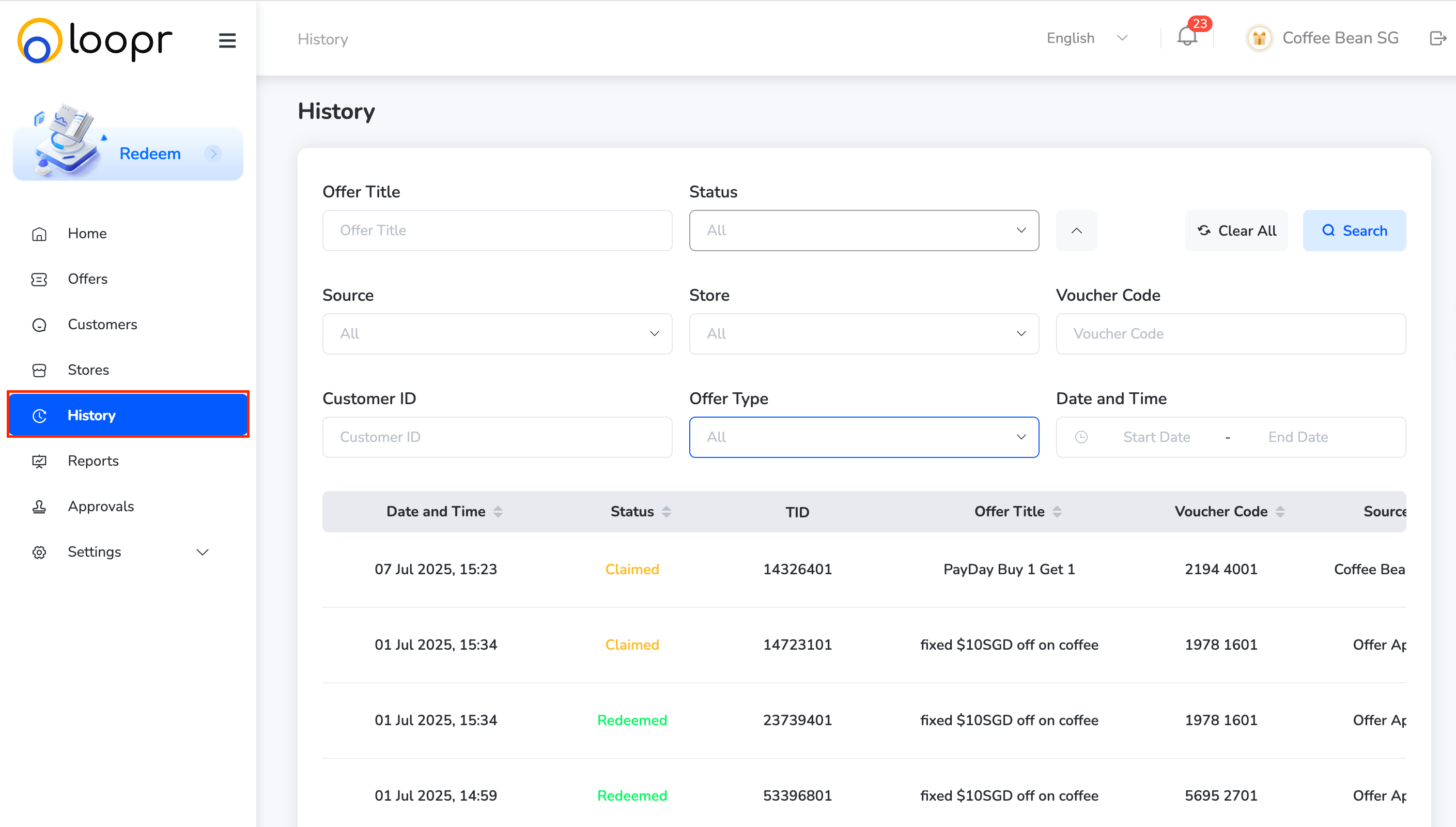
* From the main menu, click on "**History**" in the left-side navigation panel.
 ***
## What You Can Do:
Once inside the History module, you can:
**Search & Filter Offer Activity**
Use filters to refine your search results based on:
* Offer Title
* Status
* Claimed
* Redeemed

* Source
* Web Portal
* Merchant
***
## What You Can Do:
Once inside the History module, you can:
**Search & Filter Offer Activity**
Use filters to refine your search results based on:
* Offer Title
* Status
* Claimed
* Redeemed

* Source
* Web Portal
* Merchant
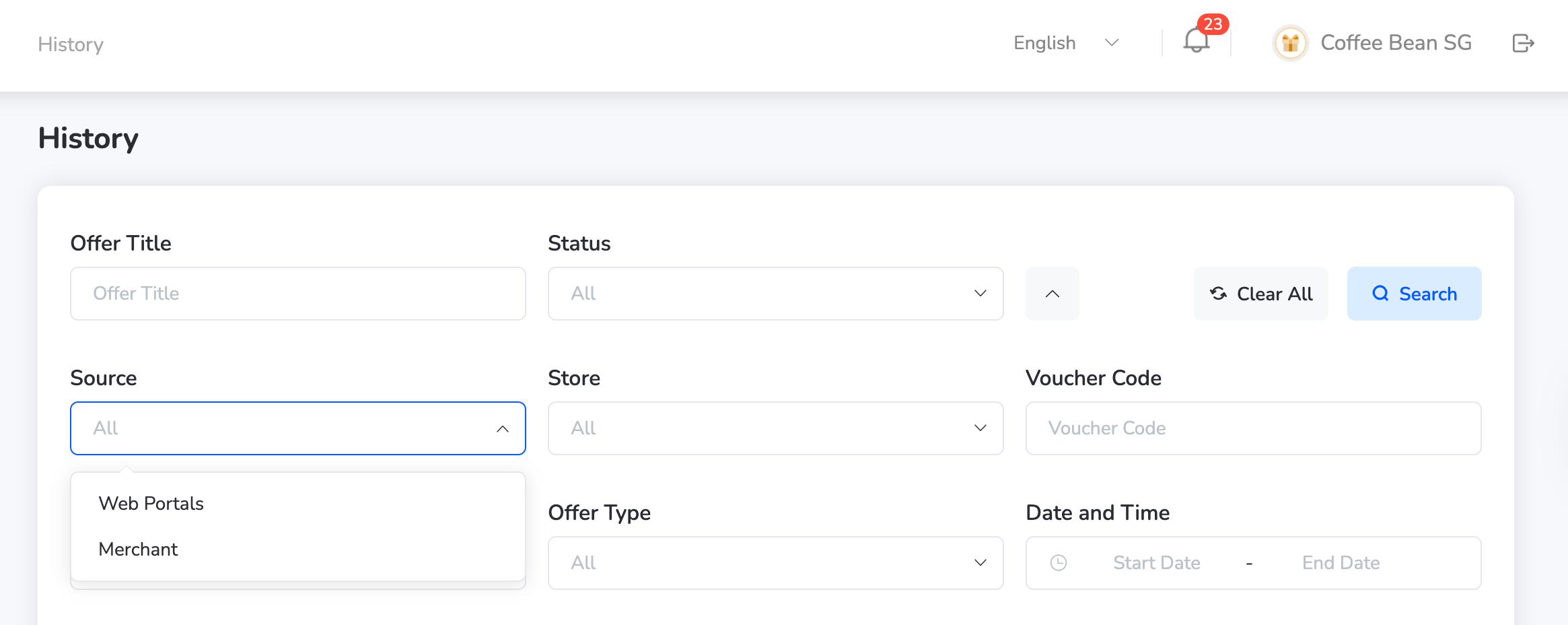 * Stores — Select specific store(s) from the dropdown list
* Voucher Code — Add the particular voucher code
* Offer Type
* Discount
* Fixed Value
* Free Format
* Product

* Date and Time — Select the date and time using the calendar.
Use multiple filters together for more specific results.
**View History Records**
* Browse the list of activity logs showing the time, user, store, and offer details.
* Each record provides visibility into how and where an offer was claimed or redeemed.
This helps merchants track campaign performance and customer engagement across channels.
**Export History**
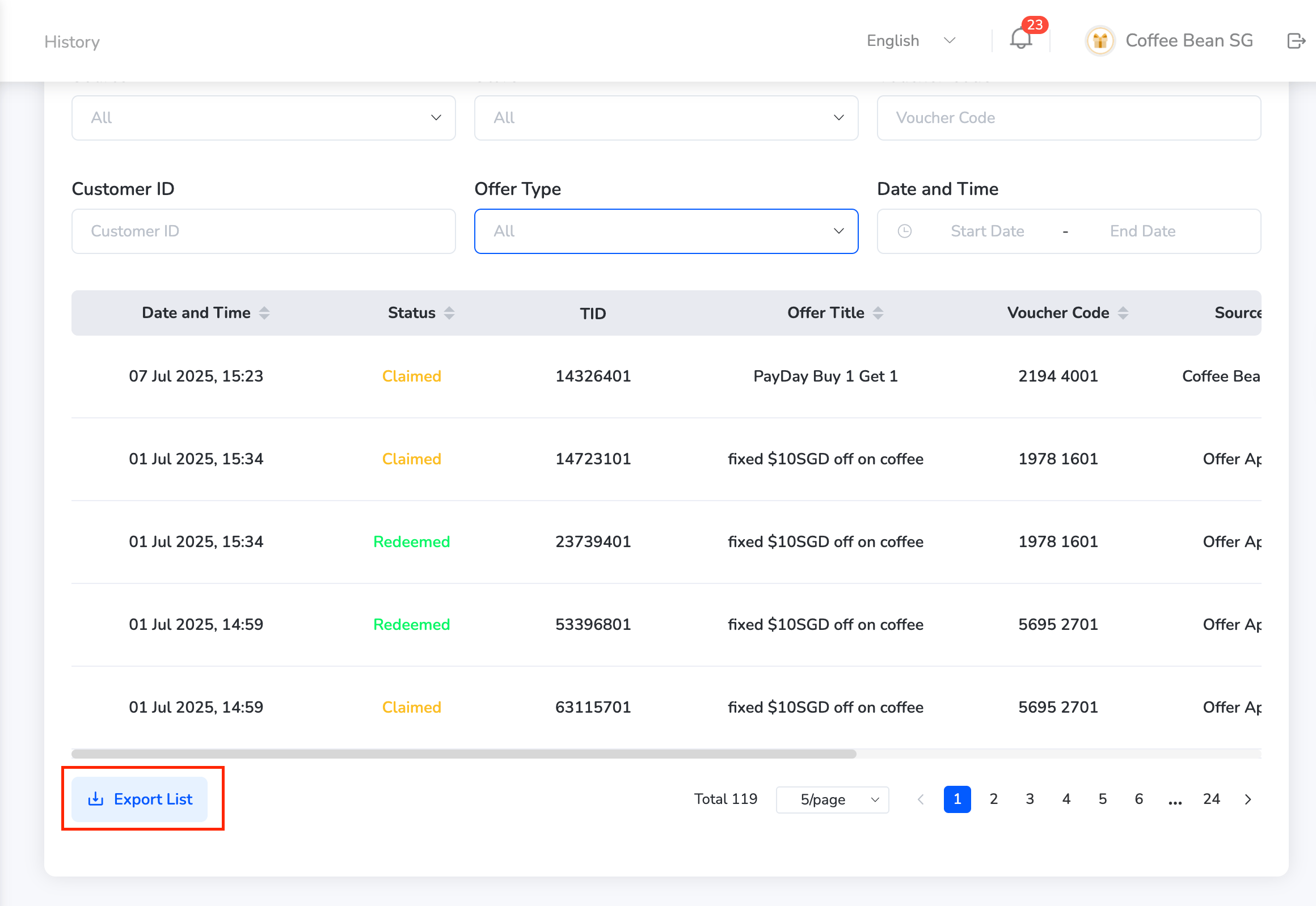
Click on "**Export List**" to download the list.
* Stores — Select specific store(s) from the dropdown list
* Voucher Code — Add the particular voucher code
* Offer Type
* Discount
* Fixed Value
* Free Format
* Product

* Date and Time — Select the date and time using the calendar.
Use multiple filters together for more specific results.
**View History Records**
* Browse the list of activity logs showing the time, user, store, and offer details.
* Each record provides visibility into how and where an offer was claimed or redeemed.
This helps merchants track campaign performance and customer engagement across channels.
**Export History**
Click on "**Export List**" to download the list.
 Need help? Reach out to your support team or [cs@xoxoday.com](mailto:cs@xoxoday.com).