> ## Documentation Index
> Fetch the complete documentation index at: https://help-plum.xoxoday.com/llms.txt
> Use this file to discover all available pages before exploring further.
# Subscription
> Learn how merchants can view and manage their subscription plan and billing details within Plum's Offers Management portal.
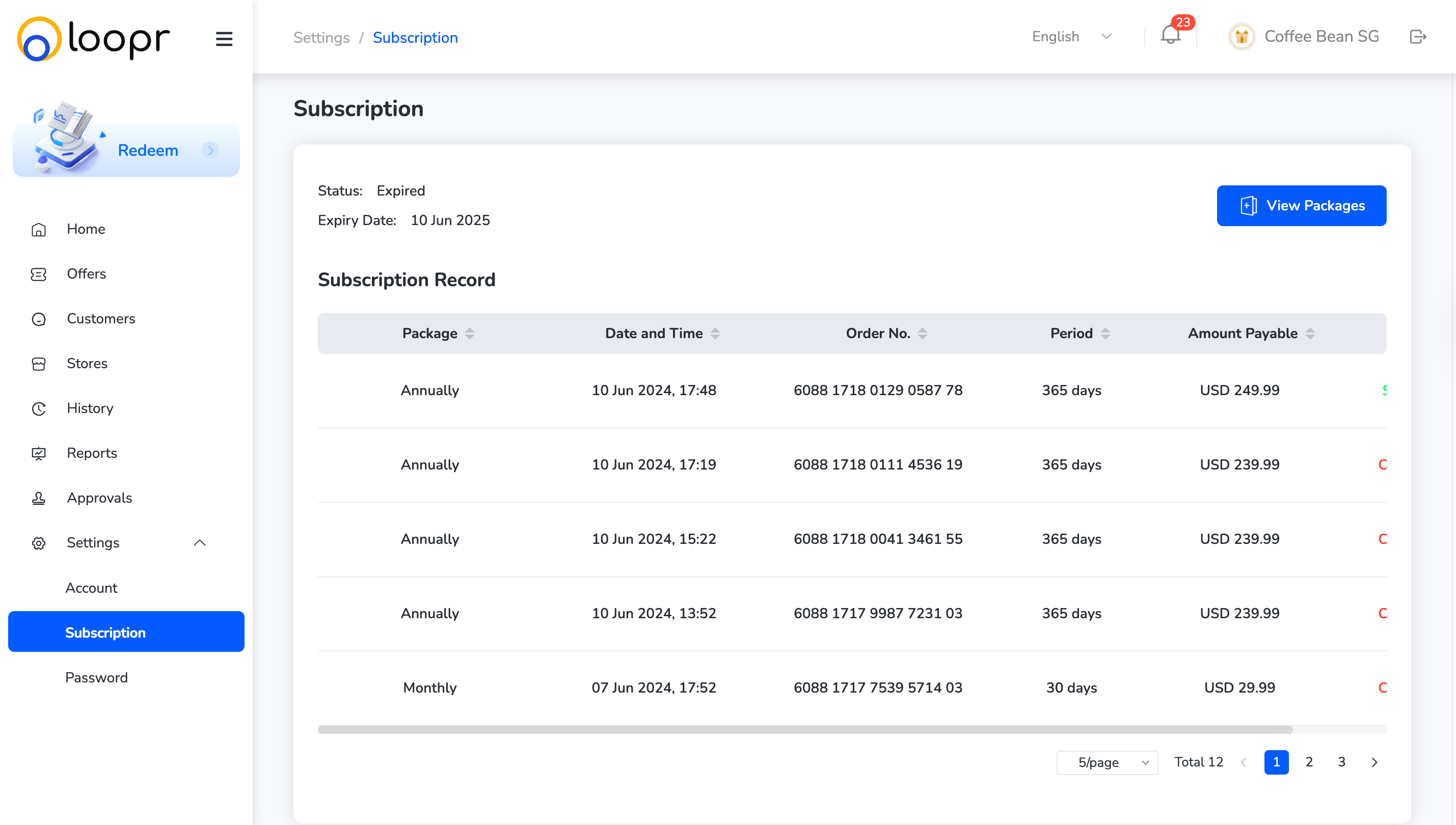
The Subscription section provides visibility into all active and past subscription records tied to your budget and usage. Merchants can manage multiple packages based on their needs.
## How to Access
* Navigate to **"Settings**" from the left-hand menu.
* Click on **"Subscription"** from the dropdown.
 ***
## View All Subscription Records
See a list of all your active and historical subscriptions, along with their current status (active, expired, etc.)
***
## Select a Package
* At the top of the page, click on the "**Packages**" dropdown.
***
## View All Subscription Records
See a list of all your active and historical subscriptions, along with their current status (active, expired, etc.)
***
## Select a Package
* At the top of the page, click on the "**Packages**" dropdown.
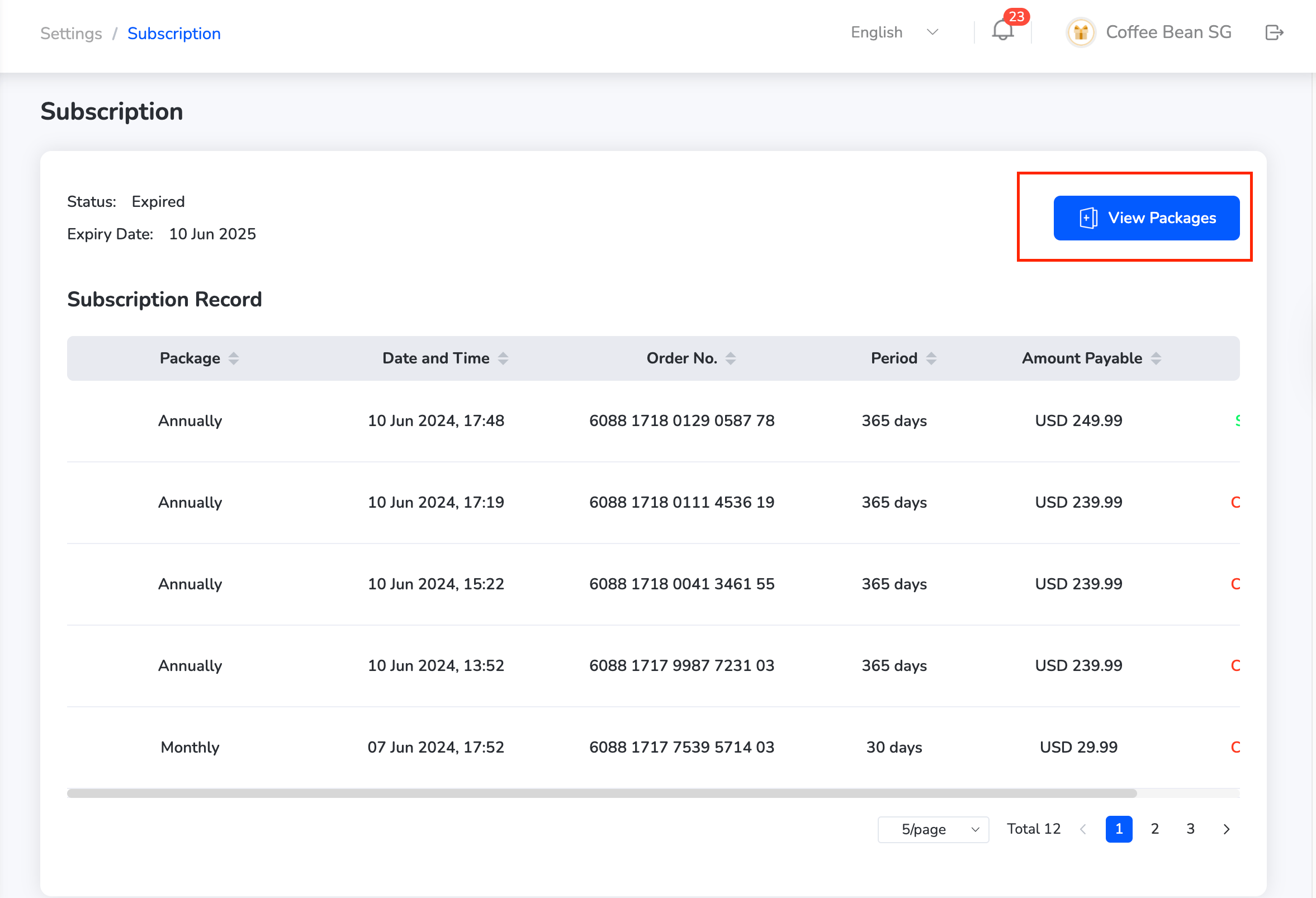 * Choose from the available subscription packages as per your business needs.
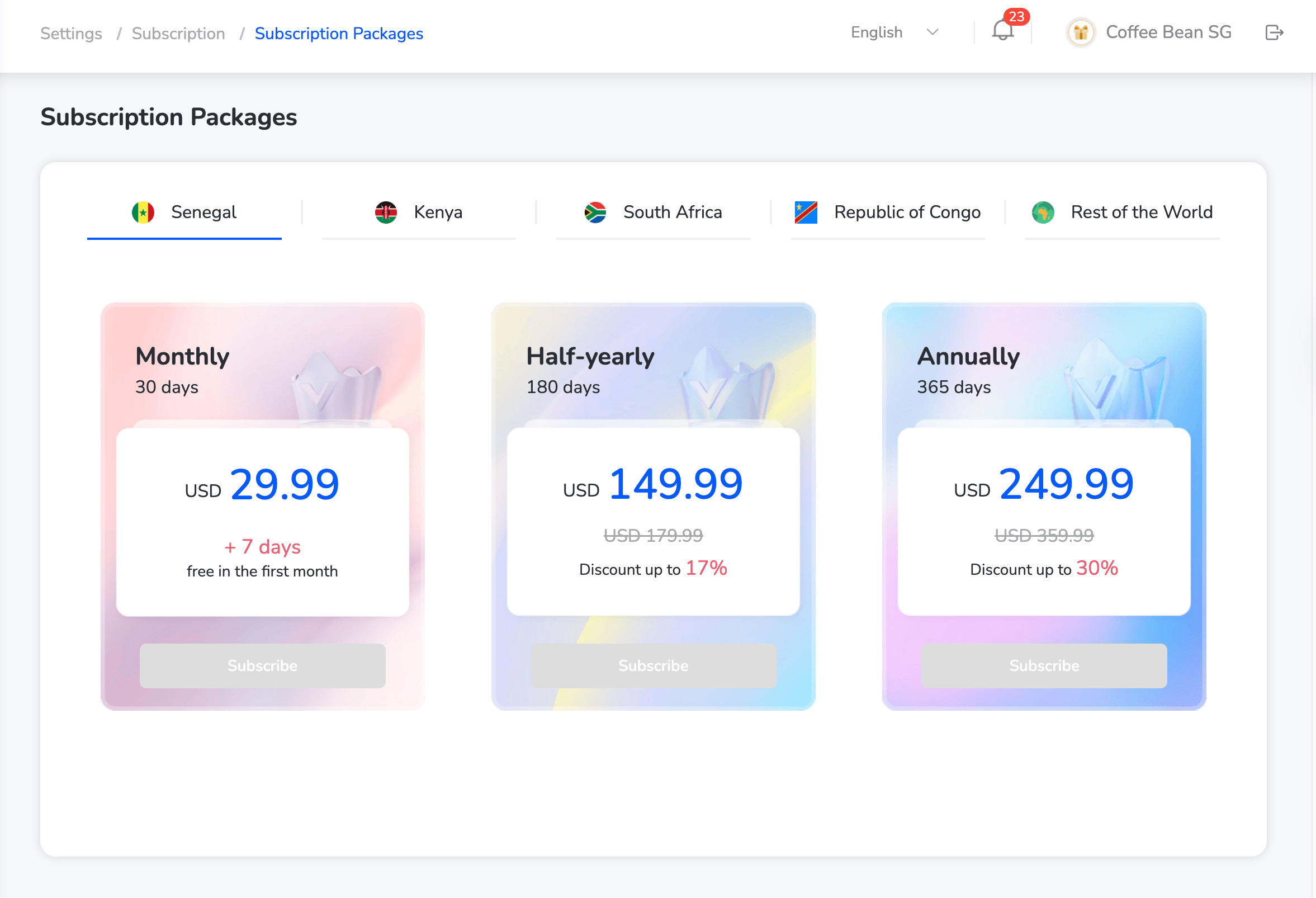 This helps manage budgets and optimize platform usage effectively.
Need help? Reach out to your support team or [cs@xoxoday.com](mailto:cs@xoxoday.com).
This helps manage budgets and optimize platform usage effectively.
Need help? Reach out to your support team or [cs@xoxoday.com](mailto:cs@xoxoday.com).