> ## Documentation Index
> Fetch the complete documentation index at: https://help-plum.xoxoday.com/llms.txt
> Use this file to discover all available pages before exploring further.
# Viewing Reports & Insights
> Learn how to view reports and performance insights in Plum's Offers Management portal to track offer effectiveness.
*Learn how to view reports and insights*
## Report Types Available
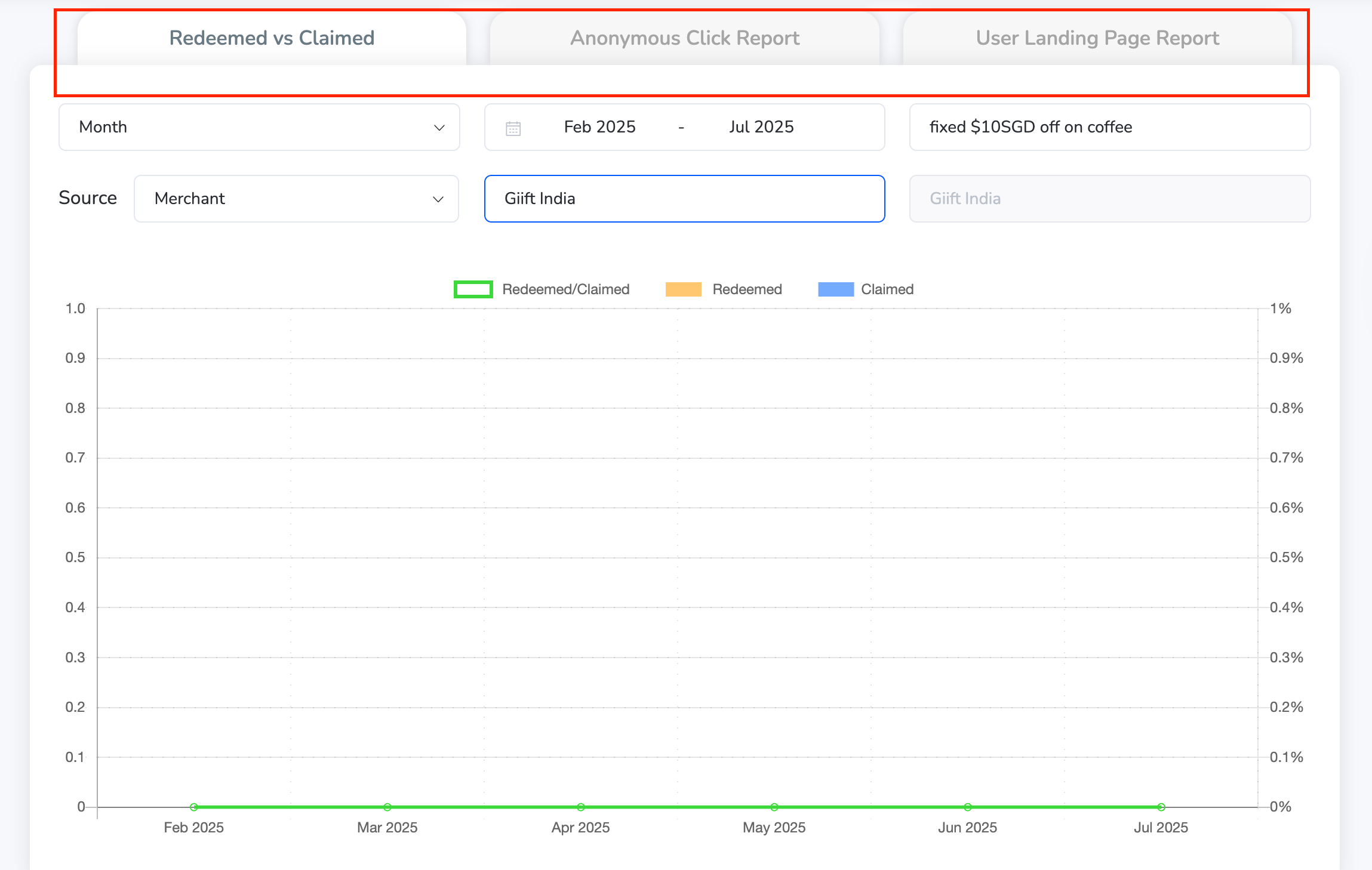
Loopr offers three key types of reports to help you track user engagement and campaign effectiveness:
* **Redeemed vs. Claimed Report** — Compare how many offers have been claimed vs. how many have been redeemed. This helps you identify which offers are being acted upon and which might need attention.
* **Anonymous Click Report** — Track clicks from users who have interacted with the offers but haven't logged in or provided identifiable details. Useful for measuring interest from new or guest users.
* **User Landing Page Report** — Understand how users are landing on your offer pages. This gives insight into traffic sources and campaign reach.
 ***
## Filters & Customization Options
To help you zero in on specific insights, Reports come with powerful filtering options:
### Date Filters
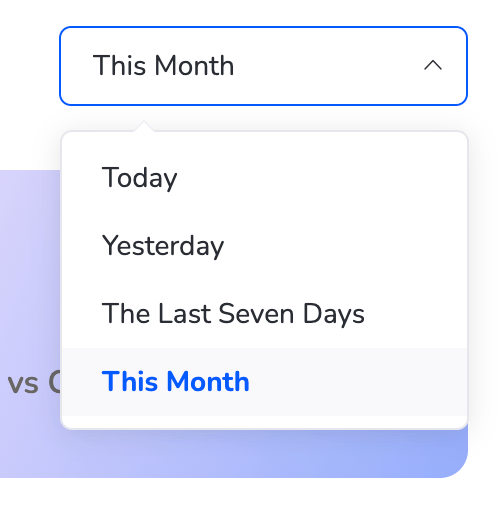
You can select from the following predefined time ranges:
* Today
* Yesterday
* Last 7 Days
* This Month
You can also select a custom date or specific day to analyze targeted periods.
***
## Filters & Customization Options
To help you zero in on specific insights, Reports come with powerful filtering options:
### Date Filters
You can select from the following predefined time ranges:
* Today
* Yesterday
* Last 7 Days
* This Month
You can also select a custom date or specific day to analyze targeted periods.
 ### Filter Parameters
Further refine your data using the following filters:
* Day / Month
* Offer Name
* Source (e.g., Web Portal, Merchant, Campaign)
* Merchant Name
This flexibility allows Admins to view data based on campaign type, origin, or time period—giving a clear picture of what's working and where optimizations are needed.
***
## How to Use the Reports Section
Navigate to **Reports** from the dashboard.
### Filter Parameters
Further refine your data using the following filters:
* Day / Month
* Offer Name
* Source (e.g., Web Portal, Merchant, Campaign)
* Merchant Name
This flexibility allows Admins to view data based on campaign type, origin, or time period—giving a clear picture of what's working and where optimizations are needed.
***
## How to Use the Reports Section
Navigate to **Reports** from the dashboard.
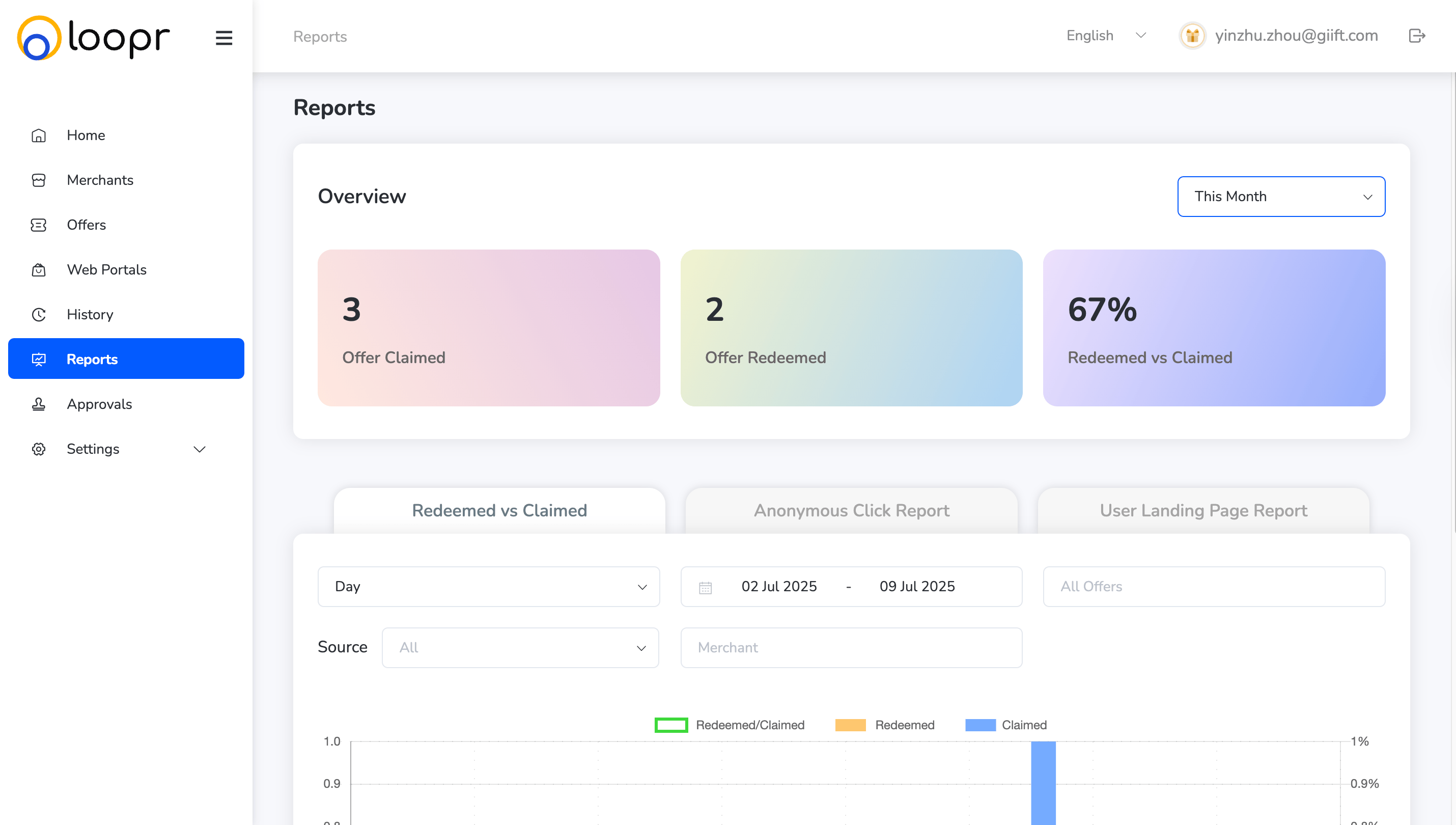 Choose the type of report you want to view (**Redeemed vs. Claimed, Anonymous Clicks, or User Landing Page**).
Apply the **date range** from the top filter panel.
Use dropdown filters for Offer Name, Source, Merchant, or specific Days/Months.
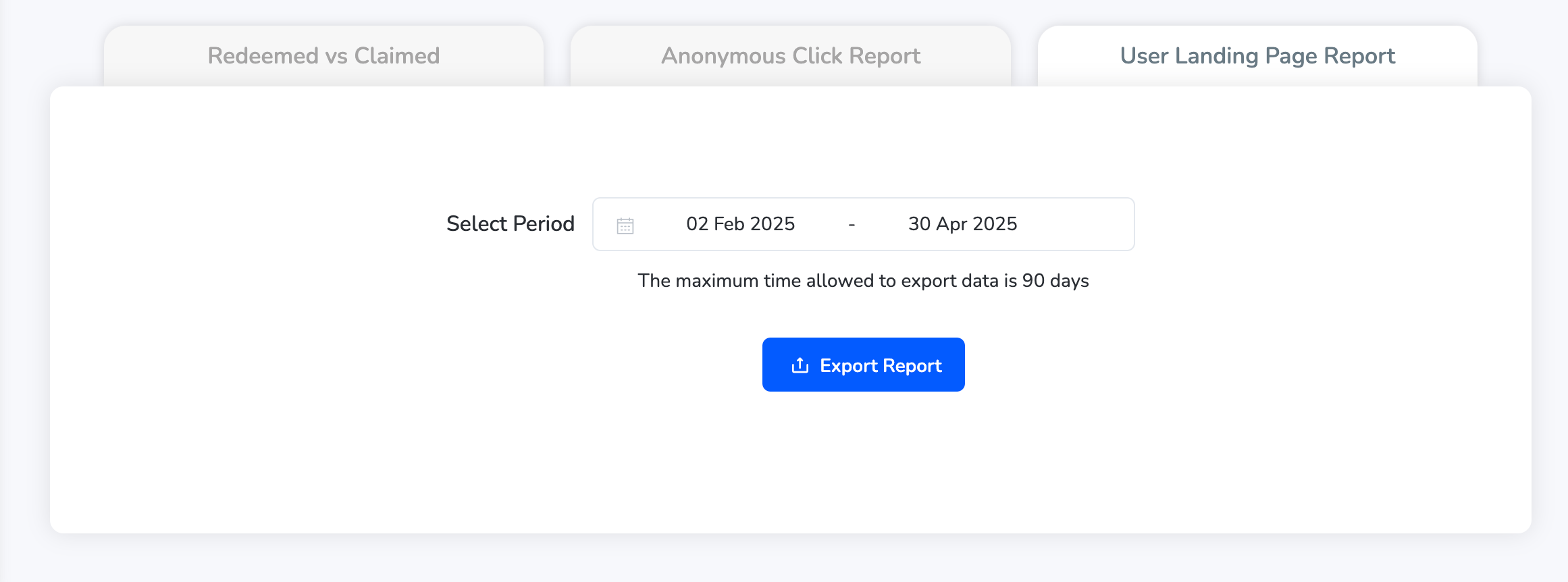
View or export the data as needed. Click "**Export Report**".
Choose the type of report you want to view (**Redeemed vs. Claimed, Anonymous Clicks, or User Landing Page**).
Apply the **date range** from the top filter panel.
Use dropdown filters for Offer Name, Source, Merchant, or specific Days/Months.
View or export the data as needed. Click "**Export Report**".
 Need help? Reach out to your support team or [cs@xoxoday.com](mailto:cs@xoxoday.com).