> ## Documentation Index
> Fetch the complete documentation index at: https://help-plum.xoxoday.com/llms.txt
> Use this file to discover all available pages before exploring further.
# Customize Communication
> Learn how to customize the reward communication, including messaging and branding, sent to recipients along with reward codes in Plum.
*Learn how to customize Reward Communication to recipients.*
**Pro tip:** You can customize your Reward communication at the campaign level. These settings become the default communication template for the campaign. Further, you can customise to set a specific communication at the 'Send Reward' option, which will supersede the message in the default campaign template for that particular recipient(s).
***
## Customizing Email in a Reward Code Campaign
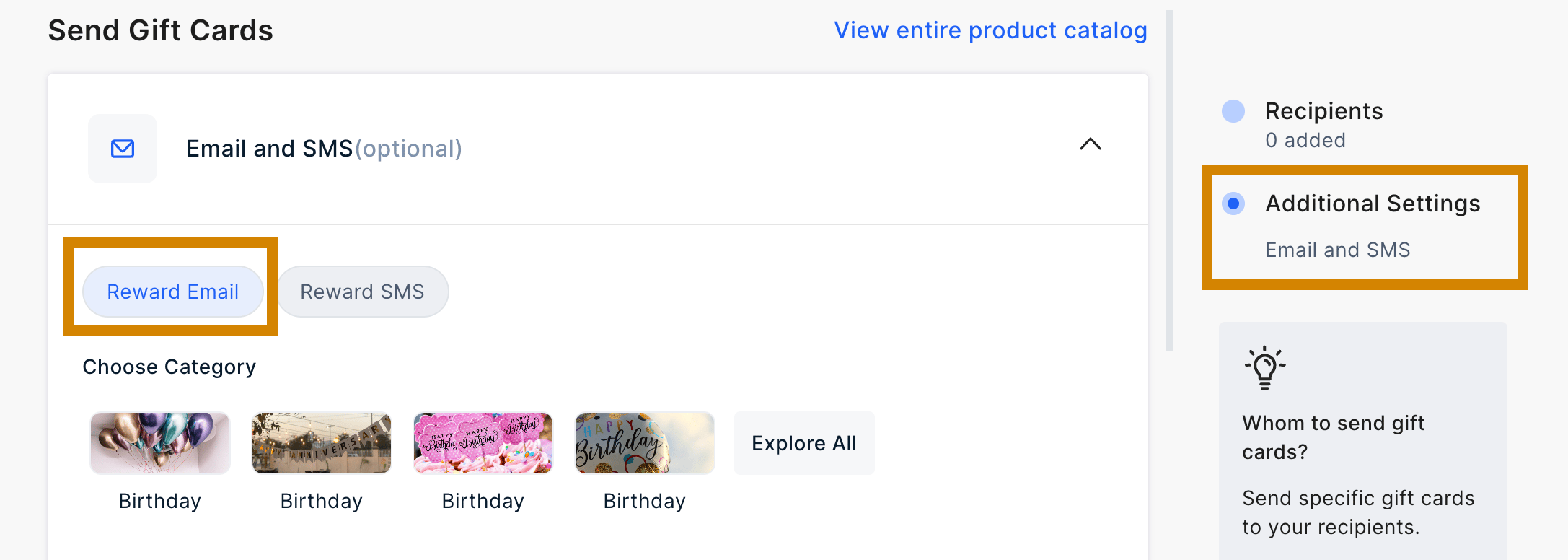 You have the option to customize the email either within the "Campaign" section or directly in the **"Reward Code"** section on the admin dashboard.
***
## Editing Email in Reward Code Section
To customize the email from the **"Reward Code"** section, follow these steps:
Navigate to the **Reward Code** section in the dashboard.
After configuring the campaign and uploading recipients, access the "**Email Preview**" section.
From there, you can proceed to edit the email directly.
You can customize the following elements before sending the Reward code.
* The subject line of the email
* Headline Message
* Banner Image
* Email footer
You have the option to customize the email either within the "Campaign" section or directly in the **"Reward Code"** section on the admin dashboard.
***
## Editing Email in Reward Code Section
To customize the email from the **"Reward Code"** section, follow these steps:
Navigate to the **Reward Code** section in the dashboard.
After configuring the campaign and uploading recipients, access the "**Email Preview**" section.
From there, you can proceed to edit the email directly.
You can customize the following elements before sending the Reward code.
* The subject line of the email
* Headline Message
* Banner Image
* Email footer
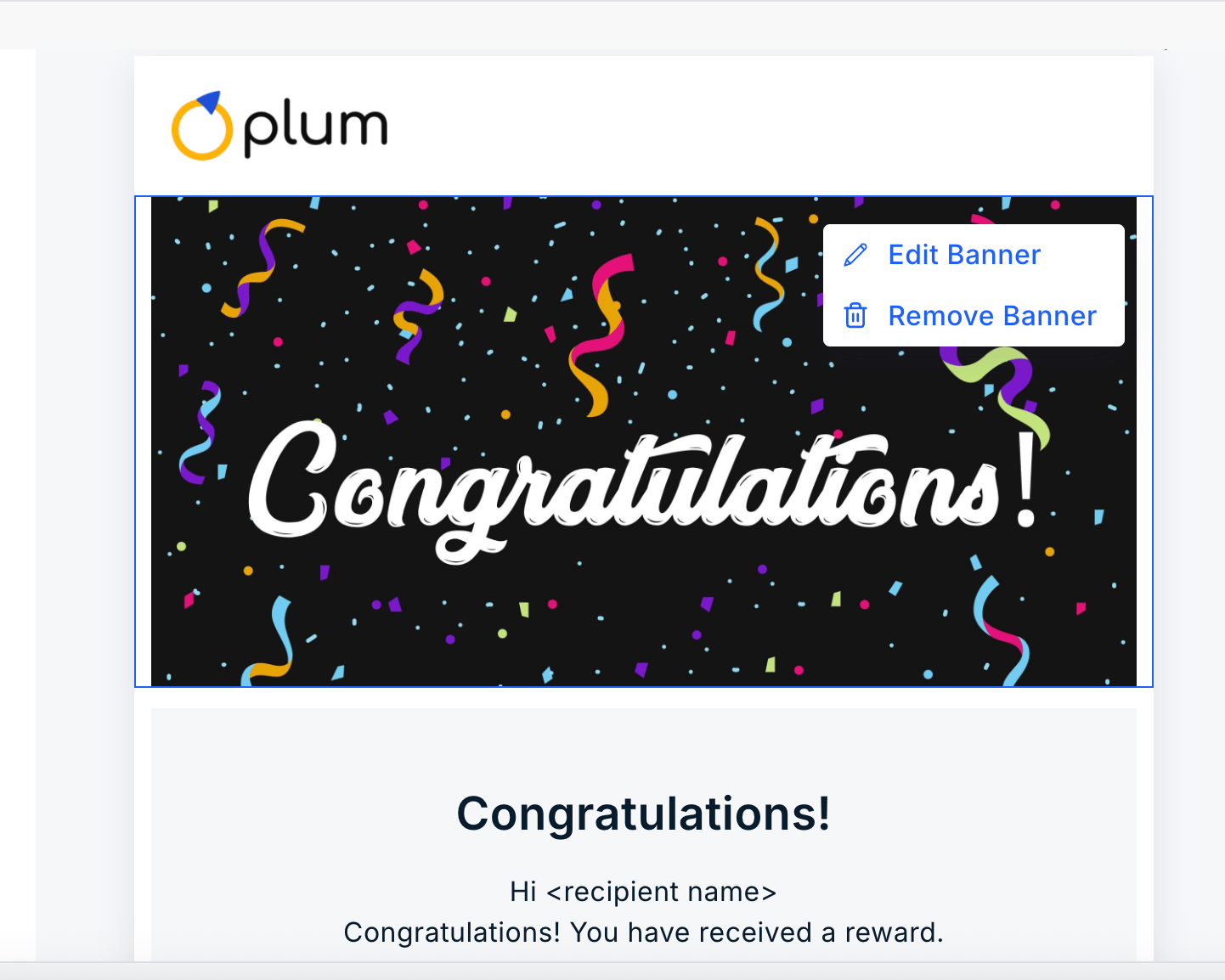 The banner can also be deleted by clicking on "**Remove Banner**".
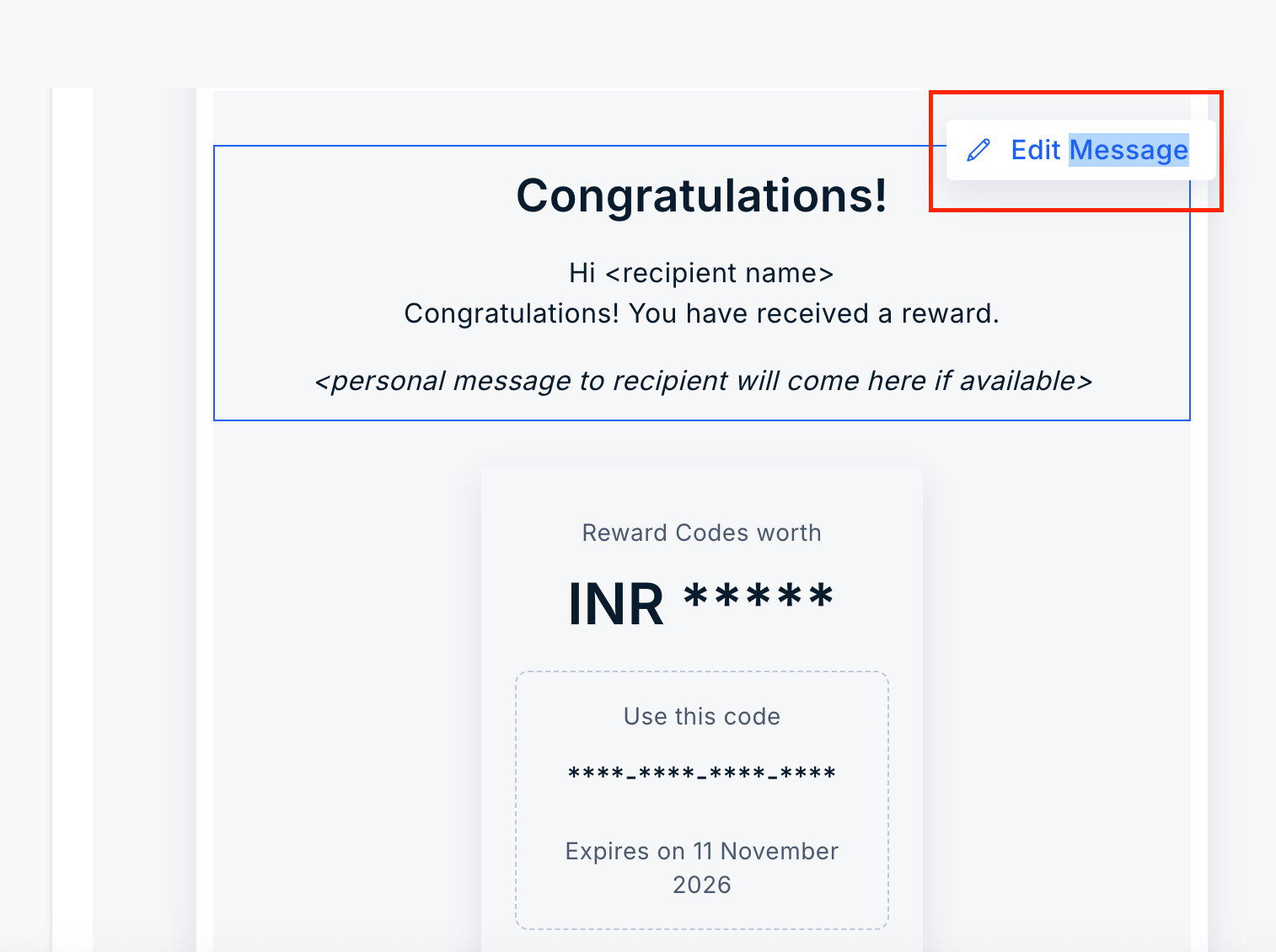
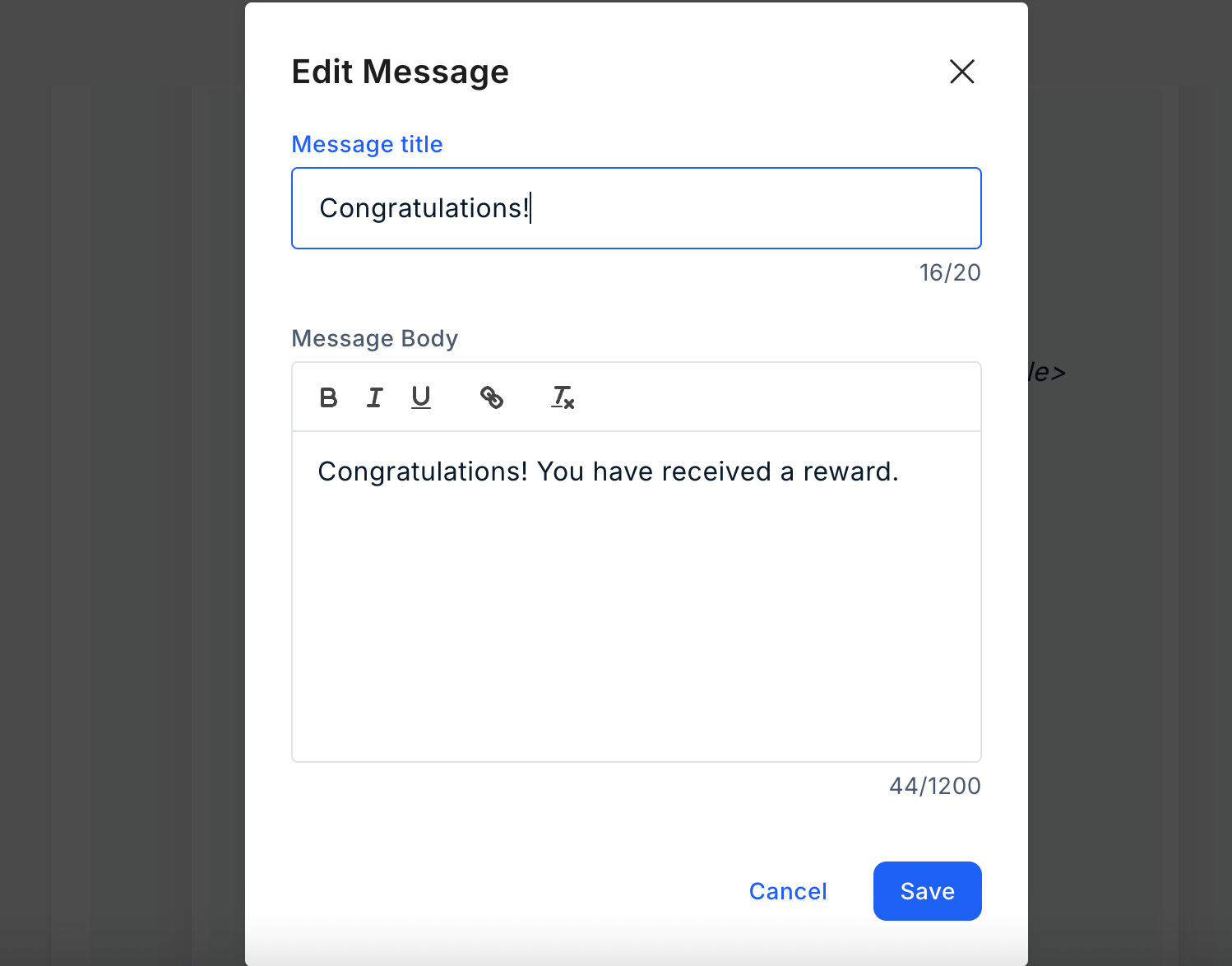
Edit the Message. Click on "**Edit Message**" and enter the message title and body. Once done, click on "**Save**". Refer to the image below:
The banner can also be deleted by clicking on "**Remove Banner**".
Edit the Message. Click on "**Edit Message**" and enter the message title and body. Once done, click on "**Save**". Refer to the image below:
 **Edit Background**: Click the pen icon to choose from the available colors, or enter your own using a hex code.
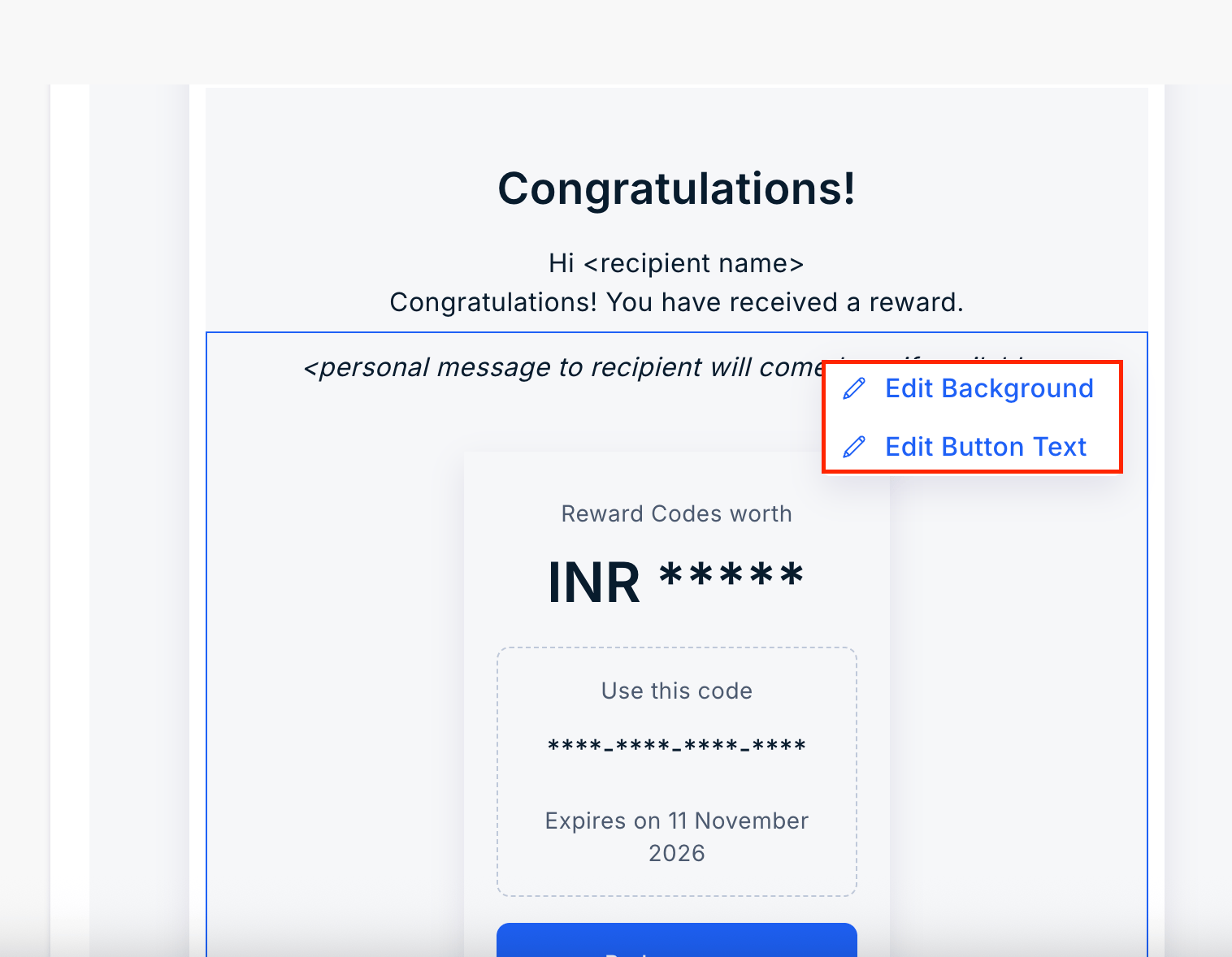
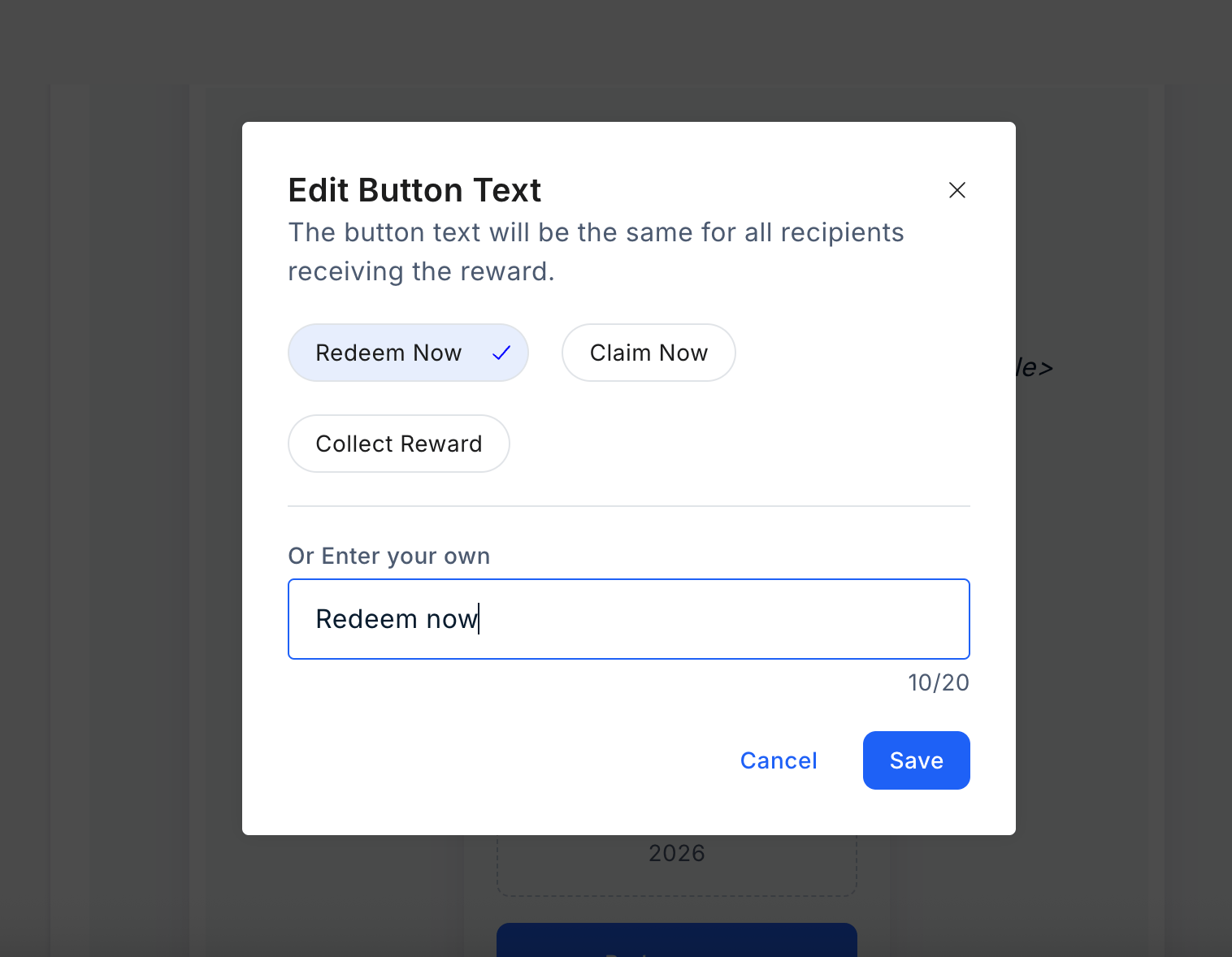
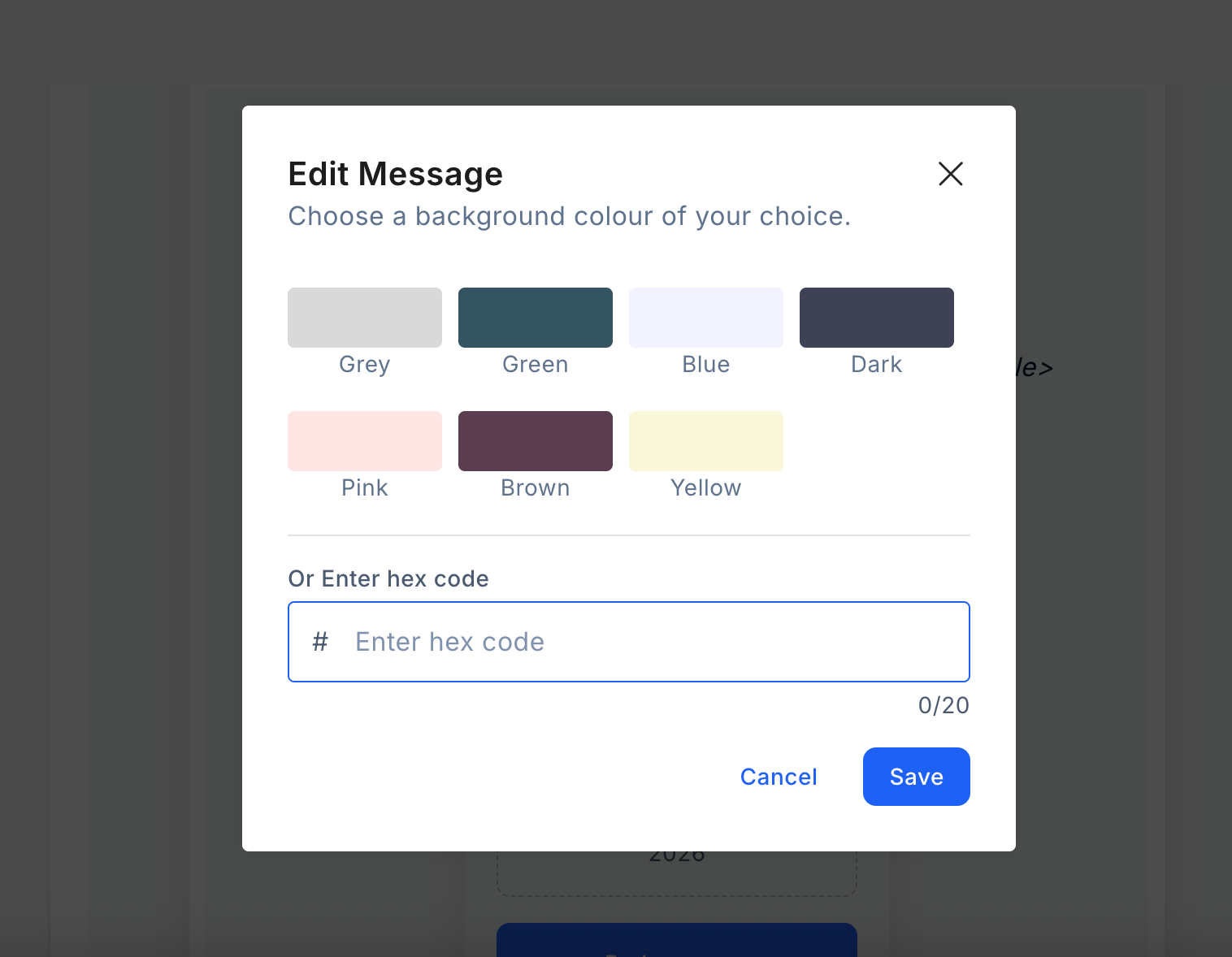 Edit the background text by selecting one of the available options or entering your own. Then, "**Save**" your changes.
 ***
## Customizing SMS
***
## Editing Email in Reward Code Section
To customize the email from the **"Reward Code"** section, follow these steps:
Navigate to the **Reward Code** section in the dashboard.
After configuring the campaign and uploading recipients, access the "**Email Preview**" section.
From there, you can proceed to edit the email directly.
You can customize the following elements before sending the Reward code.
* The subject line of the email
* Headline Message
* Banner Image
* Email footer
The banner can also be deleted by clicking on "**Remove Banner**".
Edit the Message. Click on "**Edit Message**" and enter the message title and body. Once done, click on "**Save**". Refer to the image below:
**Edit Background**: Click the pen icon to choose from the available colors, or enter your own using a hex code.
Edit the background text by selecting one of the available options or entering your own. Then, "**Save**" your changes.
***
## Customizing SMS
To customize the SMS, follow these steps:o customize the SMS, follow these steps:
Select a "**Reward SMS**".
***
## Customizing SMS
***
## Editing Email in Reward Code Section
To customize the email from the **"Reward Code"** section, follow these steps:
Navigate to the **Reward Code** section in the dashboard.
After configuring the campaign and uploading recipients, access the "**Email Preview**" section.
From there, you can proceed to edit the email directly.
You can customize the following elements before sending the Reward code.
* The subject line of the email
* Headline Message
* Banner Image
* Email footer
The banner can also be deleted by clicking on "**Remove Banner**".
Edit the Message. Click on "**Edit Message**" and enter the message title and body. Once done, click on "**Save**". Refer to the image below:
**Edit Background**: Click the pen icon to choose from the available colors, or enter your own using a hex code.
Edit the background text by selecting one of the available options or entering your own. Then, "**Save**" your changes.
***
## Customizing SMS
To customize the SMS, follow these steps:o customize the SMS, follow these steps:
Select a "**Reward SMS**".
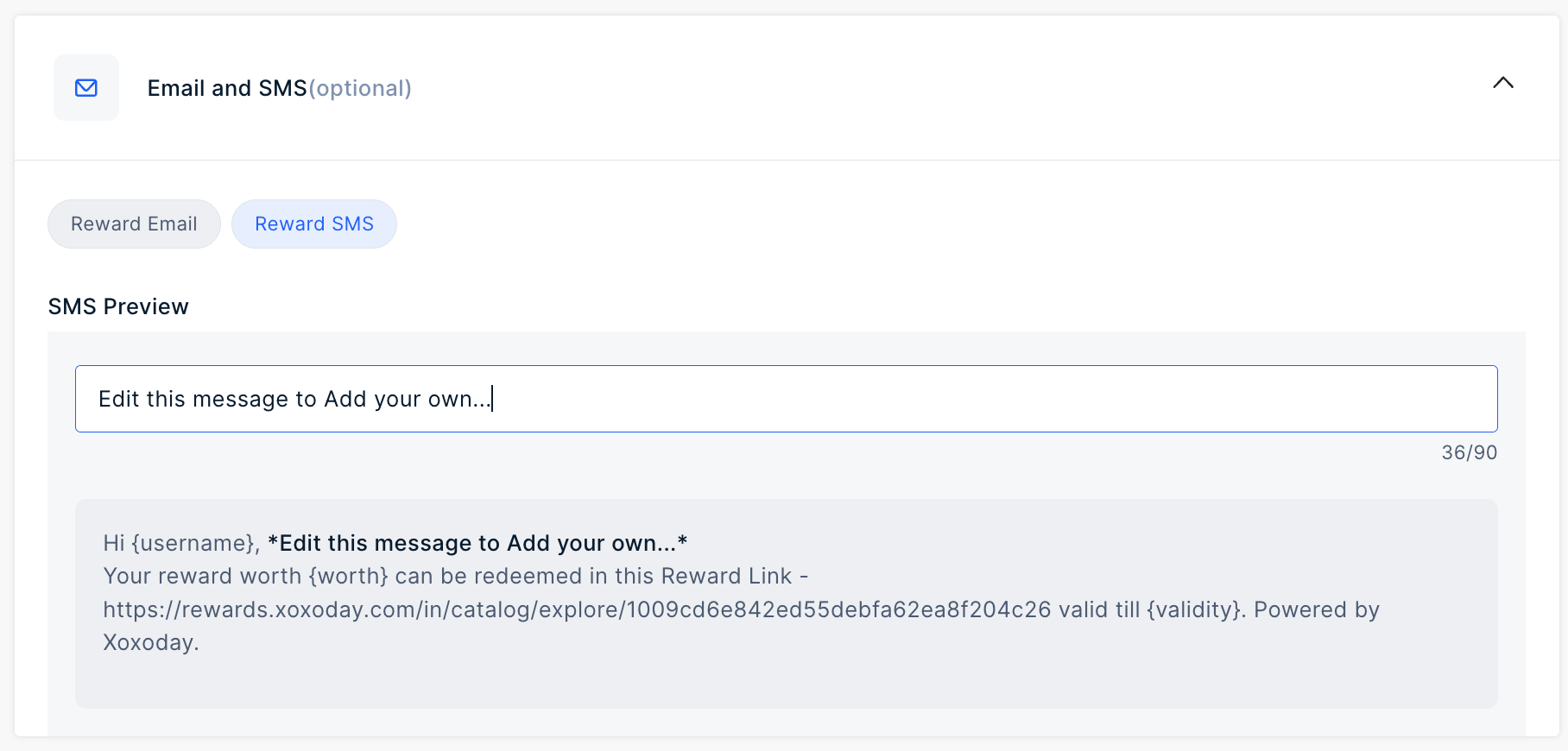 Add your message in the input field to customize the SMS.
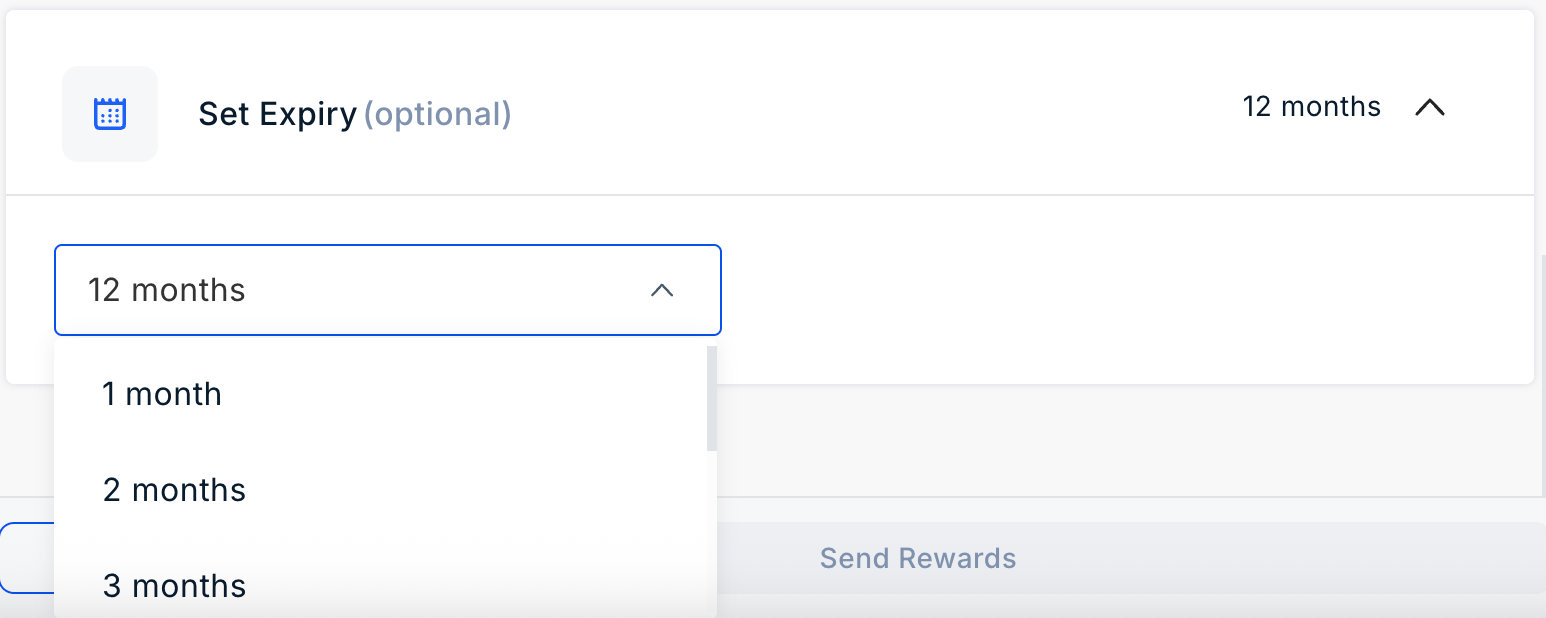
Select a duration from the dropdown. Options include 1 month, 12 months, or a custom timeframSelect a duration from the dropdown. Options include 1 month, 12 months, or a custom timeframe.
Add your message in the input field to customize the SMS.
Select a duration from the dropdown. Options include 1 month, 12 months, or a custom timeframSelect a duration from the dropdown. Options include 1 month, 12 months, or a custom timeframe.
 Questions or Feedback: Email us at [cs@xoxoday.com](mailto:cs@xoxoday.com)Questions or Feedback: Email us at [cs@xoxoday.com](mailto:cs@xoxoday.com)