

Documentation Index
Fetch the complete documentation index at: https://help-plum.xoxoday.com/llms.txt
Use this file to discover all available pages before exploring further.
Note: Webhooks are only functional for Plum Pro APIs. They are not supported with Marketplace Integration, Reward Link API and Reward Points API.You can use the webhook testing feature to:
- Validate payloads received from Plum Pro.
- Verify that your webhook integration is set up correctly.
There are two ways to test webhooks:
- Using free interceptor tools (e.g., requestbin.com)
- On your staging environment
Using Free Interceptor Tools
Many free webhook testing tools are available online. For example: requestbin.com. Steps to Test- Step 1: Open requestbin.com in your web browser.
- Step 2: Click “Create a RequestBin” to start.
- Step 3: Sign up by entering your details or log in via SSO.
- Step 4: Copy the unique endpoint URL generated for you.
-
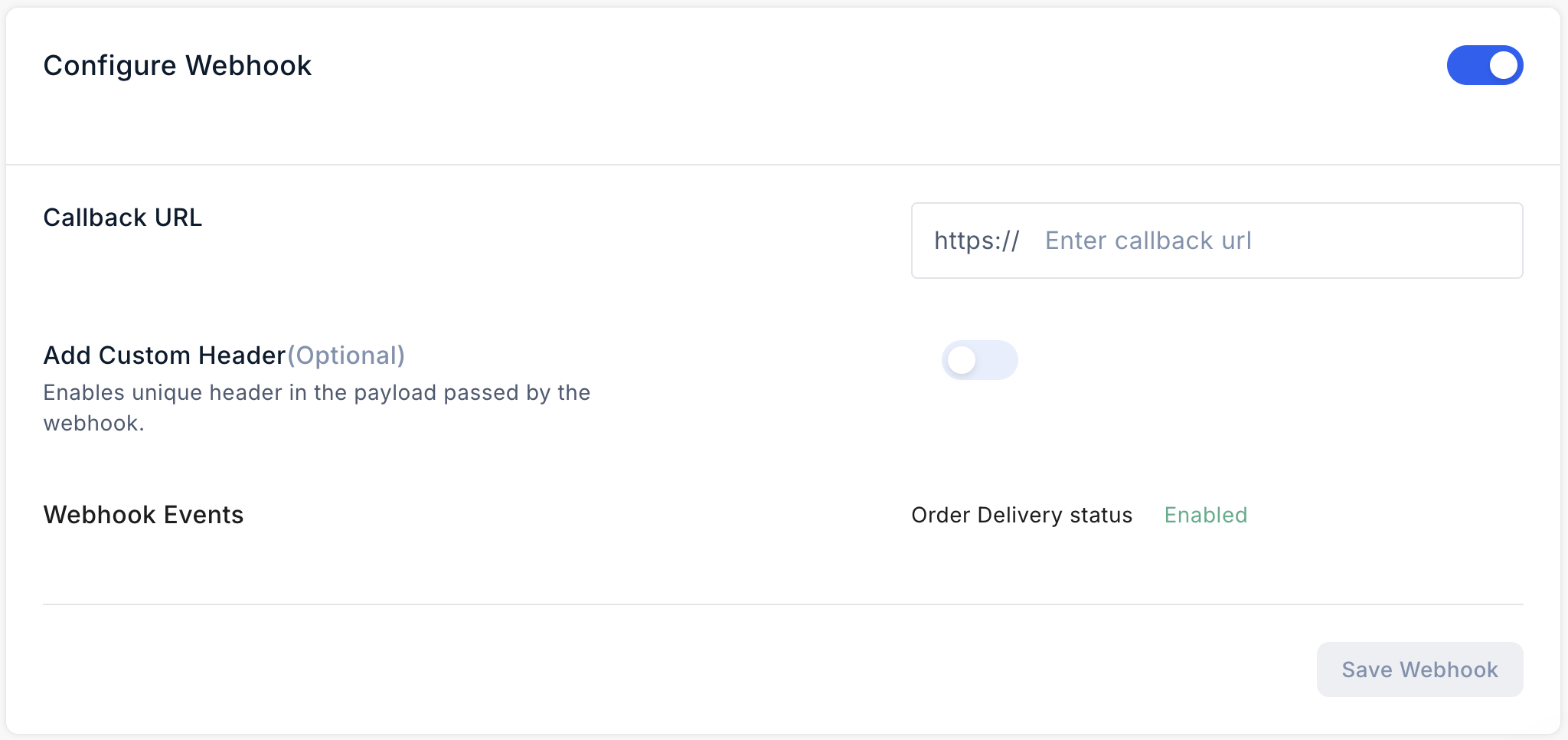
Step 5: In the Xoxoday Dashboard, go to the Settings>API and paste the endpoint into the Callback URL field. Click “Save Webhook”.
- Step 6: Once you enable the appropriate webhook event, you will receive the corresponding webhook payload on your requestbin.com.