
How to Access Reward Links Reports
- Click on Reports >> Reward Link
- Explore detailed reports for Reward Links, including recipient name, recipient email, date of delivery, campaign details, status, and more.
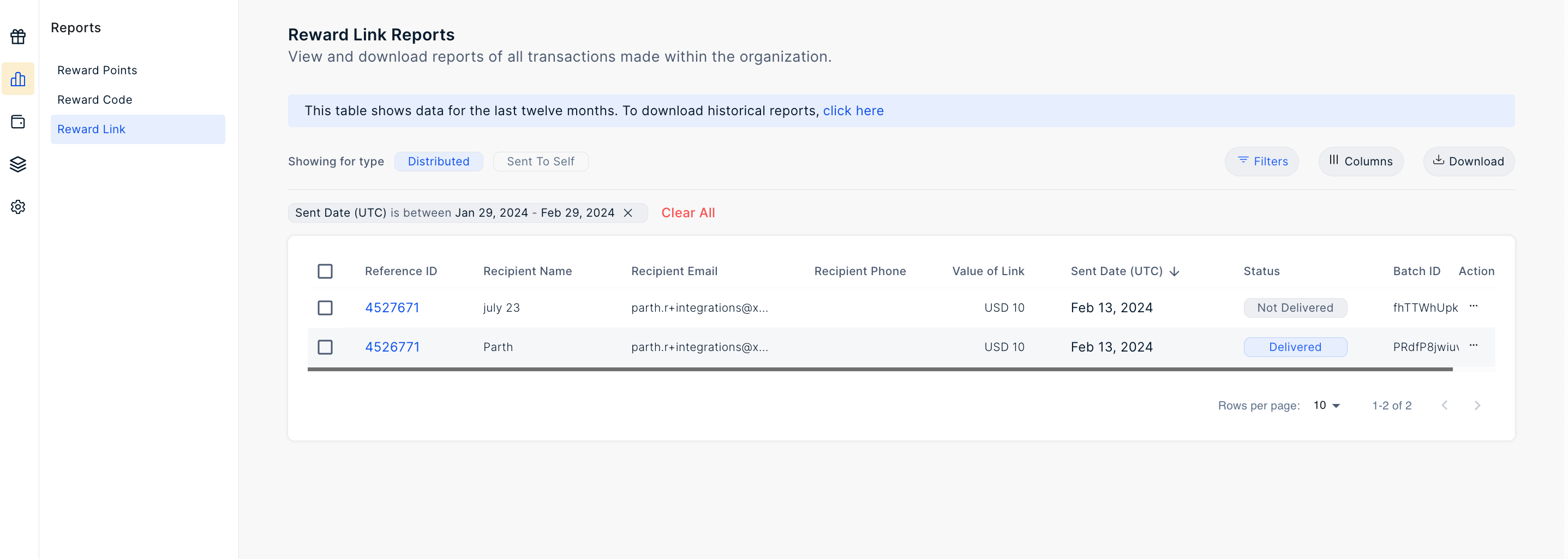
- Utilize the filter options provided to obtain specific reports based on criteria such as recipient name, recipient email, batch ID, phone number, generation date range, and more.
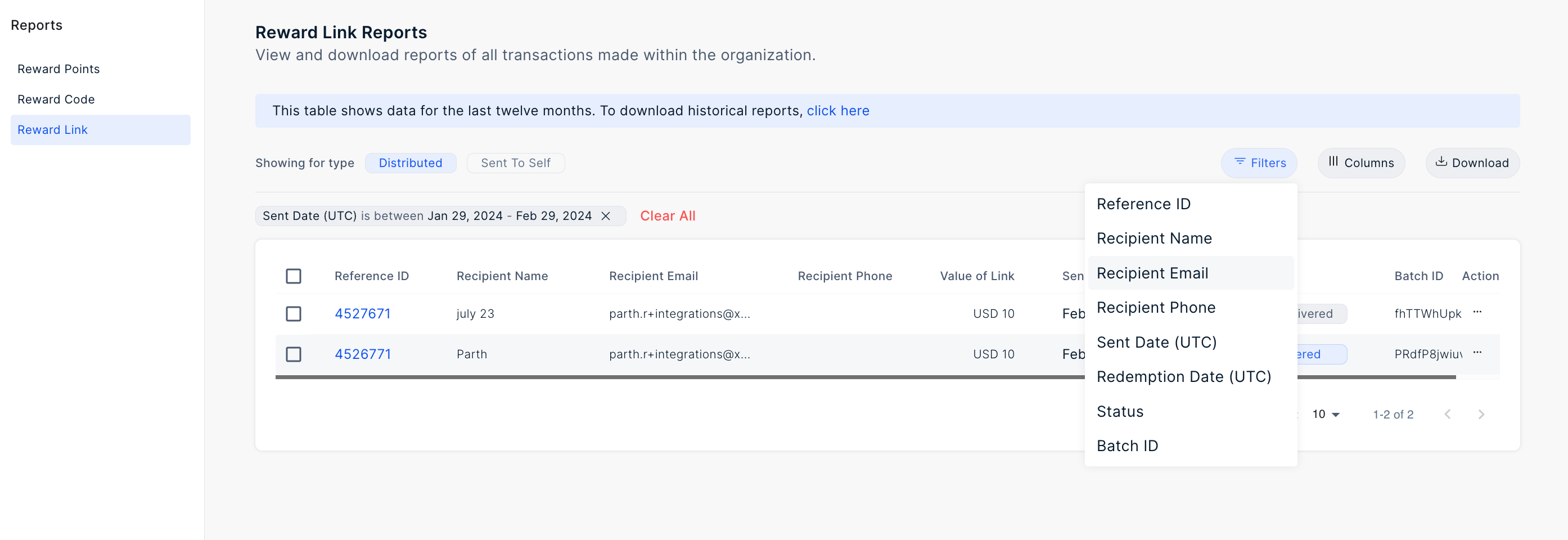
- Download the report using the top download button.
- Select your desired time frame by clicking on Sent Date (UTC) and choosing the range.
Filter the Report
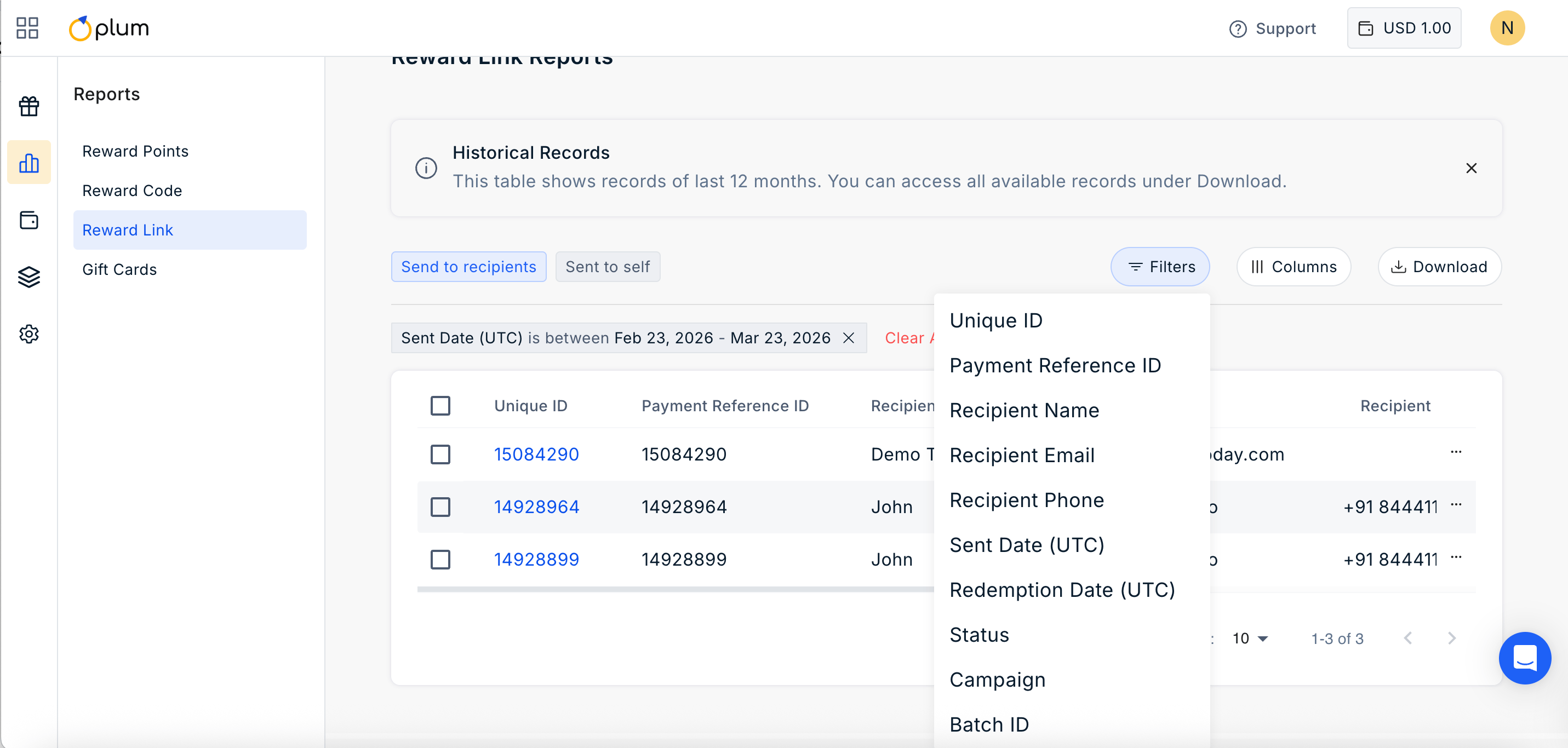
Click on the filter icon to filter the report by:- Unique ID
- Payment Reference ID
- Recipient Name
- Recipient Phone
- Sent Date (UTC)
- Redemption Date (UTC)
- Status
- Campaign
- Batch ID
Manage Columns
Click on ||| Columns Icon to manage the columns you wish to show in the report. Simply check or uncheck the boxes based on your requirement.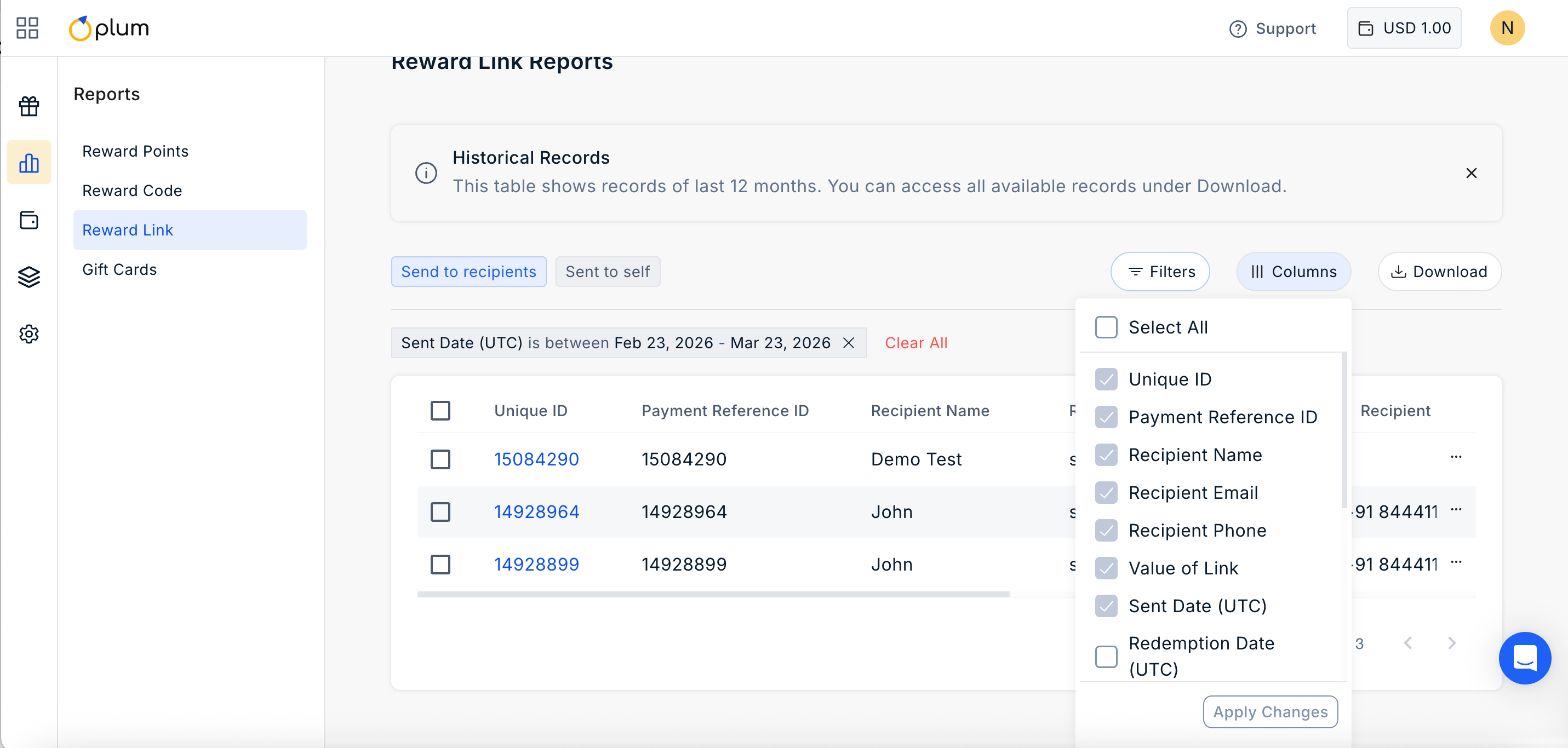
Still need help? Raise a support ticket.