HRMS Tools
1. BambooHR
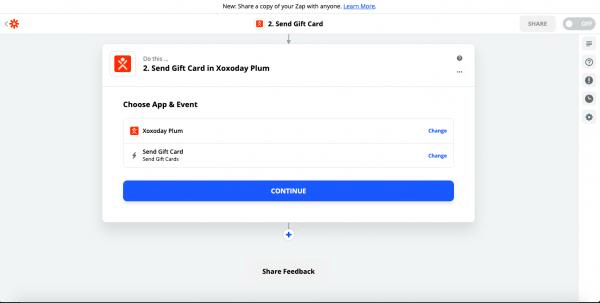
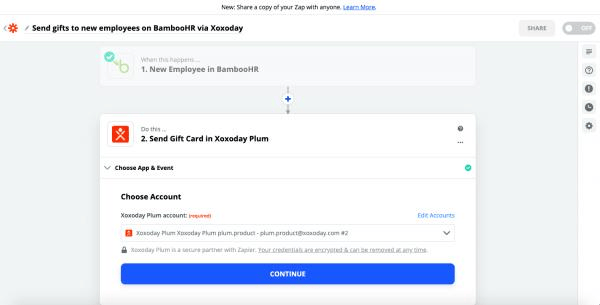
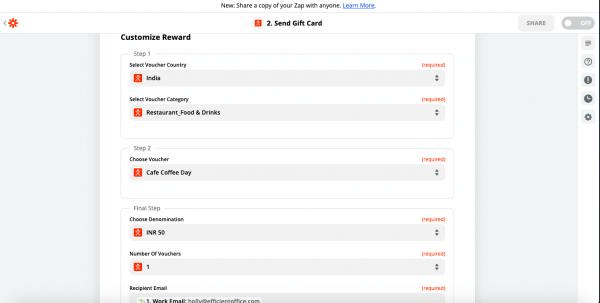
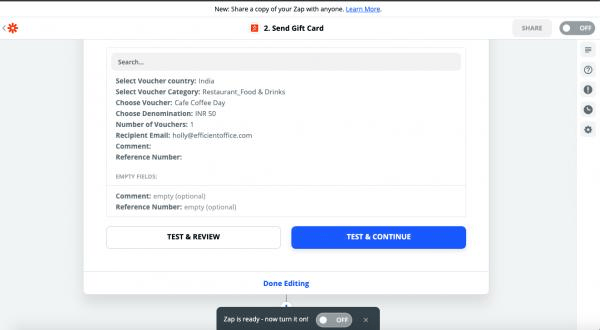
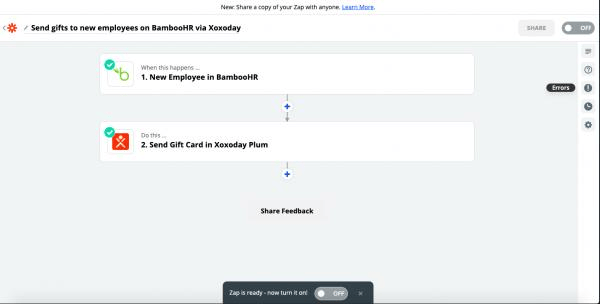
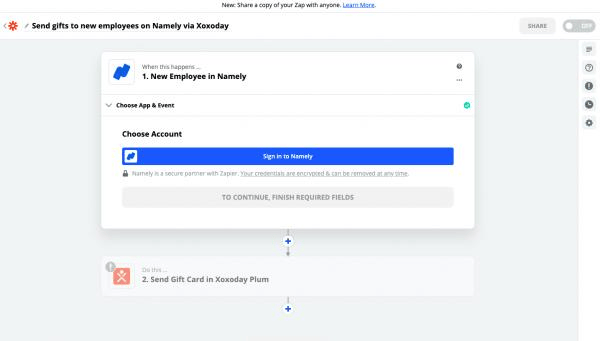
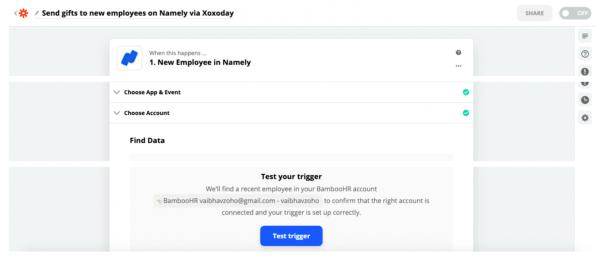
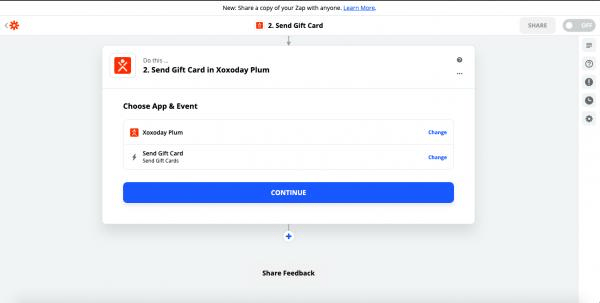
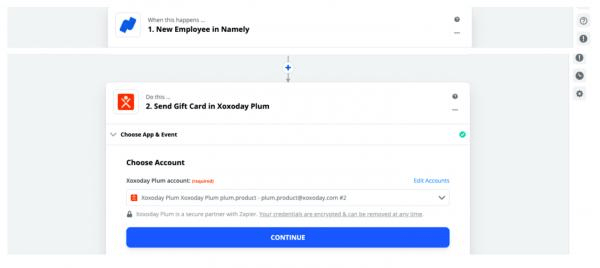
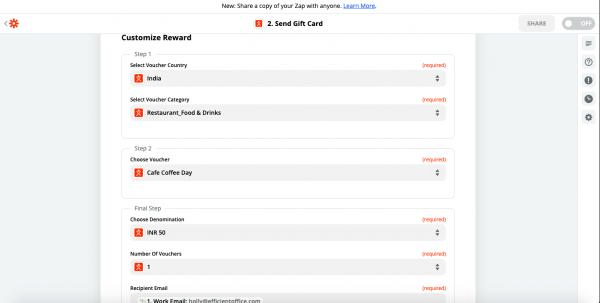
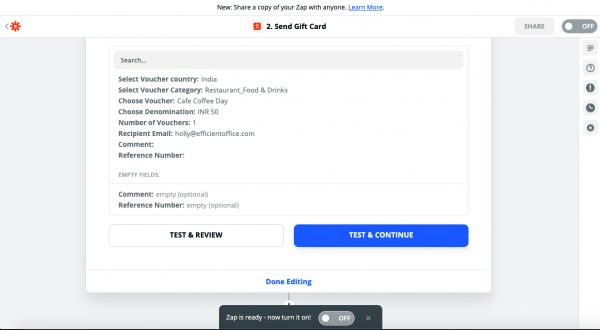
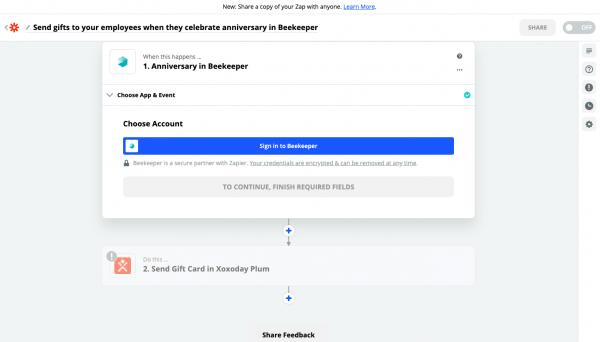
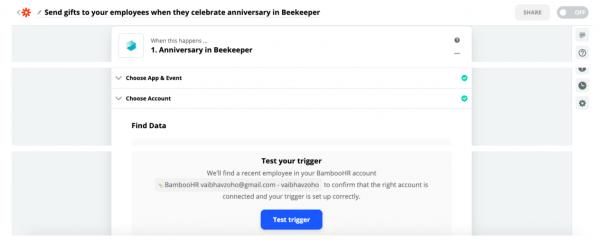
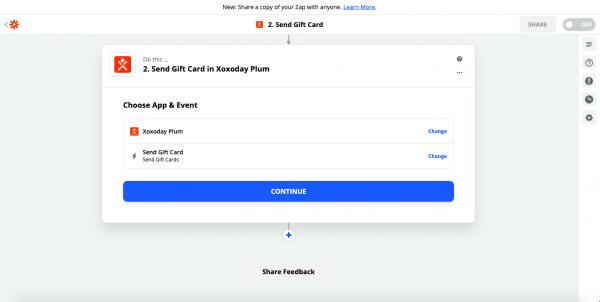
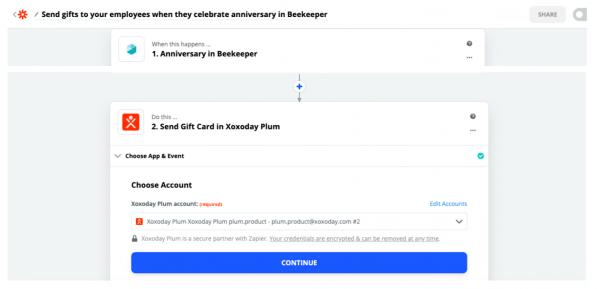
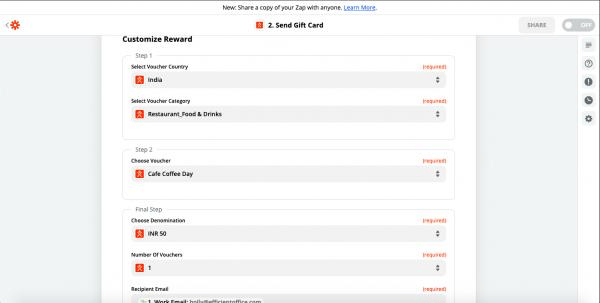
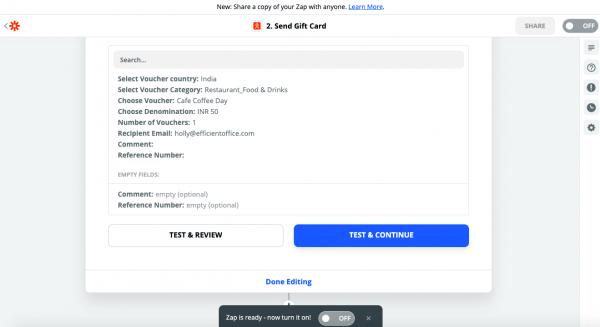
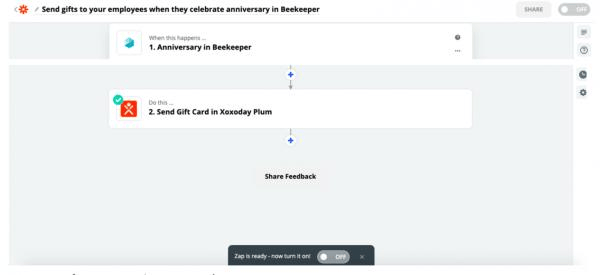
By connecting BambooHR with Xoxoday Plum, rewards can be sent to newly joined employees on successful onboarding completion. Step 1: Select BambooHR as the Trigger application, the Trigger, in this case, is**“When a new employee is added to BambooHR”. First, log in to your BambooHR account and Test trigger to Find data.**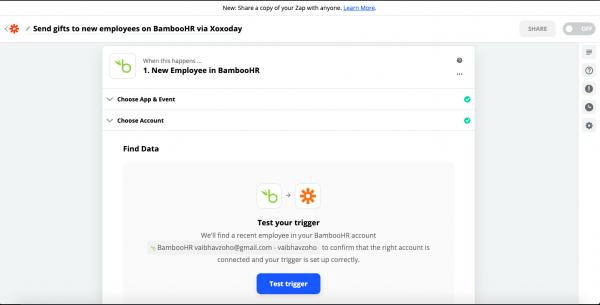
Survey tools & Forms
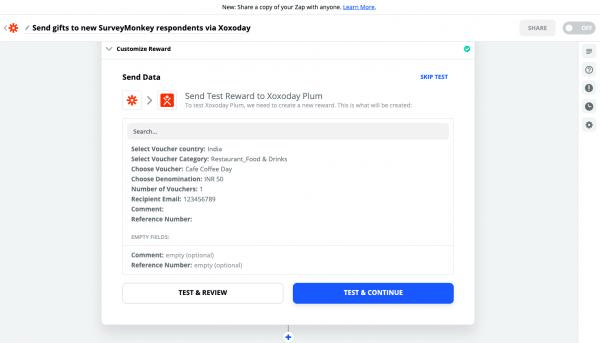
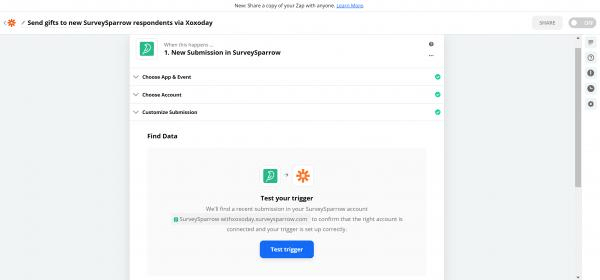
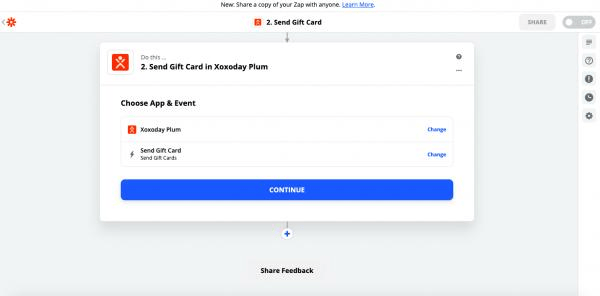
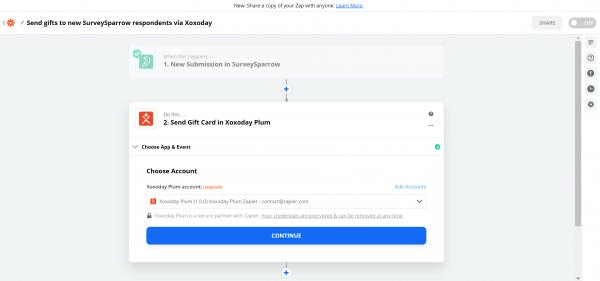
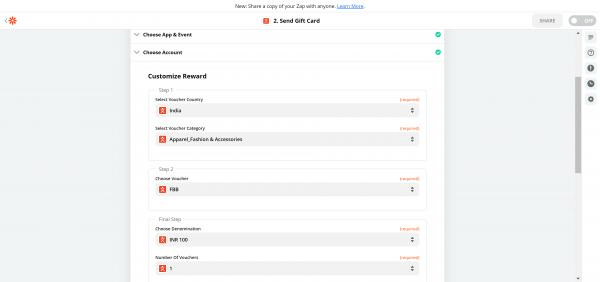
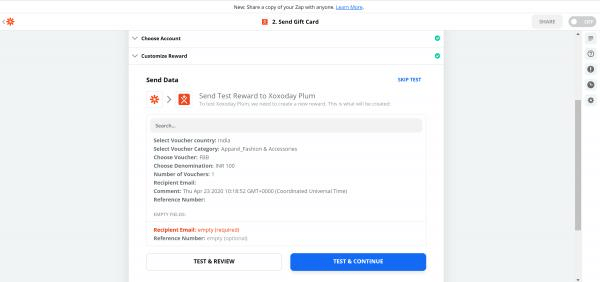
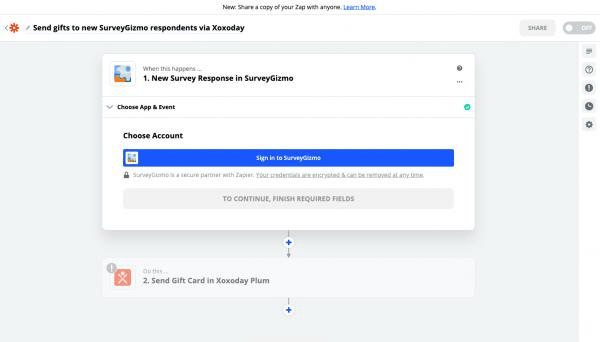
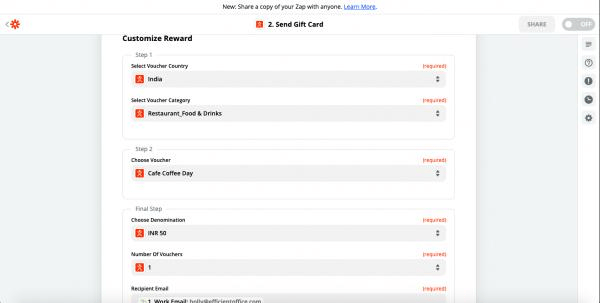
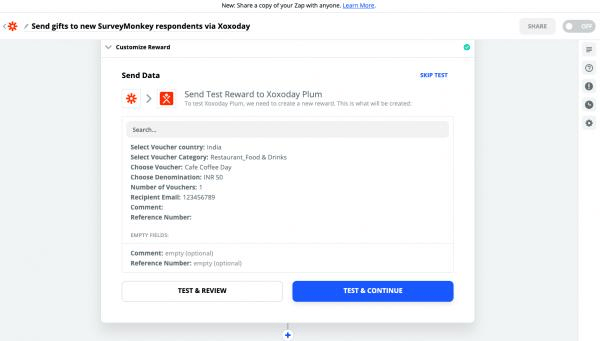
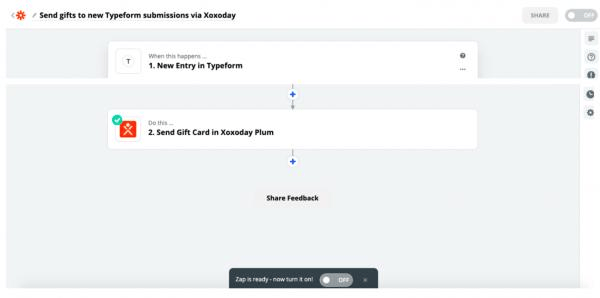
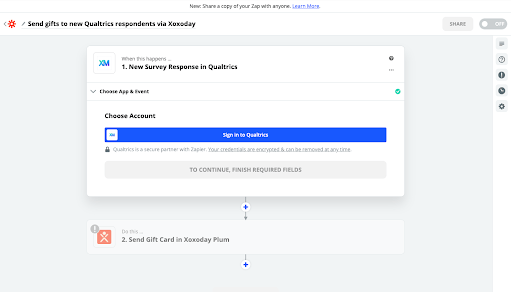
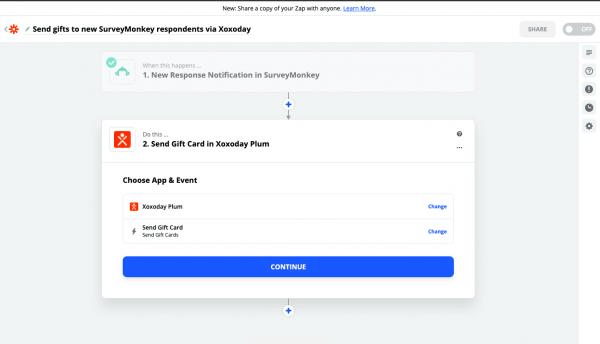
1.Survey Monkey 2. Survey Sparrow By connecting SurveySparrow with Xoxoday Plum, rewards can be sent to a respondent on completion of any given survey. Step 1: Select SurveySparrow as the Trigger application, the Trigger, in this case, is**“when a user completes a survey”**. First, log into your SurveySparrow account and Test the trigger to Find data.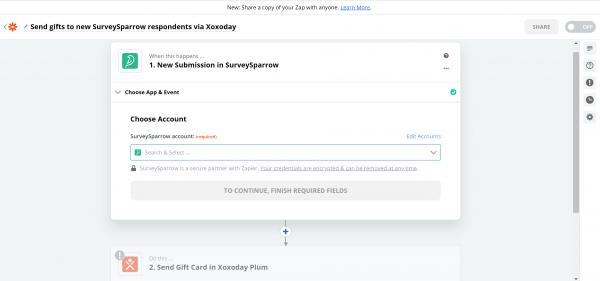
Sales and Marketing Enablement, CRM
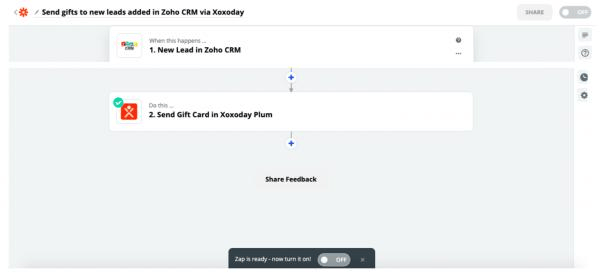
1. **Salesforce CRM 2. Zoho CRM By connecting Zoho with Xoxoday Plum, rewards can be sent to new leads/prospects added on Zoho. Step 1: Select Zoho as the Trigger application, the Trigger, in this case, is**“when a new lead(a record) is added”**. First, log in to your Zoho account and Test the trigger to Find data.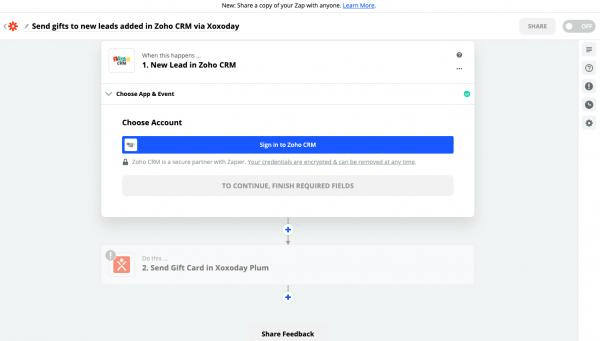
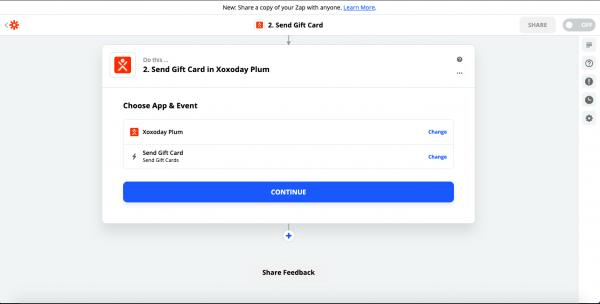
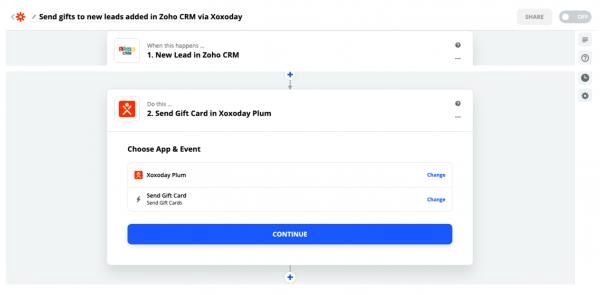
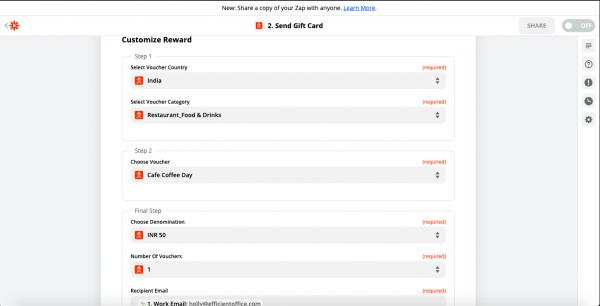
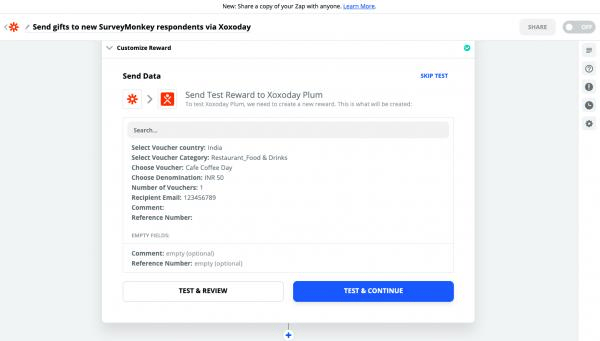
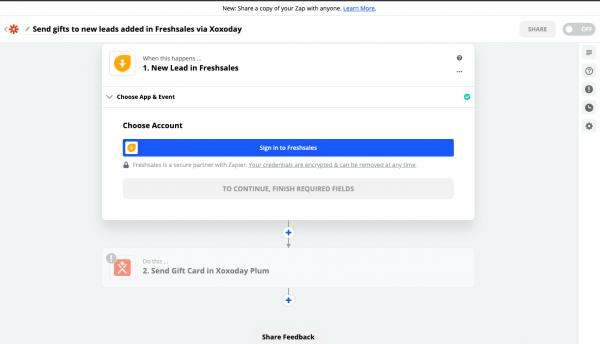
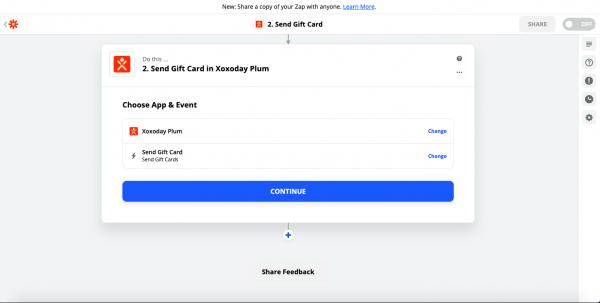
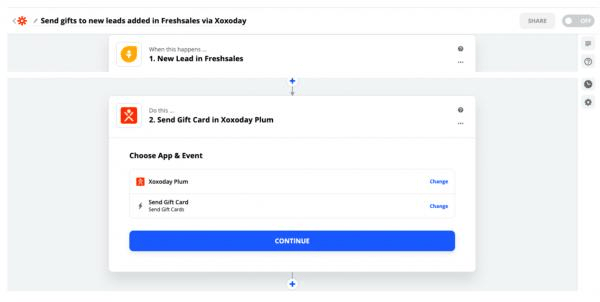
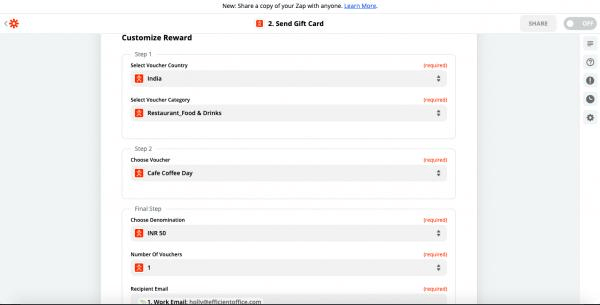
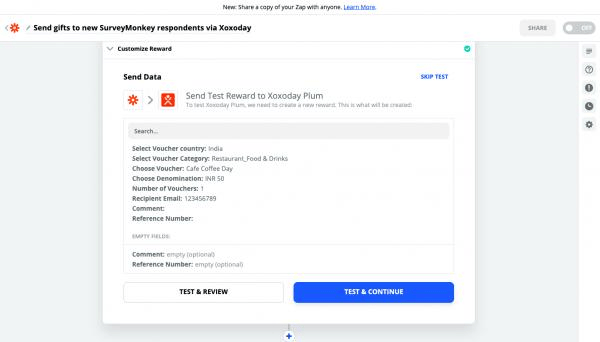
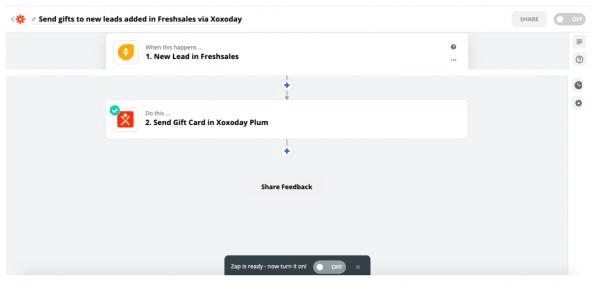
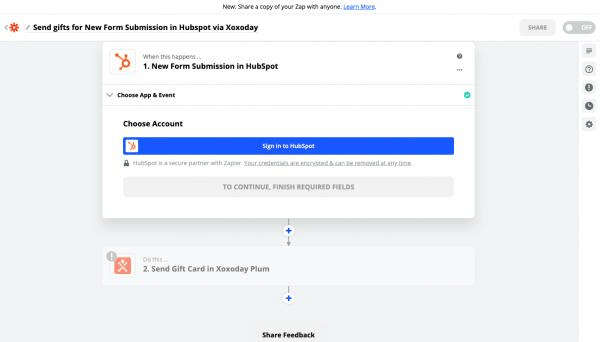
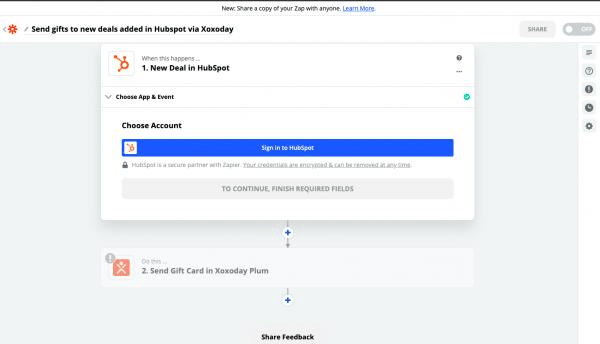
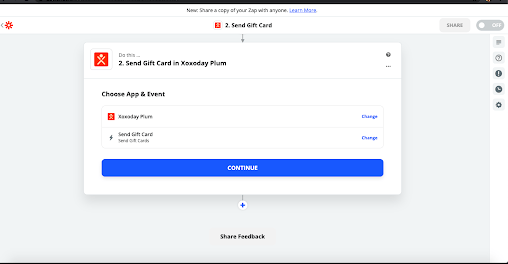
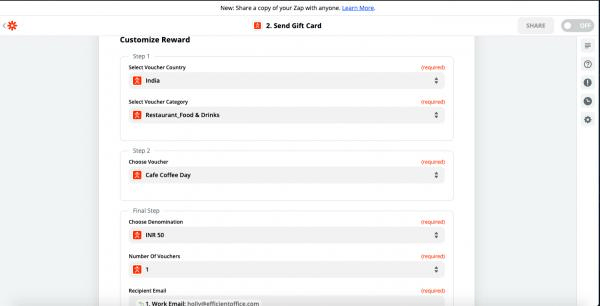
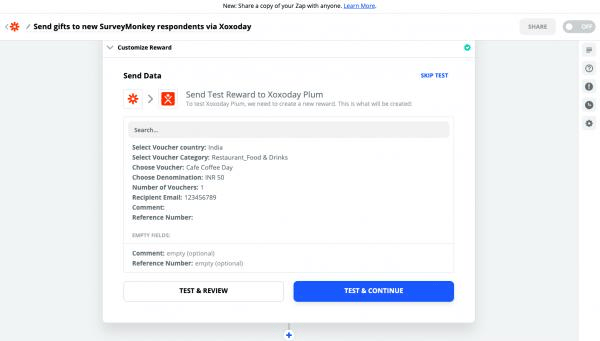
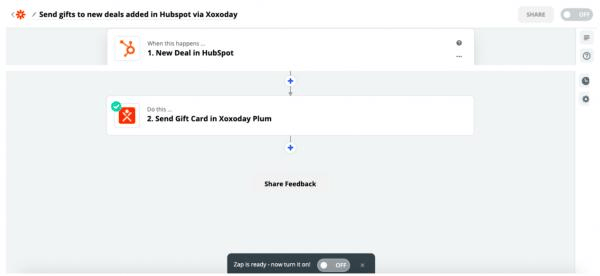
- By connecting HubSpot with Xoxoday Plum, rewards can be sent to *new deals added on HubSpot.
5. Mailchimp Email Newsletter
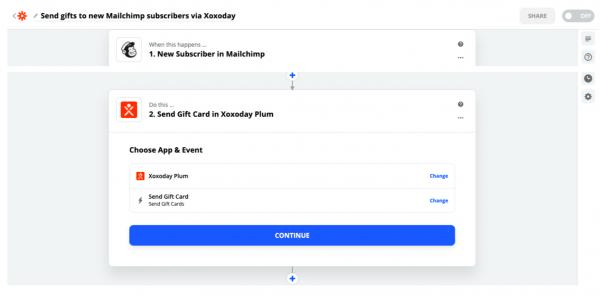
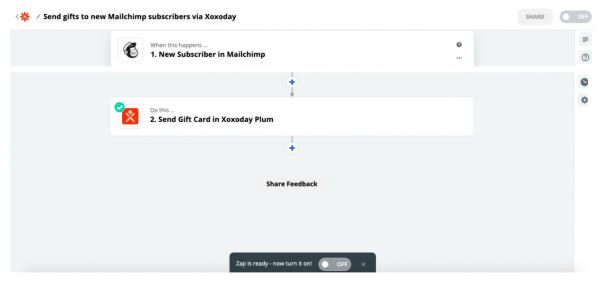
By connecting Mailchimp with Xoxoday Plum, rewards can be sent to every new subscriber of Mailchimp’s email newsletter. Step 1: Select Mailchimp as the Trigger application, the Trigger, in this case, is**“new subscriber of the newsletter”**. First, log in to your Mailchimp account and Test the trigger to Find data.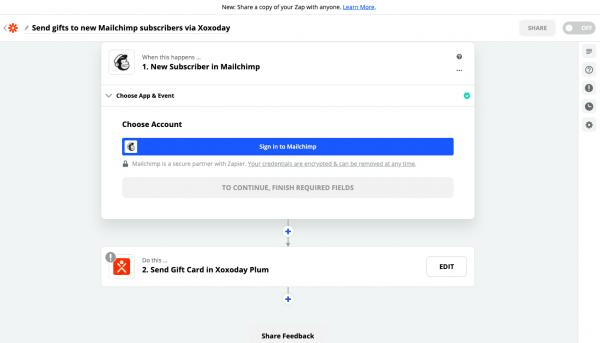
Webinar Tools
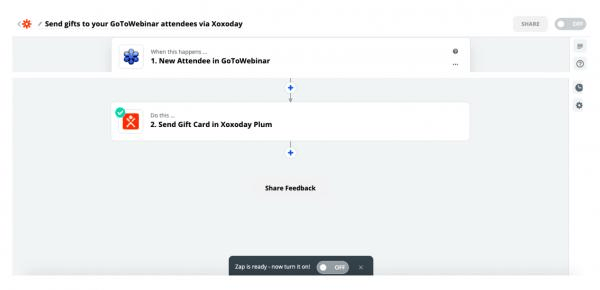
1. Go to Webinar By connecting GoToWebinar with Xoxoday Plum, rewards can be sent to every new webinar attendee. Step 1: Select GoToWebinar as the Trigger application, the Trigger, in this case, is**“new webinar attendee”. First, log in to your GoToWebinar account and Test the trigger to Find data.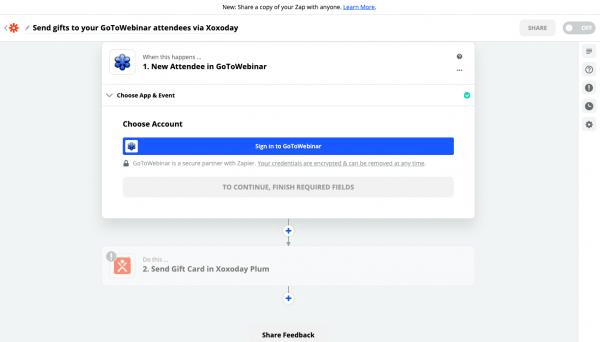
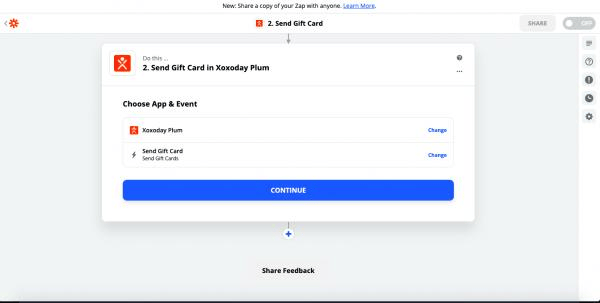
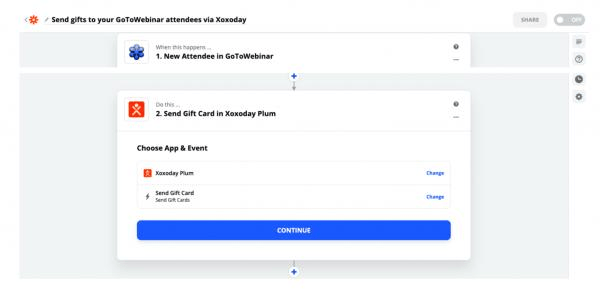
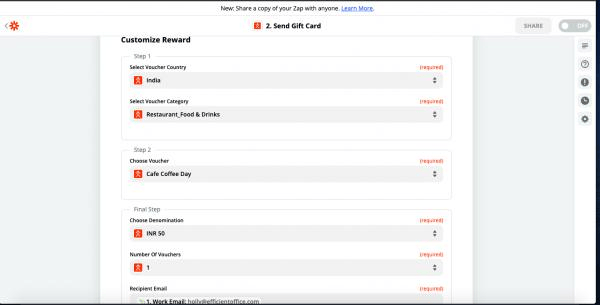
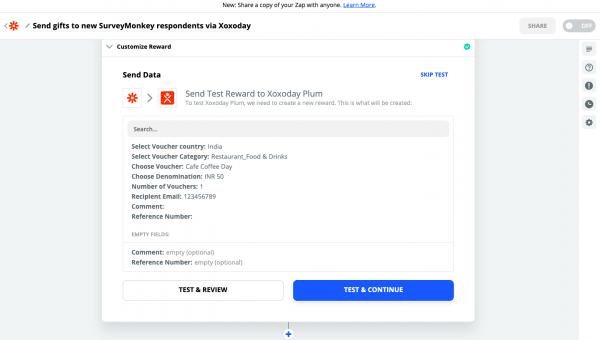
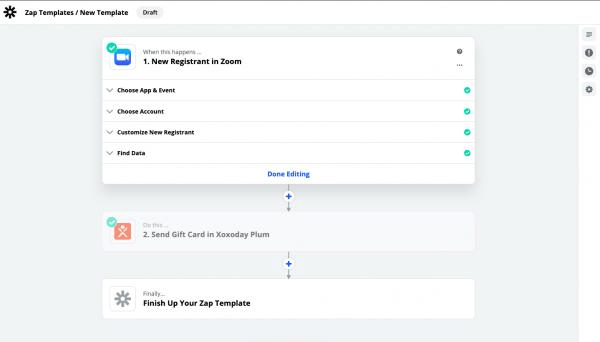
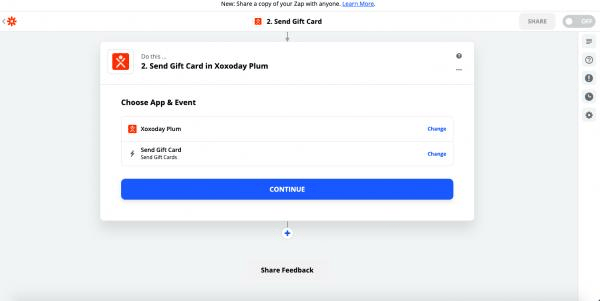
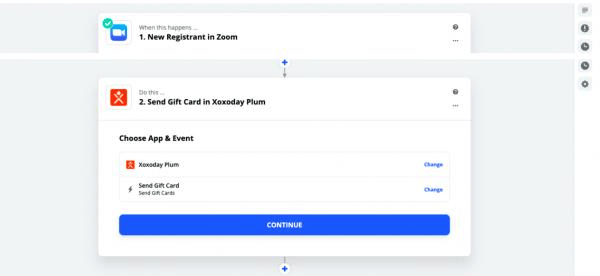
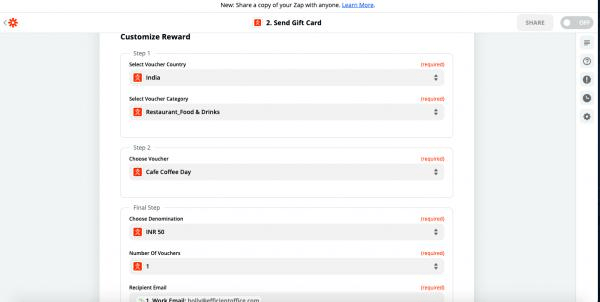
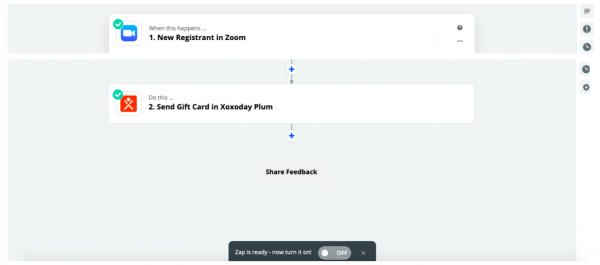
- Zoom **By connecting Zoom with Xoxoday Plum, rewards can be sent to every new registrant.