
Overview
The Merchants module empowers admins to:- Create new merchants
- View, search, and filter existing merchants
- Edit merchant details
- Export merchant lists
- Manage merchant stores
Accessing the Merchant List
Admins can access a full list of onboarded merchants from the Merchants module. Here, they can:- Search for merchants using filters (e.g., name, country, status)
- Edit merchant details directly
- Export the complete list in CSV or Excel format
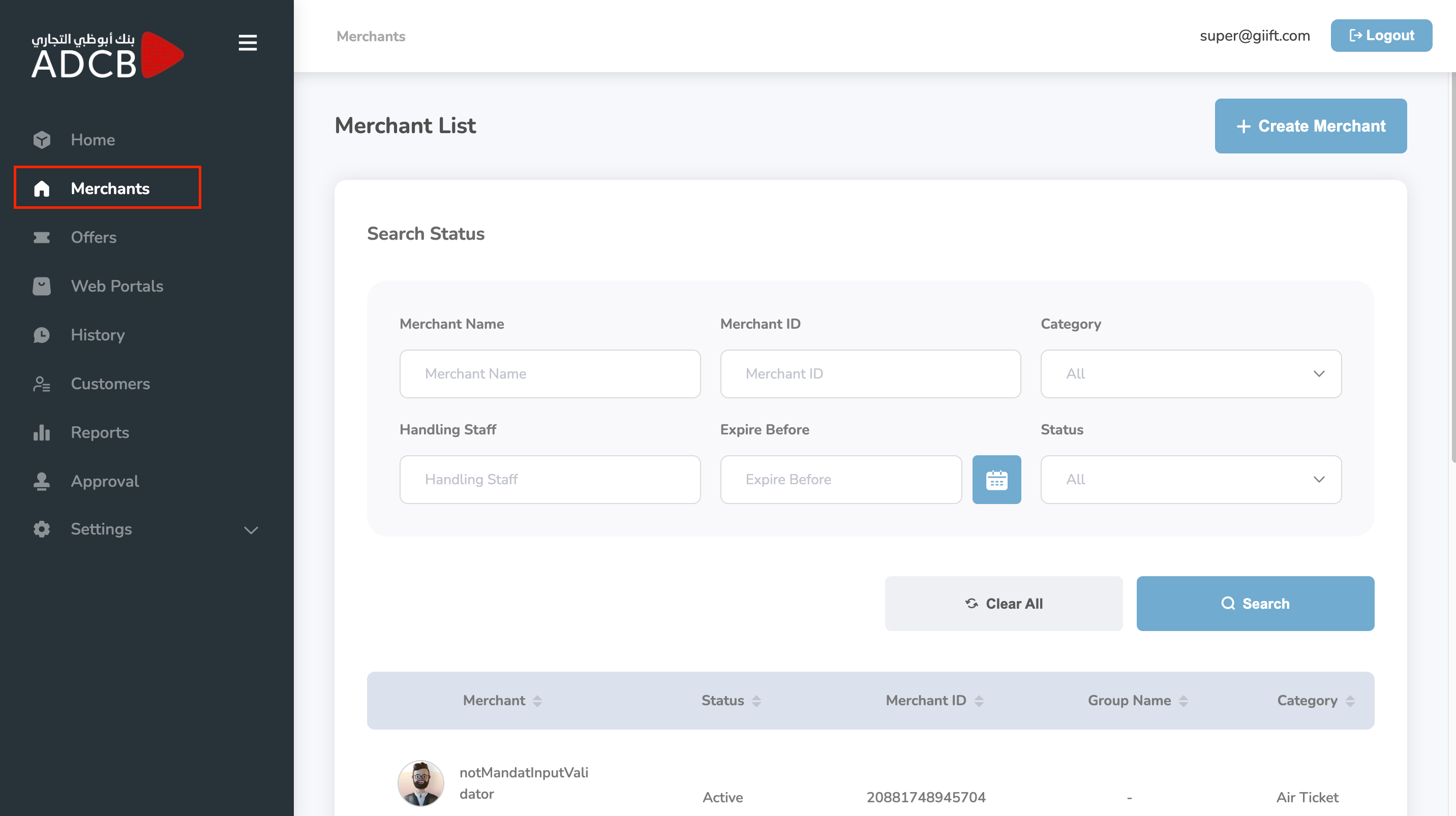
Creating a New Merchant
To create a new merchant:1
Click Create Merchant
Click the “Create Merchant” button.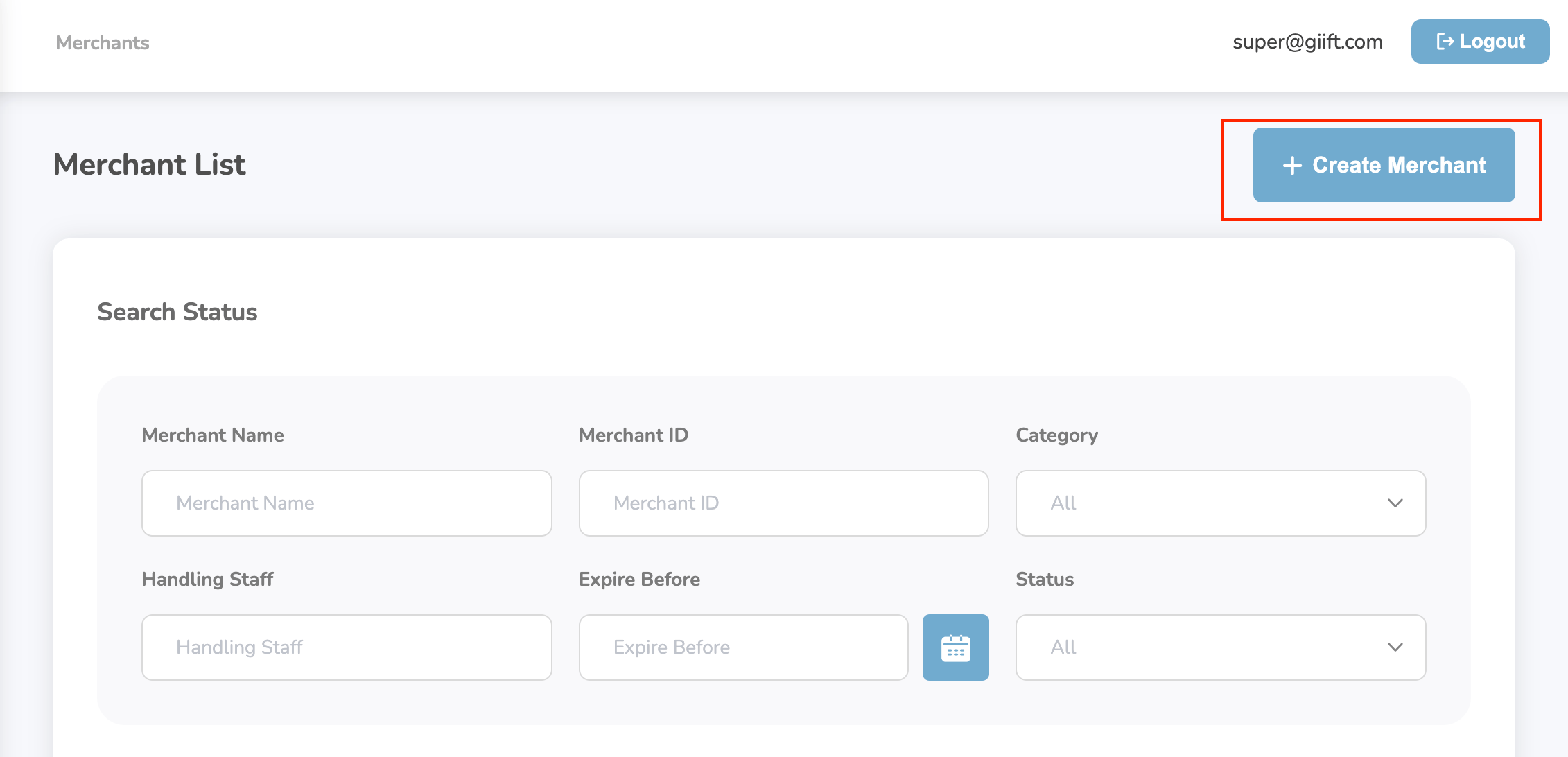
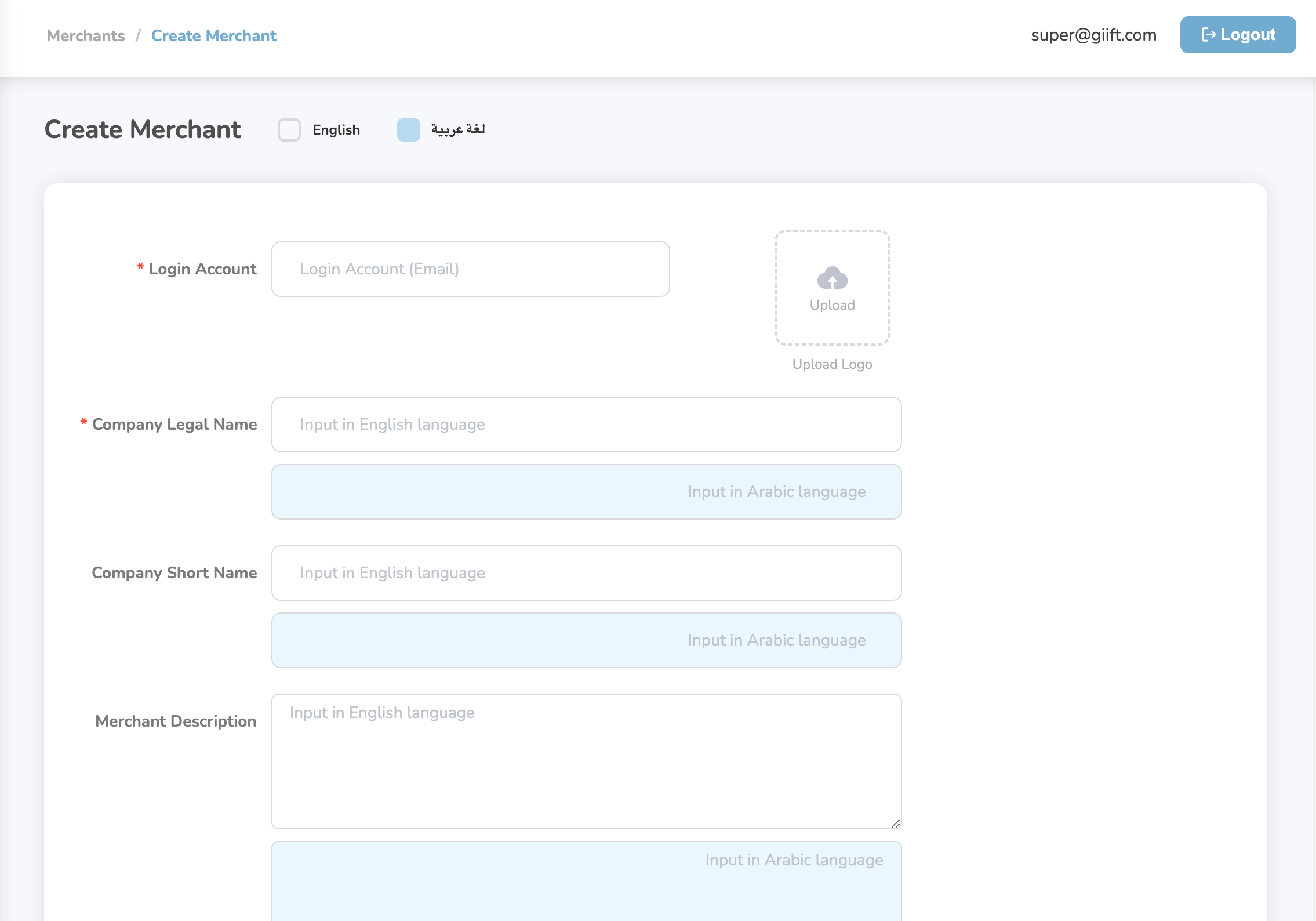
- Merchant Name
- Country
- Contact Information
- Business Category, etc.
2
Click Create
Click “Create” to onboard the merchant.Once saved, the merchant will appear in the list.
Managing Stores Under a Merchant
To manage stores:1
Click on a merchant's name
Click on a merchant’s name and under it under actions click on the details: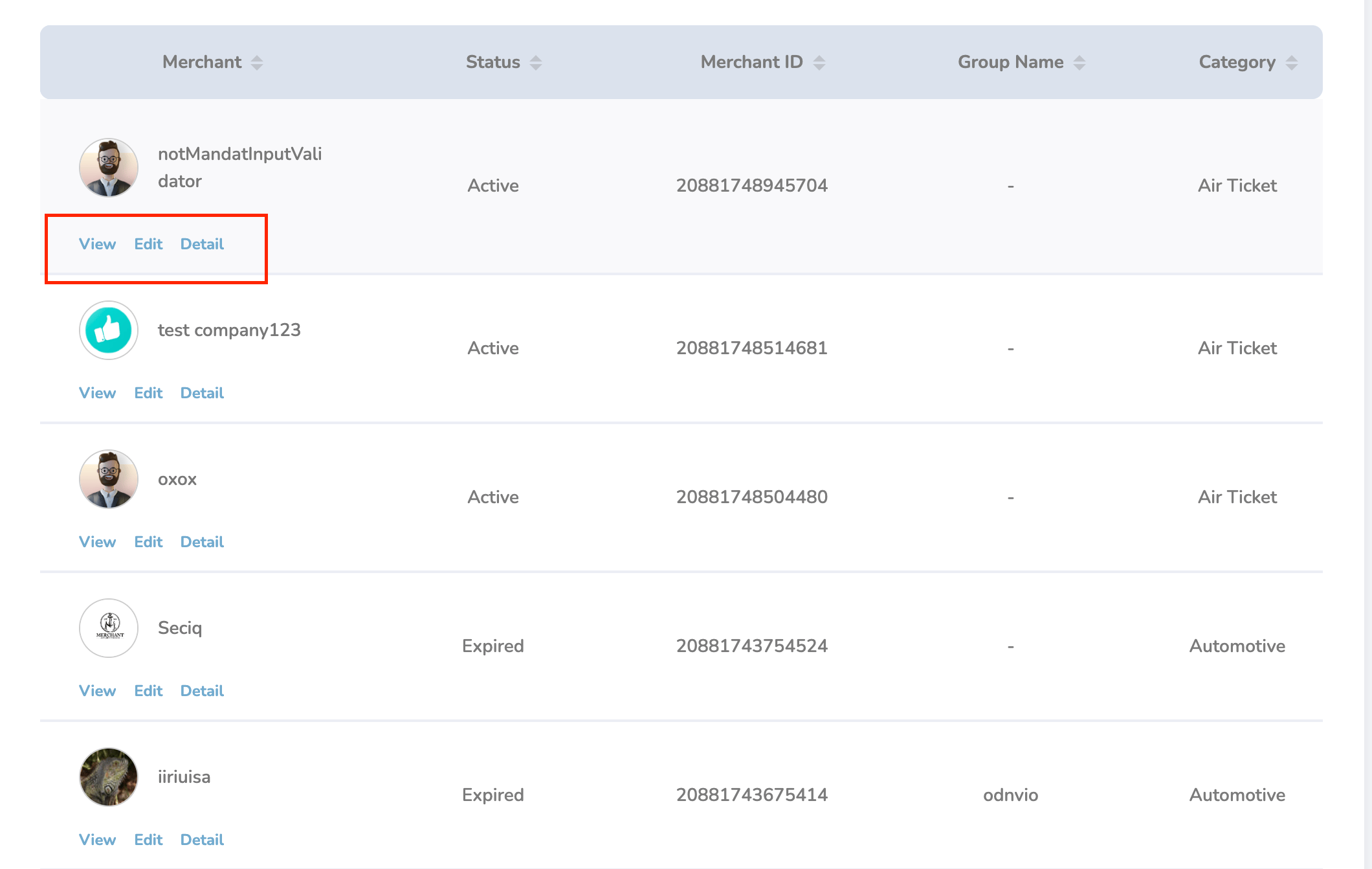
2
Navigate to the Store Details section
From here, you can: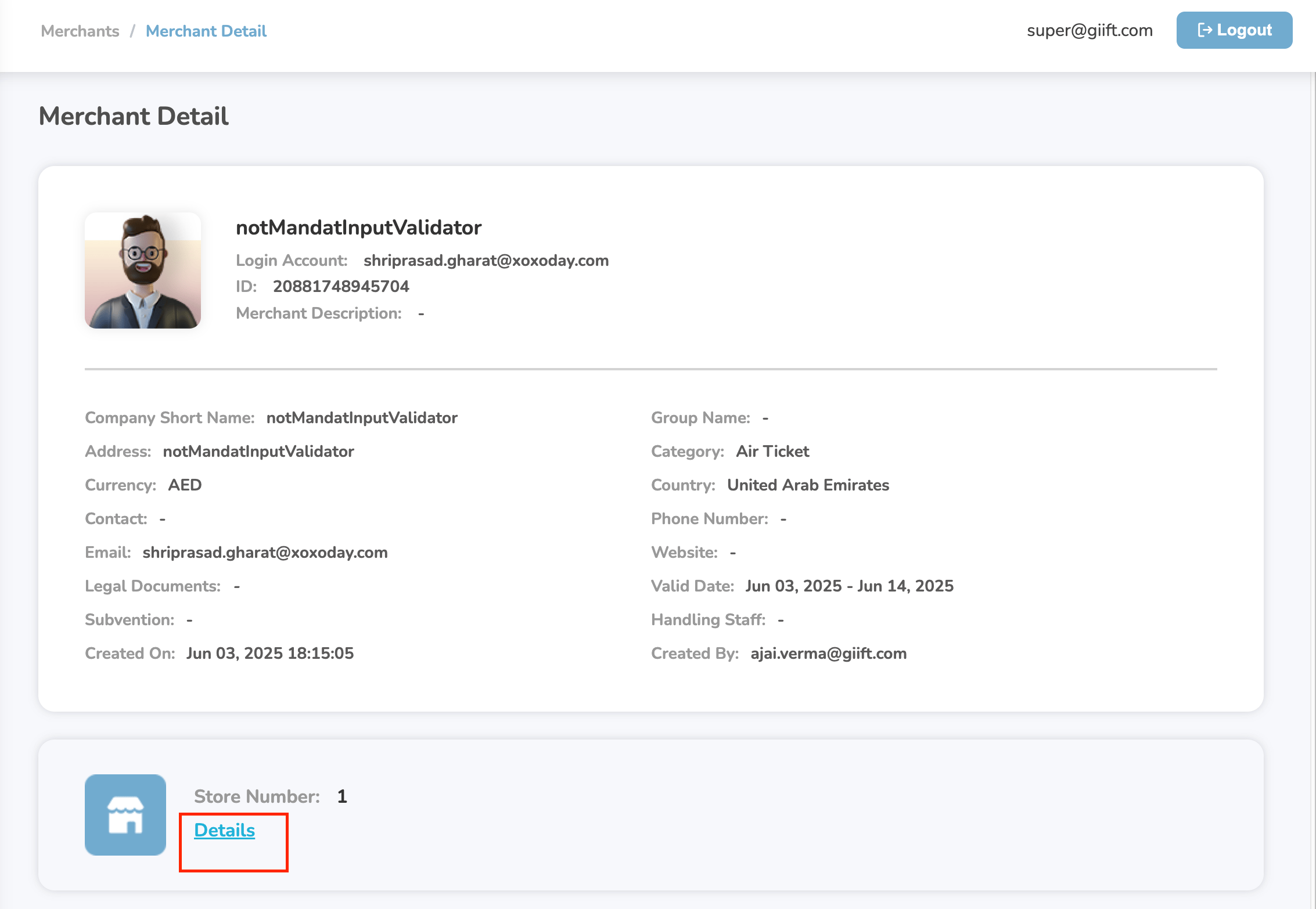
- View existing stores
- Edit store information
- Update Store PINs
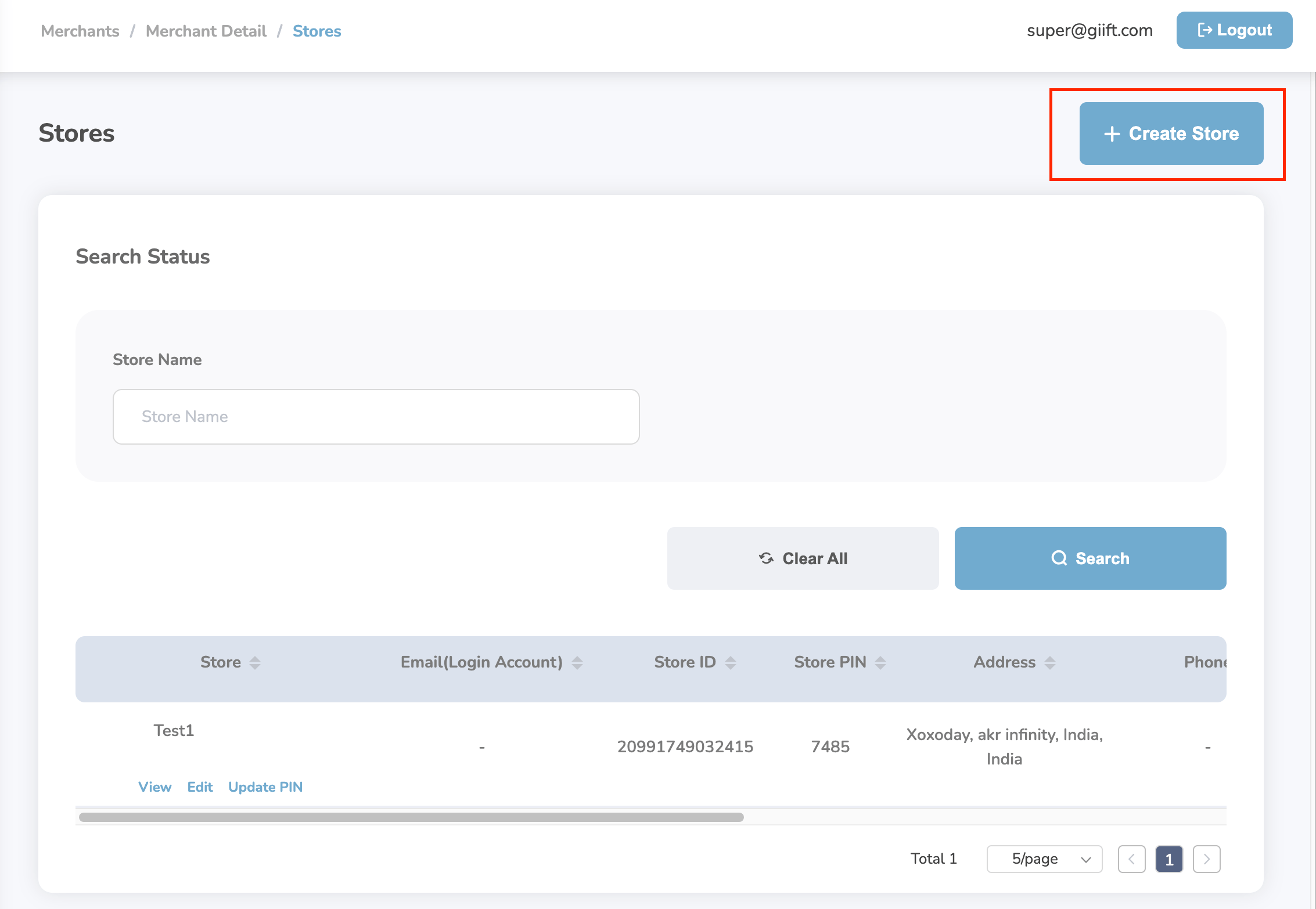
- Create new stores
Creating a Store
- Click the “Create Store” button.
-
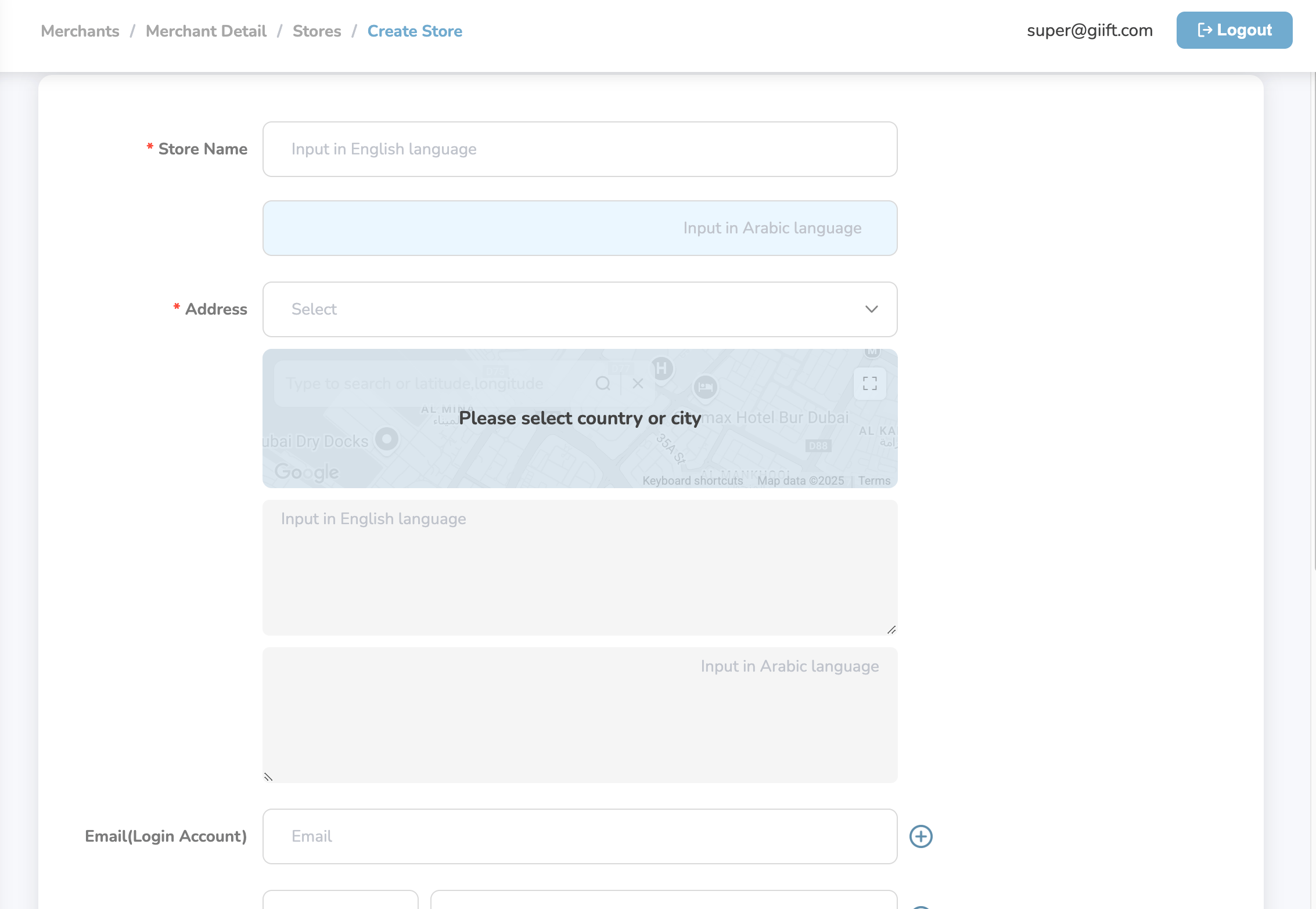
Fill in the required store details:
- Store Name
- Address
- Store PIN (if applicable)
- Country/Location and more
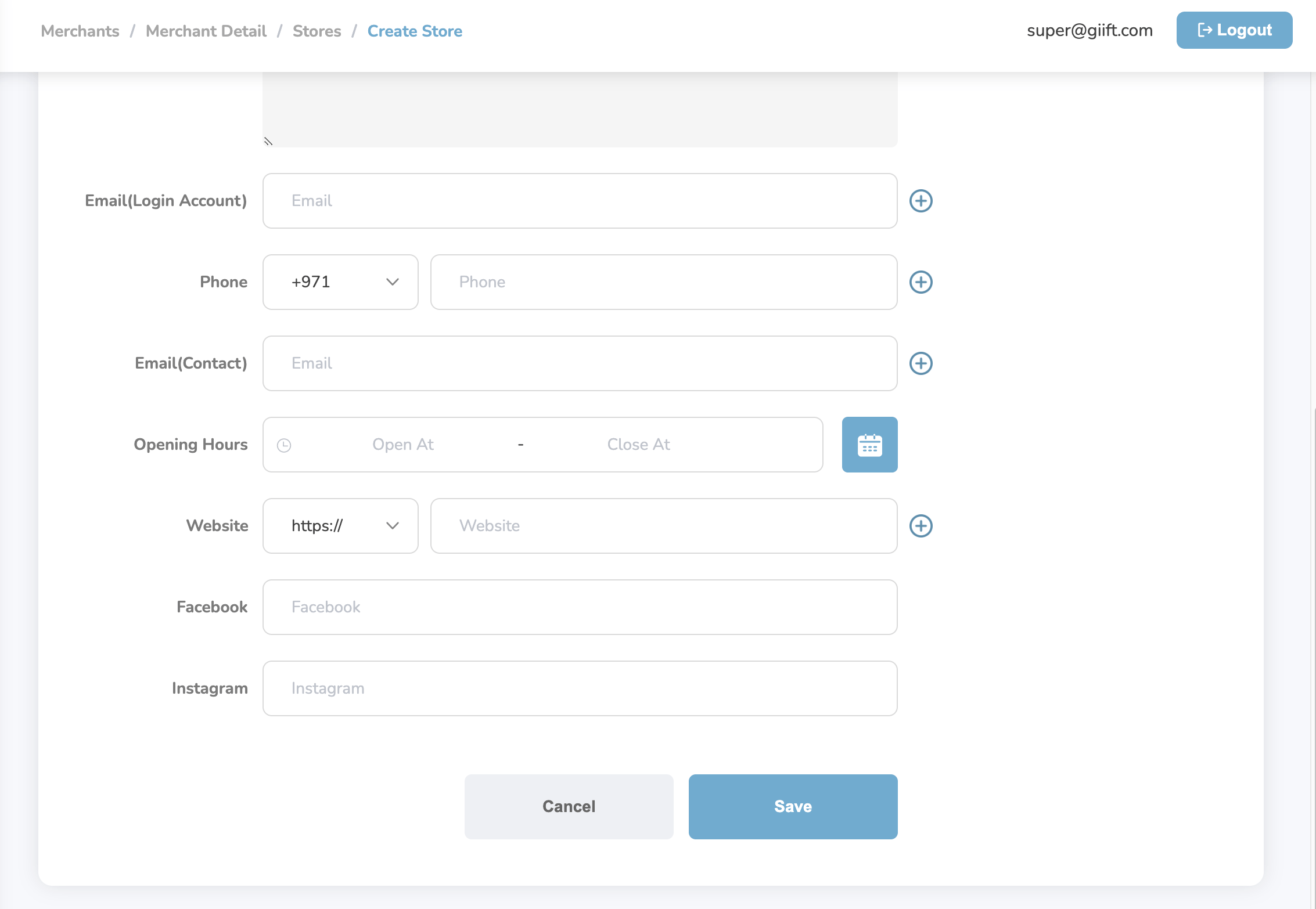
- Click “Save” to add the store.
Store Management Actions
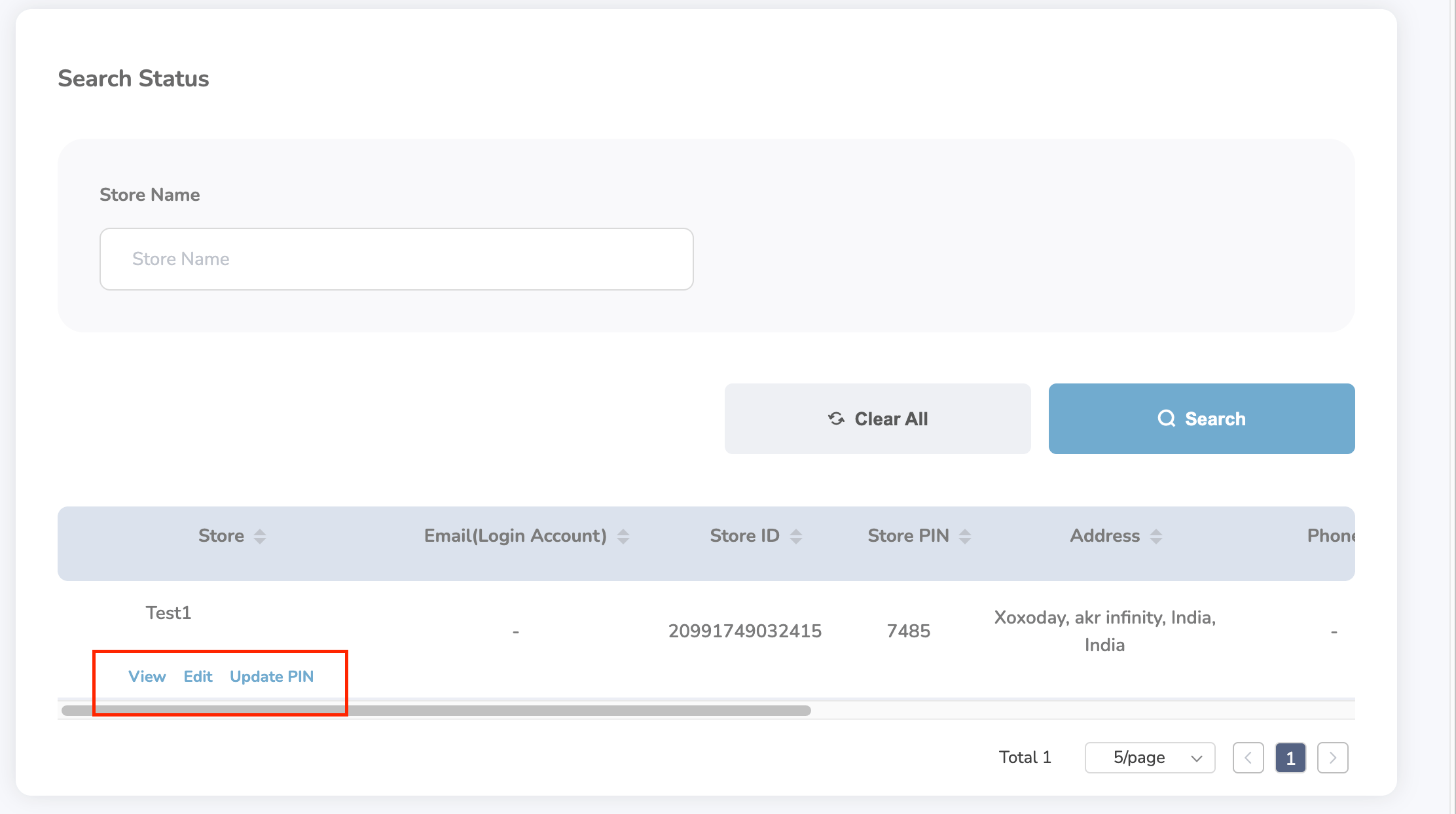
In the Store Action Table, you can:- View full store information
- Edit store details
- Update store PINs securely
Tip: Regularly update store PINs for improved security.