
Getting Started
How to transfer money to a Paypal wallet
Steps for an admin to send money to a Paypal wallet: Step 1: Log in to your Plum account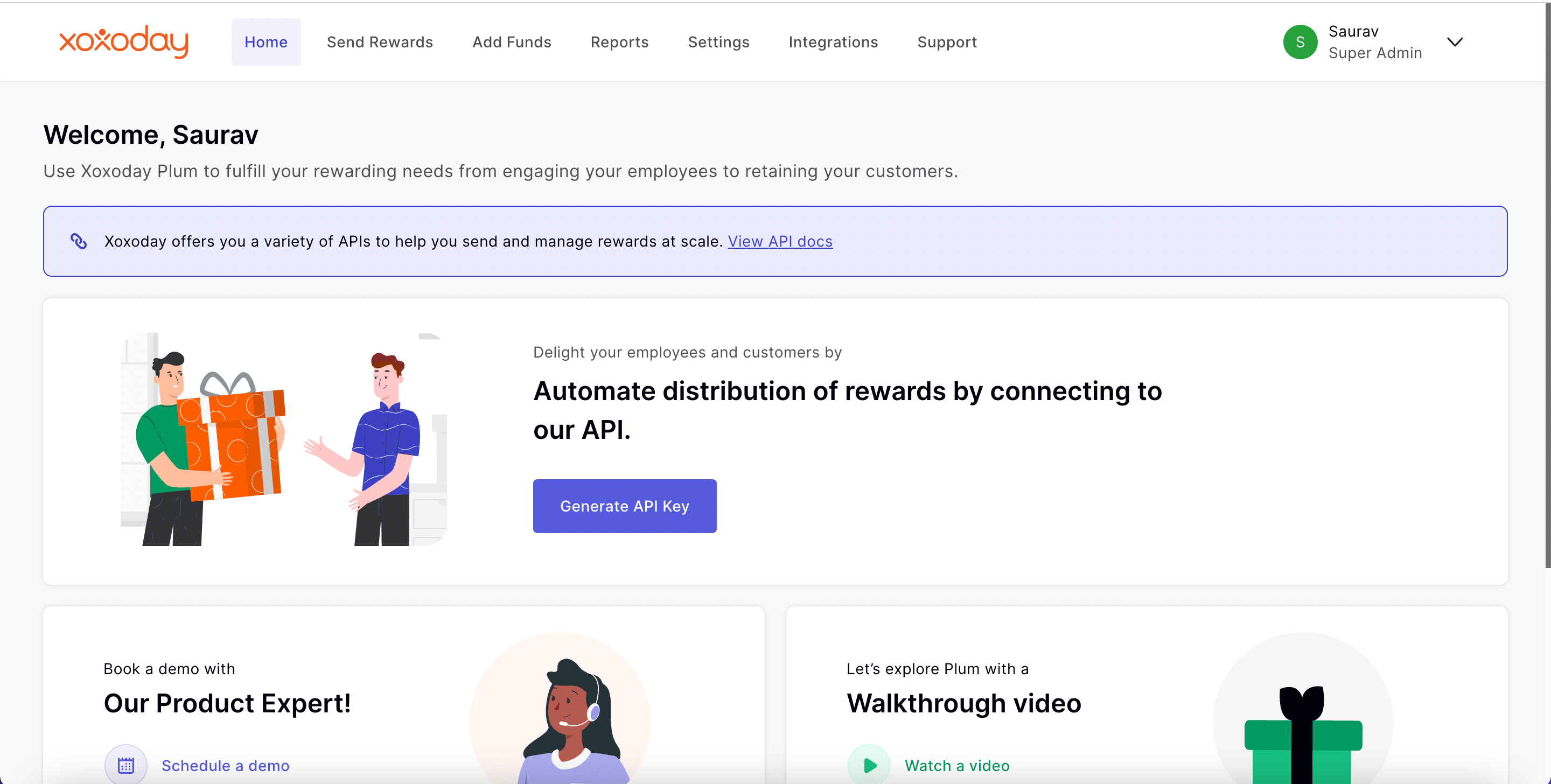
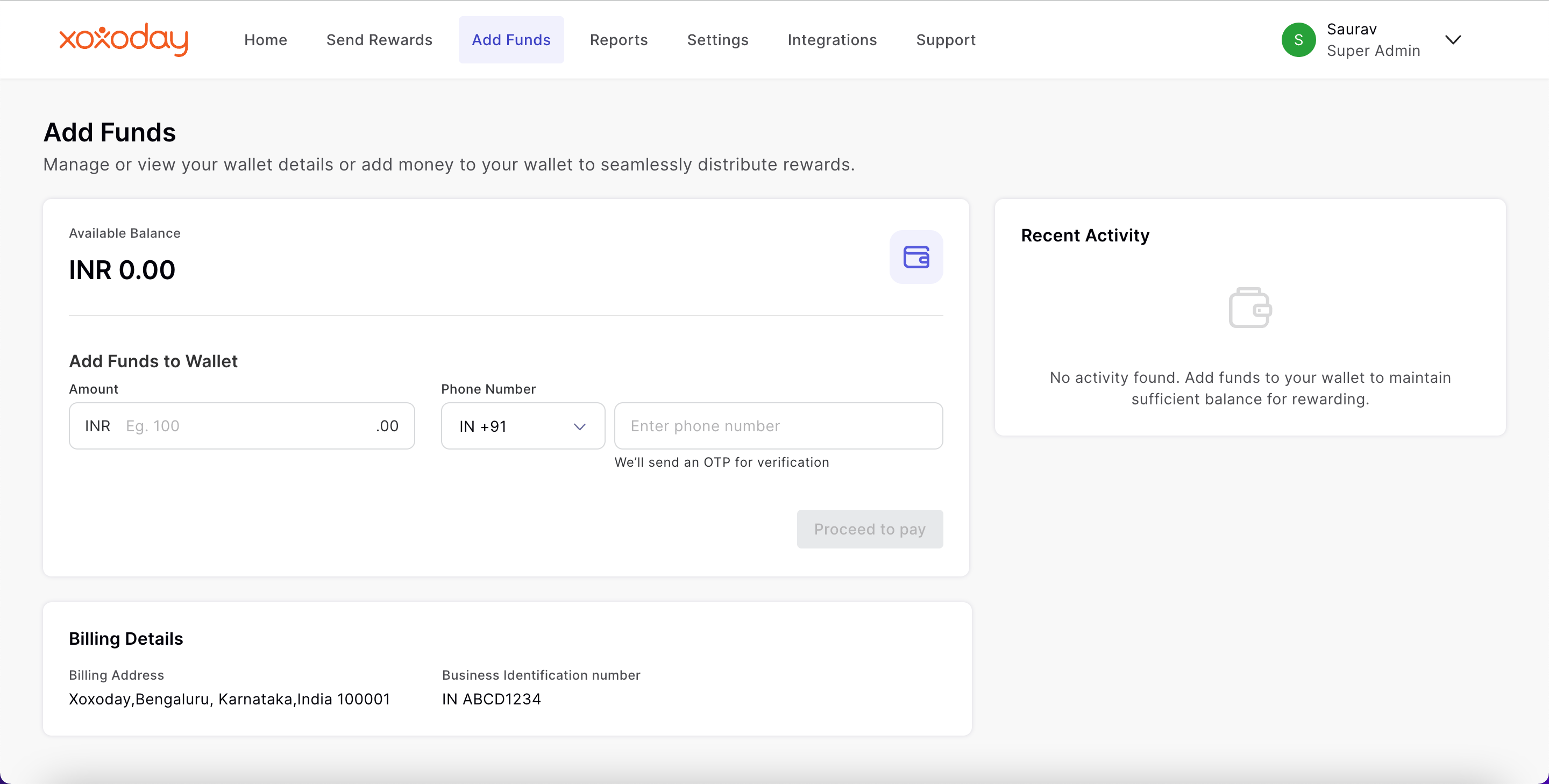
Sending money to a Paypal wallet to a single or a few recipients
Select the ‘Send to few’ tab and follow these steps:- Under ‘Select a country for brand vouchers’ choose the recipients’ country from the drop-down list.
- In the ‘Add a Recipient’ section, add the full name of the recipient.
- For the next box, select ‘Paypal International’ from the drop-down menu
- Select the denomination of the voucher from the drop-down list
- Add the quantity of brand vouchers
- Add the recipient’s phone number (optional)
- Add the PO number (optional)
- Add a personalized message for the recipient
- Click ‘Add another recipient’ to add more recipients and repeat steps 1 to 8 listed above.
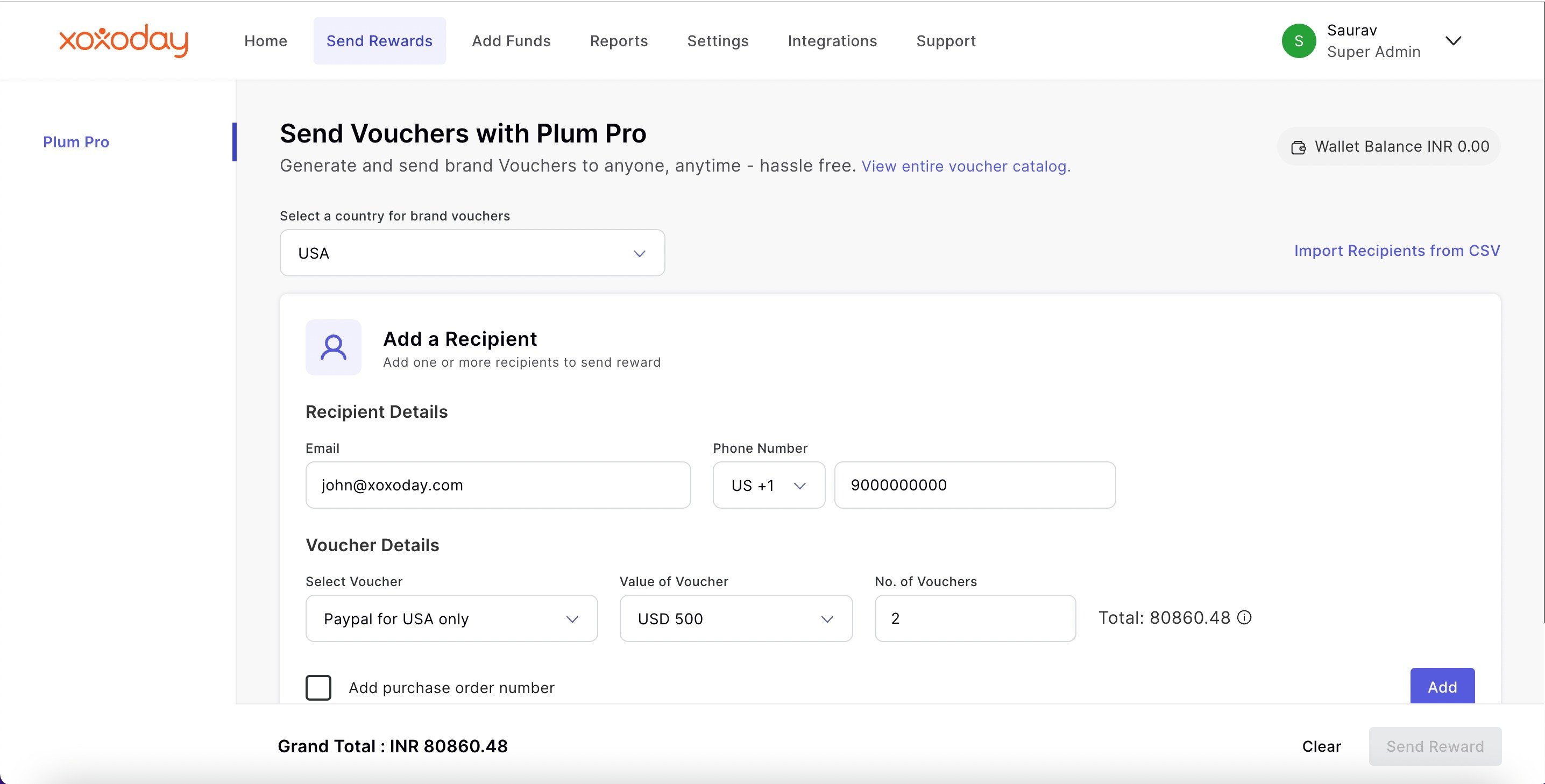
- Once you are done click on ‘Send Reward.’
Send money to Paypal wallets in bulk to multiple recipients
Select the ‘Bulk Upload’ tab and follow these steps:- To know the required format for uploading data in bulk, download a sample file by clicking on ‘CSV/XLSX template’ under ‘Add your recipients in bulk.’ You may skip this step if you already have a CSV/XLSX file with data in the required format.
- Once you’ve filled in the details correctly, click ‘Add CSV/XLSX file’ to upload and verify the data.
- Add the correct details for each column from the CSV sheet to upload the recipients’ information in bulk.
- Click on ‘Verify file’ at the bottom
- Click on ‘Yes, continue’ in the pop-up box to verify the file.
- Once you verify the file, click ‘Generate & Send’ to transfer the amount to the recipients’ wallets.
How to Redeem?
Here’s the step-by-step process for the recipient to redeem the reward:
Step 1: You will receive an email with the details of your Paypal amount. Click on ‘Redeem’.Step 2: Once you click on ‘Redeem’, you will be redirected externally to claim the reward. Now, click on ‘Redeem’ again.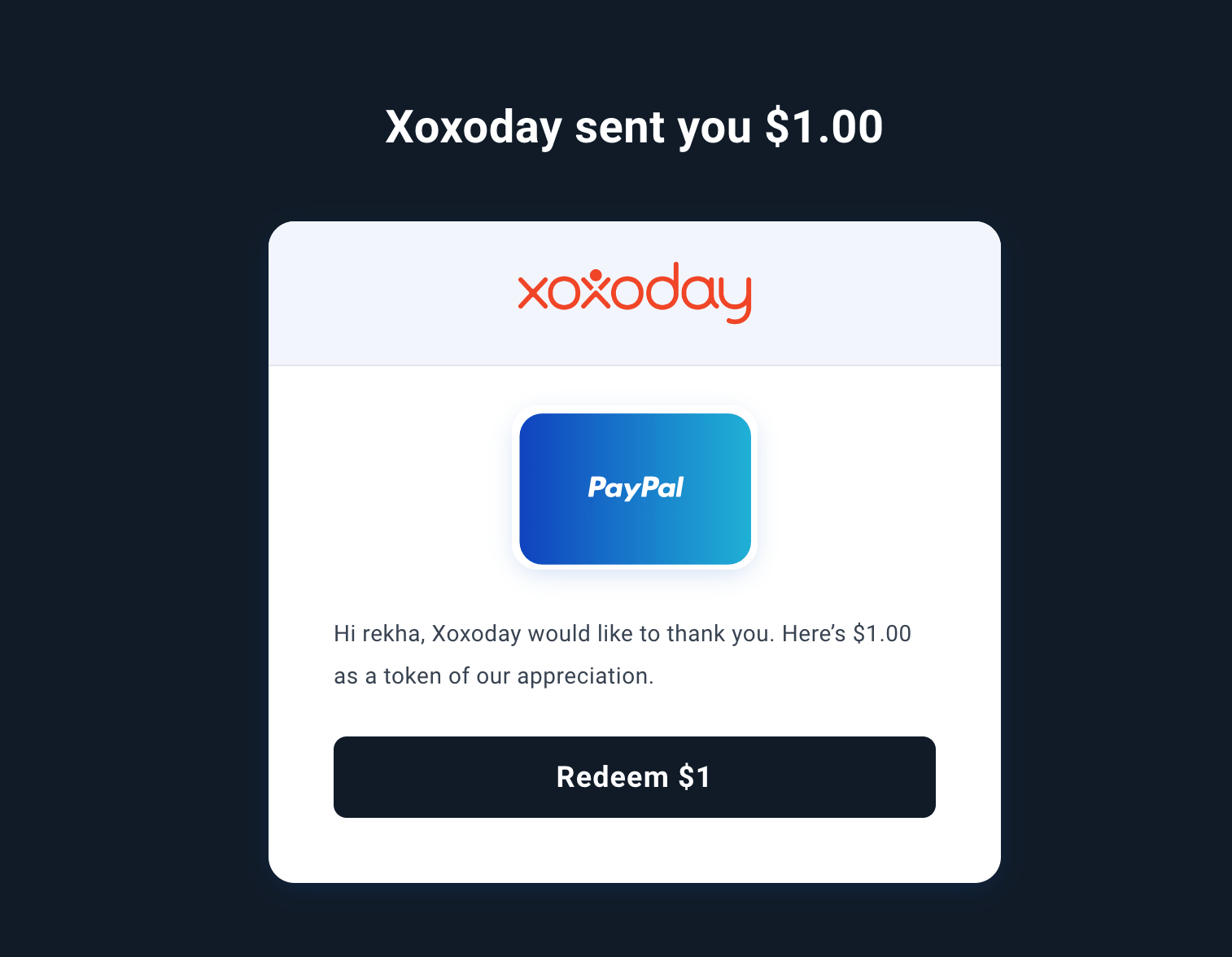
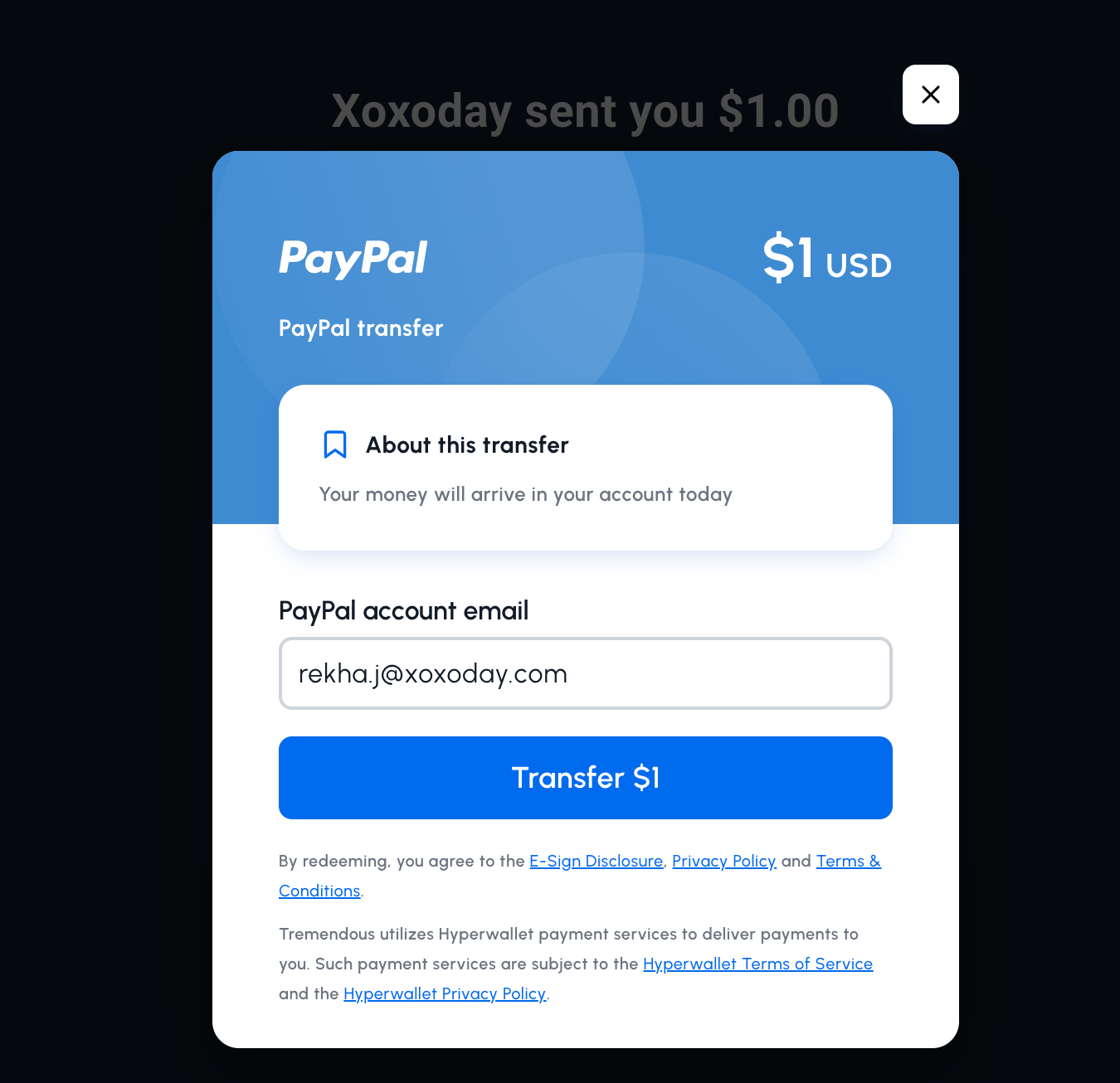
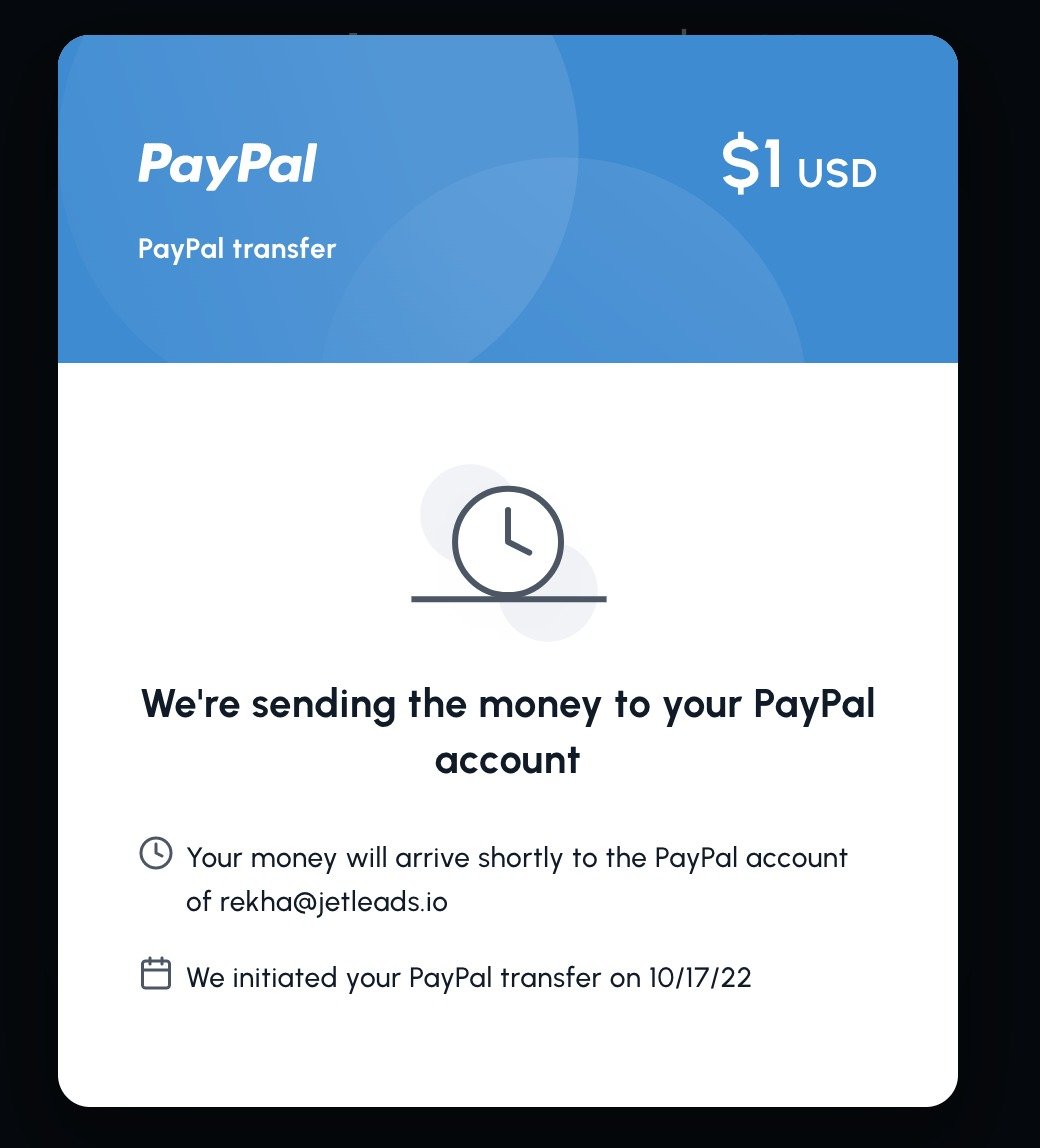
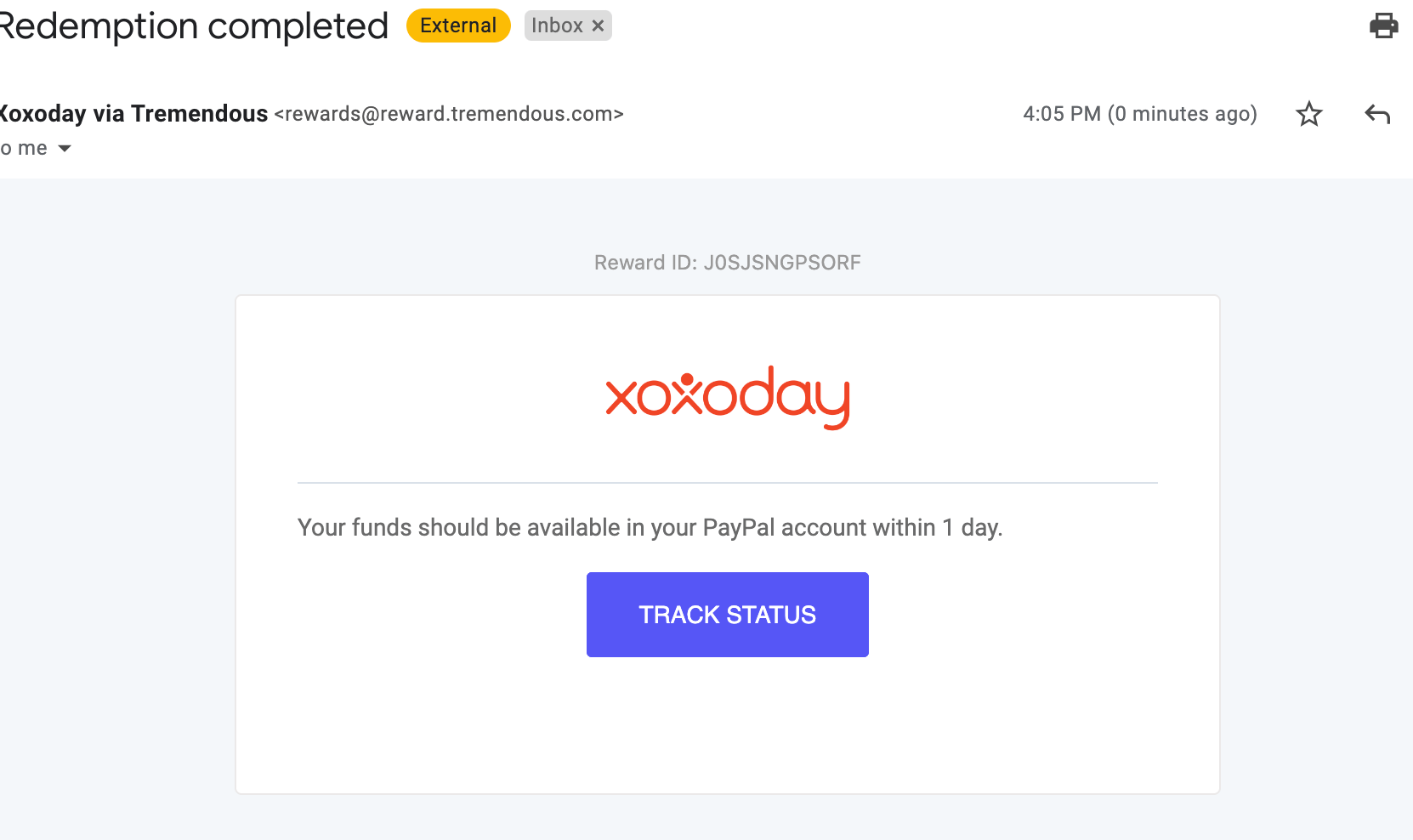
- Claim the amount transferred to your Paypal account within 1 month or it will be returned to the sender.
- Once claimed & amount added to your Paypal account, it cannot be canceled.
- Please input your name & registered PayPal account email on the page.
- Your funds should be available in your PayPal account within 1 day.
- Actual amount will be added based on the Forex exchange on a daily basis to your Paypal Account.
- Paypal amount can be used online only wherever it is applicable.
- This Paypal product can only be issued for employee rewards/channel incentives/consumer campaigns/loyalty programs.
- This Paypal product cannot be issued for Facebook advertising payments, cannot be procured for business-related payments, or any program that is not part of a reward/incentive use case.
- Paypal Terms & Conditions will be applicable- https://www.paypal.com/us/webapps/mpp/ua/legalhub-full?locale.x=en_US
- TAT for delivering the amount to your Paypal account is between 7-10 working days.
- For any queries & issues, please reach out Contact Support