Here is how the Xoxoday ActiveCampaign Integration works?
Follow the below steps to create ActiveCampaign Reward Automation in Plum. Creation of automation in ActiveCampaign to connect Xoxoday plum.Pre-requisite
The App should be installed to be used as an action.Steps to Connect Rewards on ActiveCampaign with Plum
Xoxoday Plum can simply be integrated into ActiveCampaign by following the steps below: You (the admin) can log in to ActiveCampaign and set up Xoxoday automation in either of the two ways.Method 1
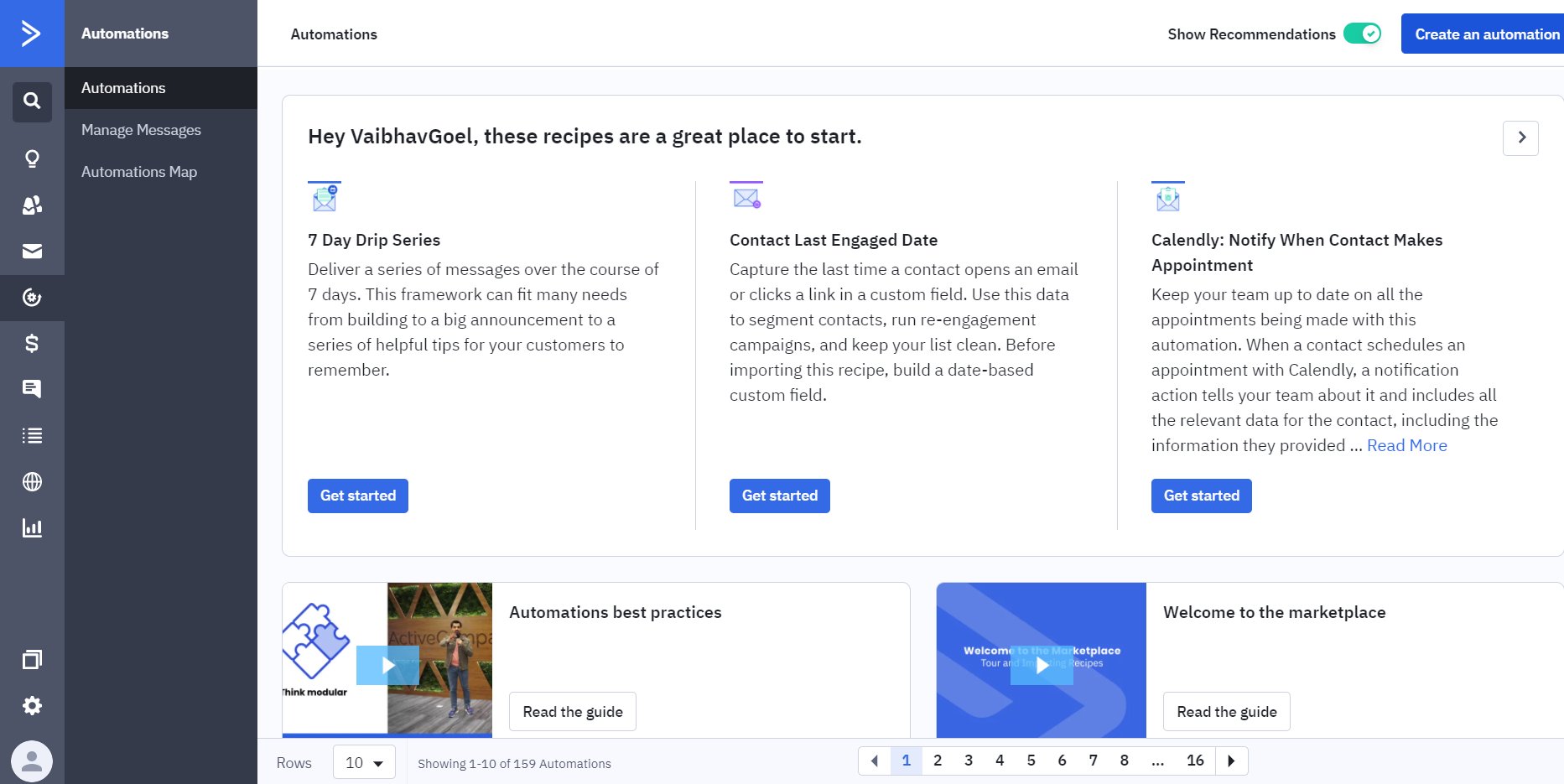
- Sign in to ActiveCampaign with your credentials.
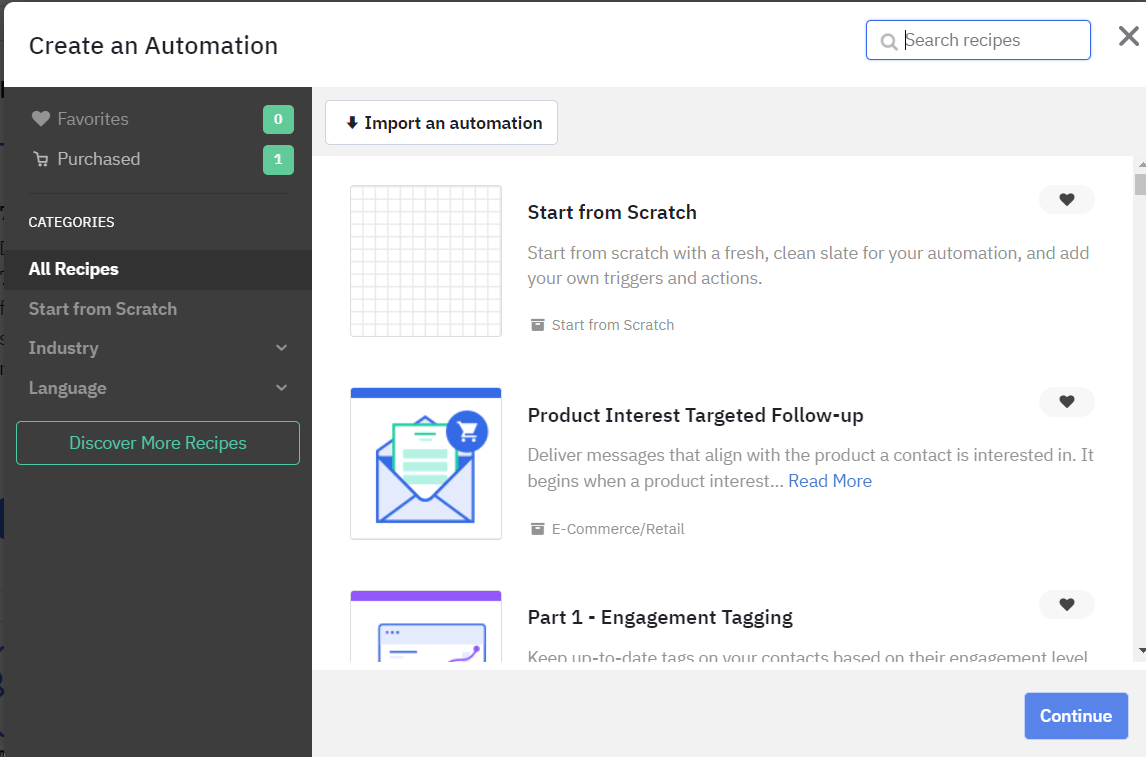
- Under the “Automations” tab, click on “Create an Automation”
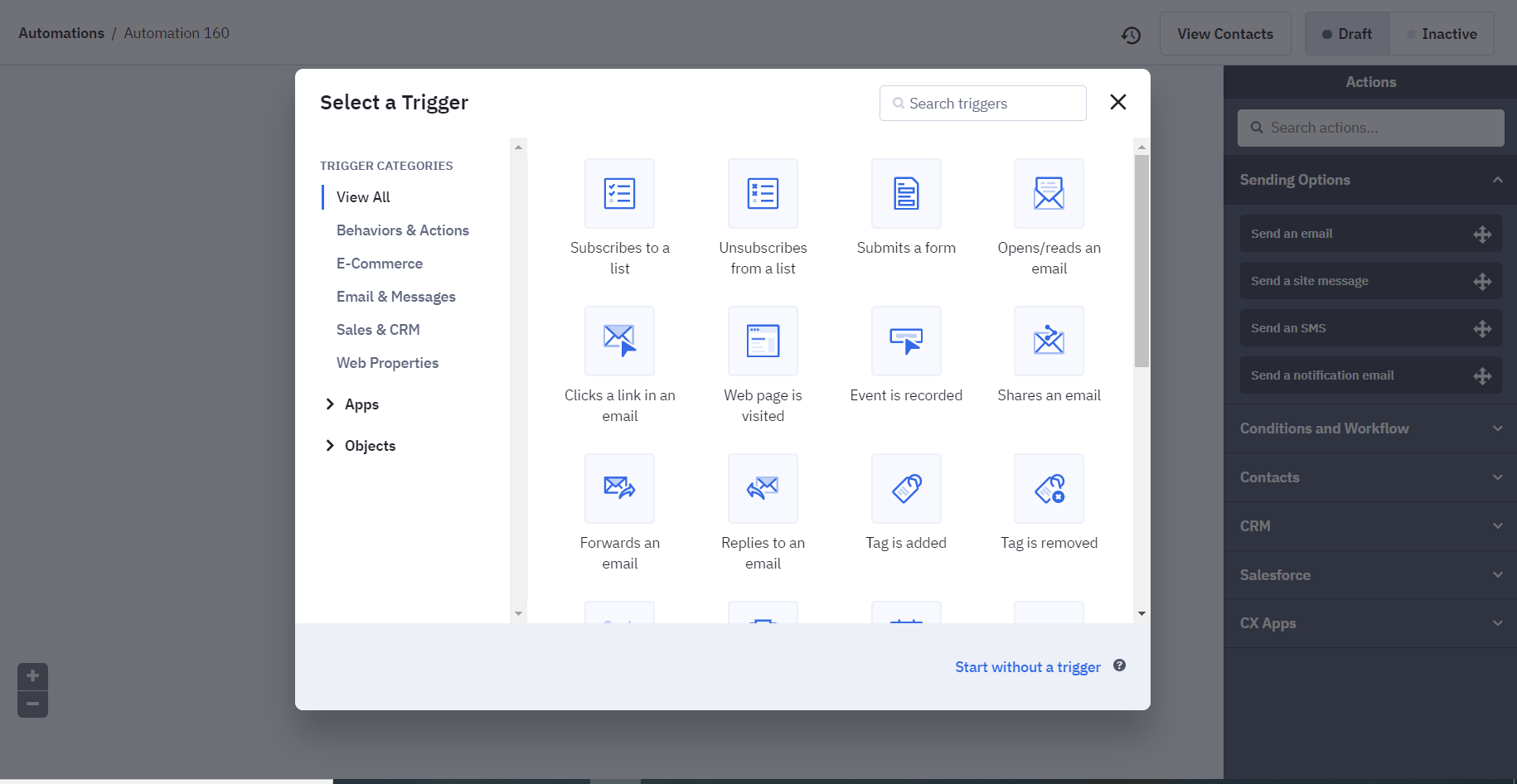
- Choose “Xoxoday Plum” from the “Actions” tab to set up the workflow.
- Click on the account to which you would like to set up the automation.
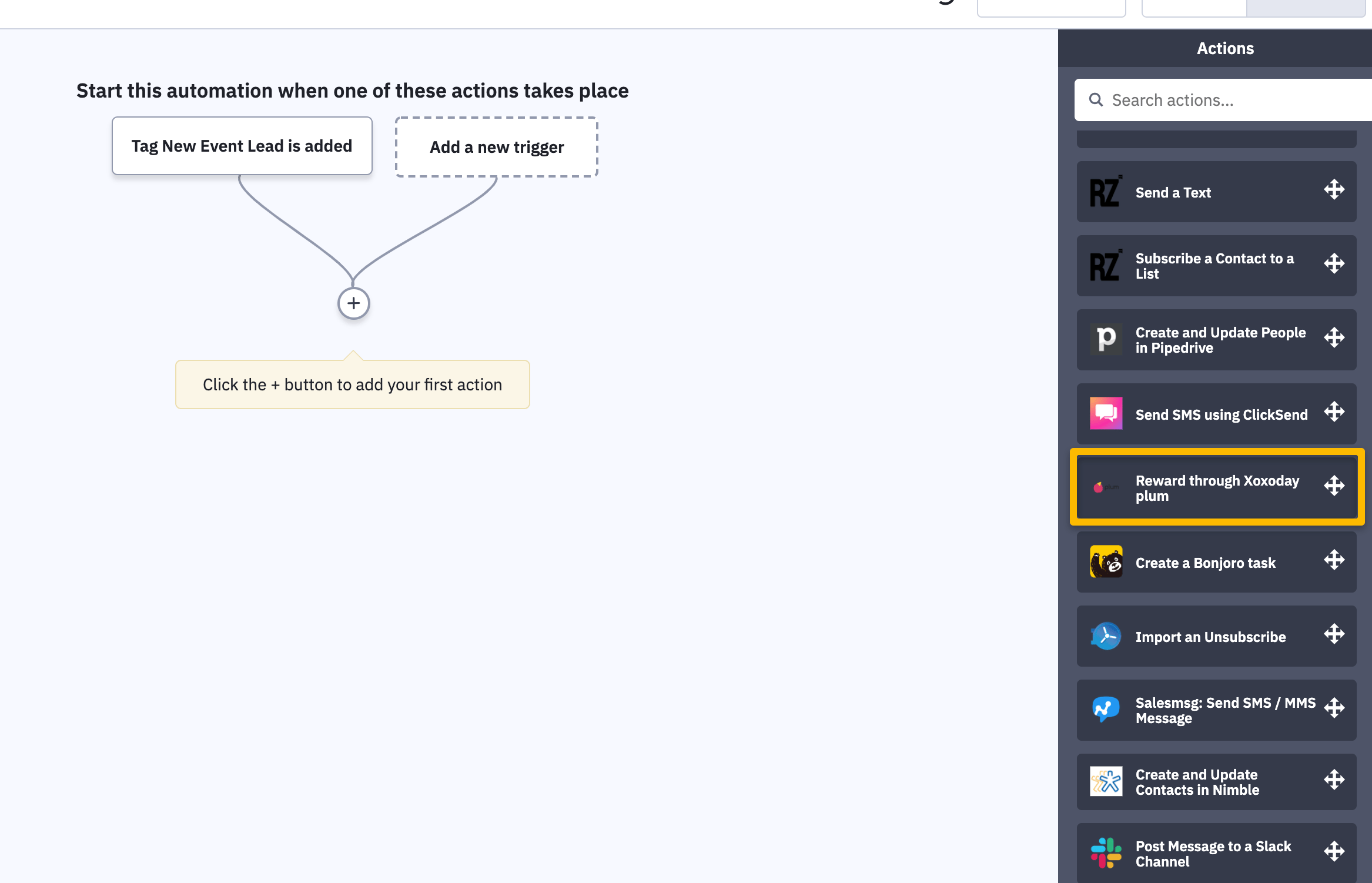
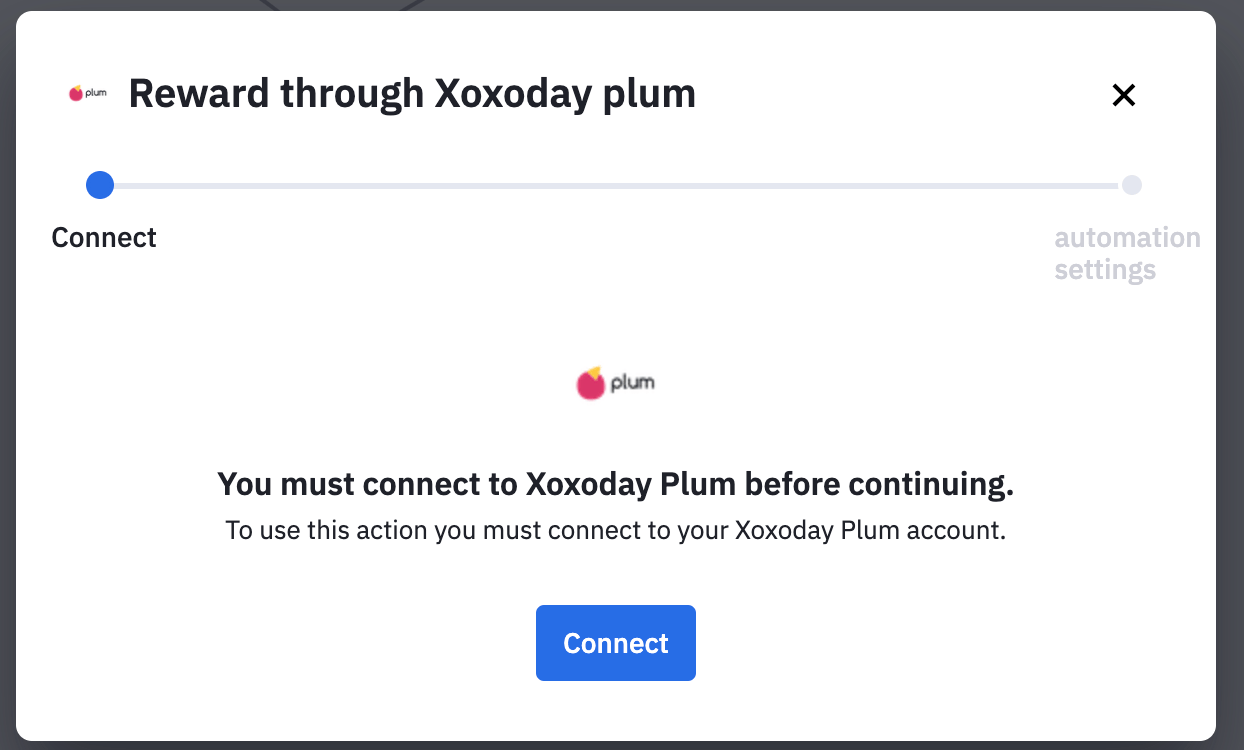
Method 2:
- Under the “Automations” tab
- Click on “Create a new automation” and click on the**”+”** button to add your first action and choose Xoxoday Plum from the options below:
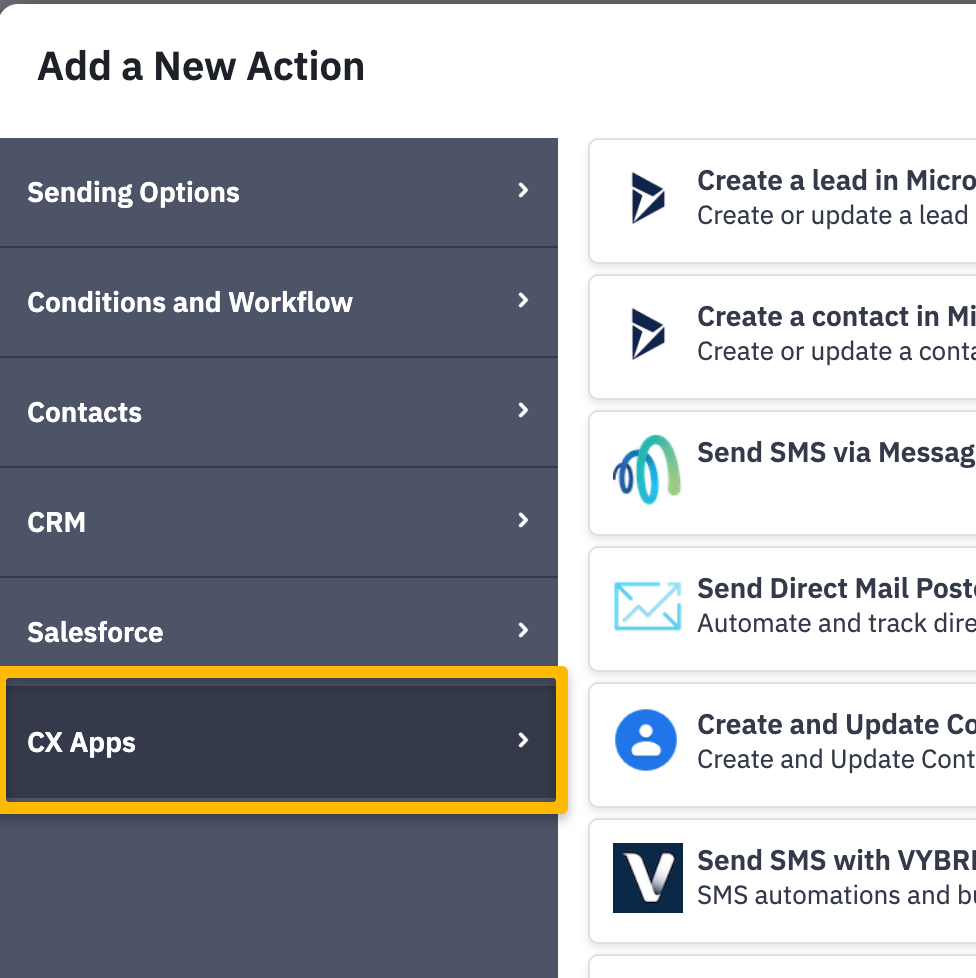
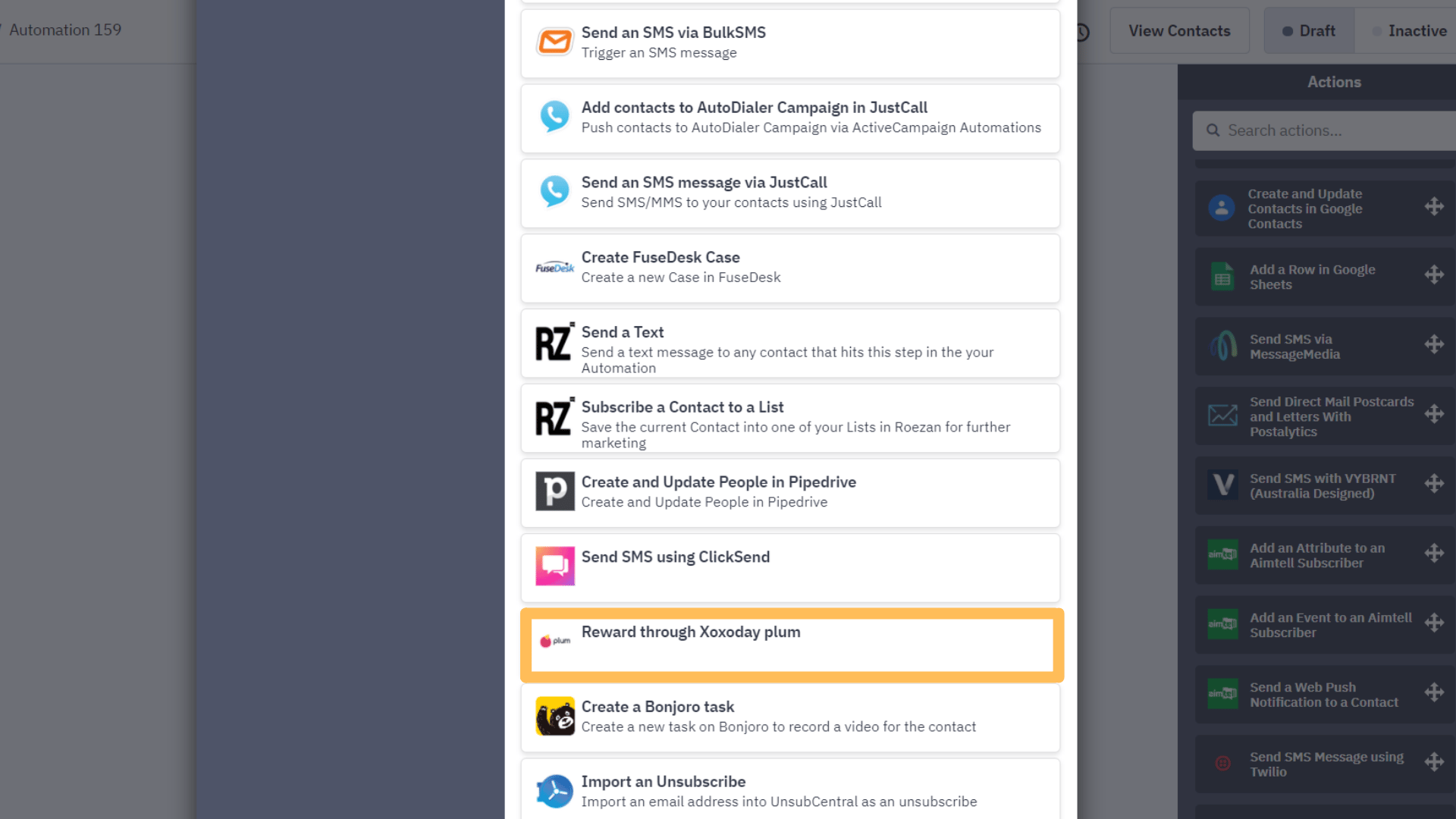
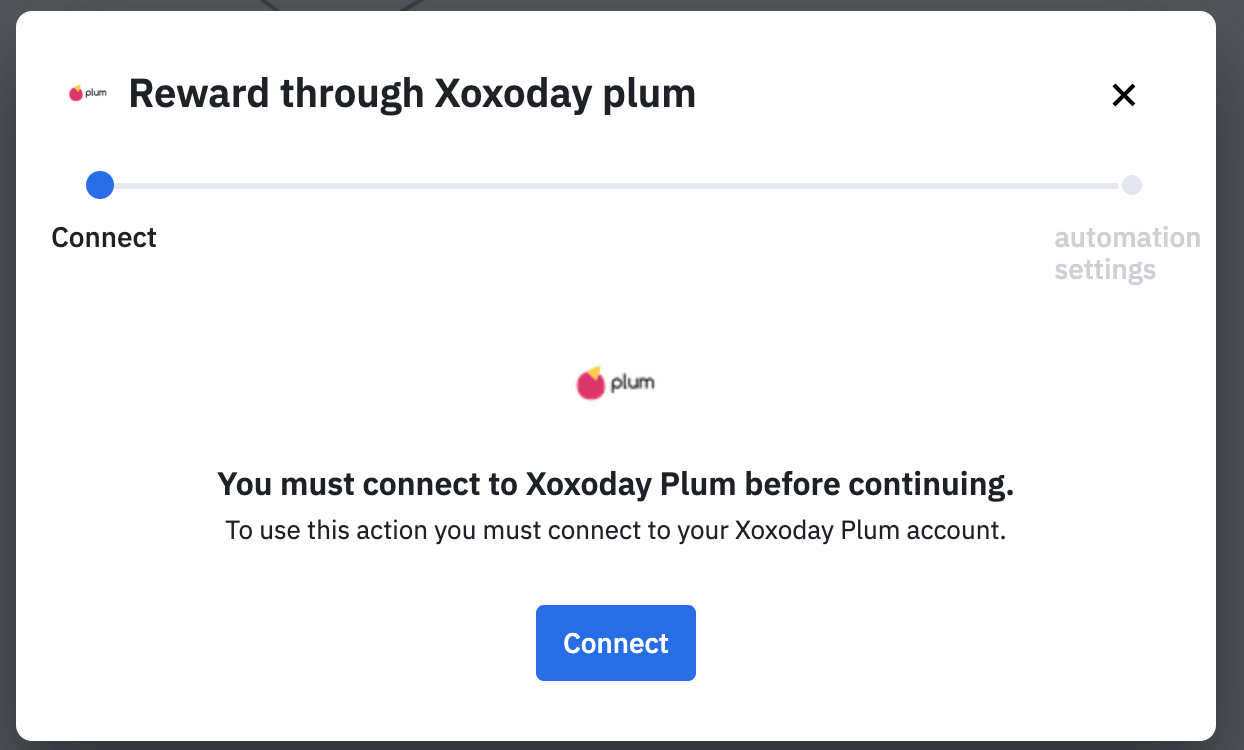
Creation of Reward Automation on Plum
- Next, sign in to Plum using https://www.xoxoday.com/
- Once signed up to Plum, add funds to your account.
- Now go to Campaign on the sidebar, and click on Create New to create a reward campaign.
- Define the Reward Amount, Select rewards from the catalog, customize your email and click on Proceed.
- Now go to “Manage Integrations” and select ActiveCampaign Integration.
- Click on “Create New Automation” give your reward automation a name and select the type of trigger manual or automated.
- Finally, click on launch.
- To view Reward automation statistics, open the reward automation from the dashboard.
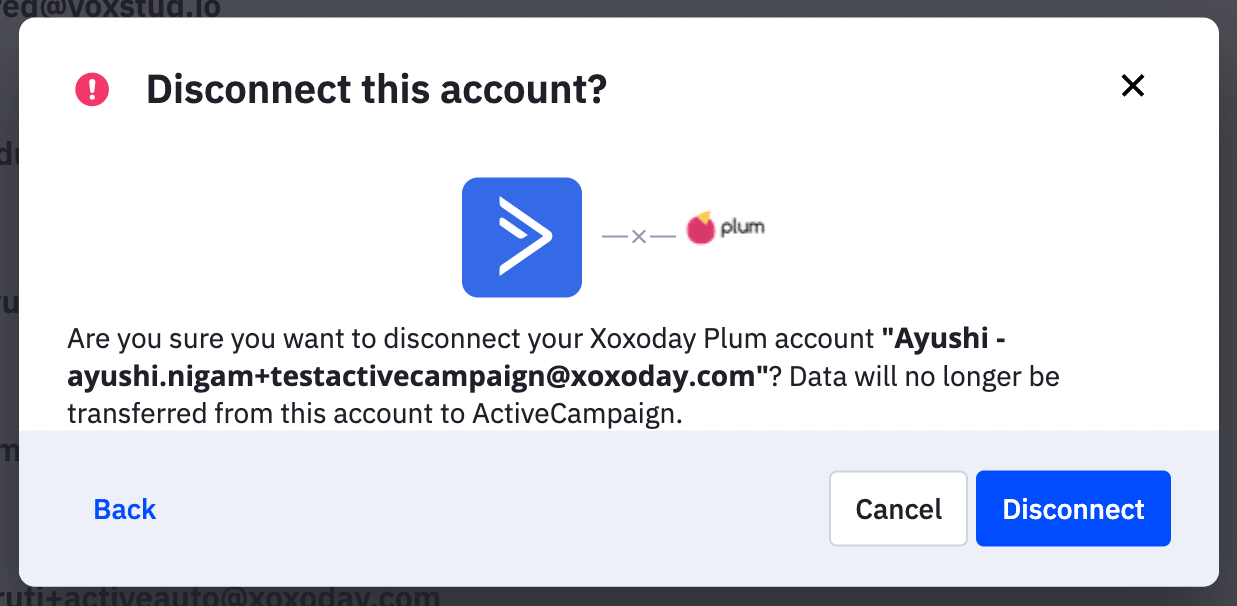
Disconnecting Xoxoday Plum from ActiveCampaign
- Go to “Apps” on ActiveCampaign, Select Connected Apps
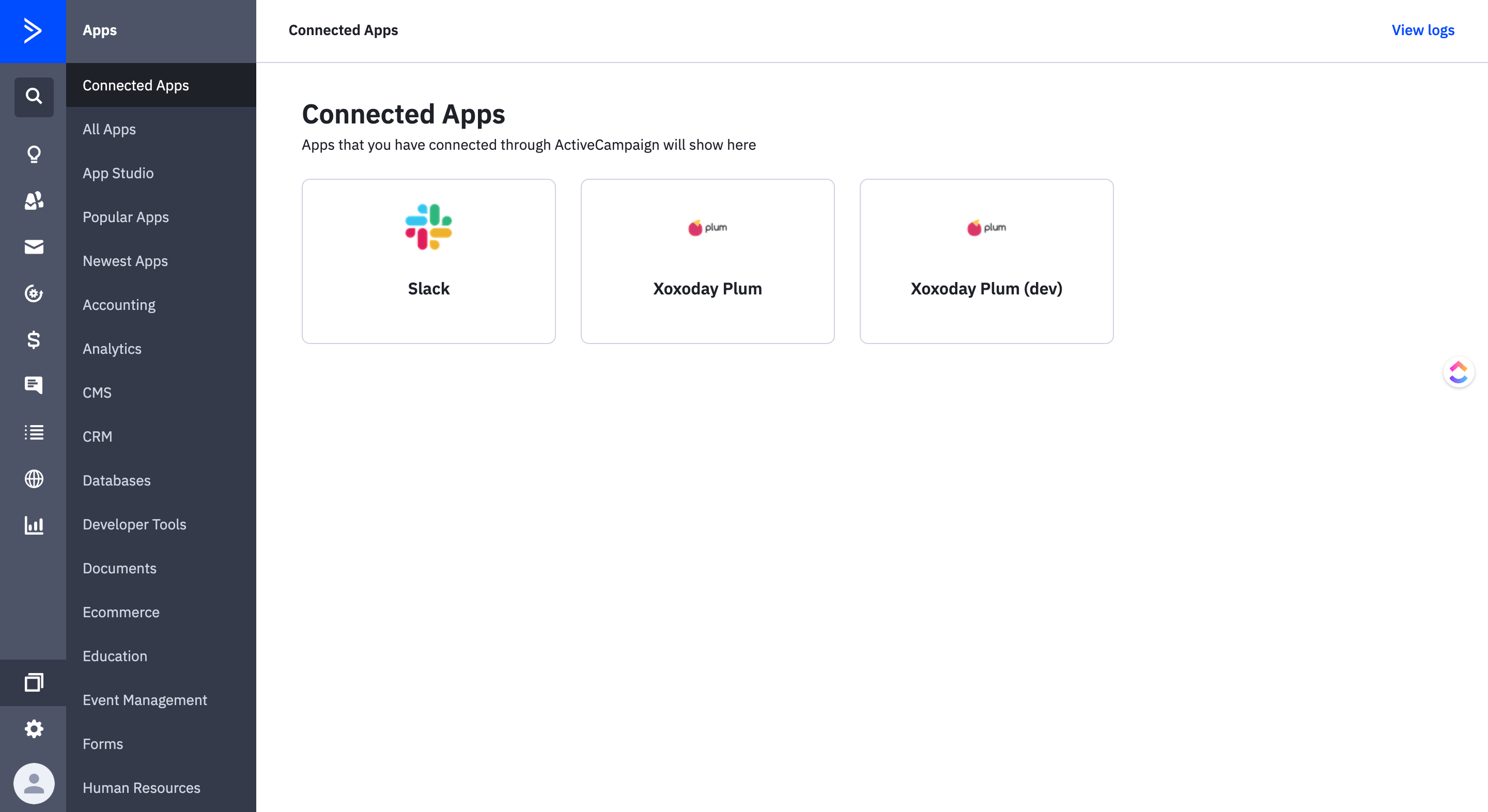
- Click on “Disconnect”: