
Editing the Reward Campaigns
1
Go to the Campaign Section
Go to the “Campaign” section in the Admin Dashboard.
2
Choose Edit
Now, under the “Actions”, choose to “Edit” the Campaign.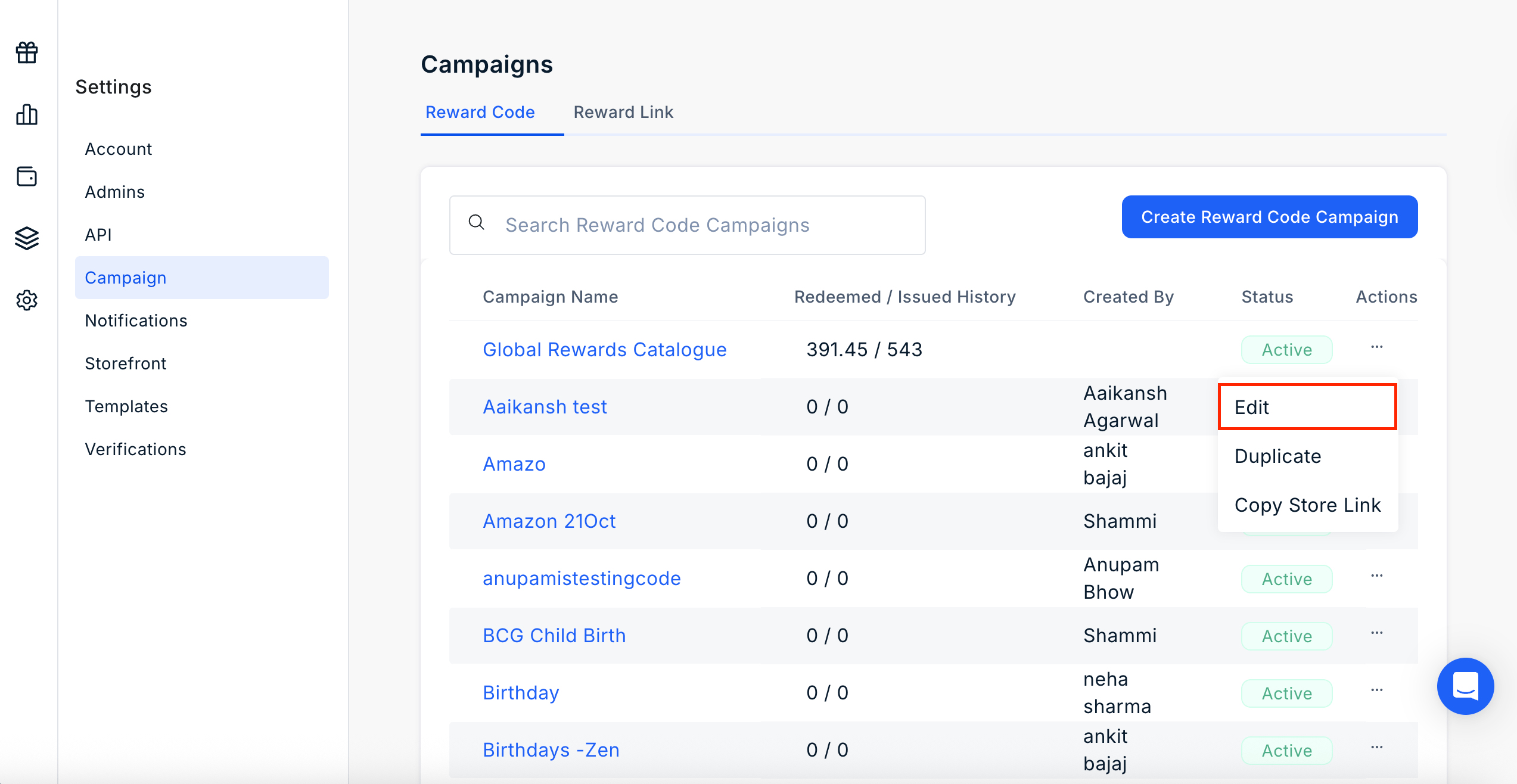
3
Update Campaign Name
You can now change the name of the campaign and update the campaign accordingly.
4
Select Categories
You can choose to select/deselect the categories and subcategories to include in the campaign.
5
Customize the Mailer
You can also choose the customize the mailer.
6
Done
Congratulations! You have successfully updated your campaign.
Still need help? Raise a support ticket.