How does it work?
For Anonymous surveys in SurveyMonkey, Xoxoday uses the contact email of a SurveyMonkey respondent(s).- Integration Setup: Ensure that Xoxoday is already connected with SurveyMonkey. If not, follow the integration guide to complete the setup.
- Campaign Creation: Verify that a campaign has been created in Xoxoday to align with your SurveyMonkey survey.
Steps to send rewards to public surveys
Step 1: Create Public Automation
Click ‘Create New Automation’ and select the**‘Public’** option modal.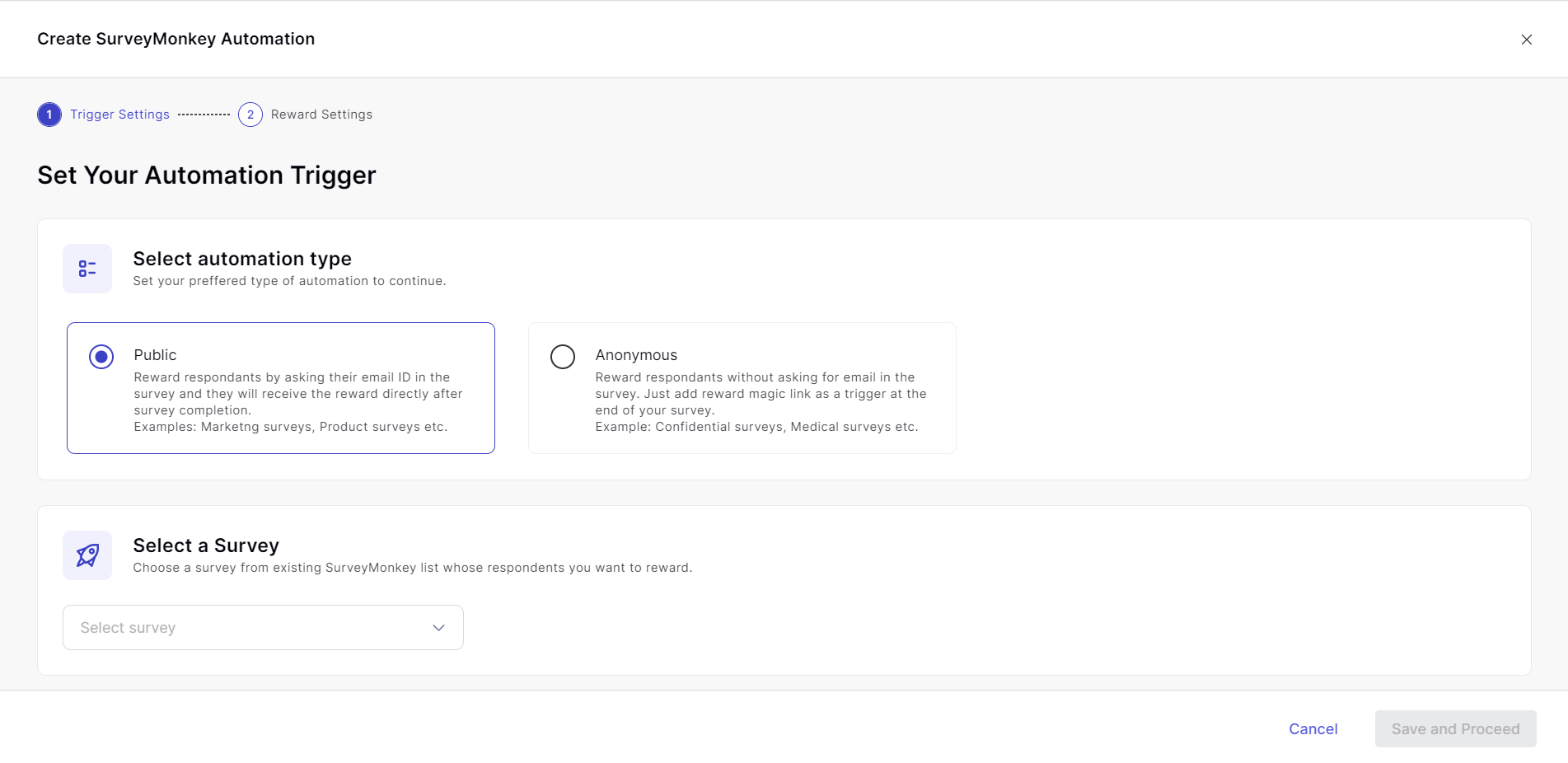
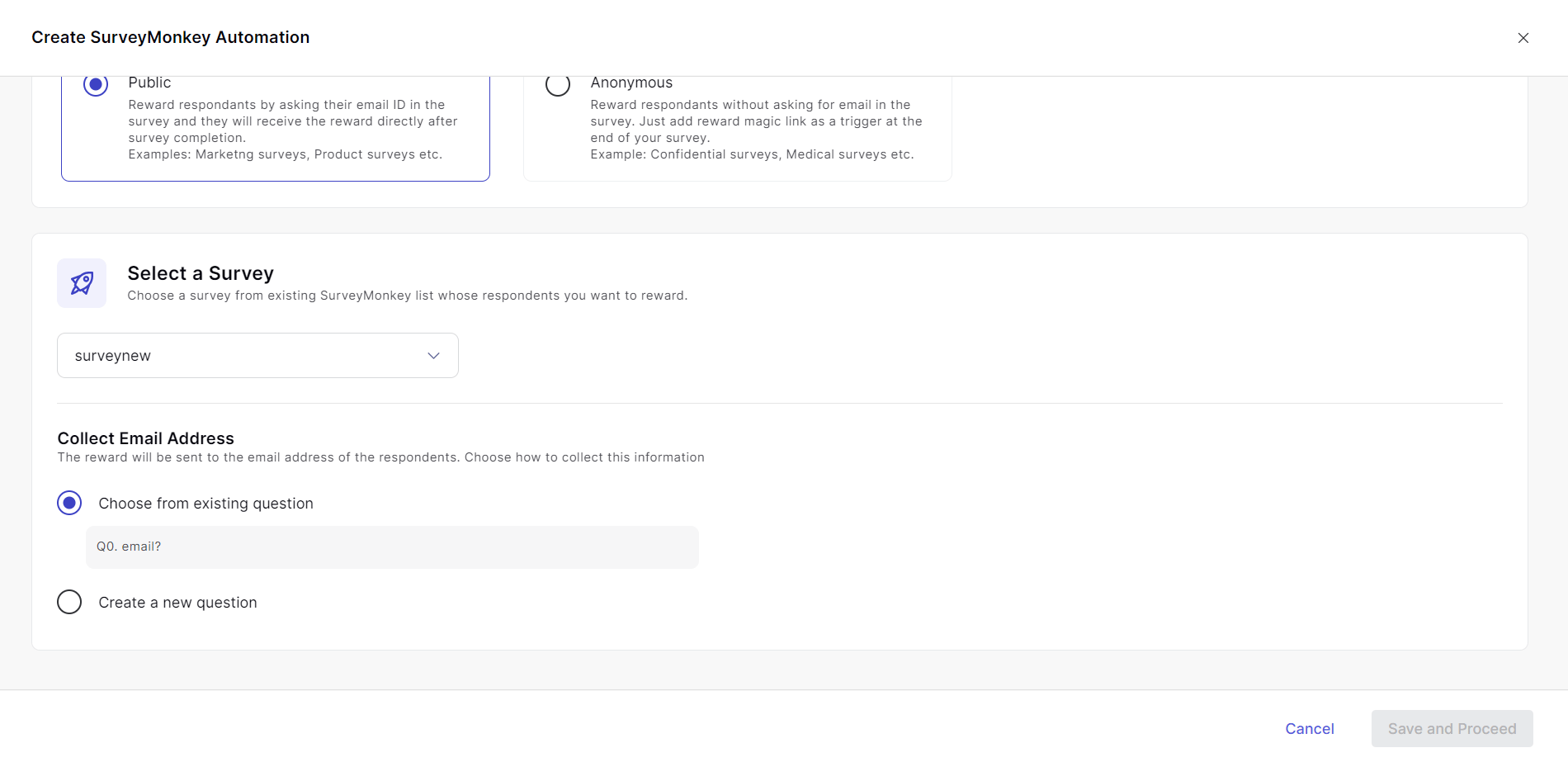
Step 3: Setup your Automation
Select the survey of your choice and set Reward settings by setting Manual or Automatic approval. You can also set the automation start date and end date with a limit on rewards sent.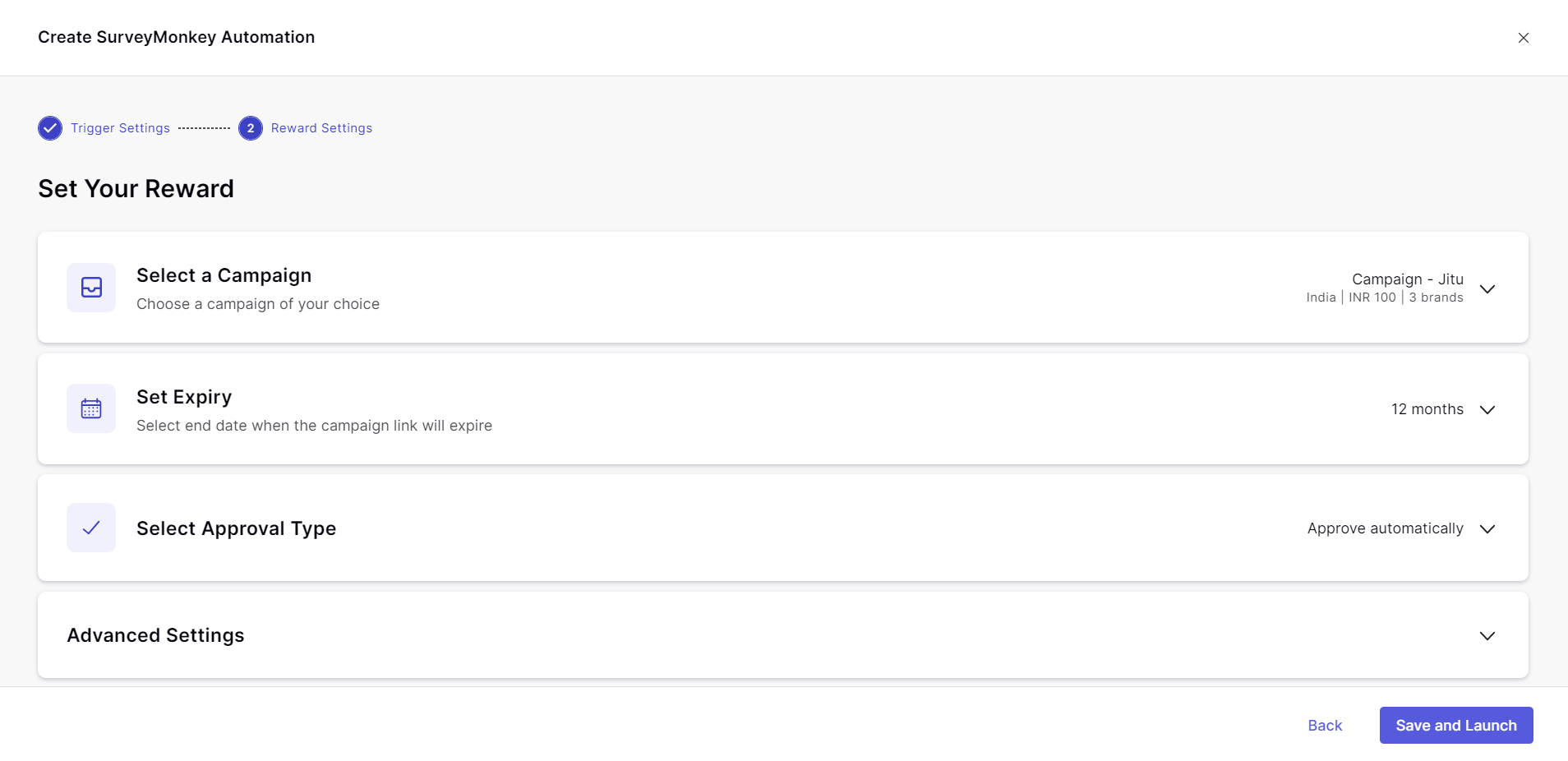
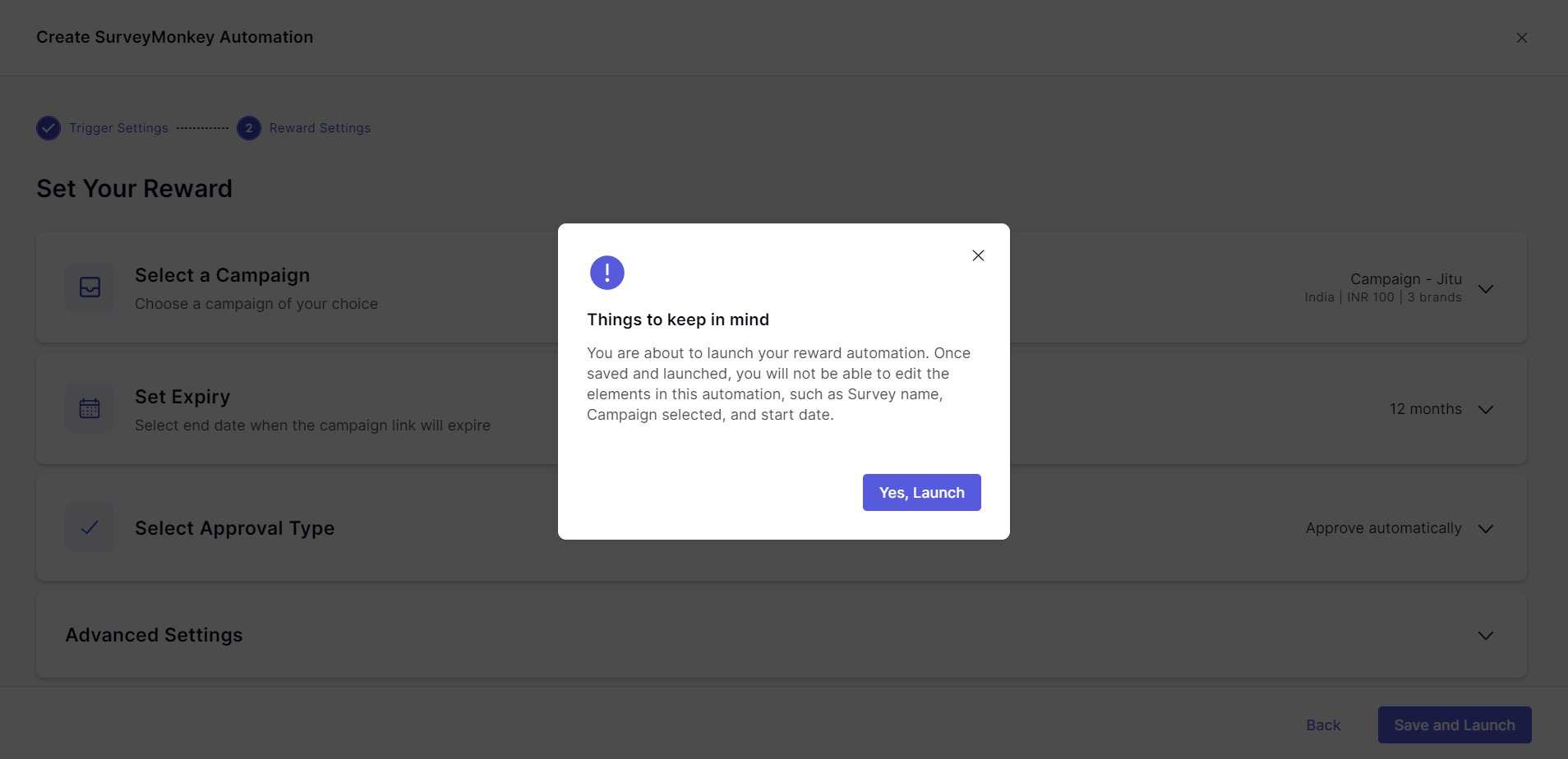
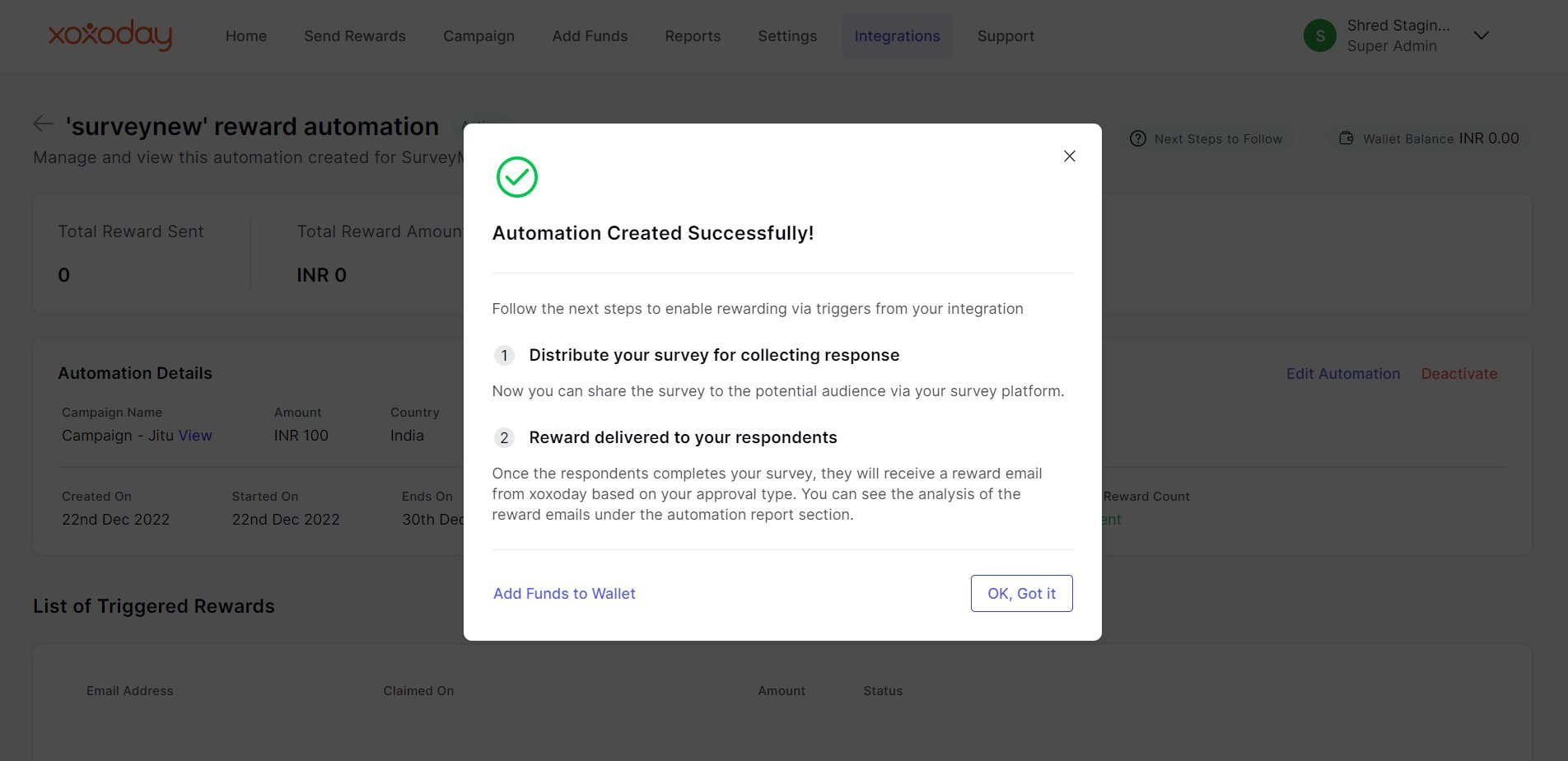
Step 4: Save and Launch
Once automation is launched, the settings cannot be changed.