Introduction
Now you can reward survey respondents anonymously via Xoxoday Plum. In a few simple clicks, you can set up a reward automation campaign in Plum and then attach the reward claim page at the end of your survey to enable quick and instant rewarding of respondents. Not just that, the survey respondents can choose gift cards of their choice from Xoxoday’s extensive global catalog. You can also restrict the number of rewards sent out based on criteria like - Campaign Time Range, Maximum Reward count as well as repeated rewarding, etc.Getting Started
Create Reward Automation in Plum
**Step 1:Go to your plum admin account by login in via xoxoday.com or if you are new create a plum admin account by clicking on a try for FREE.For login go to https://stores.xoxoday.com/ and login with your email and password For Signup go to https://www.xoxoday.com/ and click on TRY FOR FREE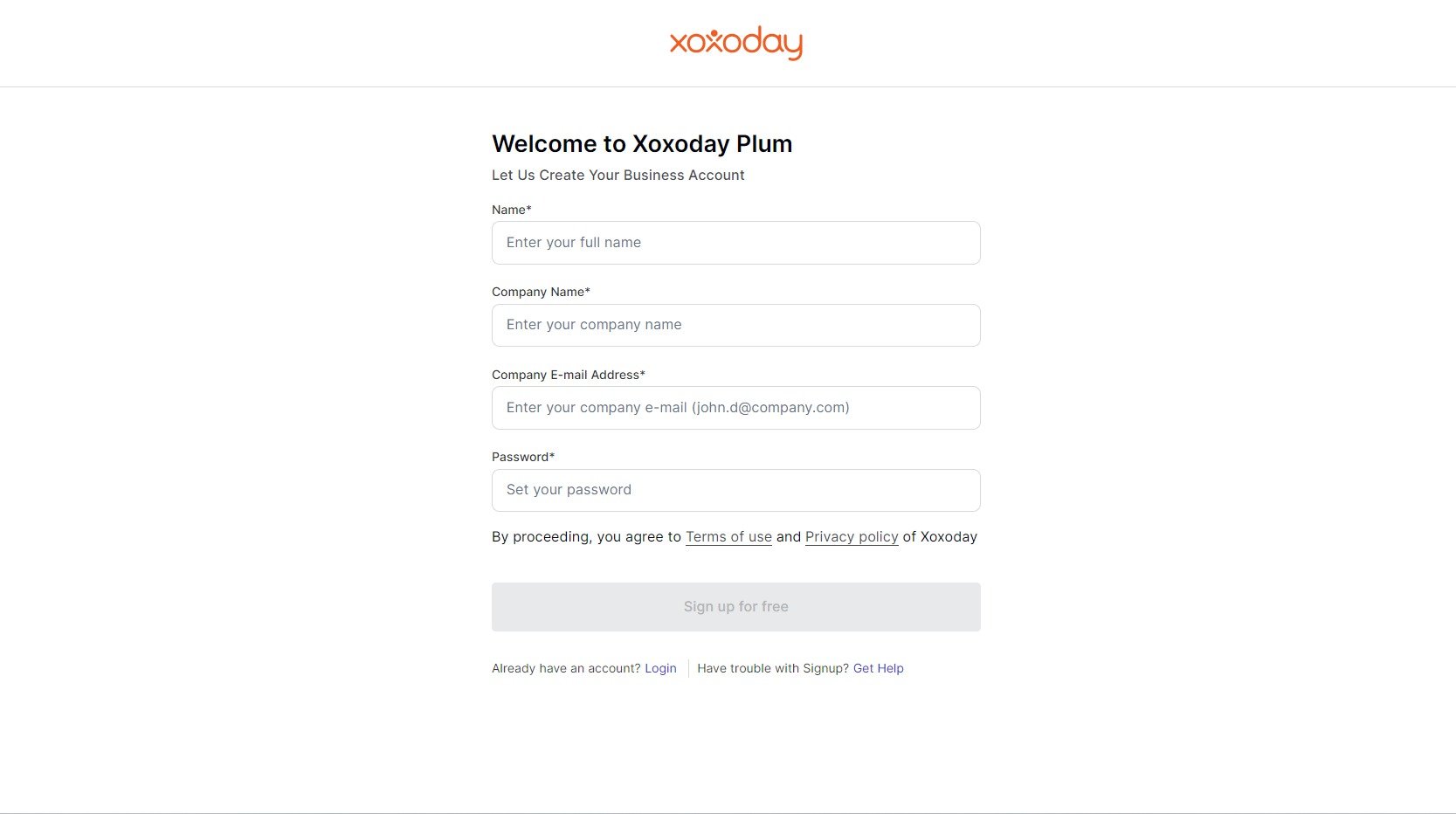
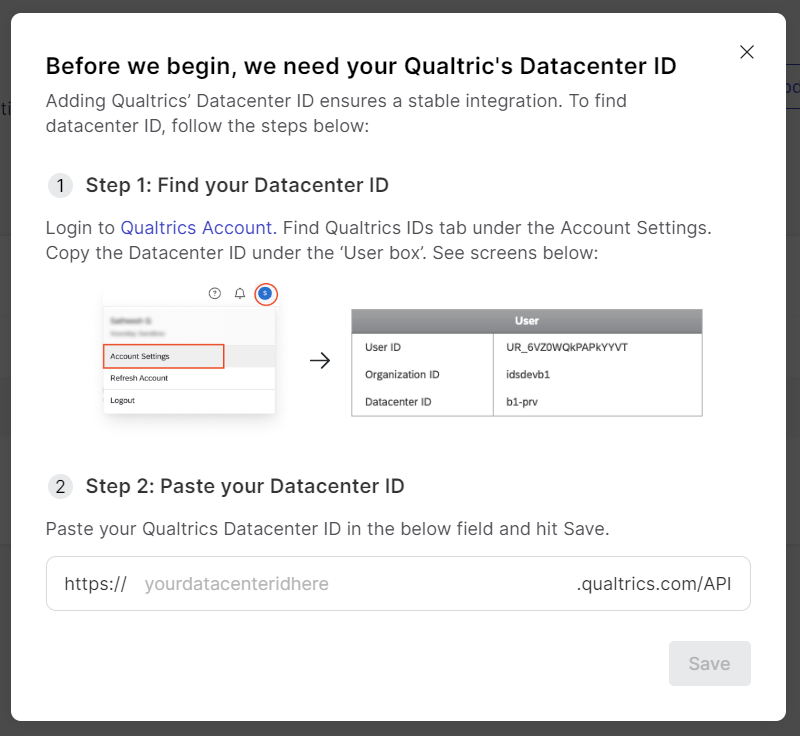
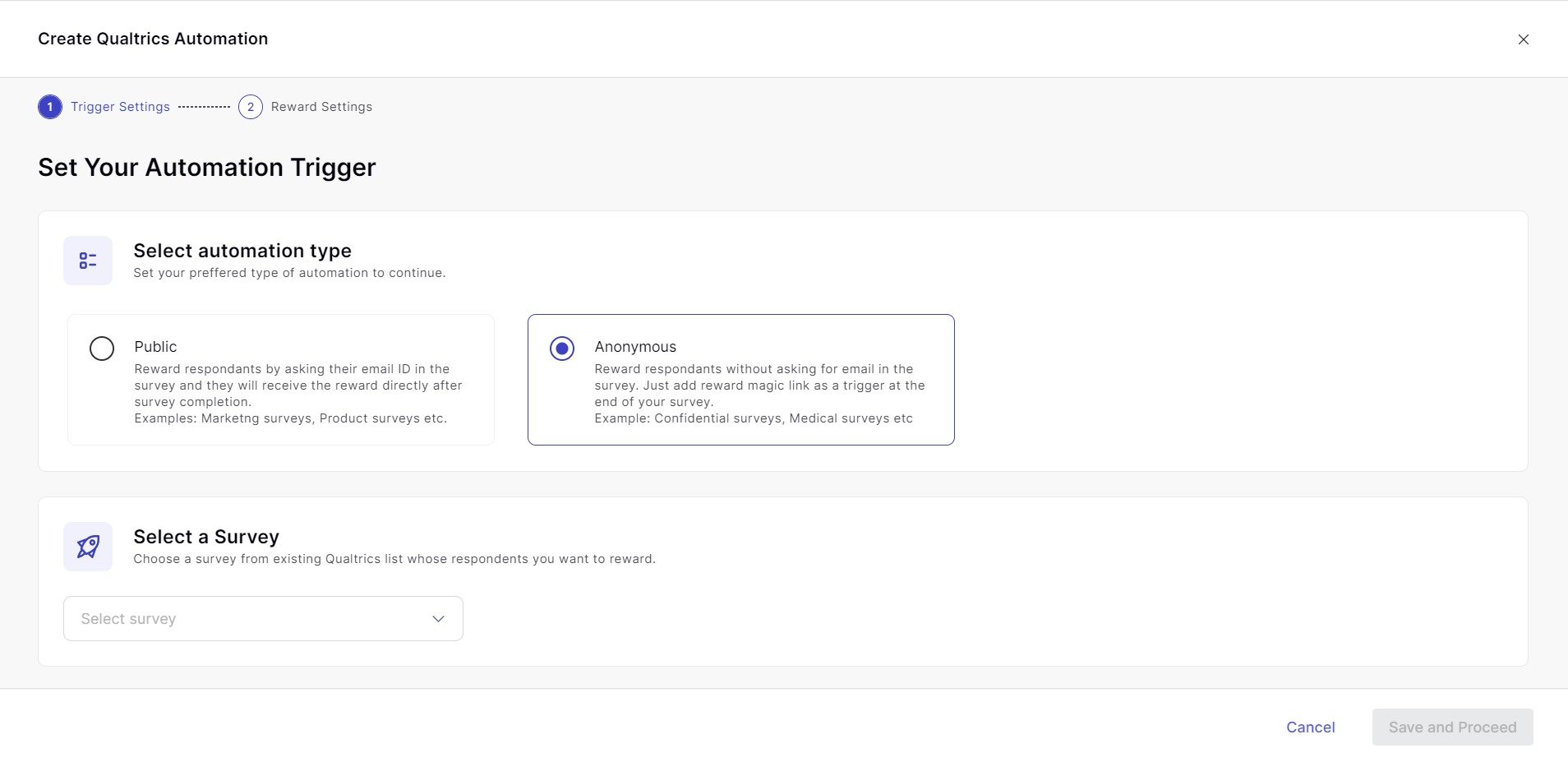
Step 5: Select the Campaign
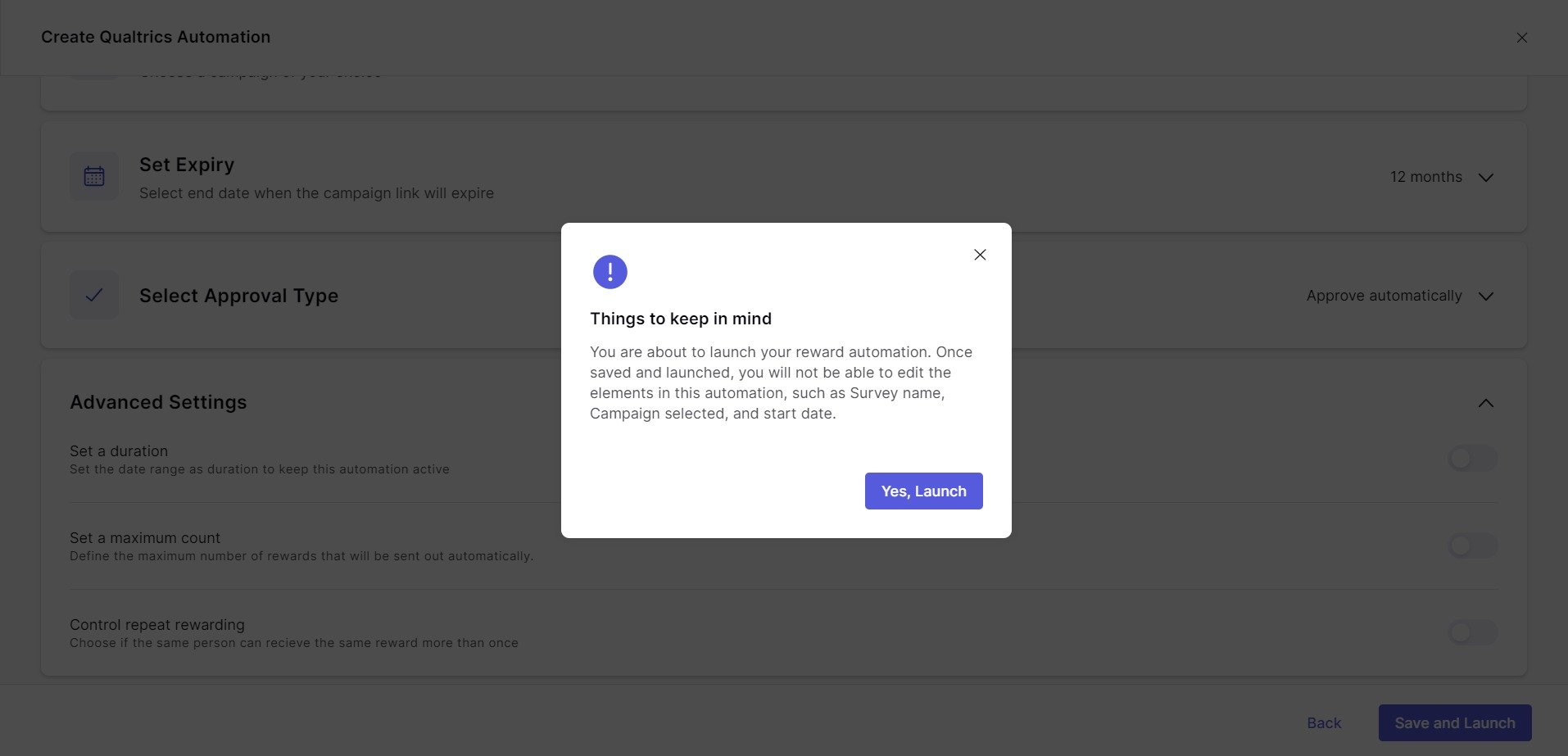
Select a Campaign that specifies the rewards you want to send to anonyomous survey respondents.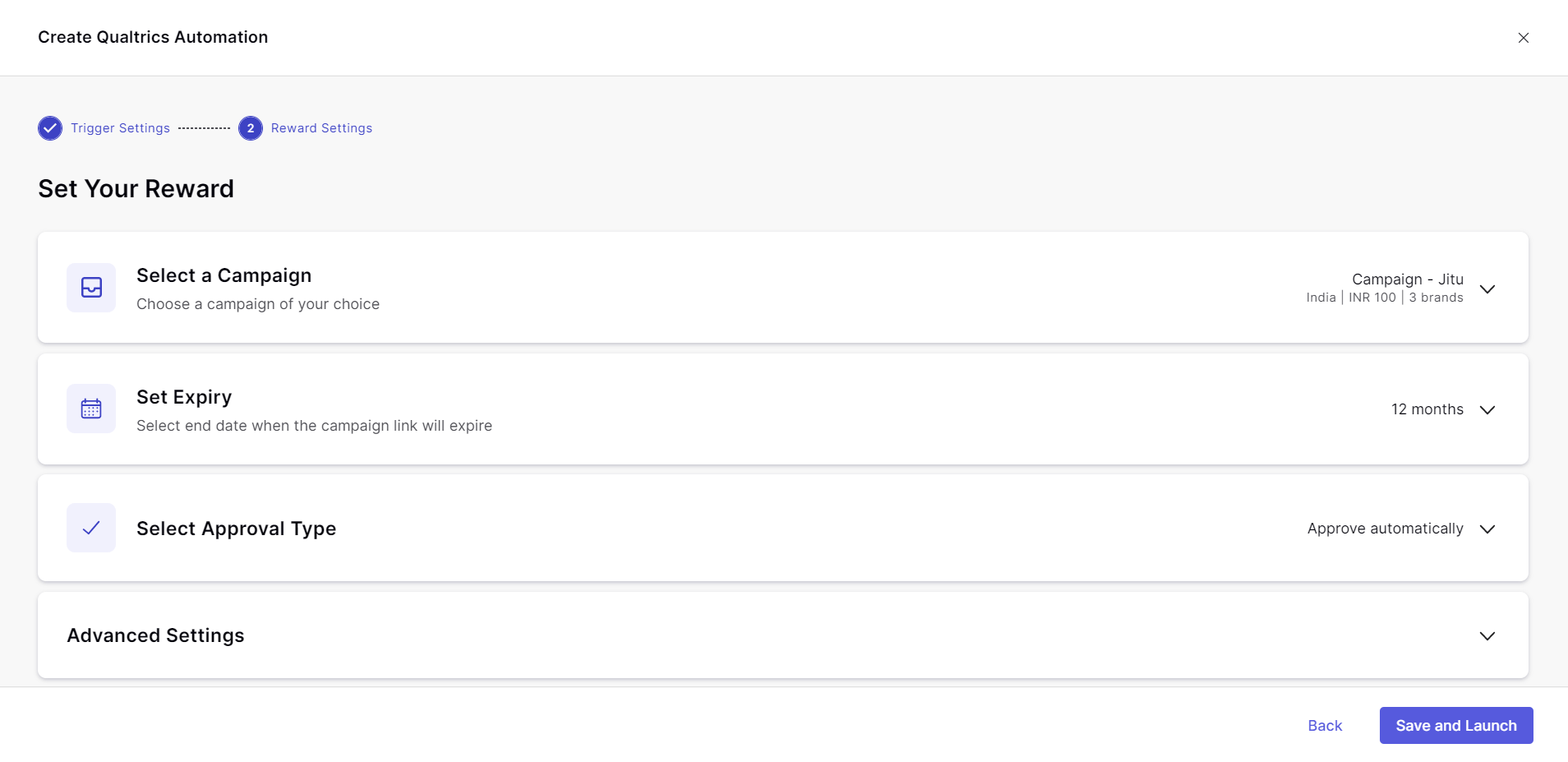
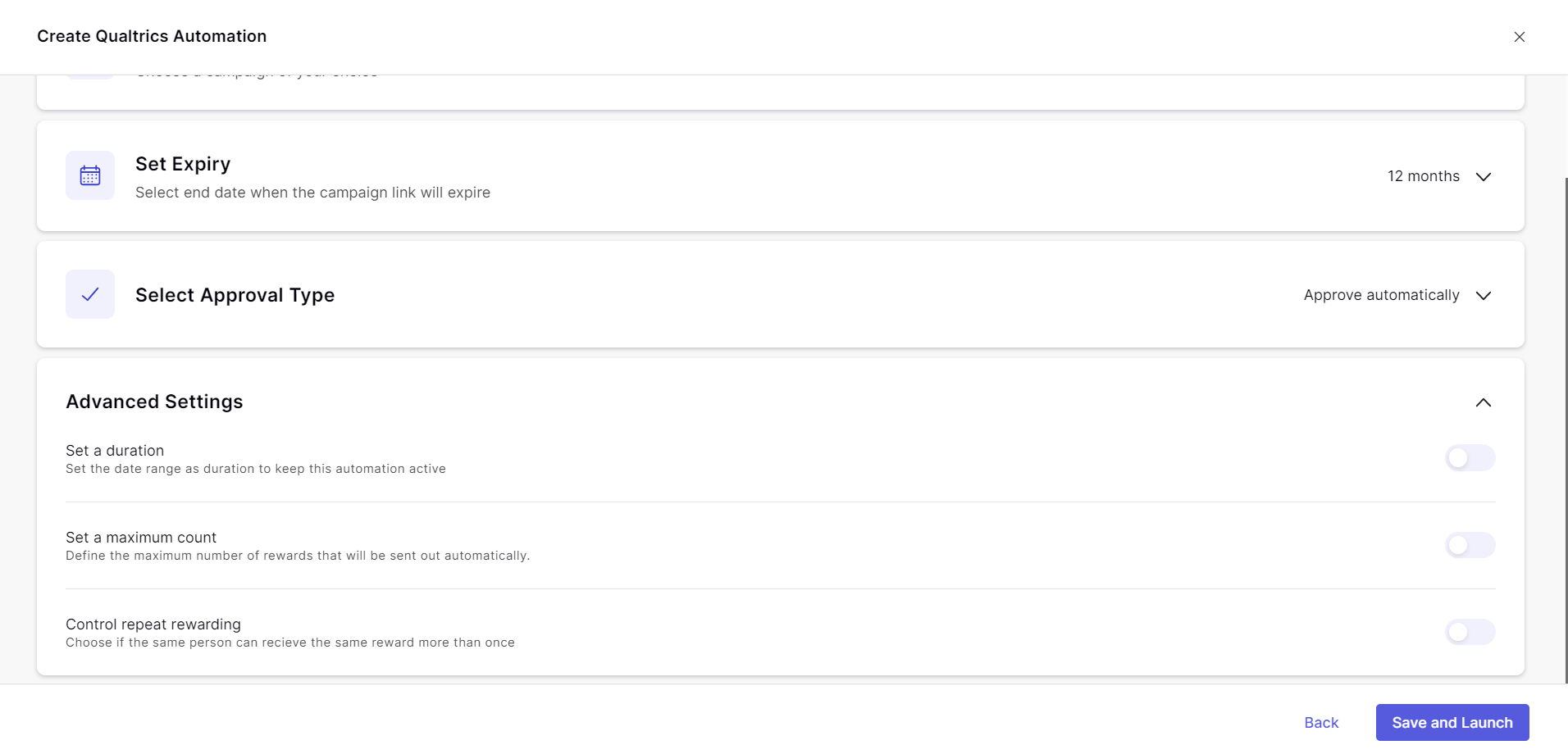
- Distribute rewards for a custom time range: You can define the time range till when you want the rewards to be sent
- Max rewards count: Select the number of rewards you want to trigger through this campaign
- Allow repeat rewarding: Same respondent can be rewarded multiple times for filling out the surveys again.
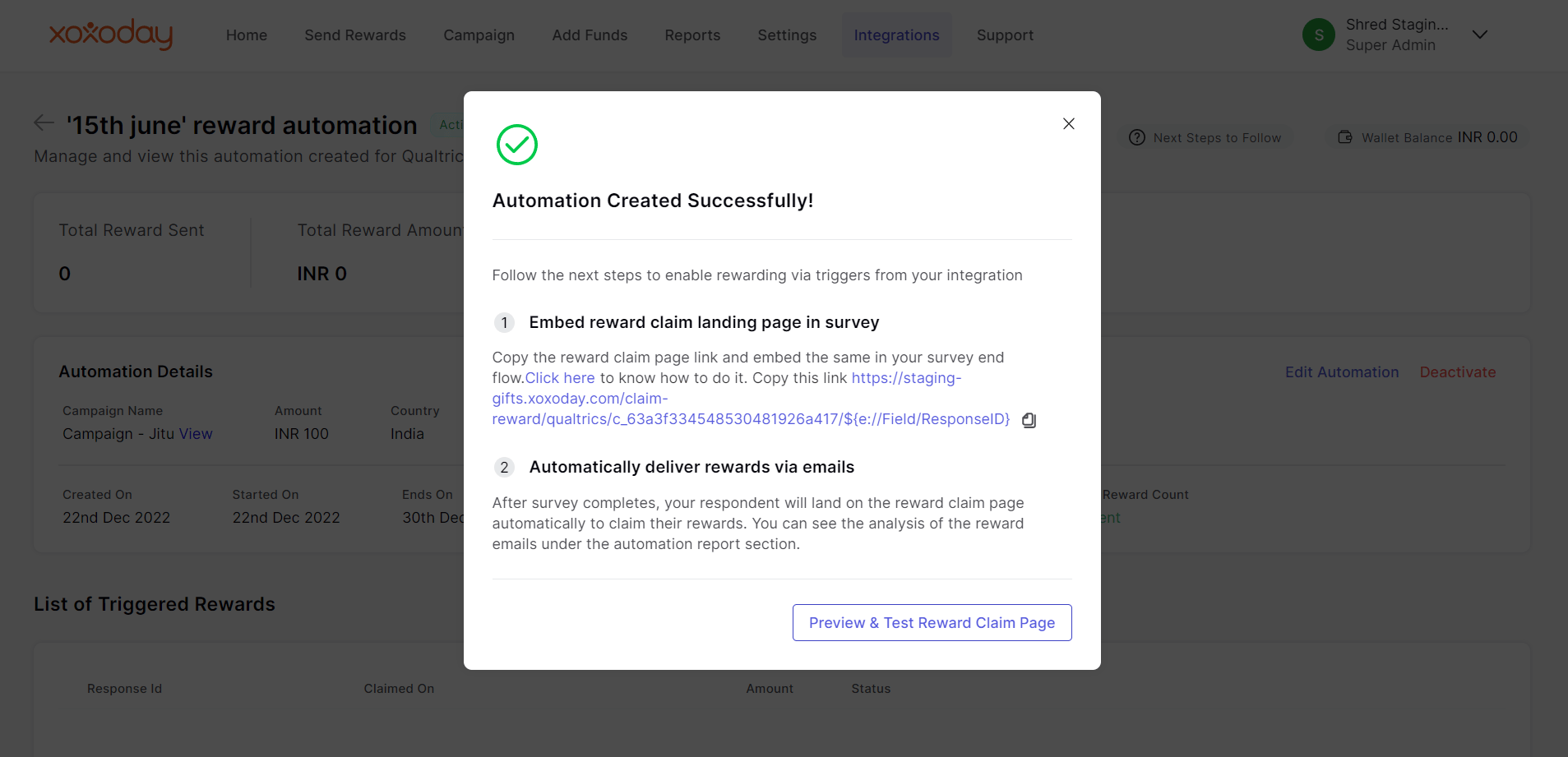
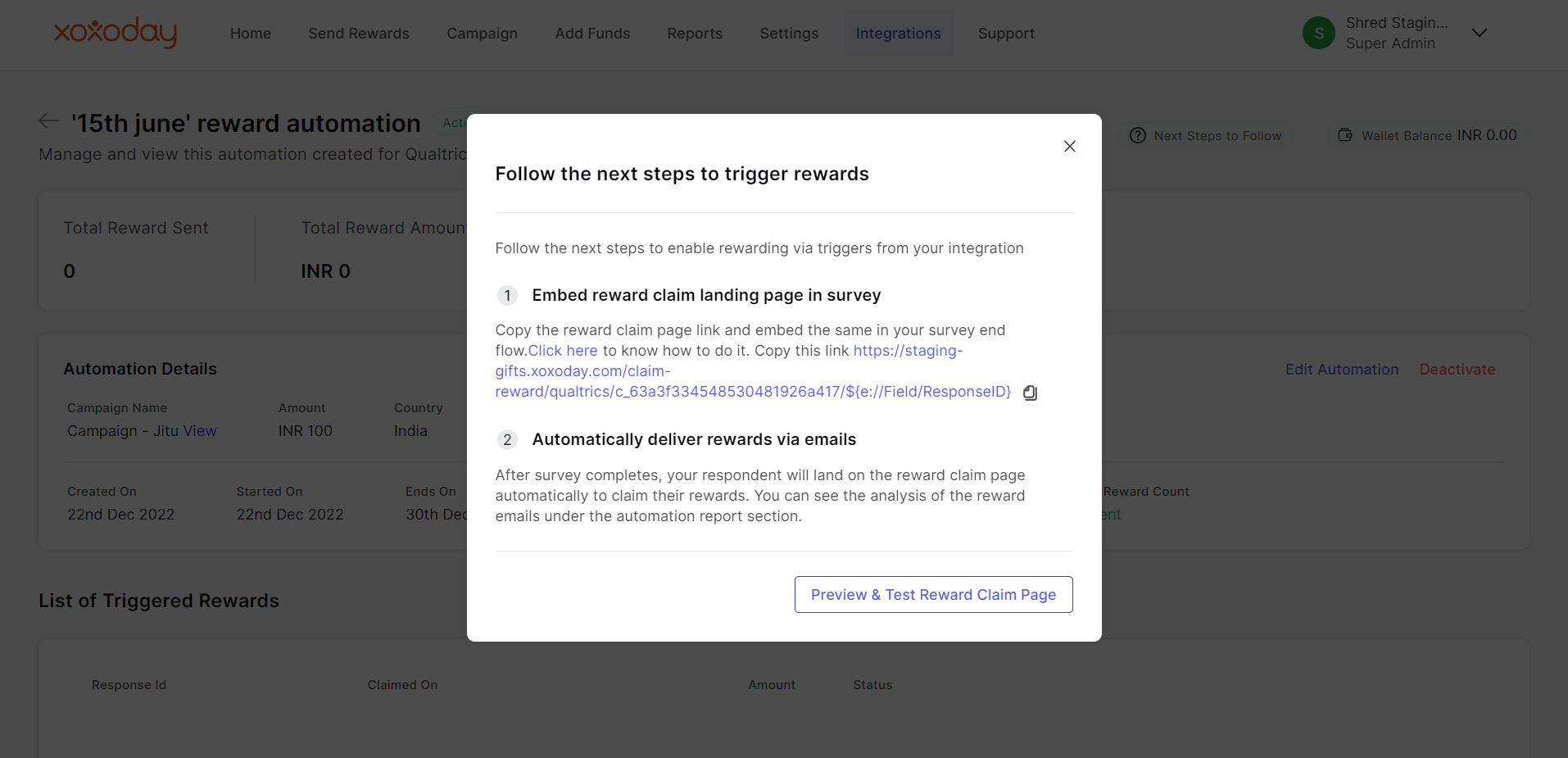
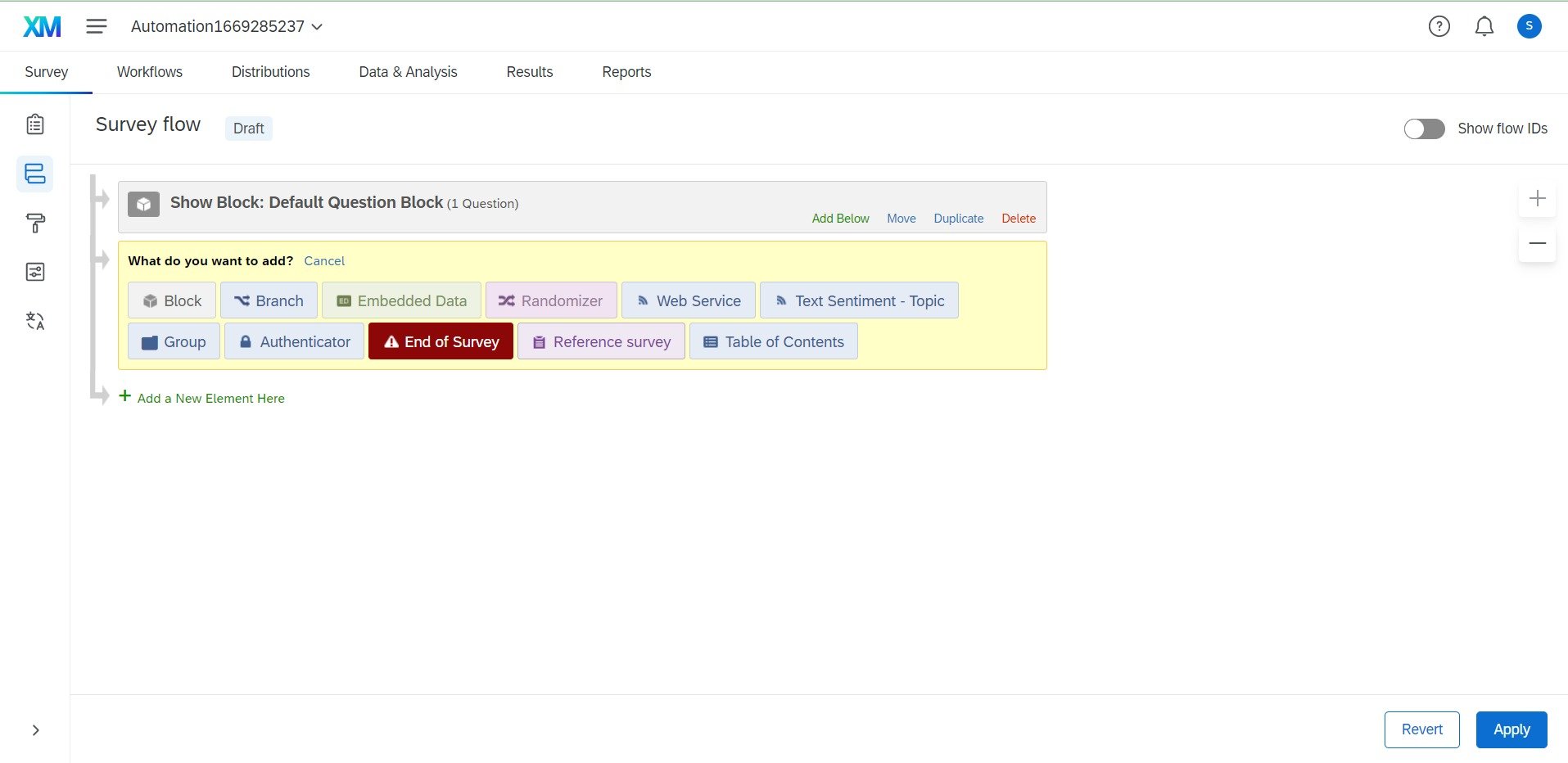
Embed the Reward claim page at the end of your survey
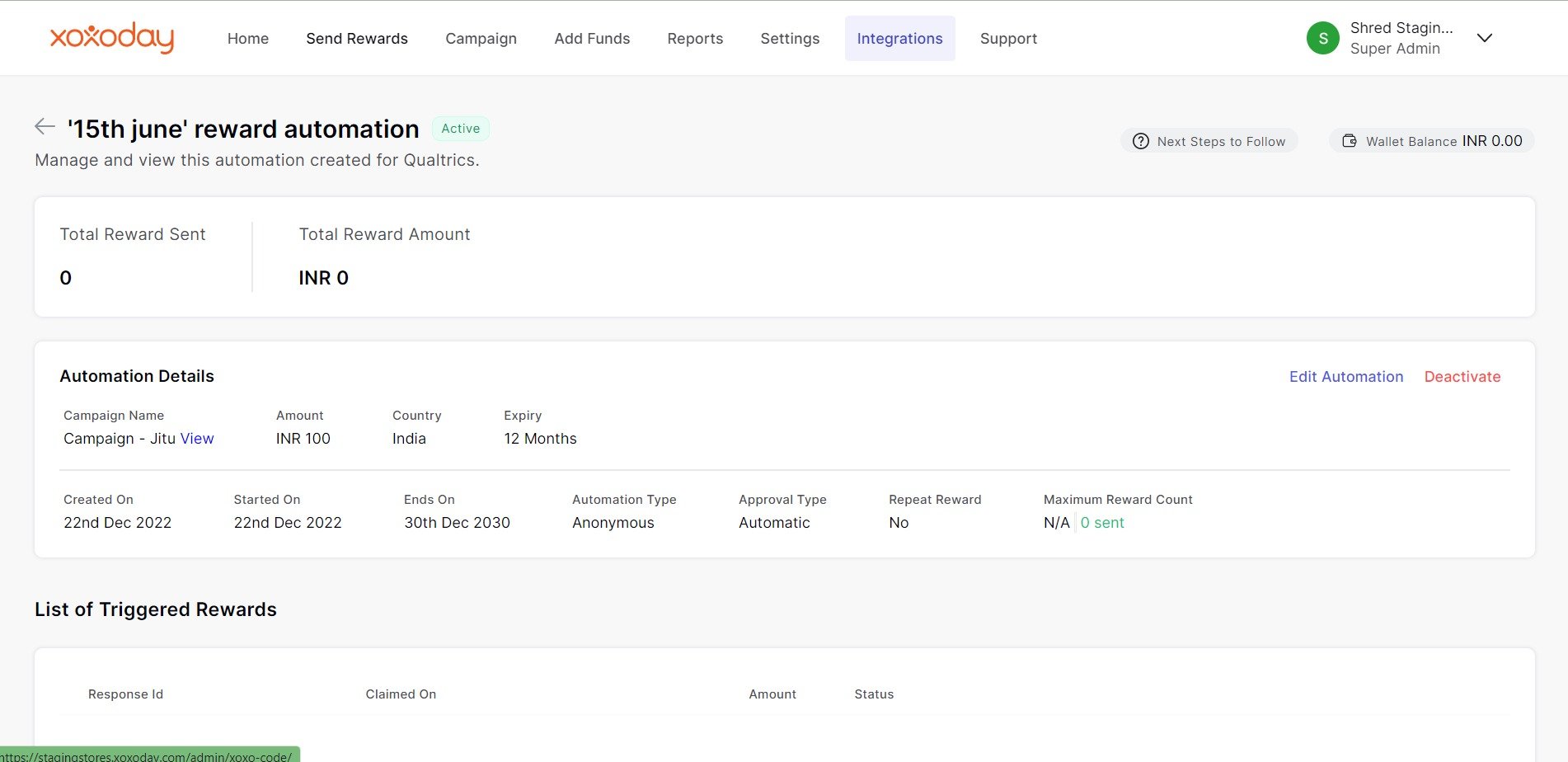
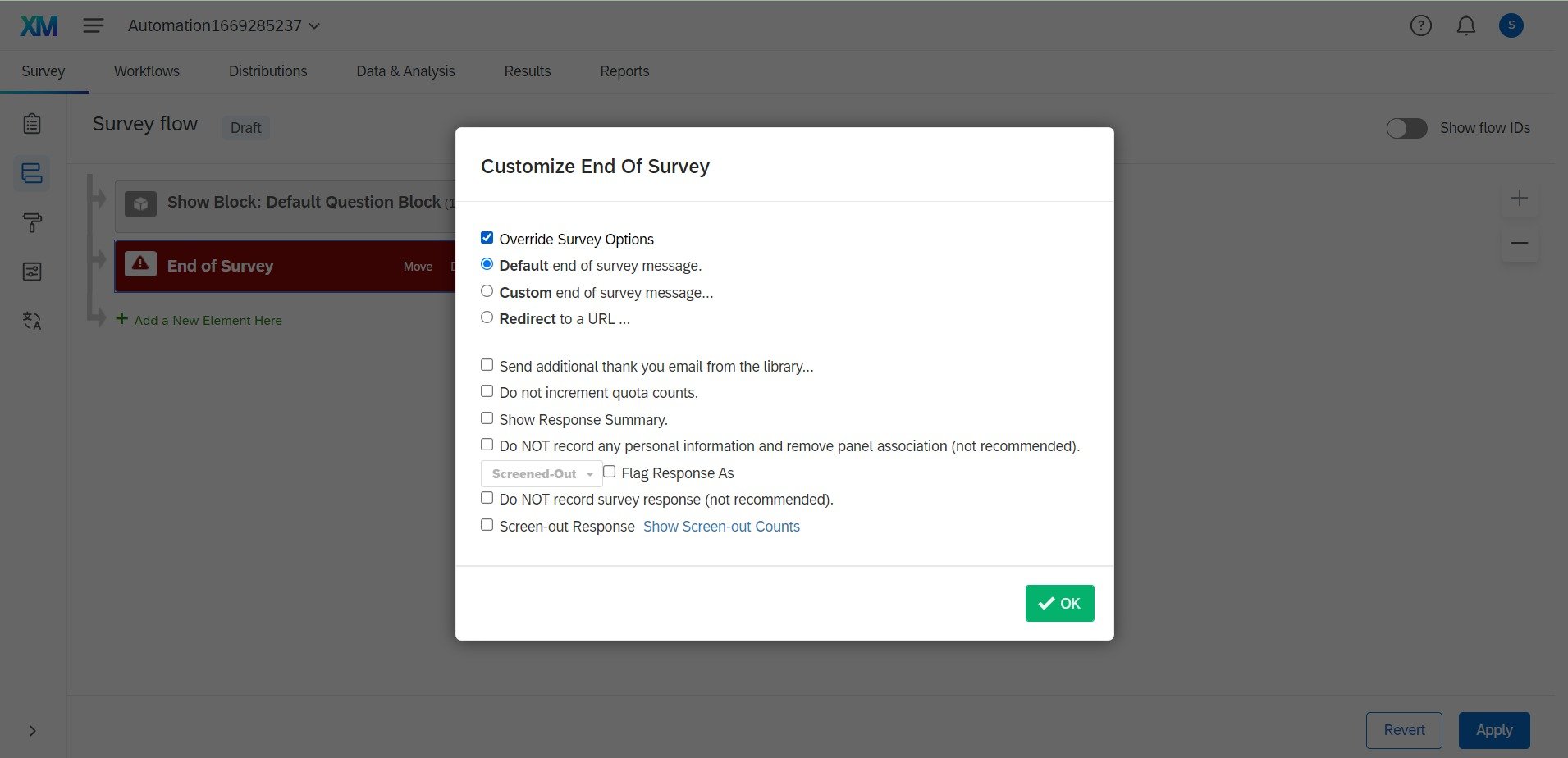
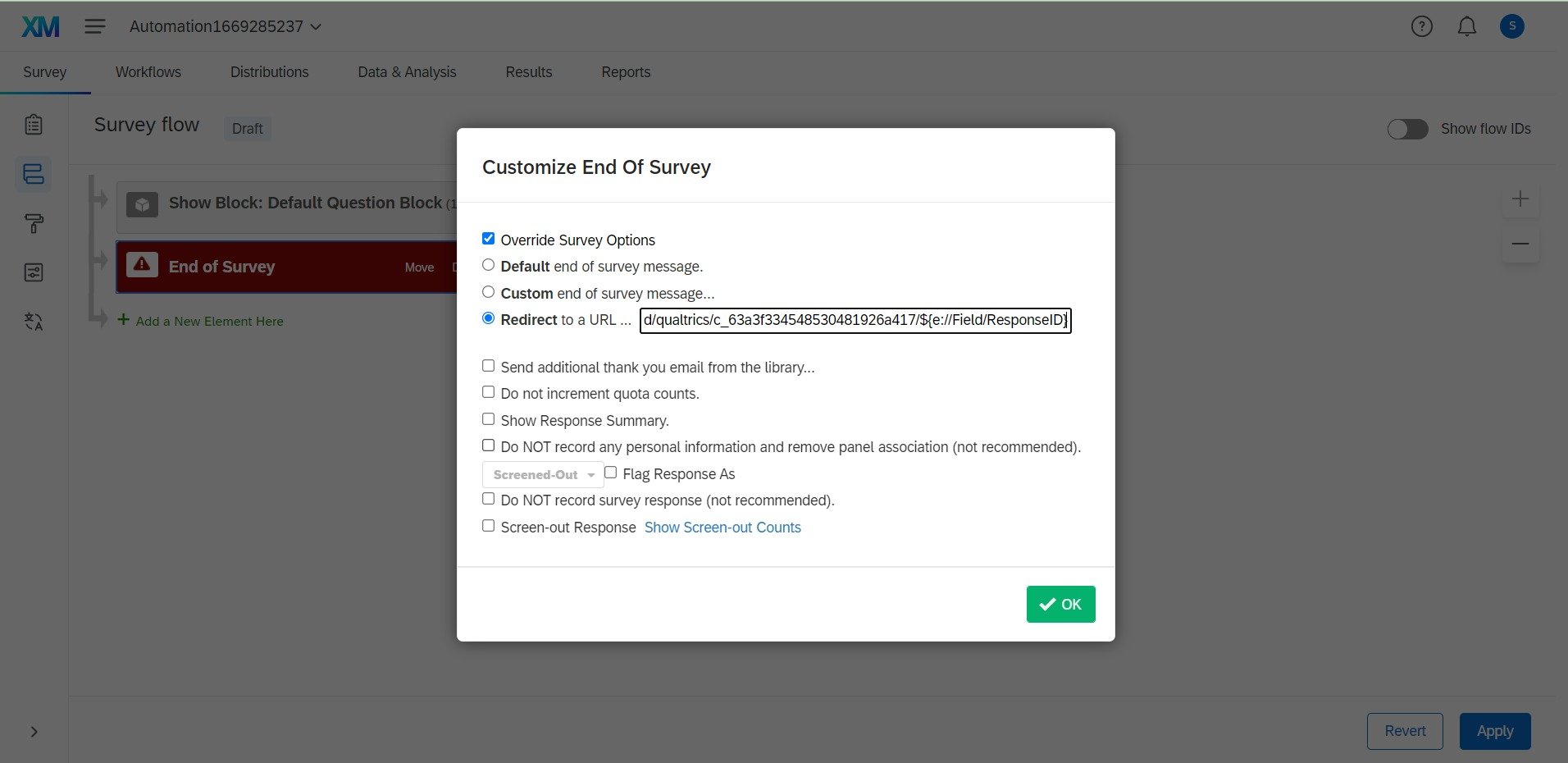
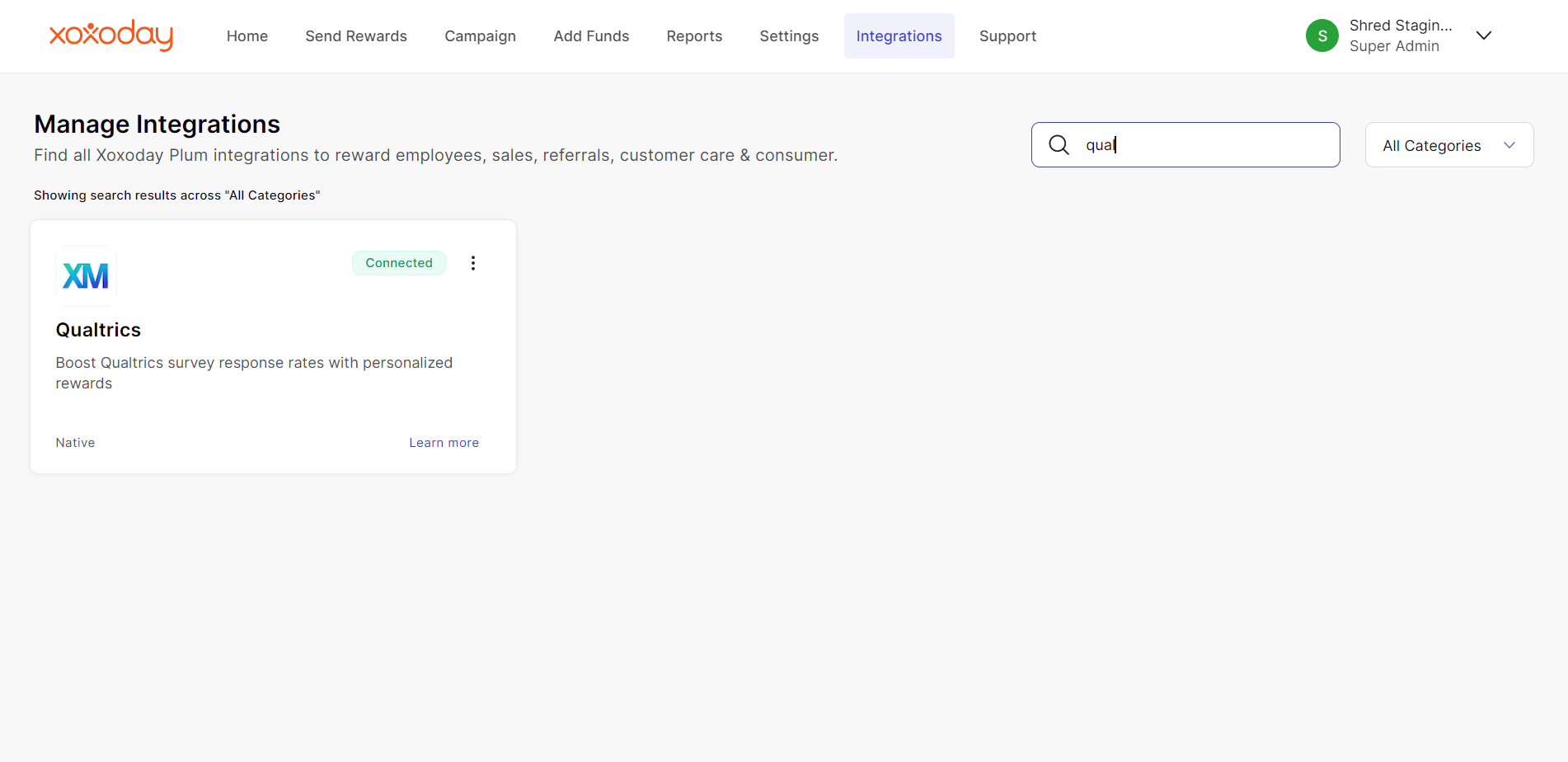
Once you have successfully created your reward automation and recharged your wallet as well. Then you need to complete the remaining steps in Qualtrics in order to enable anonymous rewarding after survey completion. Follow the step-by-step guide below : Step 1: Open your recently created reward automation ** Go to your recently created reward automation under integration in Plum admin. Click on the latest automation in the colored tile.