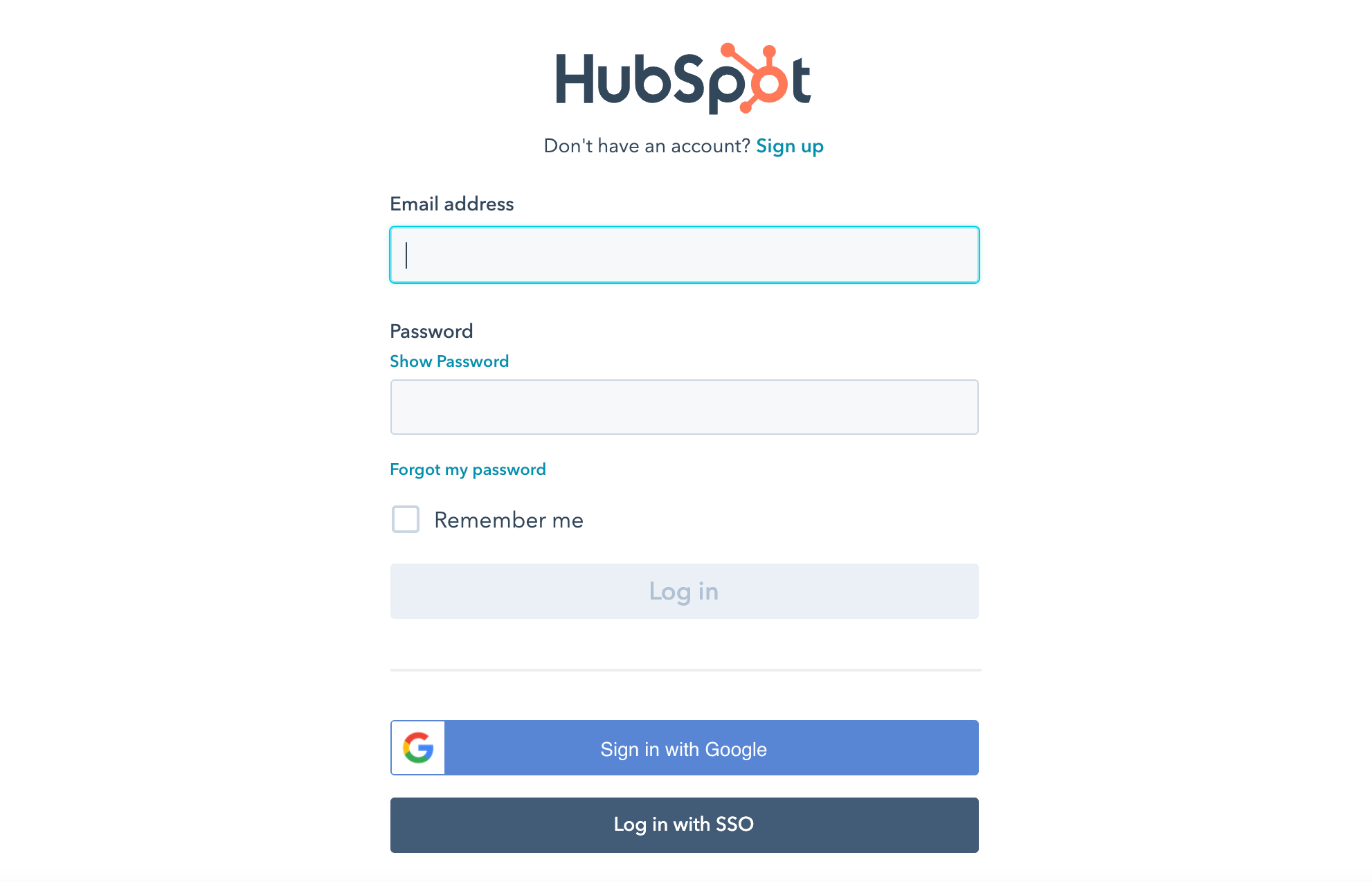
Step 1: Log in to your HubSpot account using your credentials.
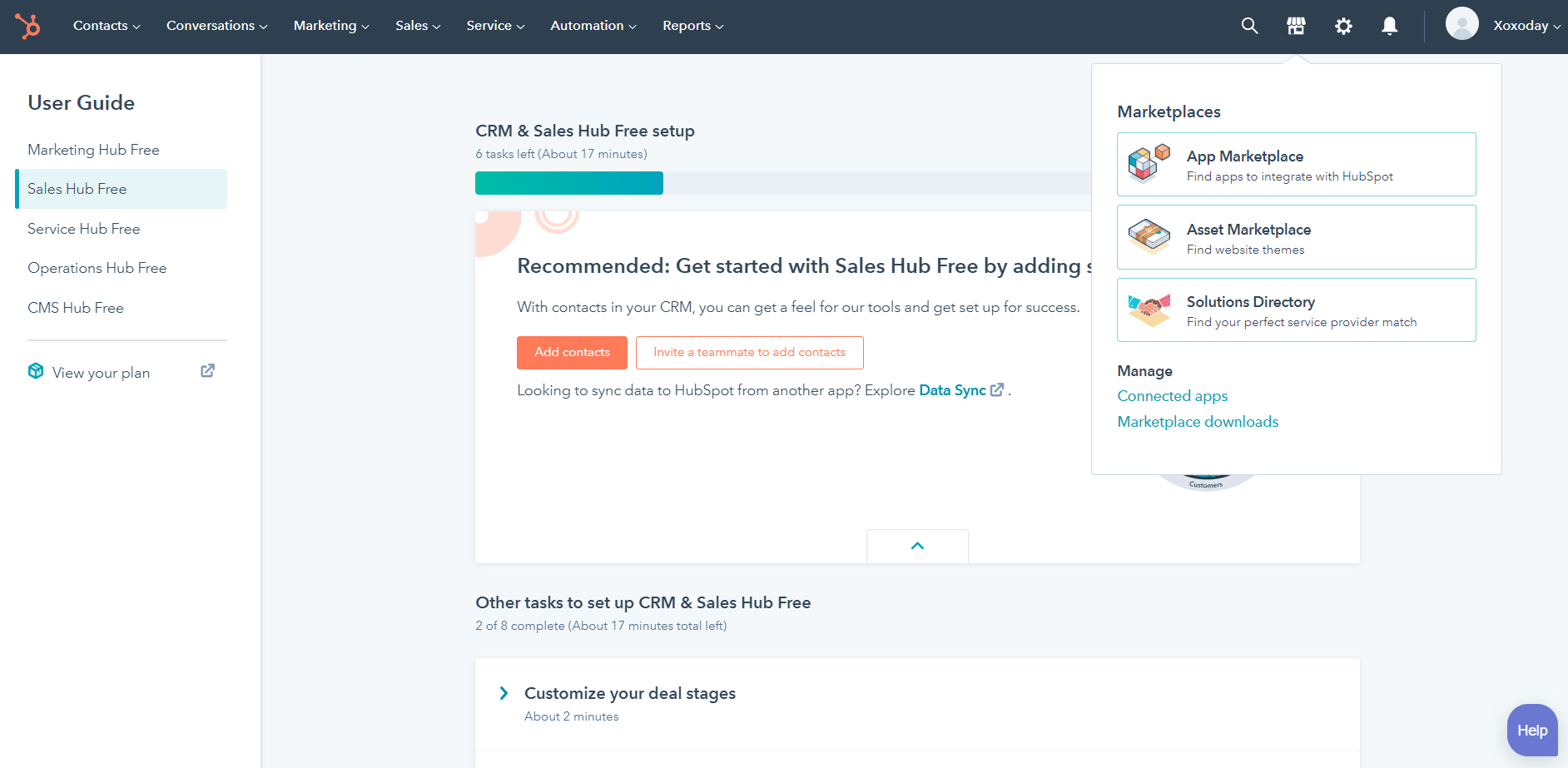
Step 2: Click on the Install app
Search for Xoxoday Plum in the app marketplace, and click on the “Install” button.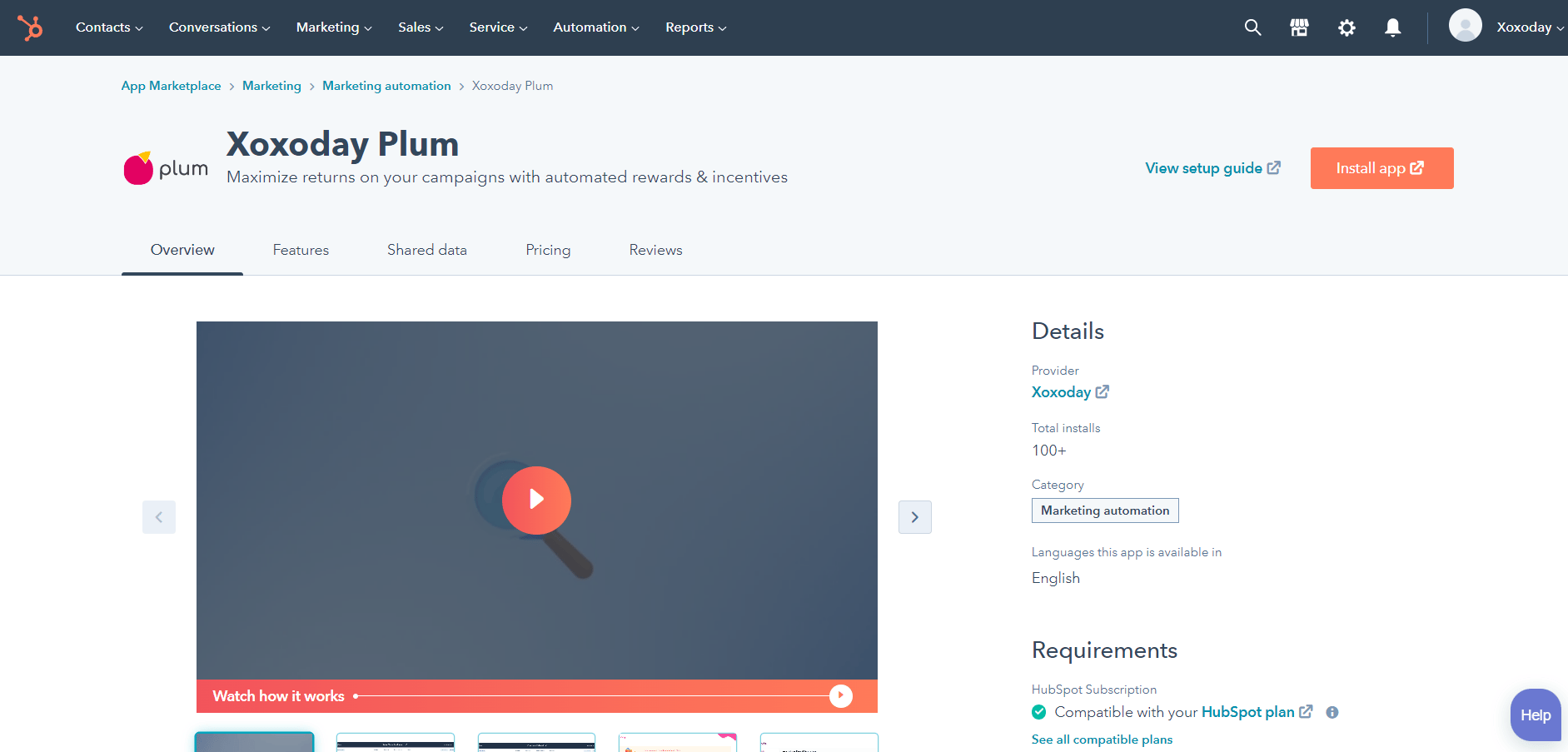
Step 3: Signup or Sign In on Plum(if you already do not have a plum account)
If you are new to Xoxoday Plum, click on the “Signup” button. It’s recommended that you use the email registered with HubSpot to signup with Plum as well.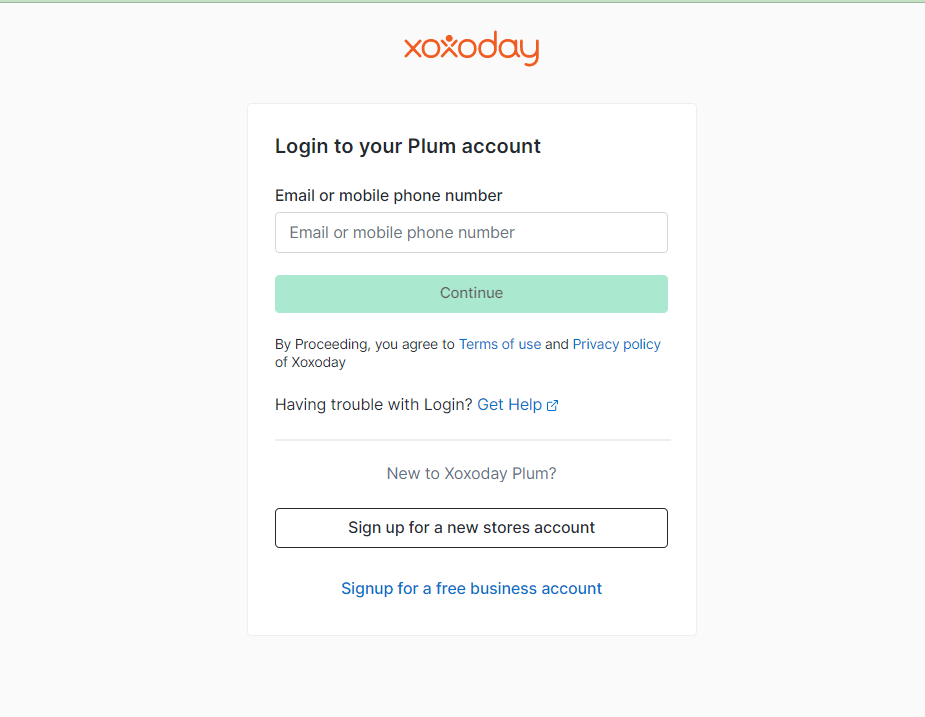
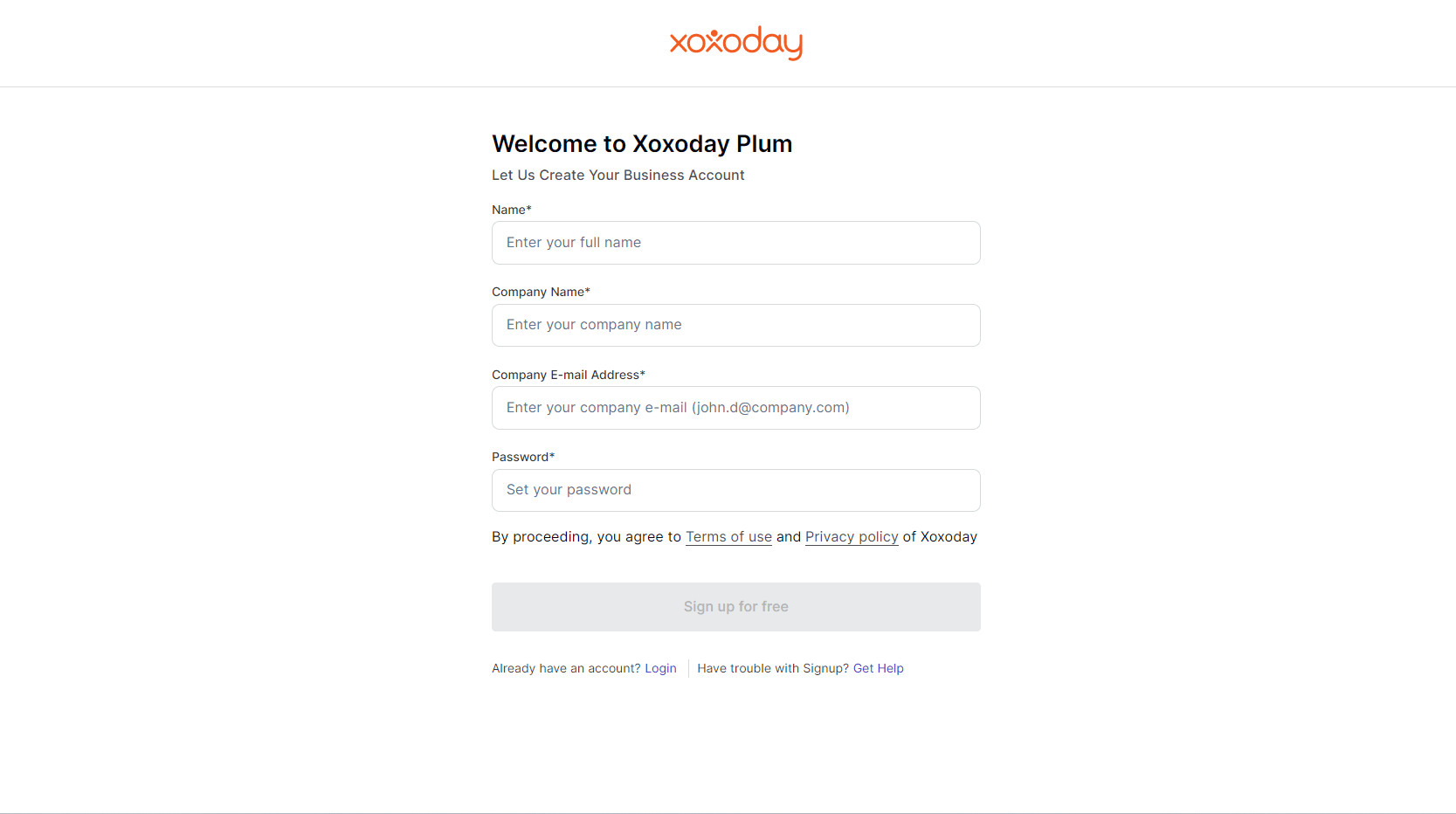
Step 4: Click on the ‘Add Funds’ option on the Menu bar to Recharge your Plum
Account for the Reward automation campaign.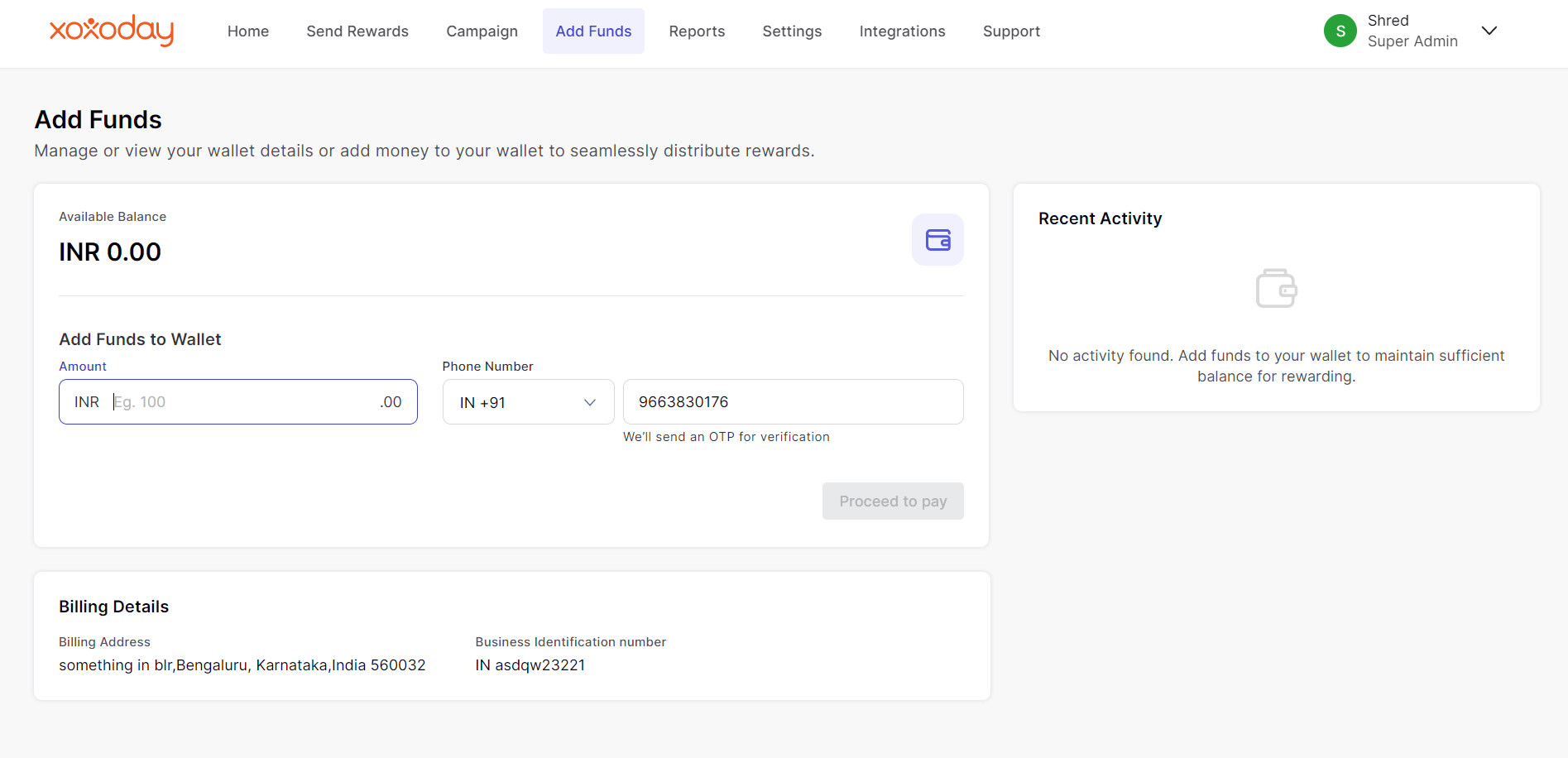
Step 6: Recharging the account
- Click on Add Funds and Proceed with the Payment.
- Click here to know more on how to recharge your account.
Step 7: Once you have enough funds in your Xoxoday account, click on the
HubSpot extension to Create a new Reward automation campaign.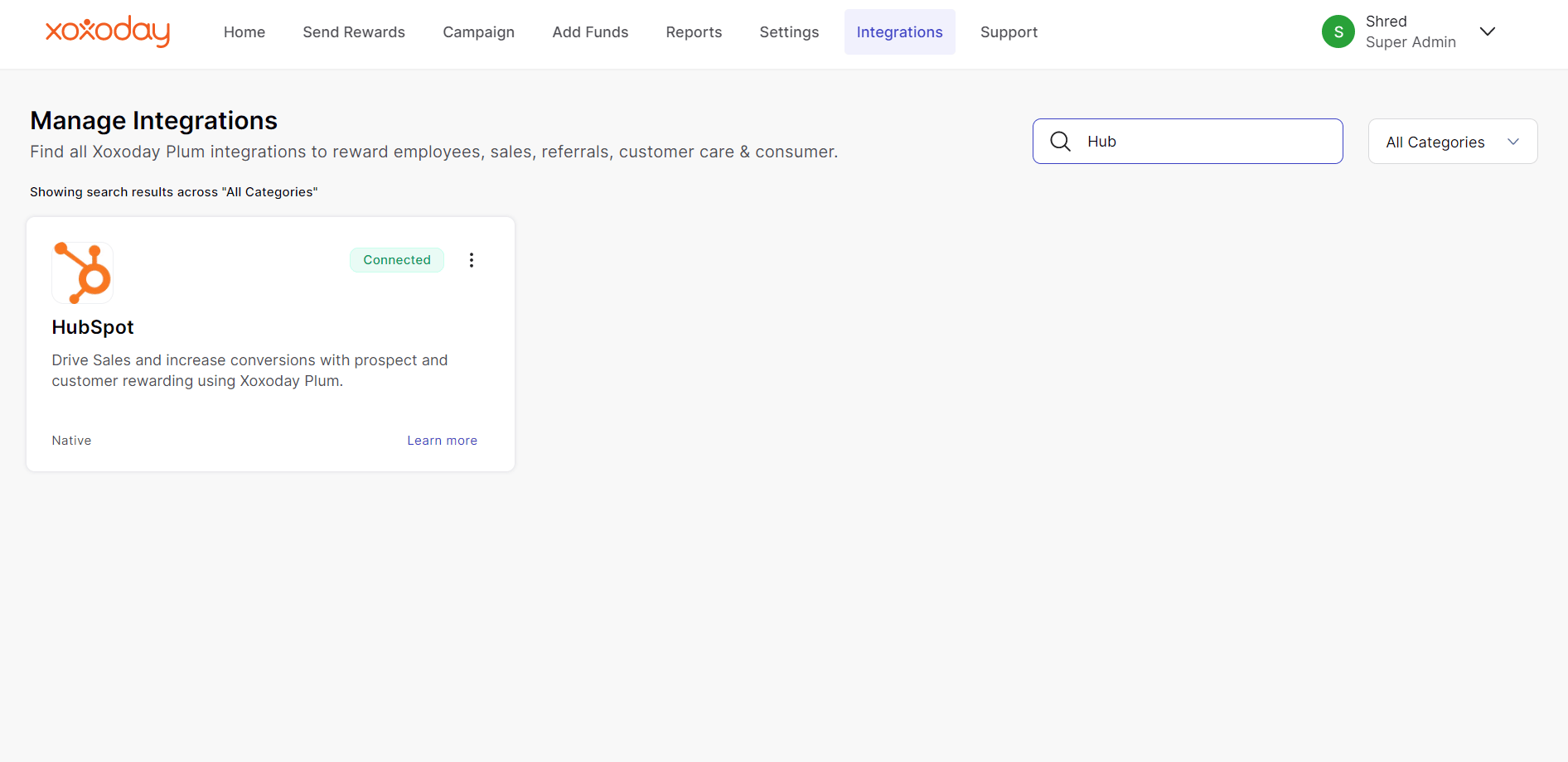
Step 8: Creating a New Automation.
Click on the “Create New” button to start a new Reward Automation.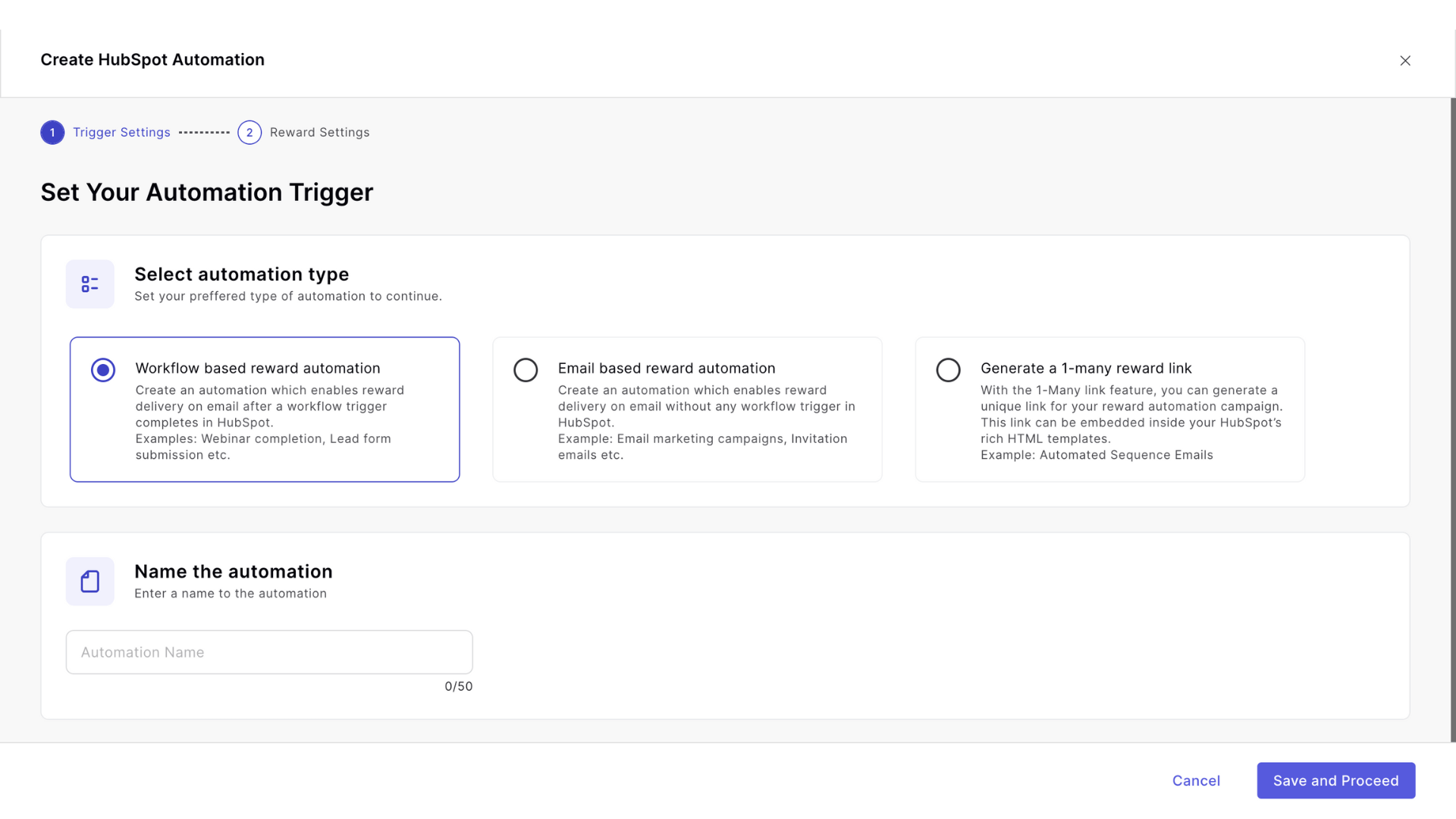
- Select the Workflow-based reward automation as shown below:
- Now, Name the Automation.
Step 9: Campaign Selection and Email Customization.
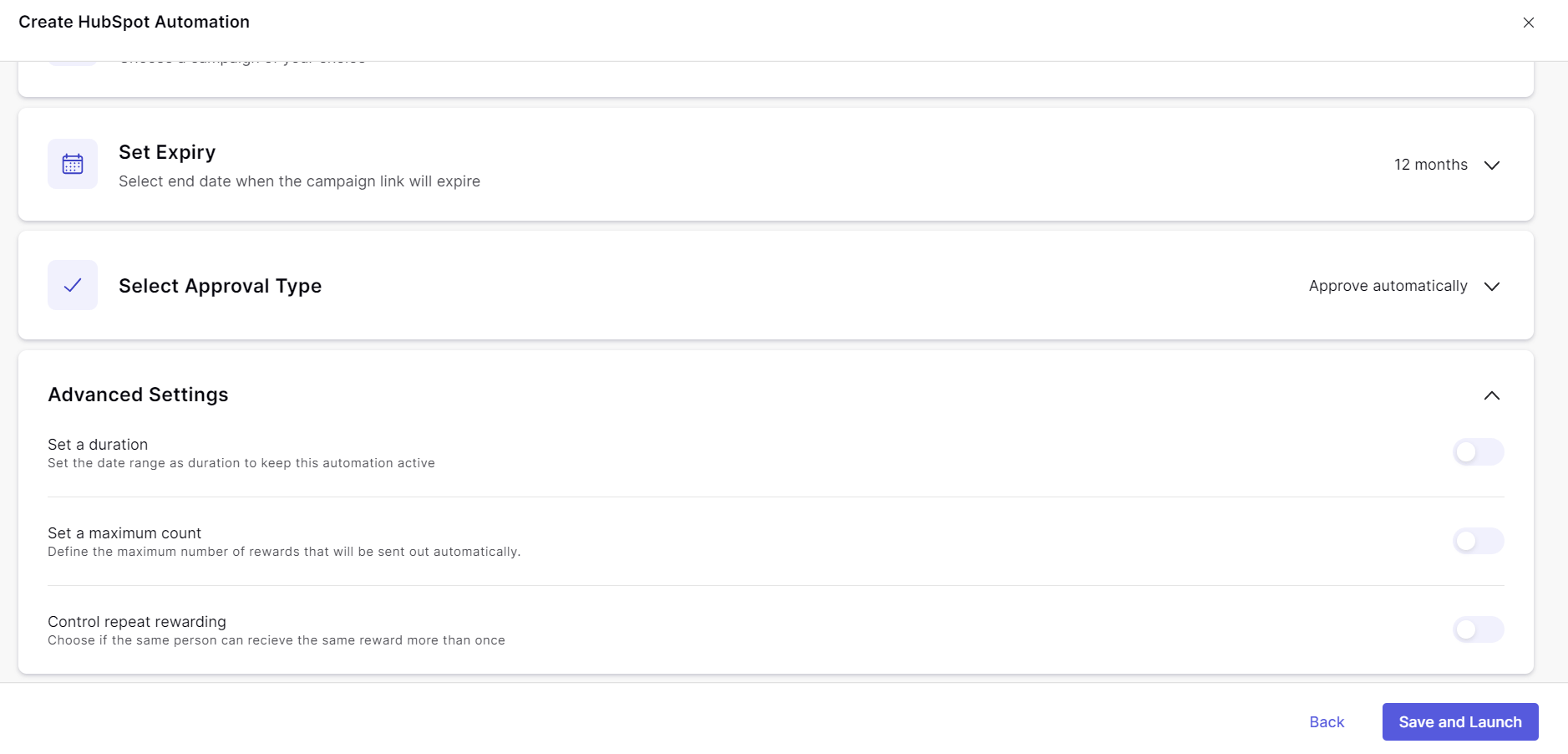
You will now be prompted to “Choose your Campaign” to customize your HubSpot Reward Automation. You can also customize your reward email here. Further to this, before launching your reward automation, you can also change reward trigger settings to either automatically send rewards, or have an approval process to manually approve rewards.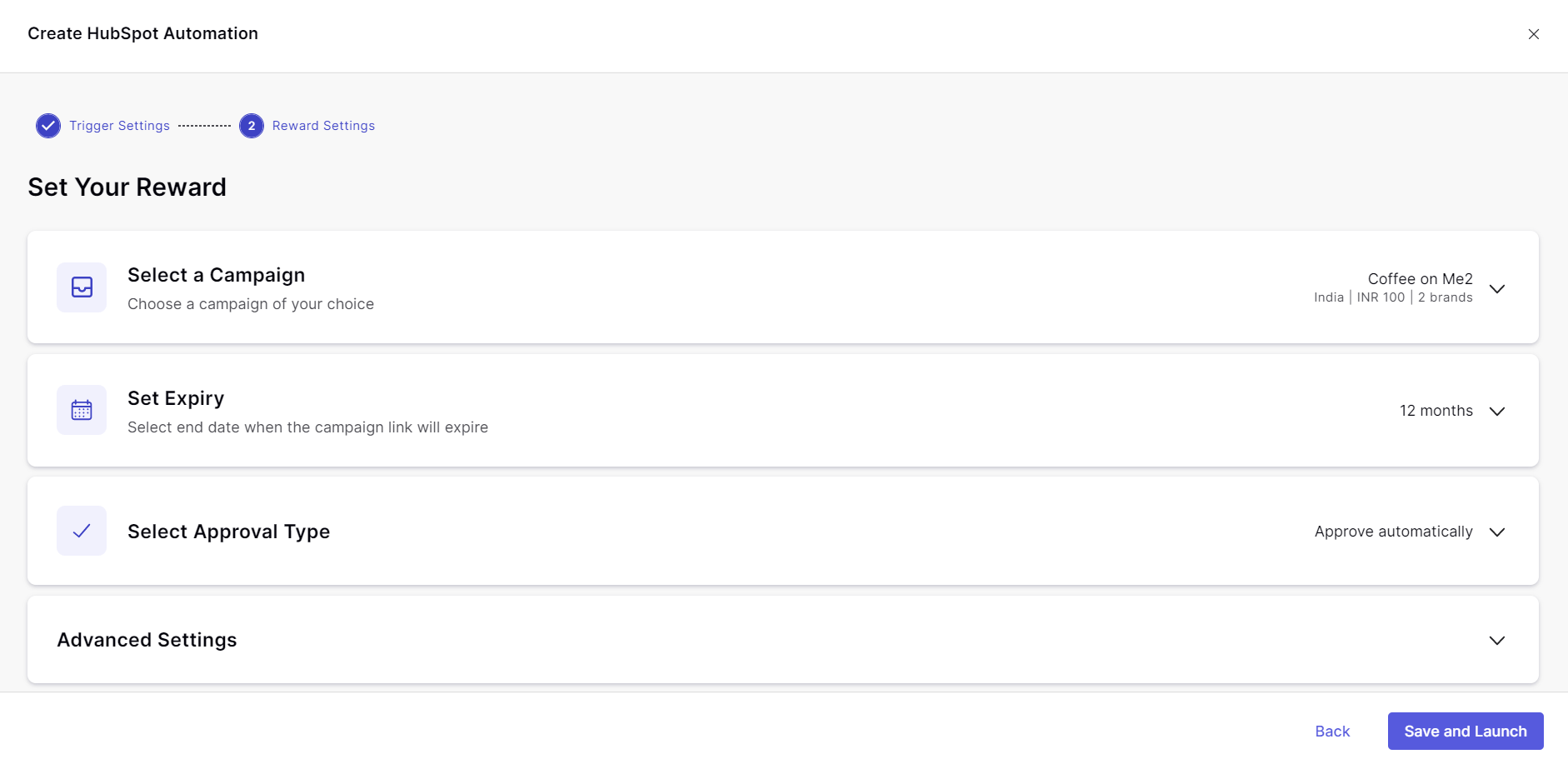
Step 10: Workflow Creation in HubSpot.
Now, on your HubSpot Account, Under the “Automation” tab, under workflows, click “Create Workflow”. Start a reward automation campaign by clicking on “Start from Scratch”.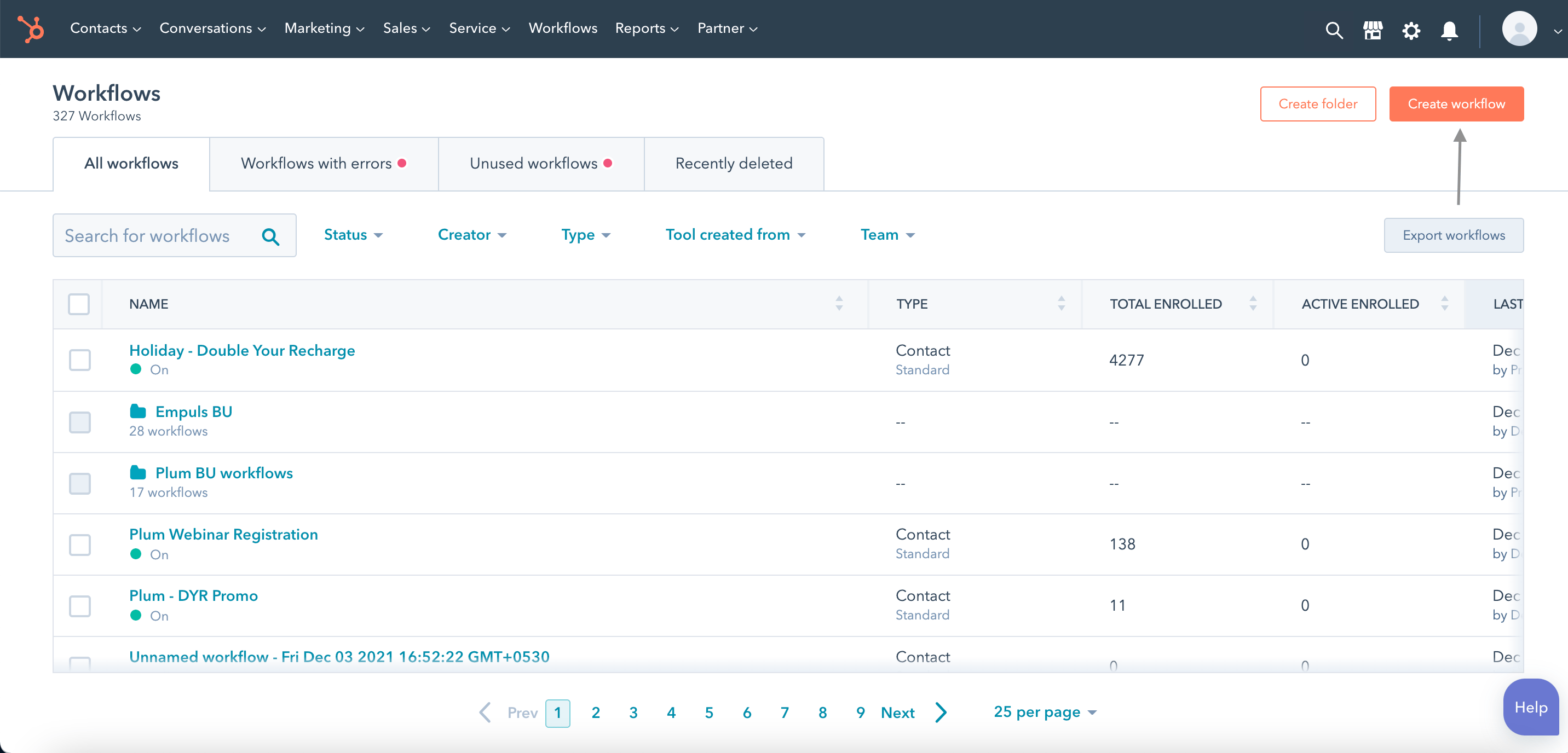
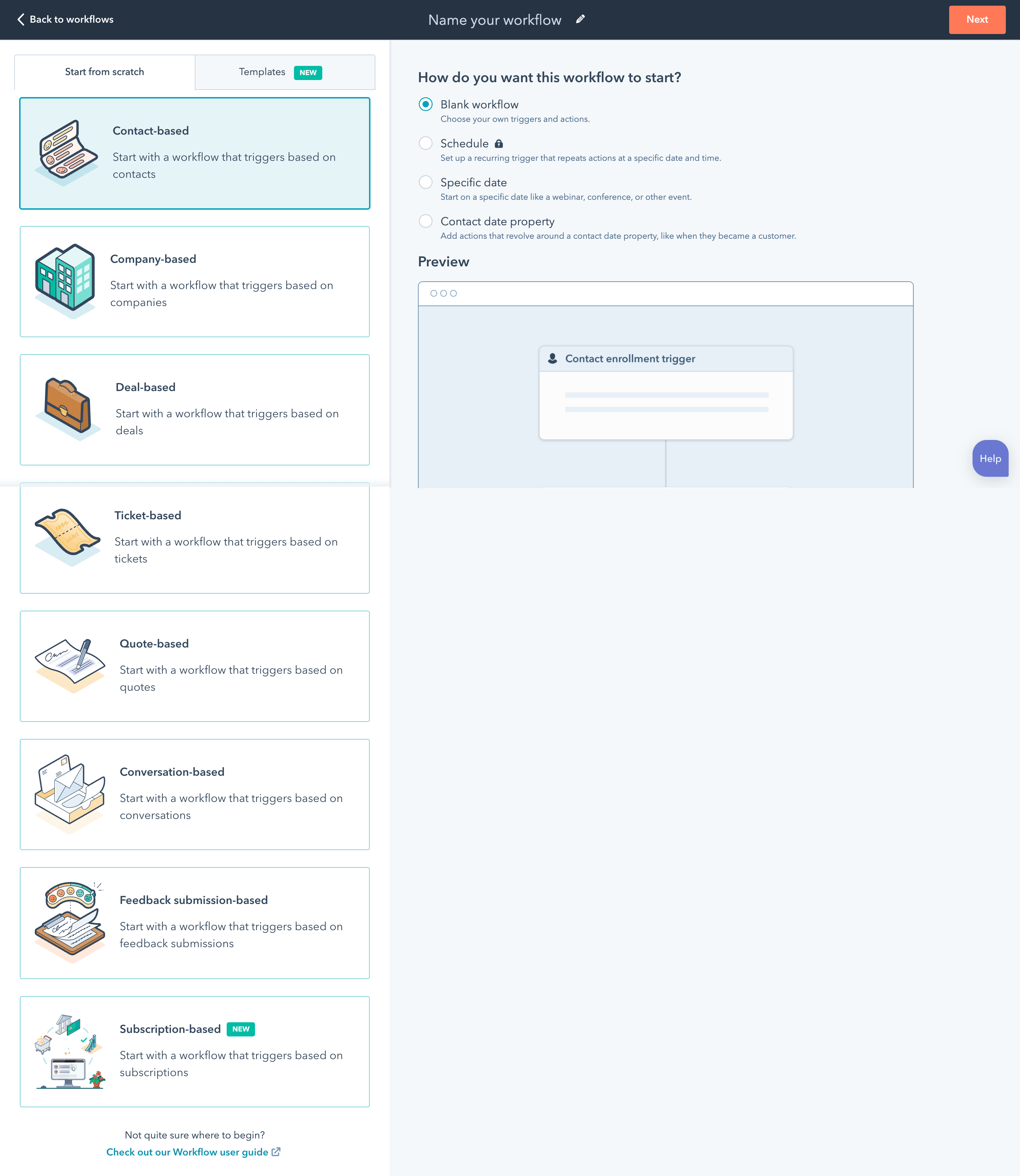
Step 11: Set-up the reward trigger.
Now, set an enrollment trigger. You can choose to set up the trigger when a lead becomes a new customer. Now, apply the filter and save it.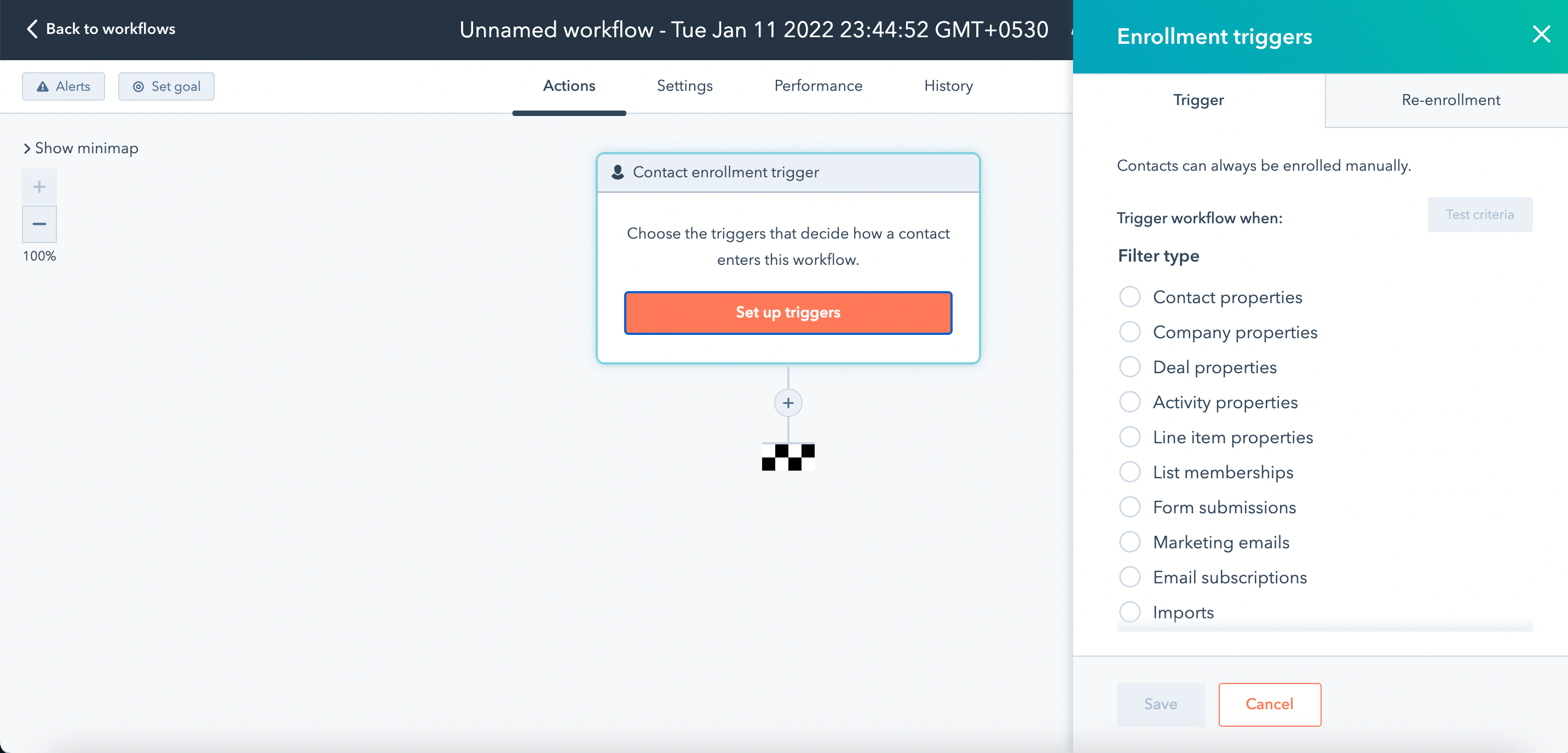
Step 12: Select the action upon successful criteria match.
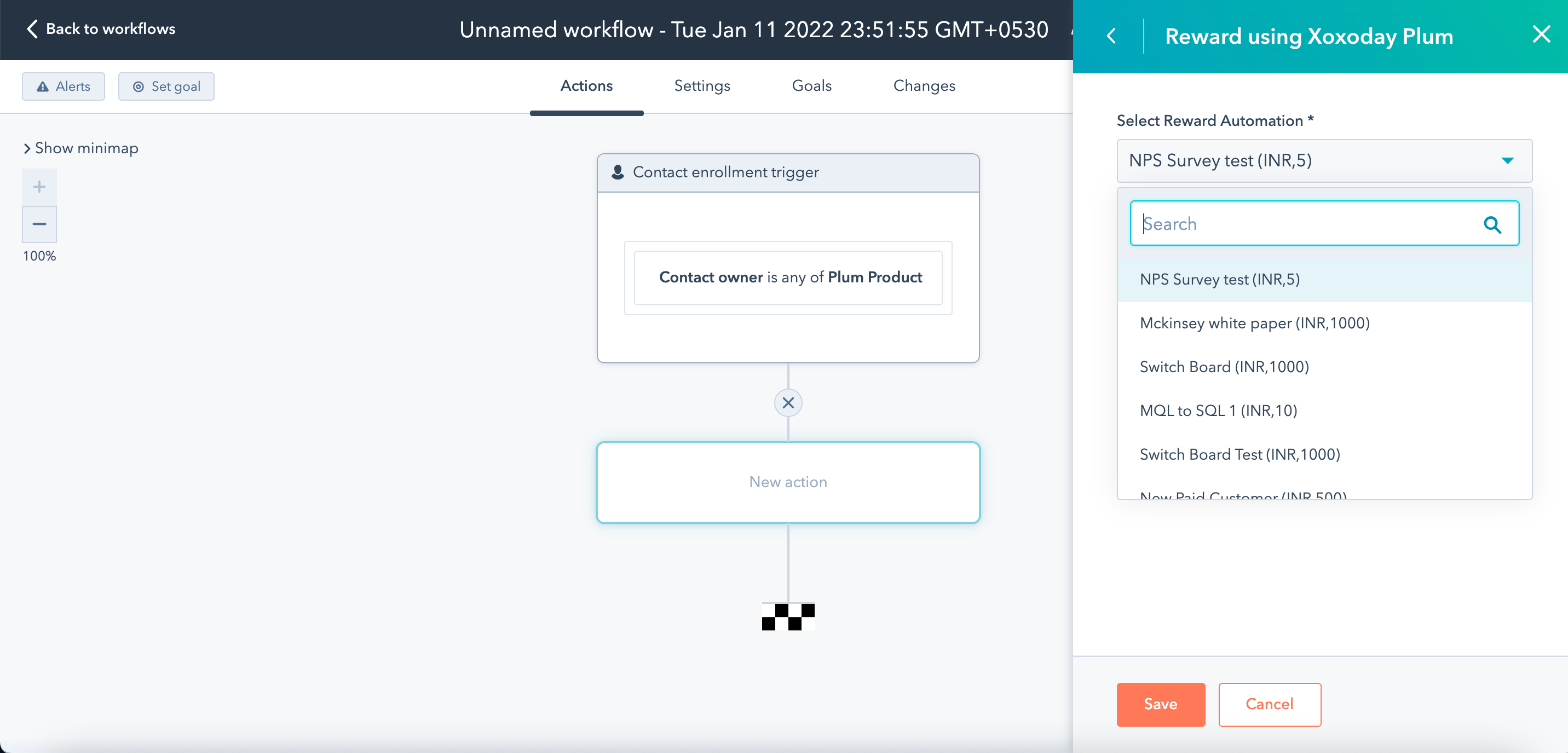
Insert Xoxoday Plum as the action application to automatically send rewards whenever a lead is converted into a customer. Select from the “reward automation” that you have created a while back for HubSpot and click “Save”.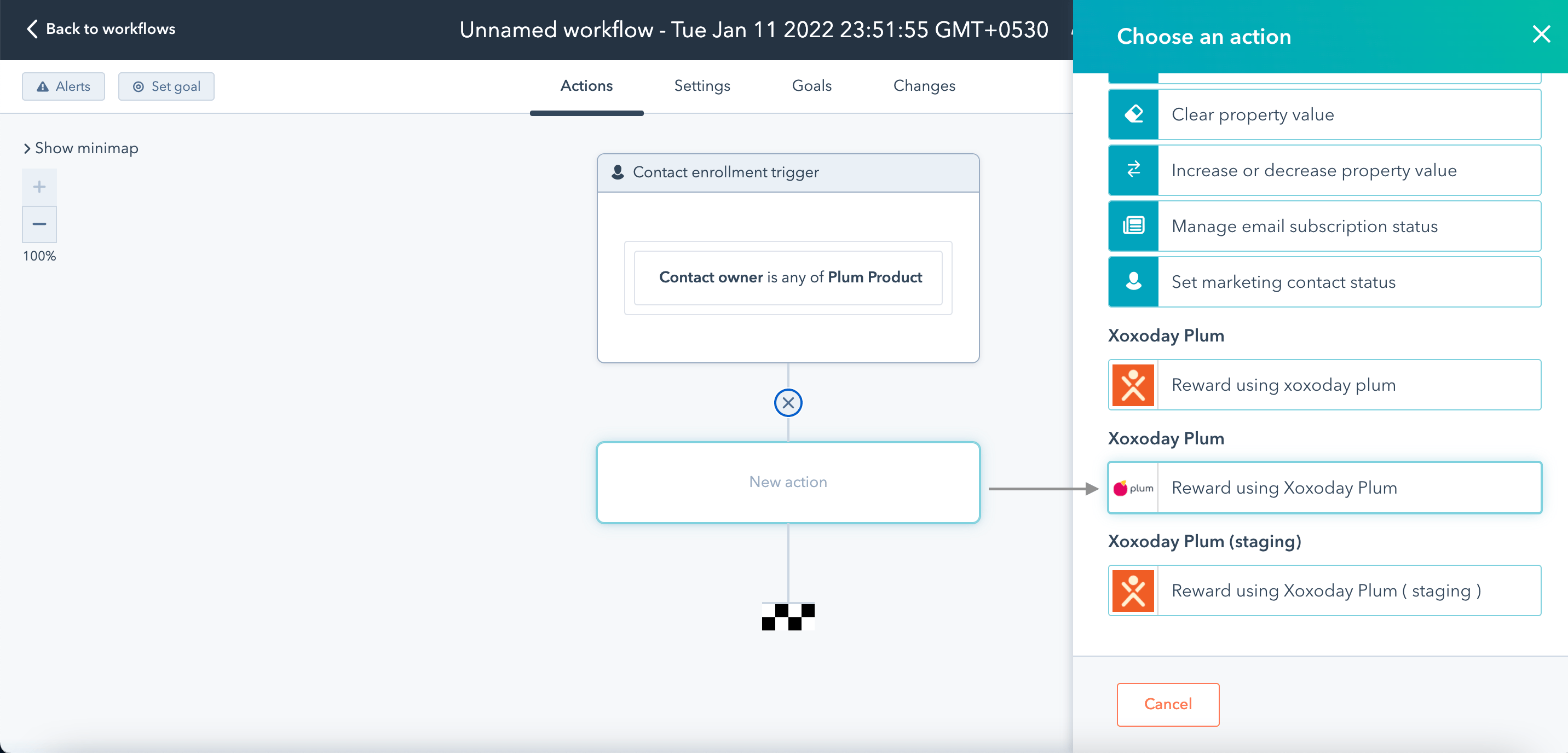
Step 13: Select the campaign drop the plum dropdown.