
- Campaign level — Customizations apply to all sends within that campaign by default.
- Send Reward level — Customizations apply only to that specific send, overriding the campaign default for those recipients.
Customizing Email in Reward Link Section
To customize the email from the “Reward Link” section, follow the steps:1
Navigate to Email and SMS settings
Go to Send Rewards > Reward Link > Additional Settings > Email and SMS, then select the Reward Email tab.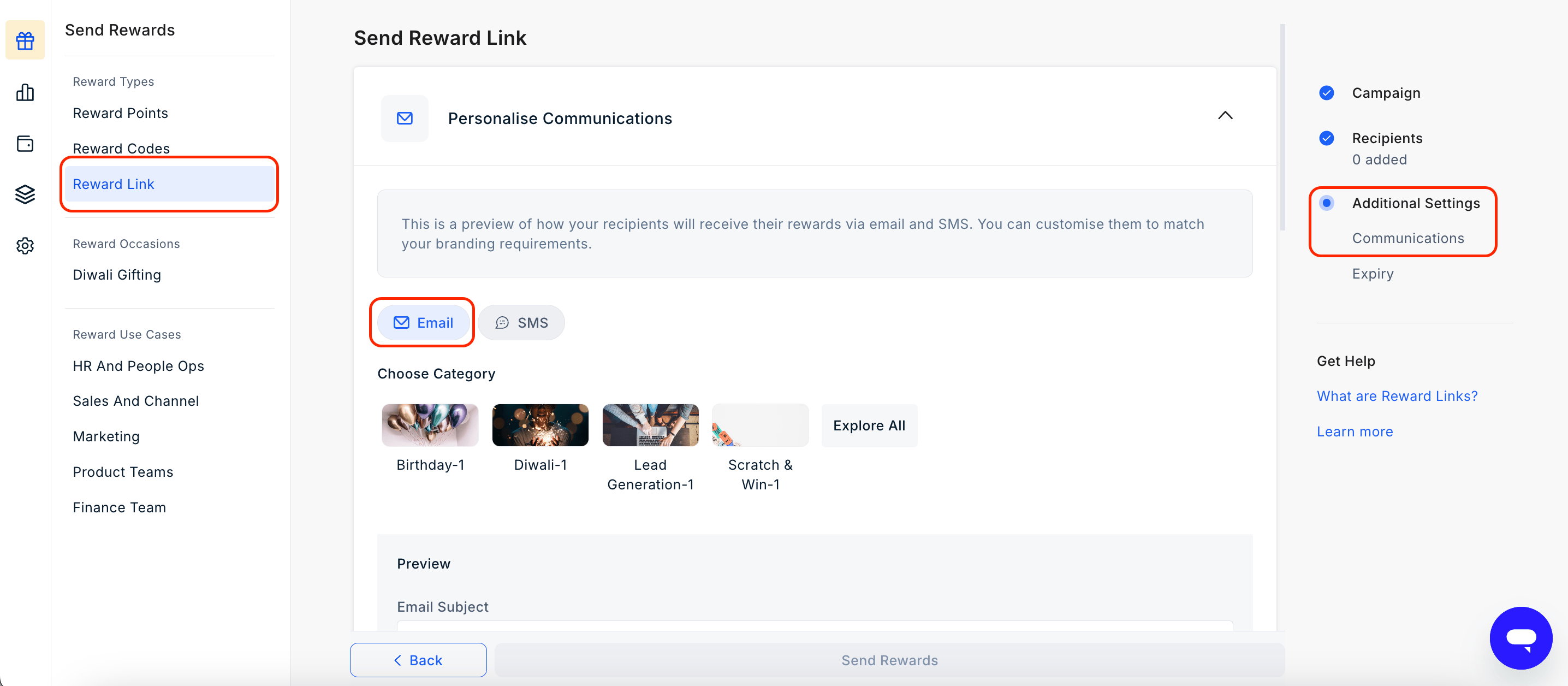
2
Customize the email elements
Update any of the following elements: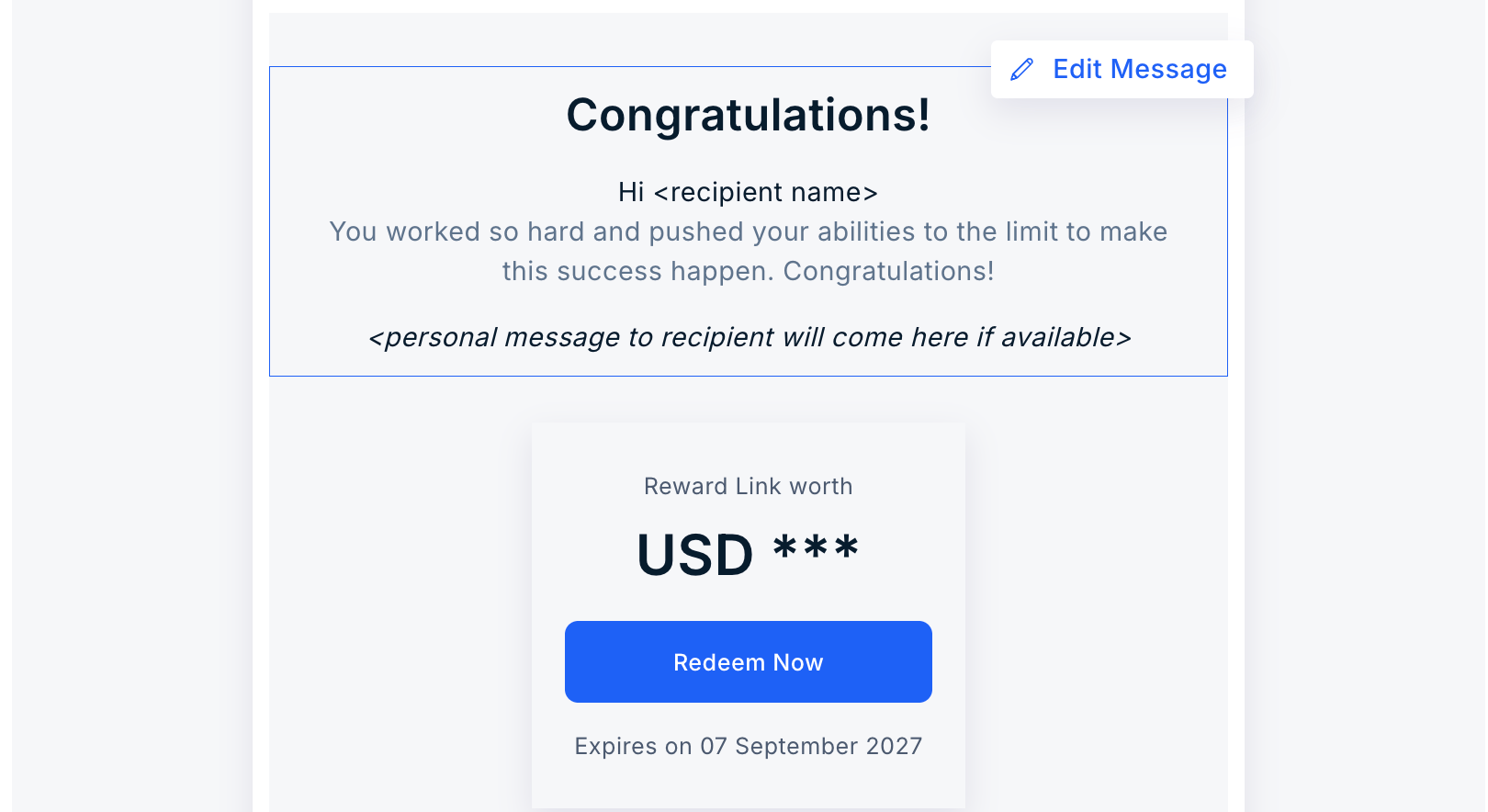
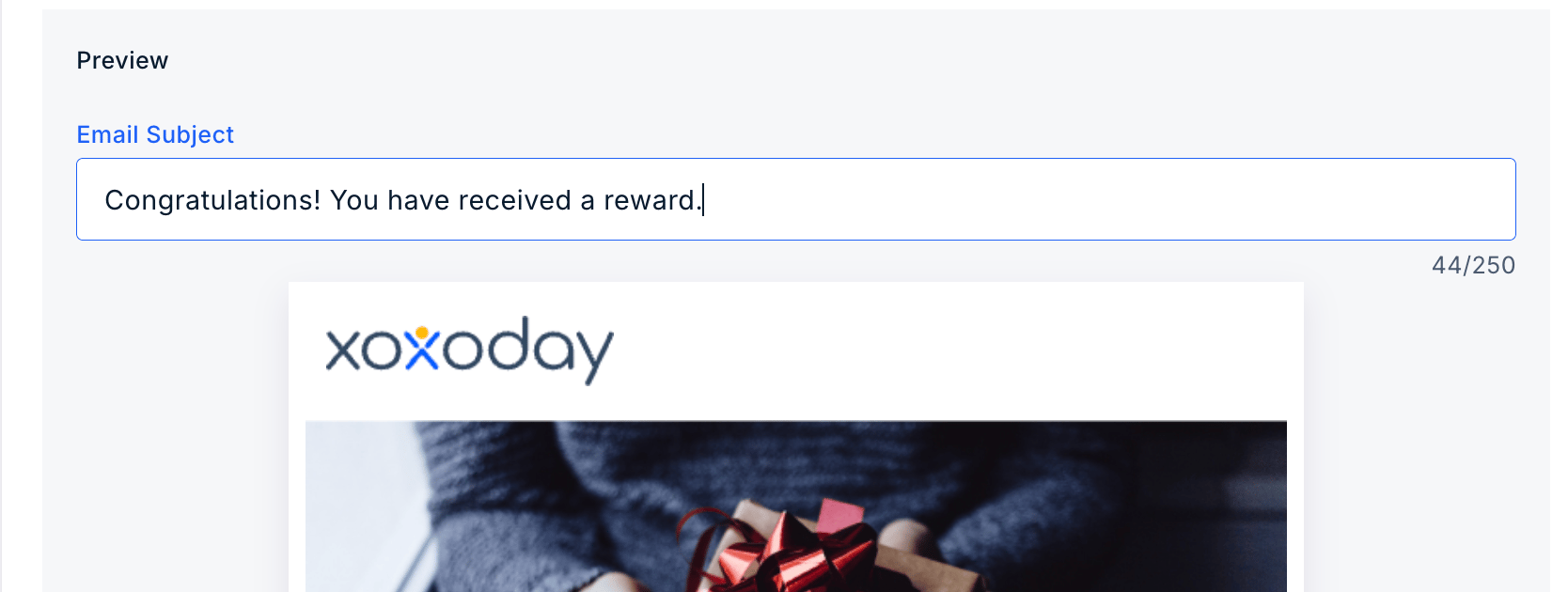
- Subject line — Edit the subject line recipients will see in their inbox.
- Banner image and logo — Upload an image to appear at the top of the email or choose from the
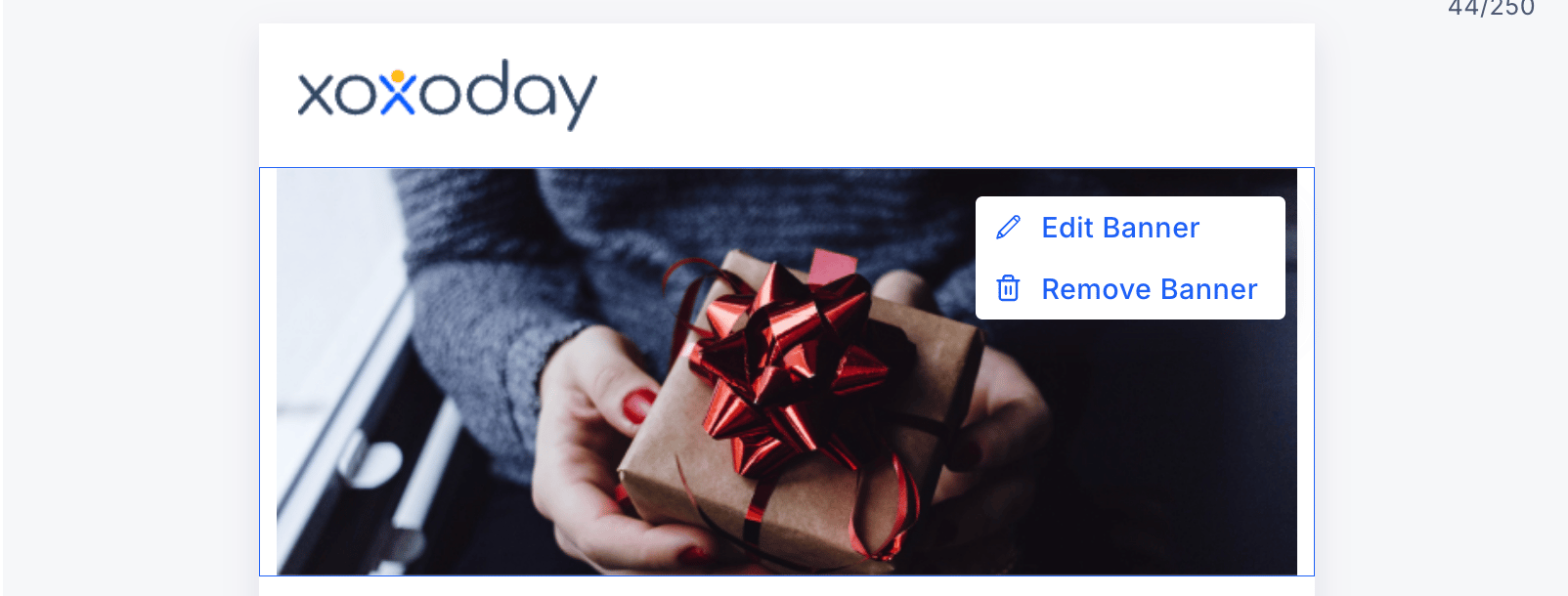
-
Background — Click the pen icon to choose from available colours or enter a hex code. Update the background text by selecting an available option or entering your own, then click Save.
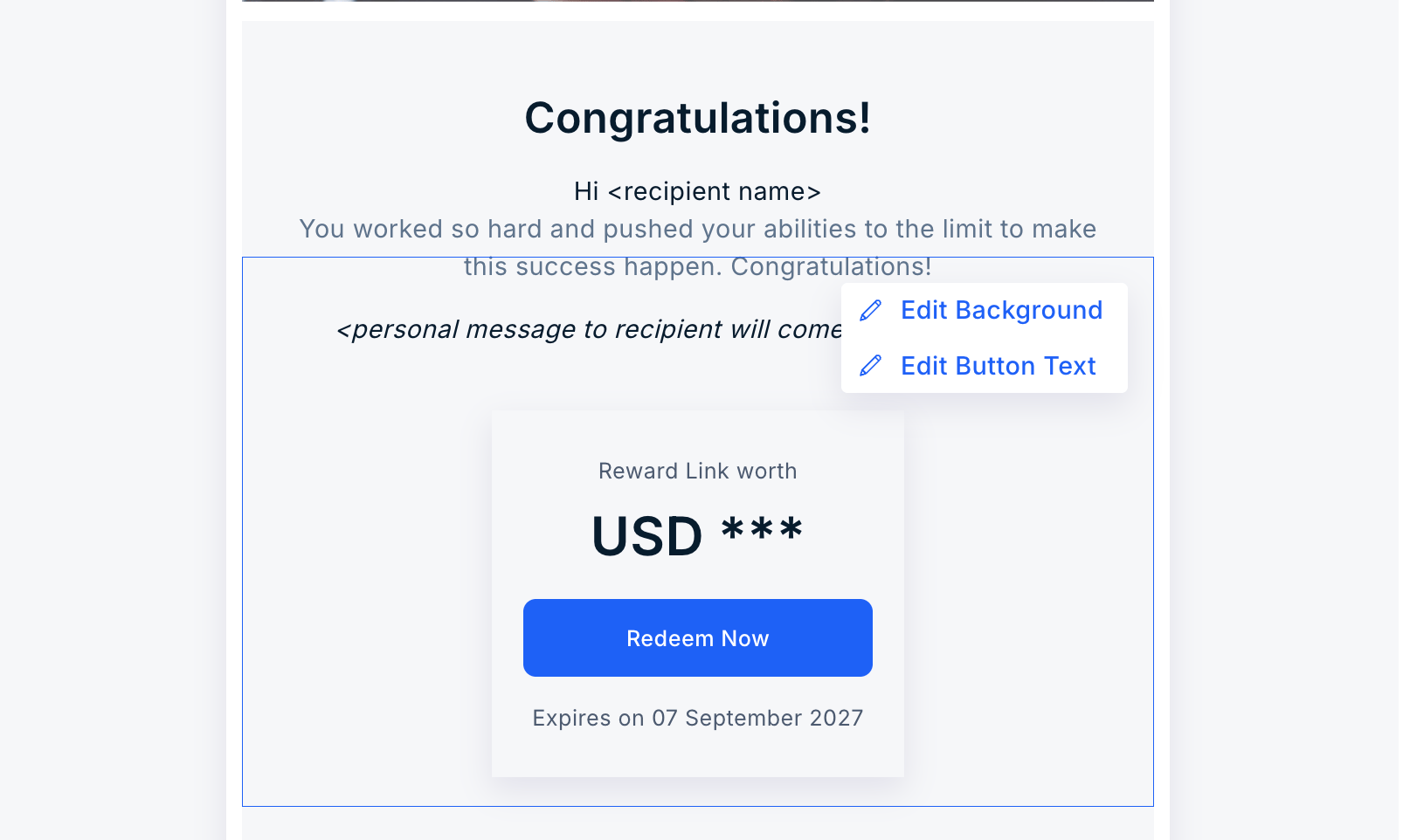
- Email footer — Add or update footer content to match your brand or campaign needs.
Customize the Reward SMS
To customize the SMS, follow these steps:1
Navigate to Reward SMS settings
Navigate to Send Rewards > Reward Link > Additional Settings > Email and SMS. Go to the tab “Reward SMS”.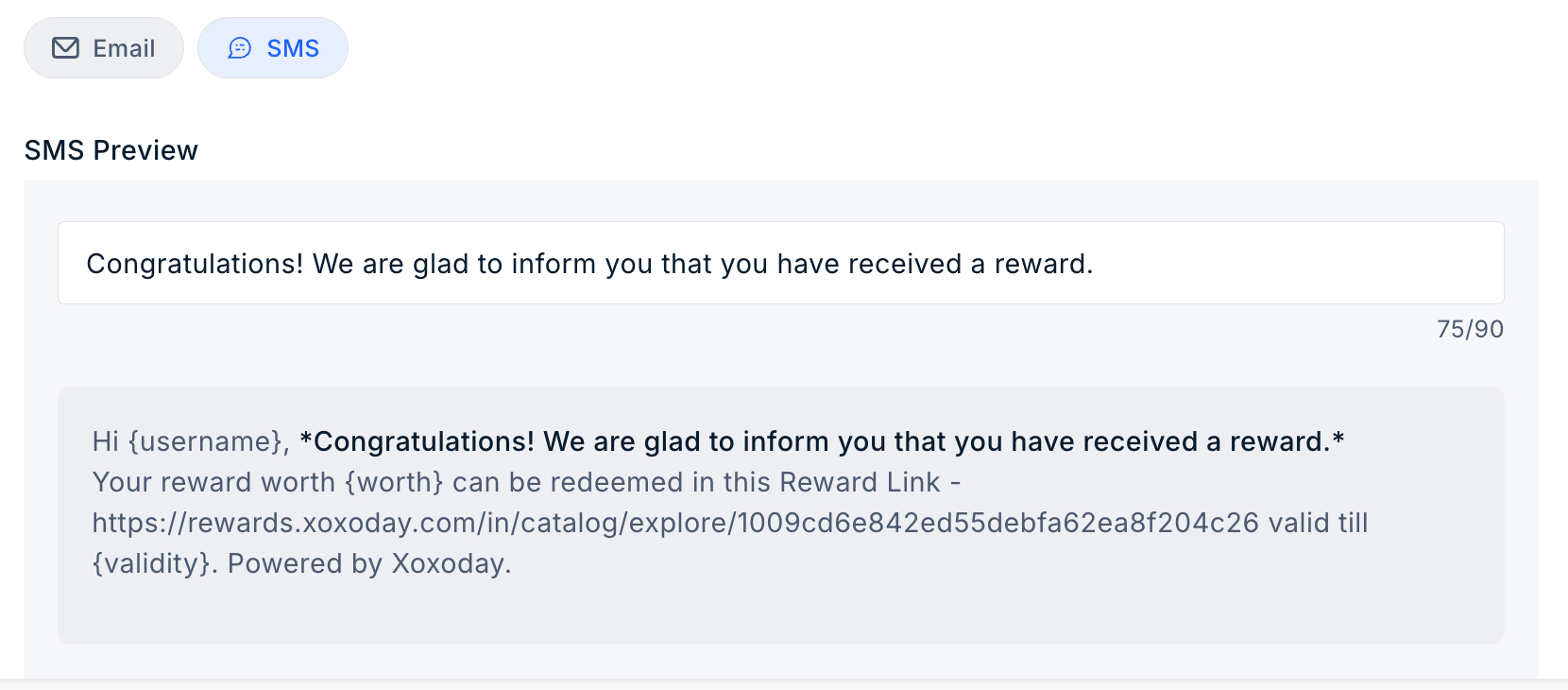
2
Customise the SMS message
Enter your message in the input field to replace the default SMS content, then click Save.
Still need help? Raise a support ticket.