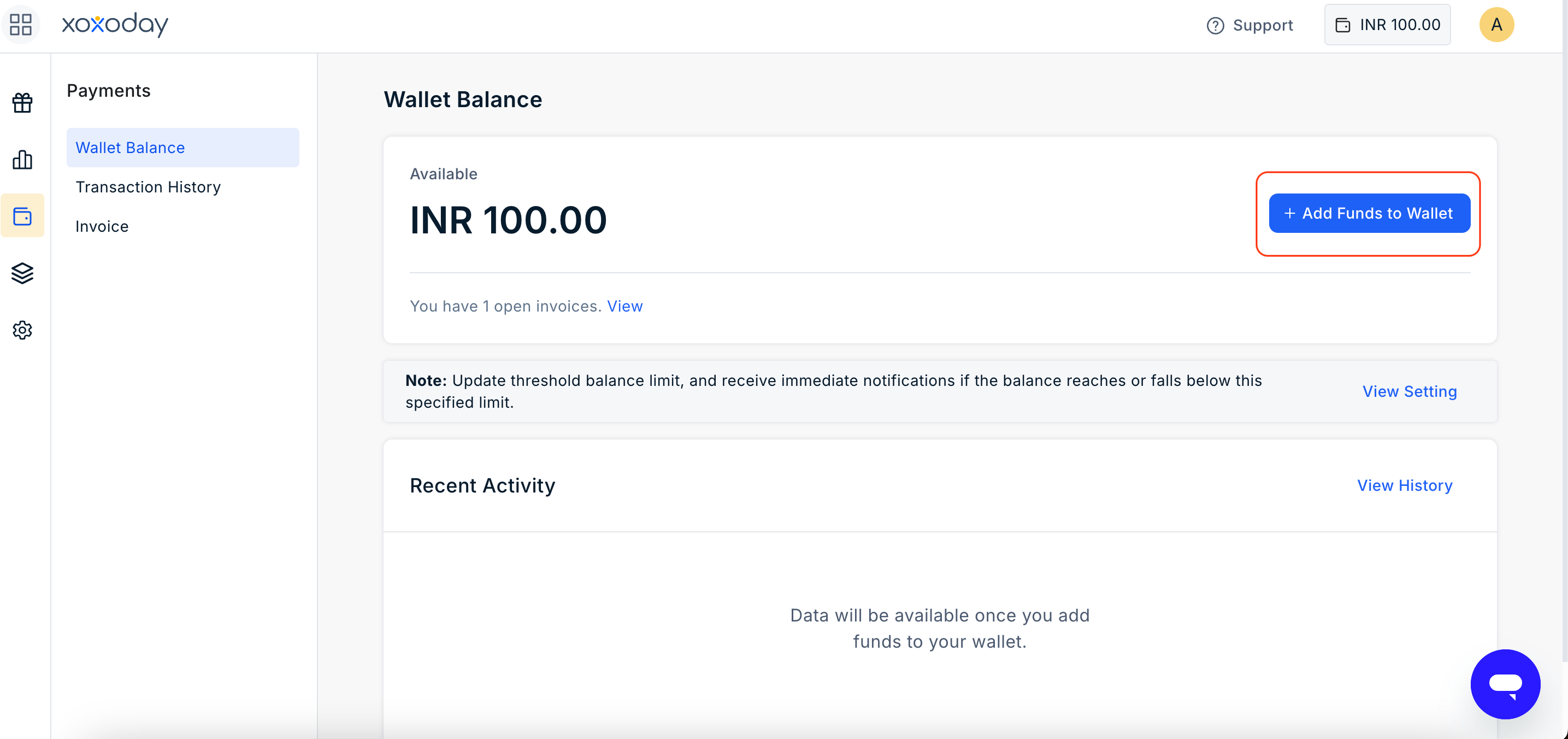
Sign in to the Plum Admin Dashboard. Navigate to Payments > Wallet Balance > View Funds. Click Add Funds to Wallet.
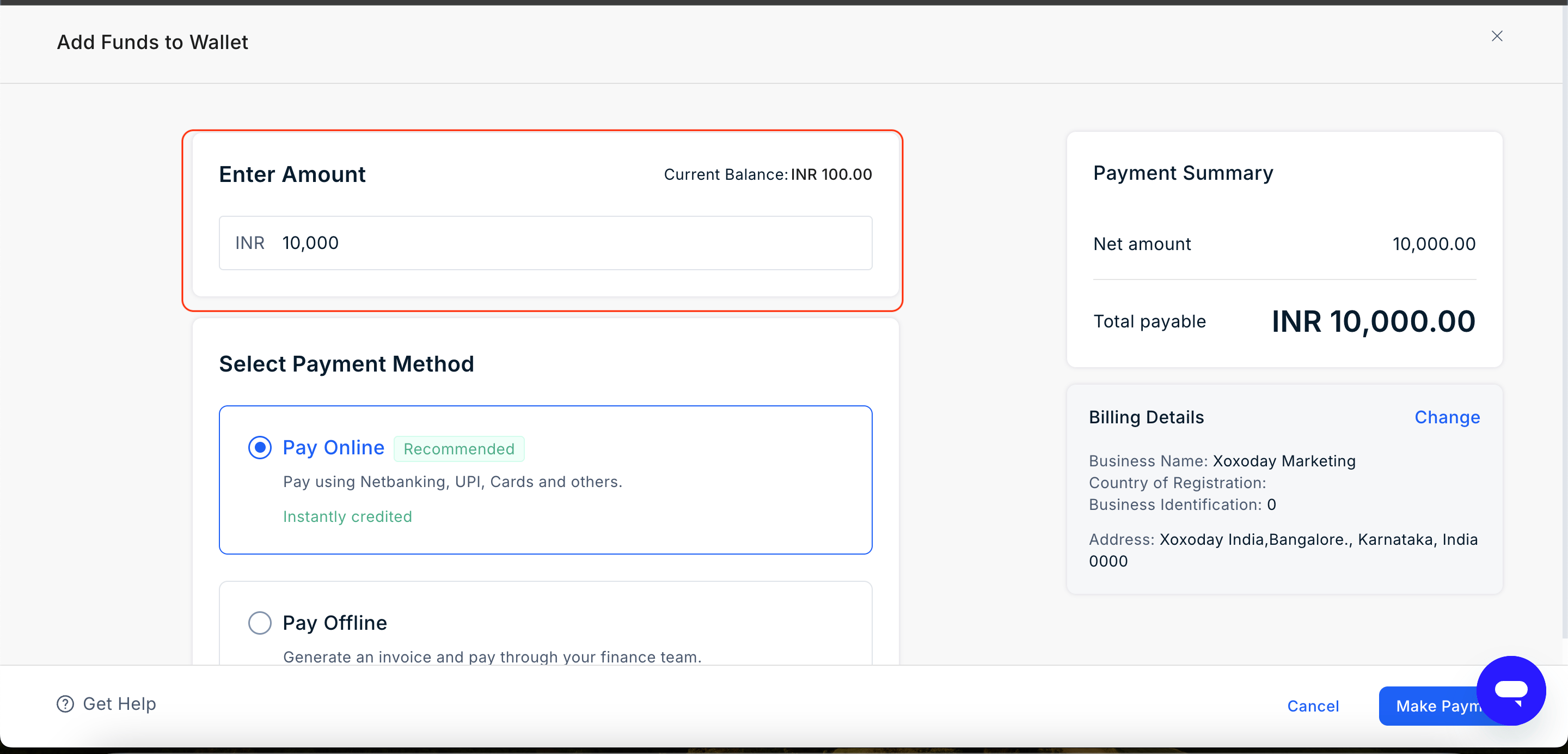
Enter the amount you want to add to your wallet.The amount is entered in the account's configured Base Currency.
Select the payment method you want to use to add funds to the wallet.
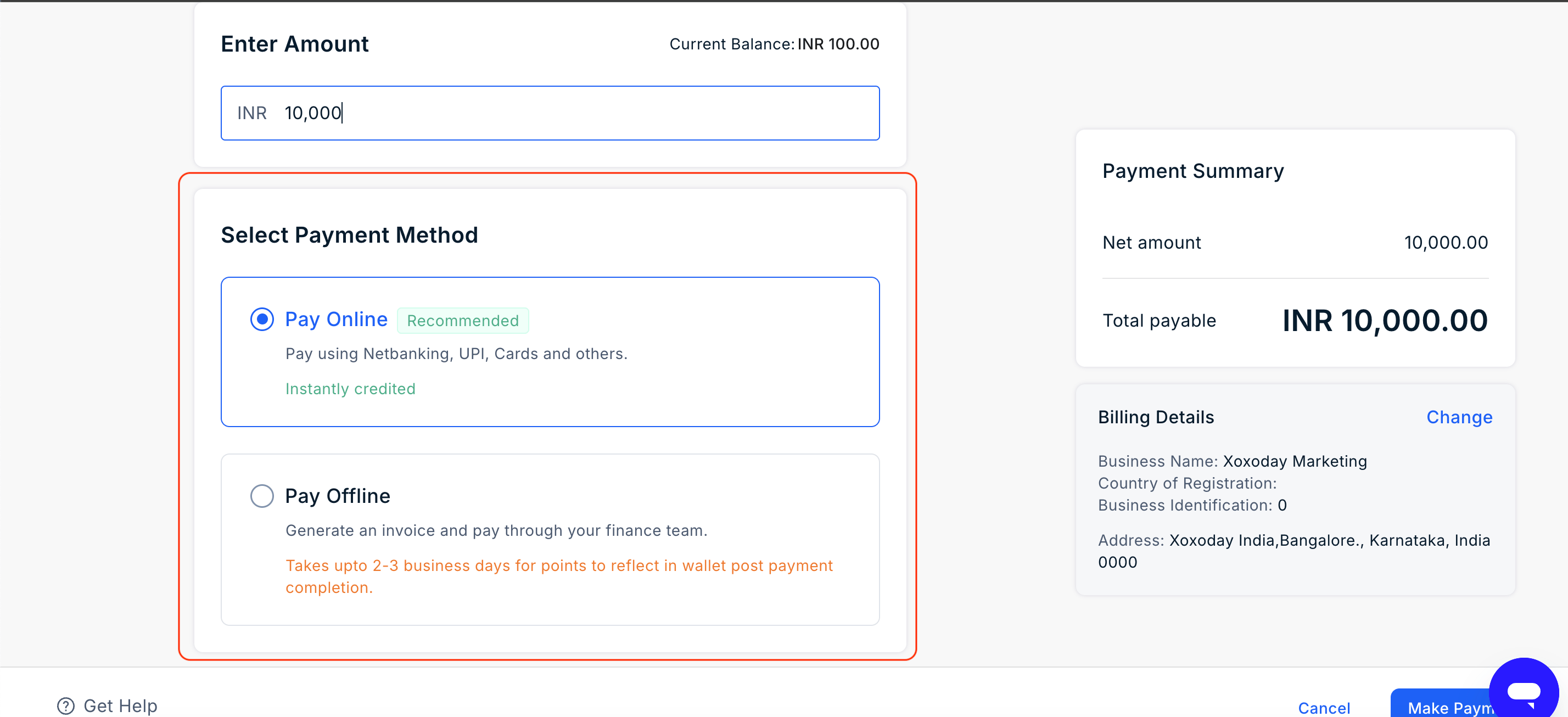
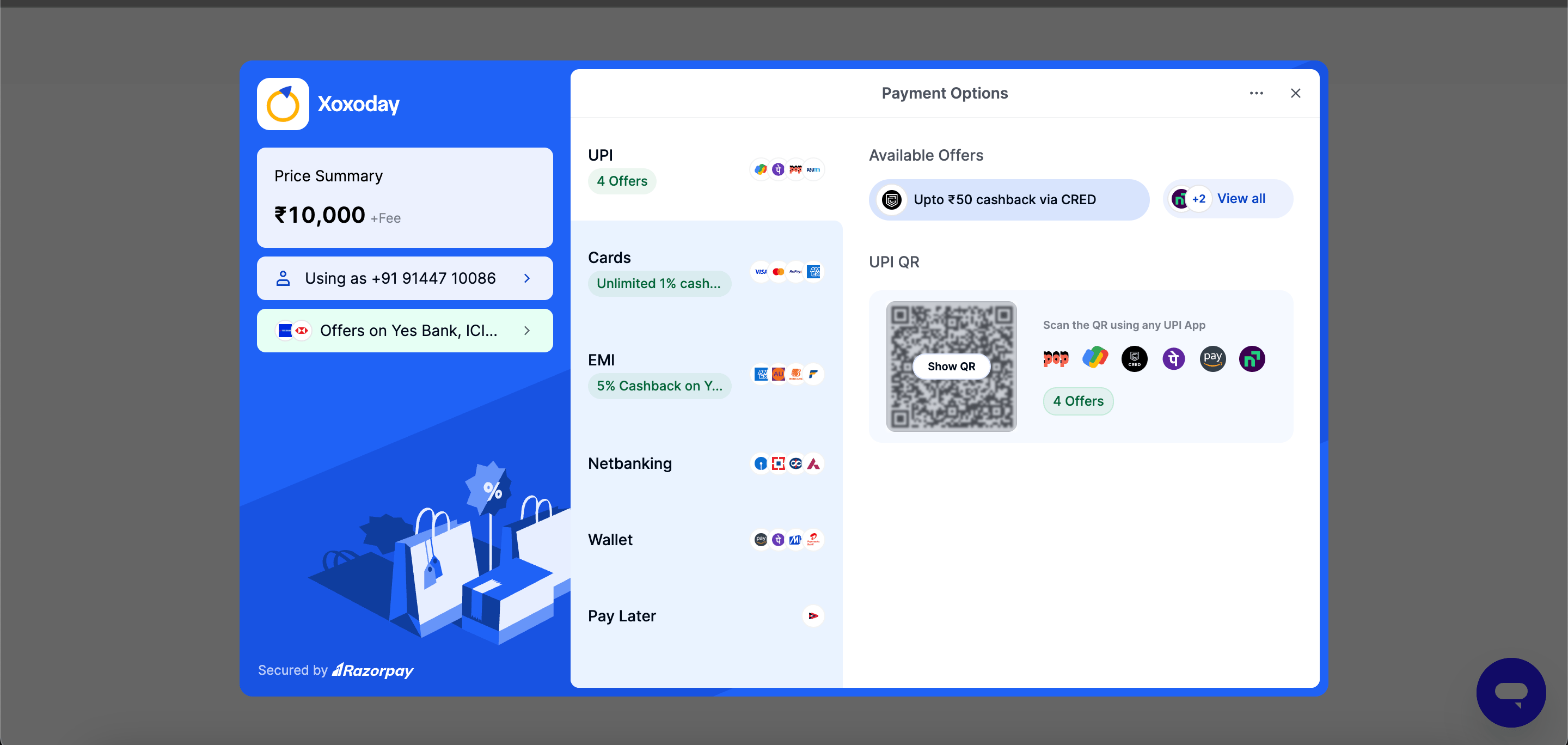
To make an online payment: Click on Pay Online and click Make Payment. Complete the payment using the selected payment method.
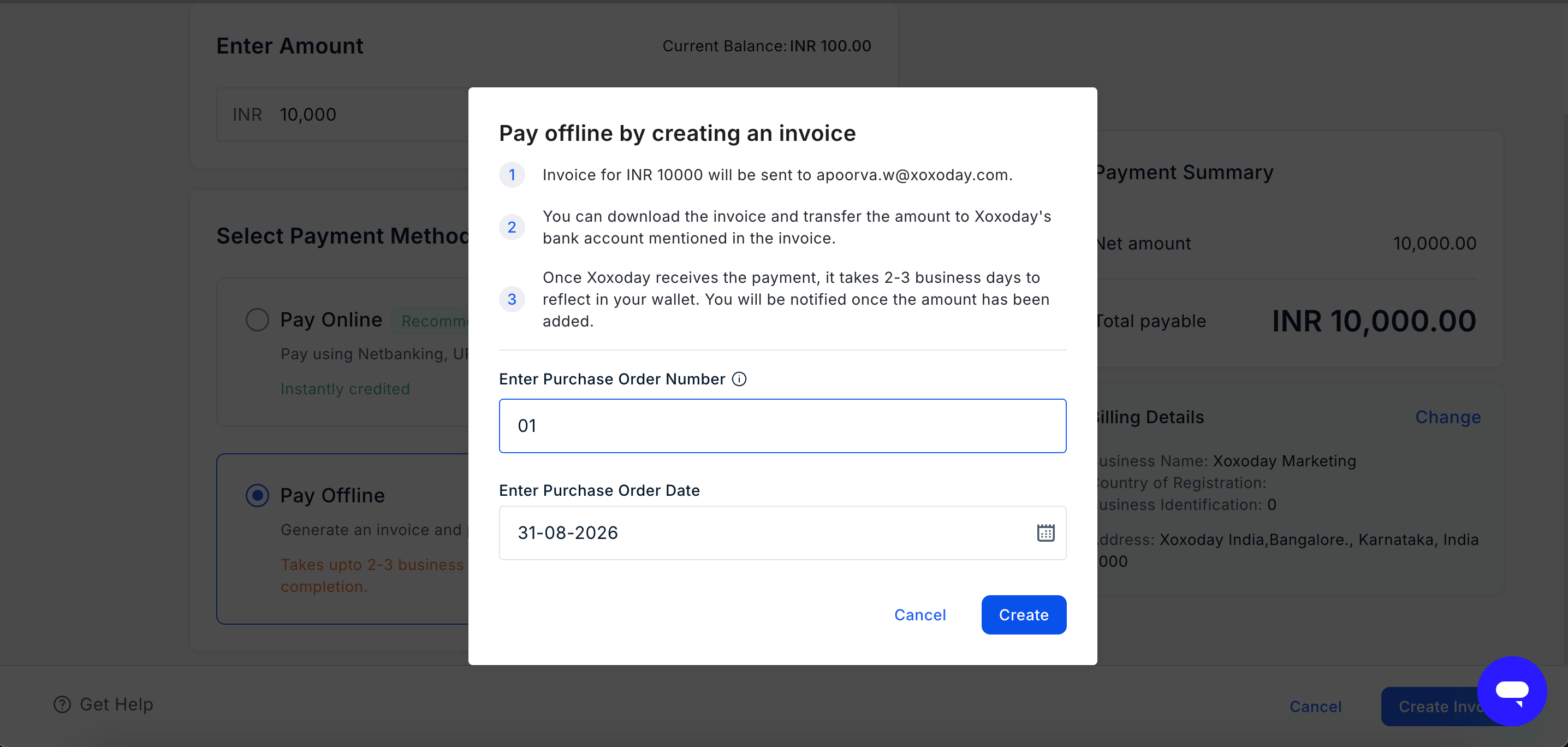
To make an offline payment: Select Pay Offline and click on Create Invoice. Enter the PO Number and click create.
An invoice is generated based on the amount entered and sent to the designated email ID.
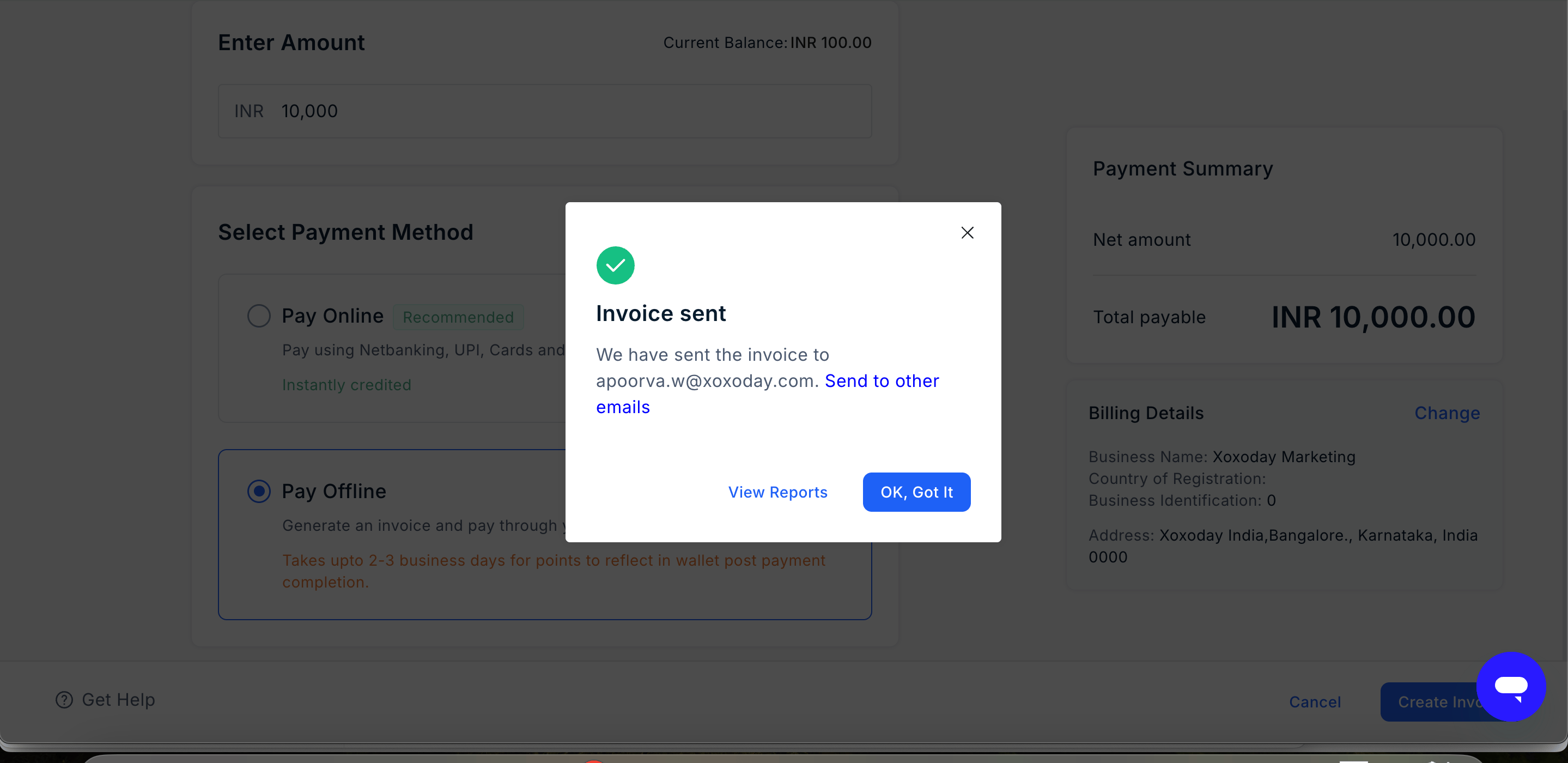
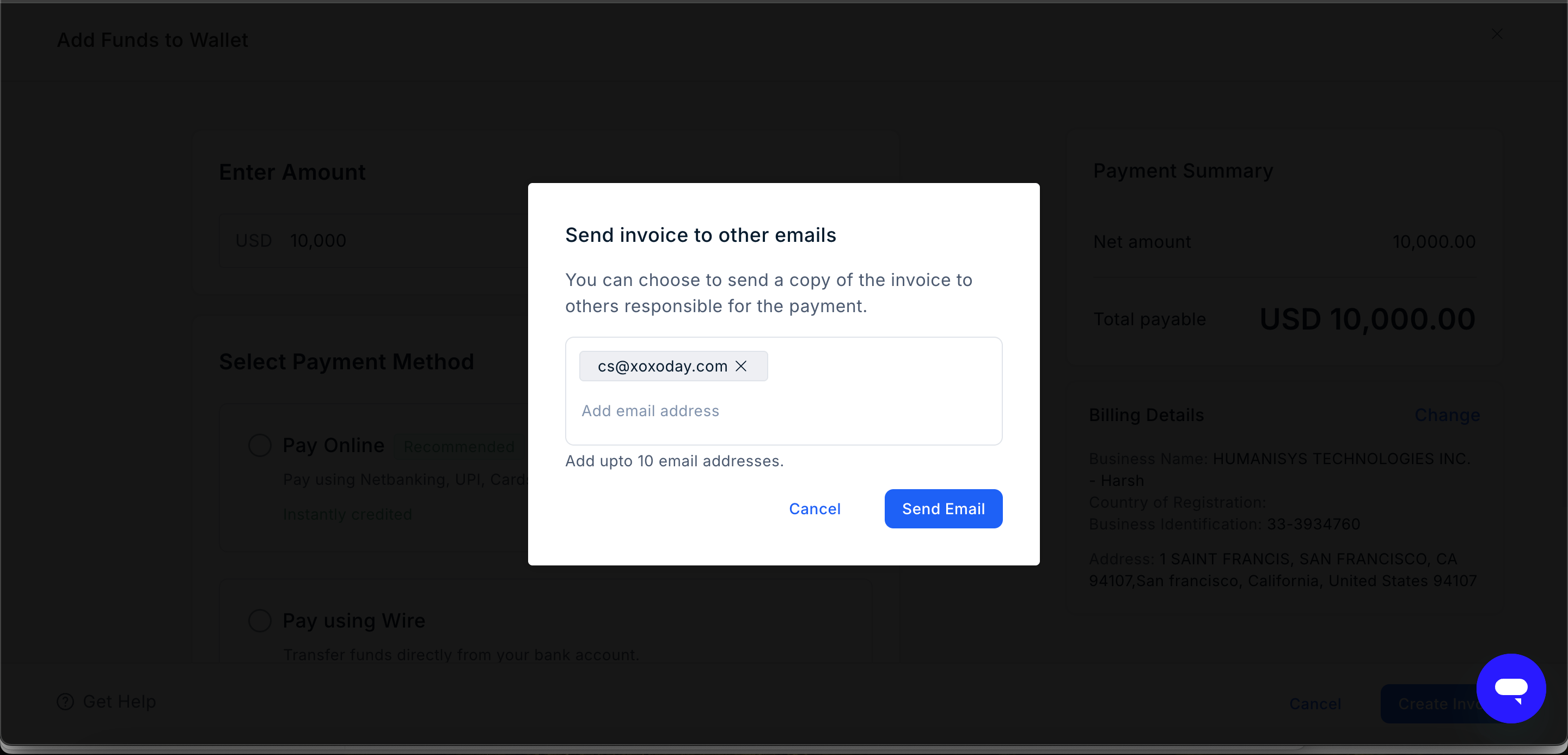
You can send a copy of the invoice to additional email addresses. Add the email addresses of the relevant Finance, Procurement, or Accounts team members. You can add up to 10 additional email addresses.