Base Currency
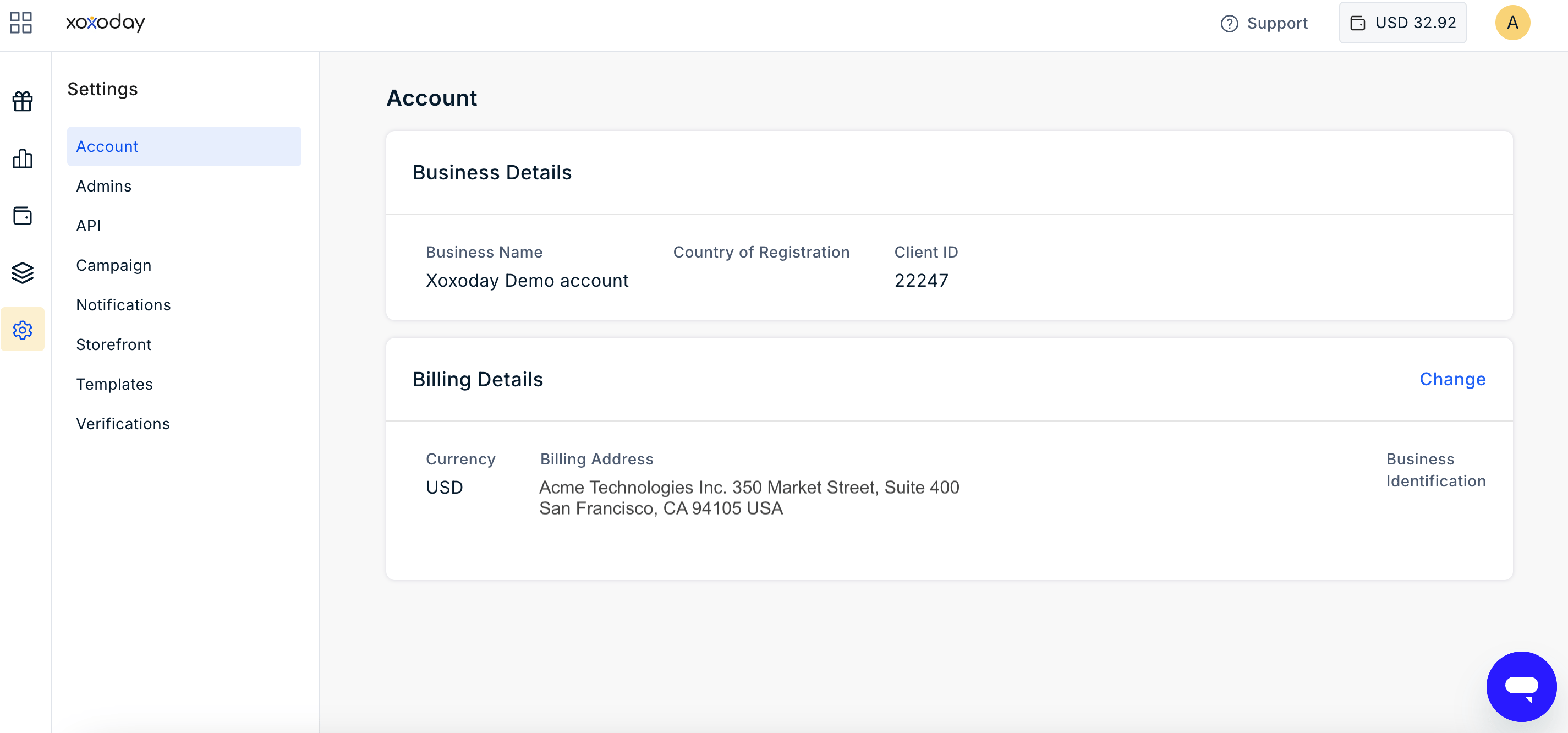
The Base Currency is the currency in which your organisation’s wallet, funds, and transactions are maintained. The Base Currency is selected by the Super Admin when the account is created and is used as the default currency for activities such as adding funds and redeeming rewards. To view your account’s Base Currency:- Navigate to Settings.
- Select Account.
- View the configured Base Currency.
Pre-funded Wallet
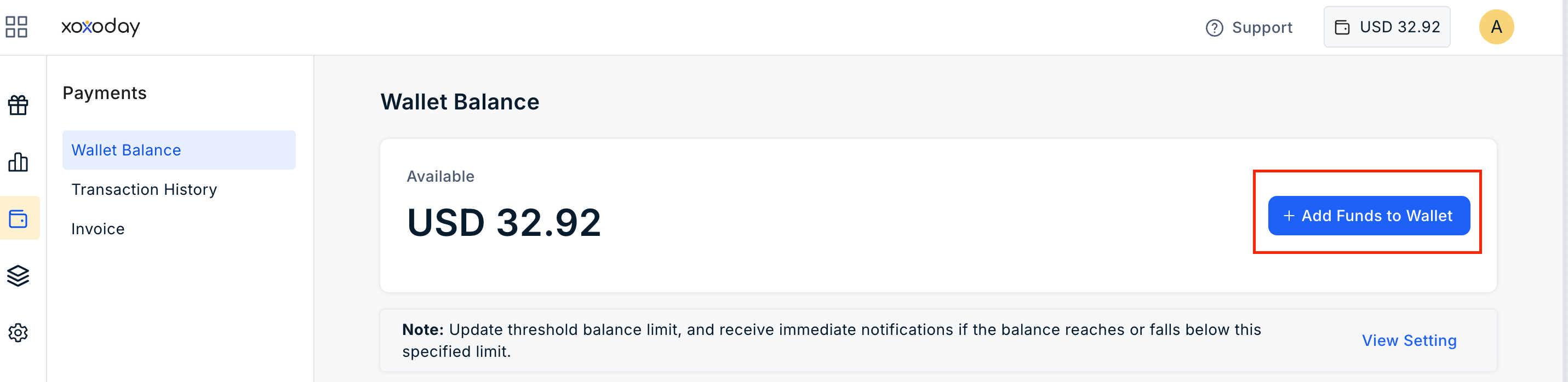
Plum uses a pre-funded wallet to process rewards. You must add funds to the wallet before you can send rewards. Super Admins can add other Admins to help manage the Plum account and send rewards.Add Funds to the Wallet
To add funds to your Plum wallet:- Sign in to your Plum Admin Dashboard.
- Navigate to Payments from the left navigation menu
- Click Add Funds to Wallet.
- Enter the amount you want to add in your Base Currency.
- Complete the payment using the designed payment method.