
Access the Verification Form
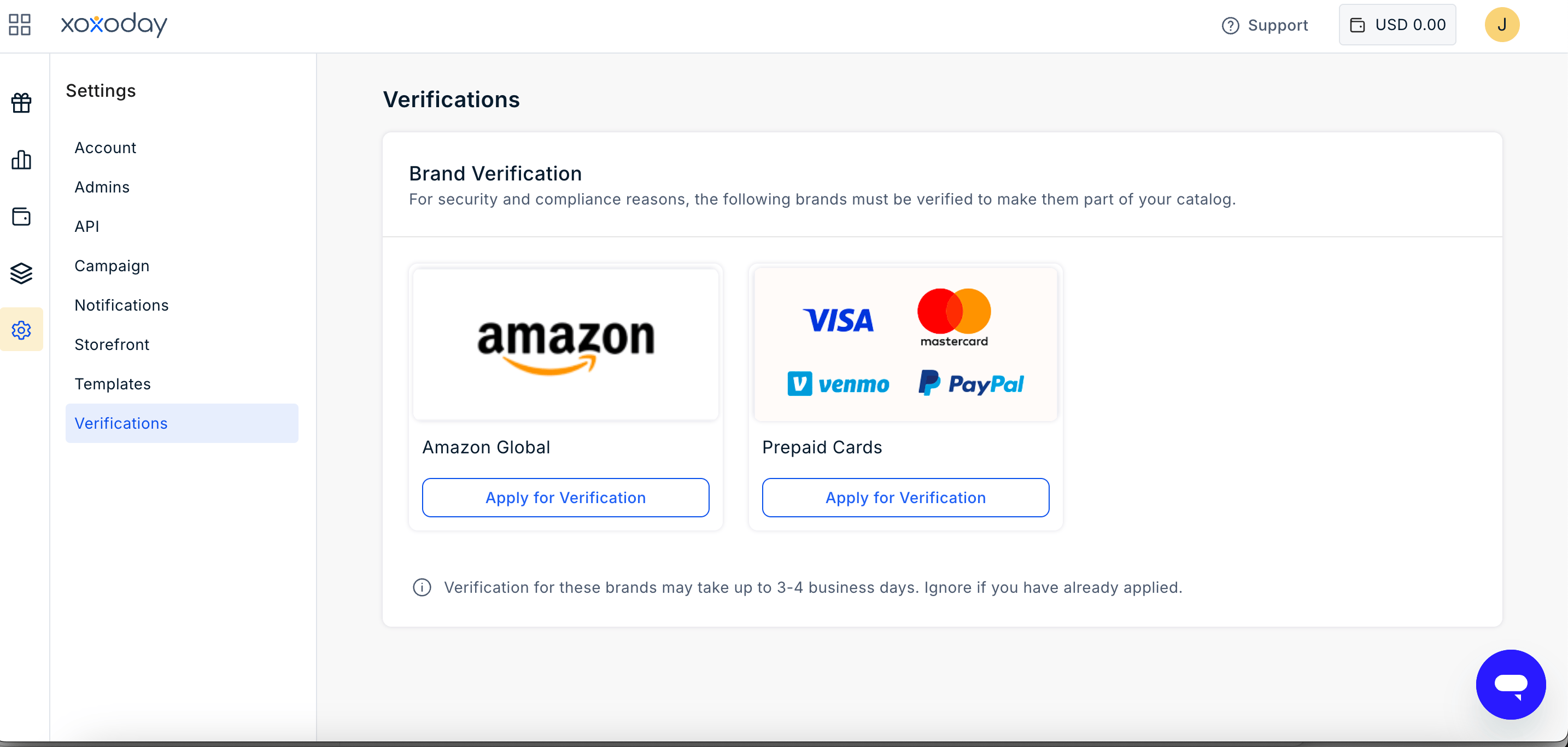
- Sign in to your Plum Admin Portal.
- Go to Admins.
- Click the Settings icon.
- Select Verifications.
- Select the verification applicable to the reward you want to issue.
Amazon India Brand KYC
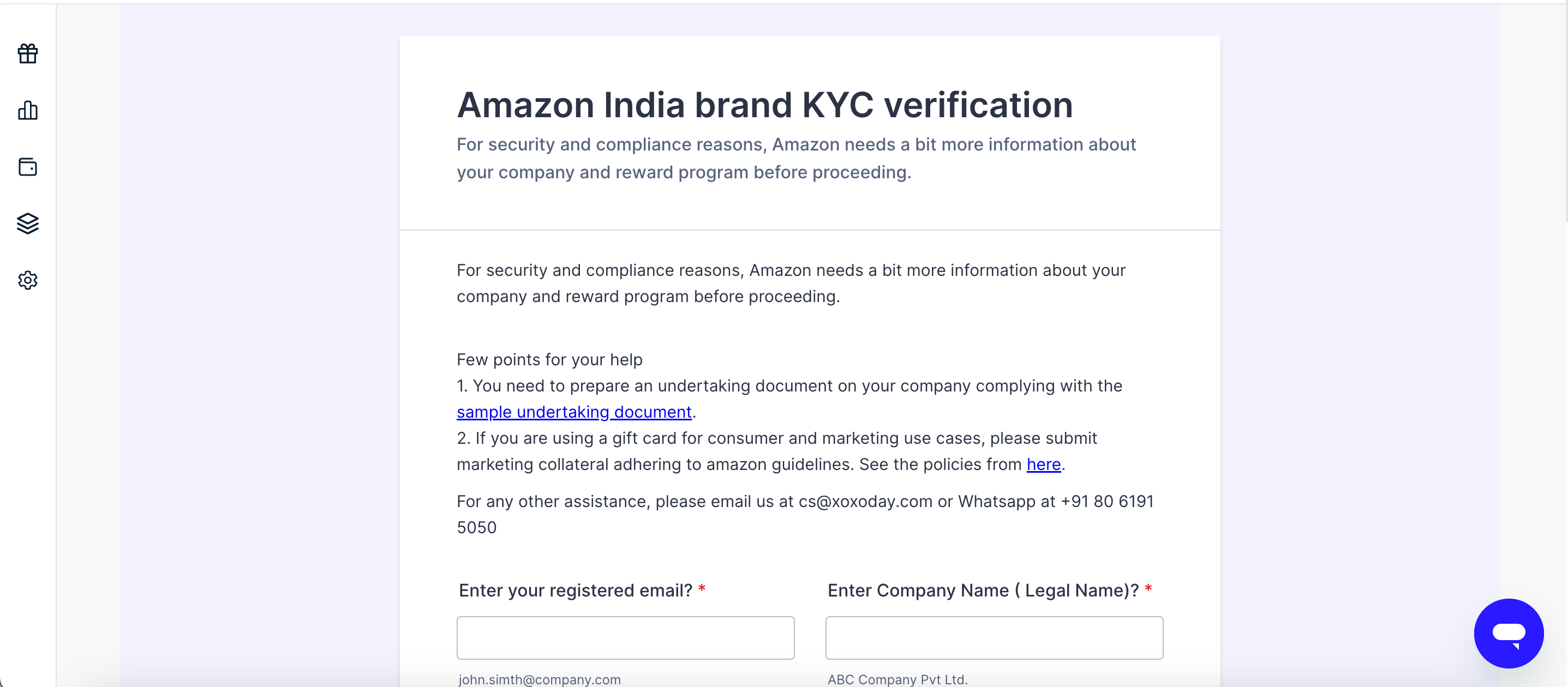
Amazon requires additional information about your organisation and reward programme for security and compliance purposes before you can issue Amazon India gift cards.Information required
You will need to provide:- Registered Email ID – Email address registered with your Plum account.
- Company Legal Name – Registered legal name of your organisation.
- Business Category – Select the category that best describes your organisation.
- Reward Use Case – Select how you plan to use the Amazon gift cards.
- Annual Reward Spend – Estimated annual amount you plan to spend on rewards.
- Reward Programme Description and Goals – Briefly explain what the programme is, who it is intended for, and its objective.
Documents required
Complete the verification
Enter the required information, upload the supporting documents, and click Submit. Make sure that:- The company name matches your official registration documents.
- All uploaded documents are valid and legible.
- The information in the form is consistent with the supporting documents.
- The declaration is prepared using the required format.
Additional requirements for consumer and marketing use cases
If you plan to use Amazon gift cards for consumer incentives or marketing campaigns, you may also need to submit your marketing collateral.Make sure the collateral follows Amazon’s applicable guidelines before submitting it for review.You will also need to prepare an undertaking document on your company letterhead using the sample undertaking provided as part of the verification process.
If you plan to use Amazon gift cards for consumer incentives or marketing campaigns, you may also need to submit your marketing collateral.Make sure the collateral follows Amazon’s applicable guidelines before submitting it for review.You will also need to prepare an undertaking document on your company letterhead using the sample undertaking provided as part of the verification process.
Amazon Global Brand KYC
Amazon Global KYC requires additional information about your organisation and reward program before you can issue Amazon gift cards in applicable international markets.Information required
You will need to provide:- Registered Email ID
- Company Legal Name
- Countries where you plan to distribute rewards
- Business Category
- Company Website
- Annual Reward Spend in USD
- Applicable Business Activities
- Reward Programme Description and Goals
- Programme Start Date
- Reward Use Case
Complete the verification
Enter the required information and review your responses before clicking Submit.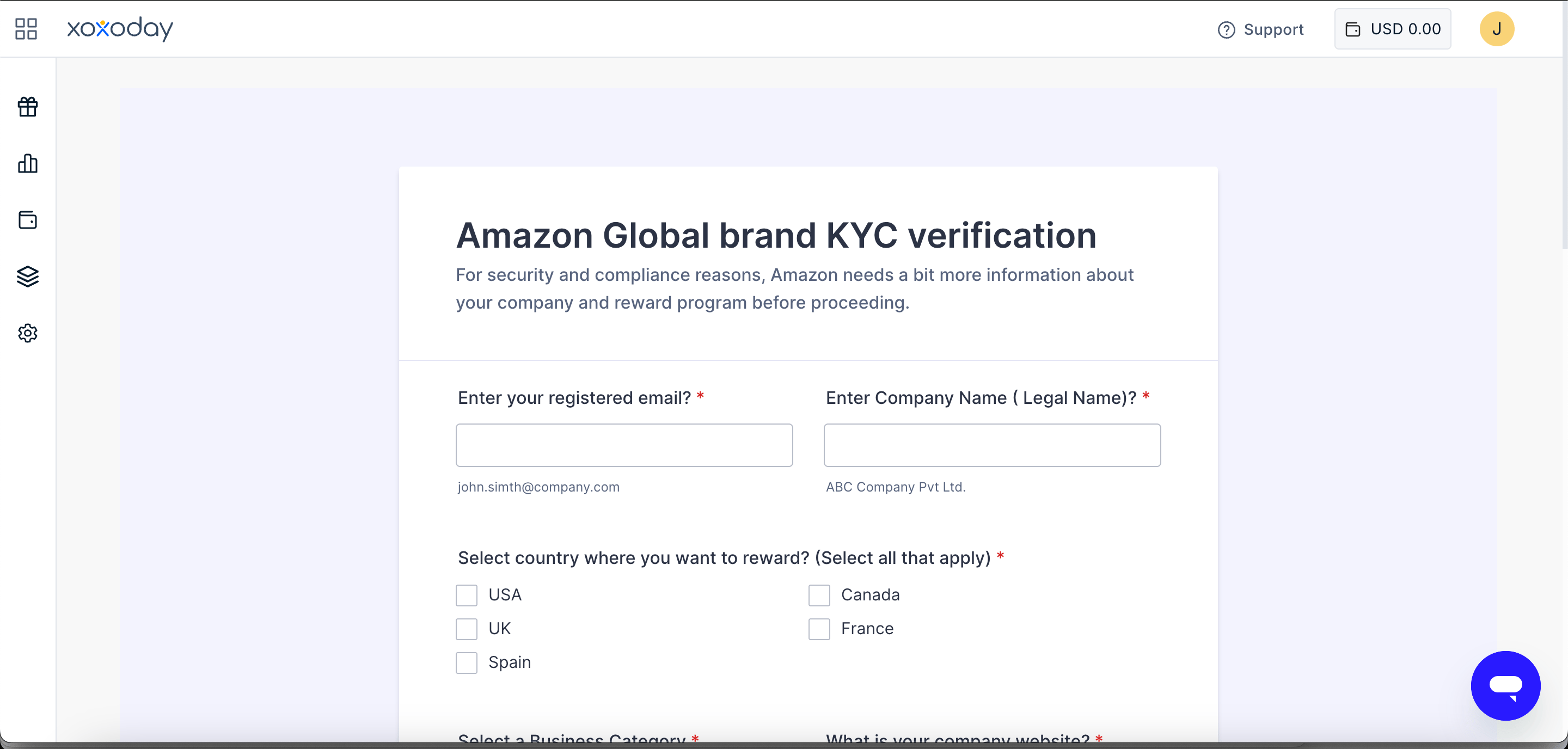
Prepaid Instruments and Digital Wallet KYB
KYB verification is required for certain Visa/Mastercard prepaid instruments and digital wallet rewards such as PayPal and Venmo. The information submitted through the form may be shared with the relevant card issuers and reward partners for review and approval.Information required
You will need to provide details about both your organisation and the person submitting the form:- Registered Email ID
- Name
- Designation/Title
- Organisation Legal Name
- Company Brand Name
- Number of Employees
- Type of Business
- Tax ID – TAX, VAT, EIN, GST, or other applicable tax identification number
- Official Website URL
- Country of Business Formation
- Date of Business Formation
- Lawsuits or Regulatory Actions – Indicate whether the company is currently or has previously been subject to any lawsuits or regulatory actions.
Complete the verification
- Enter the required user and business information.
- Click Next to proceed through the form.
- Complete all remaining sections.
- Review the information you have provided.
- Click Apply for Verification.
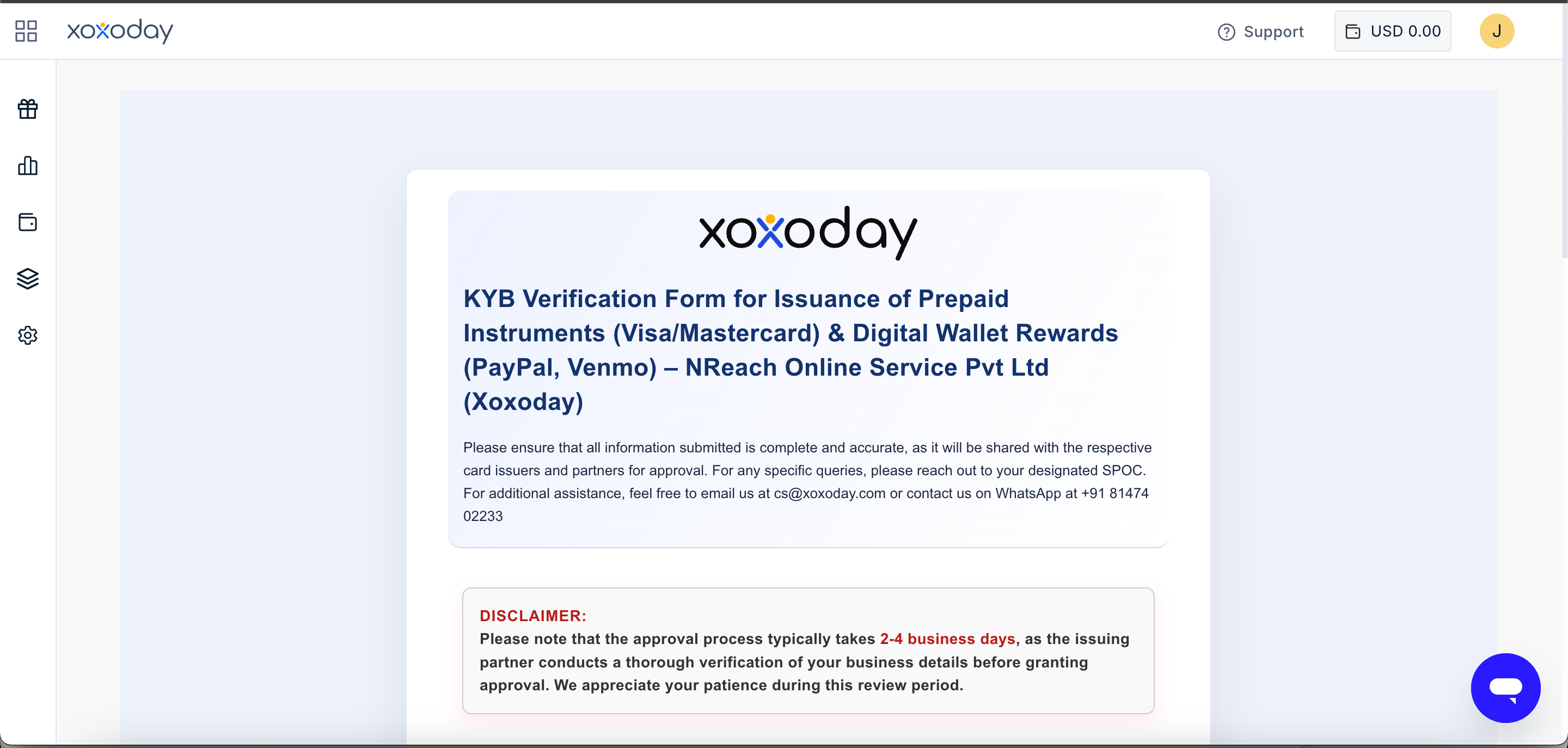
Ensure that all information submitted is complete and accurate. The information may be shared with the respective card issuers and partners as part of the approval process.
What happens after you submit the form?
Once you submit the verification form, the relevant brand or issuing partner reviews the information and documents provided. The typical timelines are:- Amazon India Brand KYC: 3–4 business days
- Prepaid Instruments and Digital Wallet KYB: 2–4 business days
- Amazon Global Brand KYC: The timeline may vary depending on the market and programme details.
Still need help? Raise a support ticket.