Steps and some pre-requisites
Start by logging in to the Admin Dashboard Here are some of the things you’ll need to keep handy: Details of the company as follows:KYB details must be completed before funds can be added or rewards can be sent.
Step-by-step guide
1
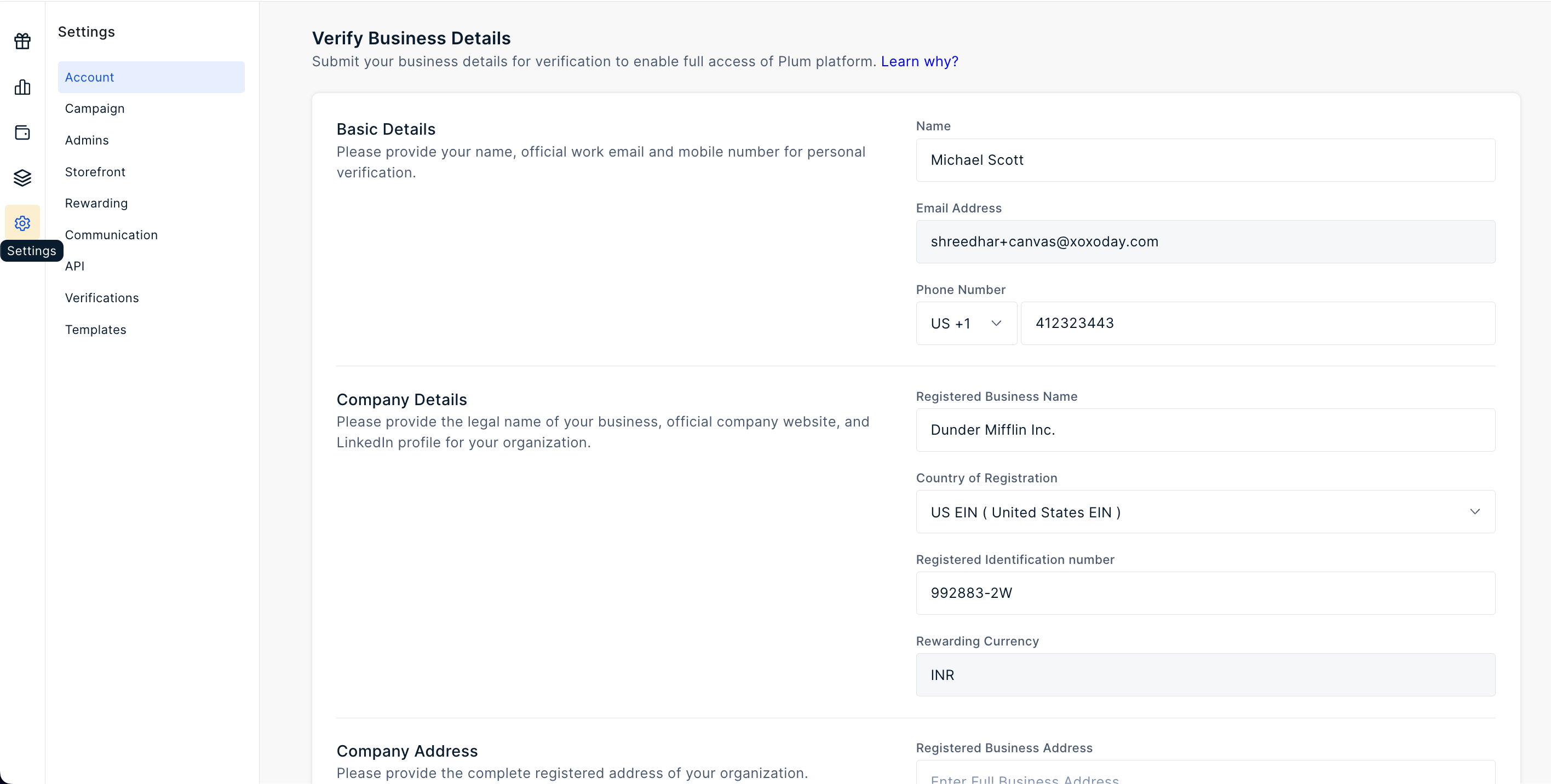
Navigate to Settings >> Account and complete the details
2
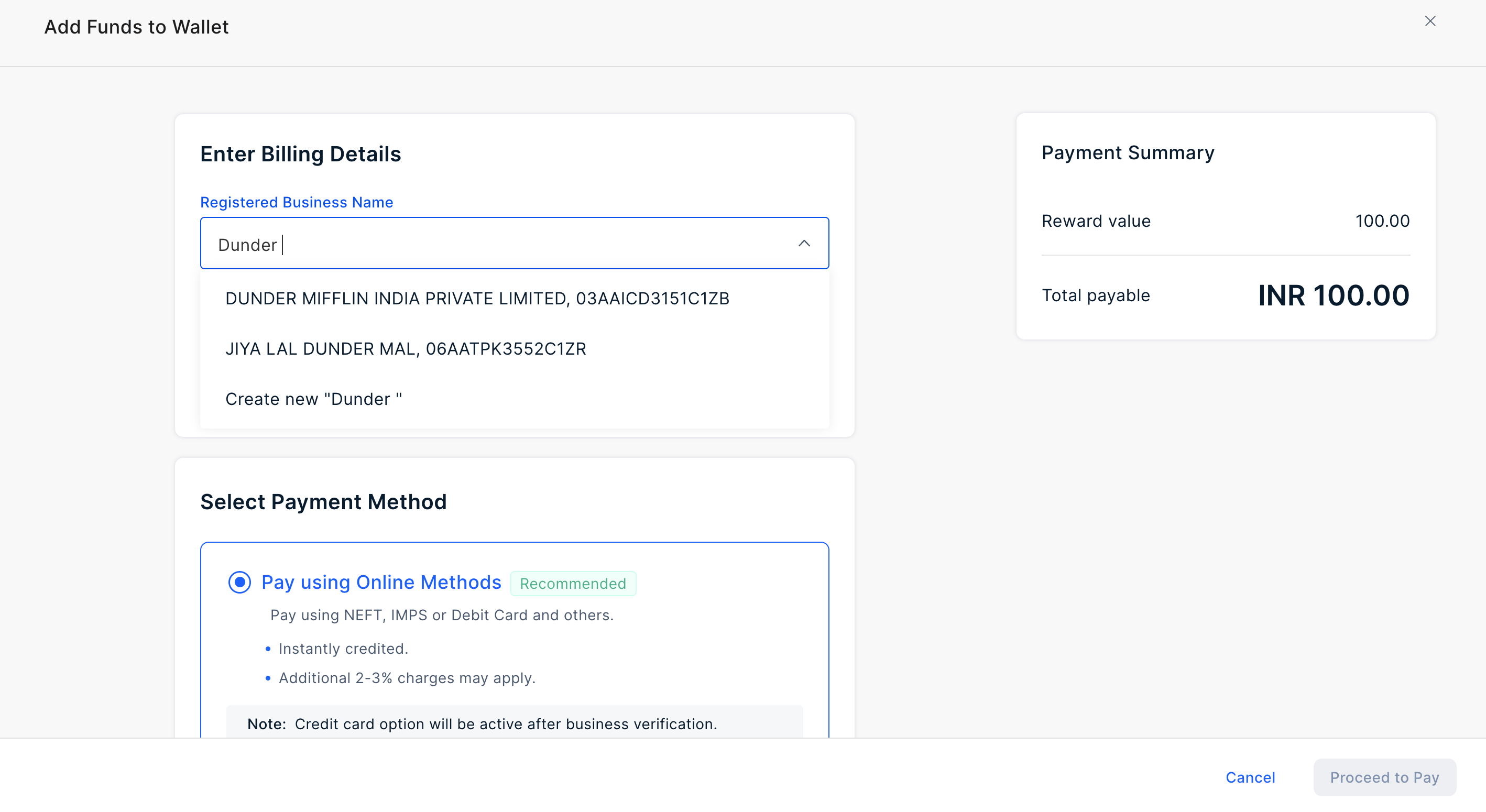
Search and confirm company details
Alternatively, for select geographies, we can fetch company details based on the name input. This feature is currently supported only for customers in India.