
1
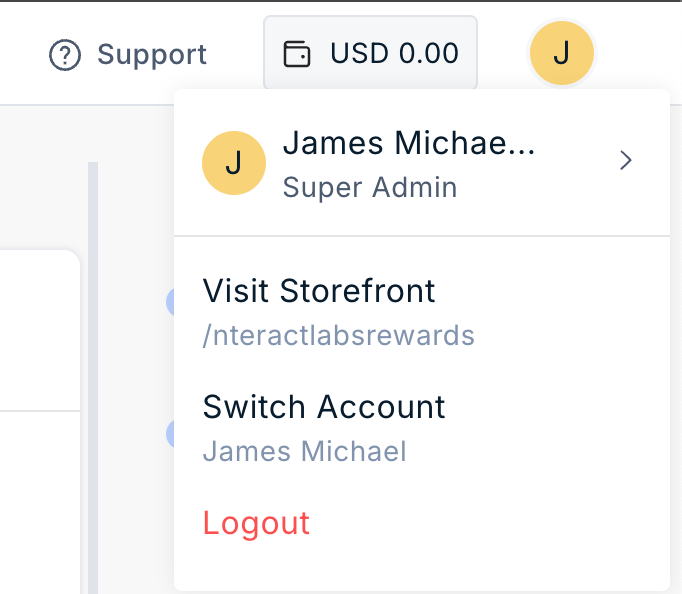
Click the Profile icon in the top-right corner of the Plum Admin Dashboard.
2
Select Switch Account.
3
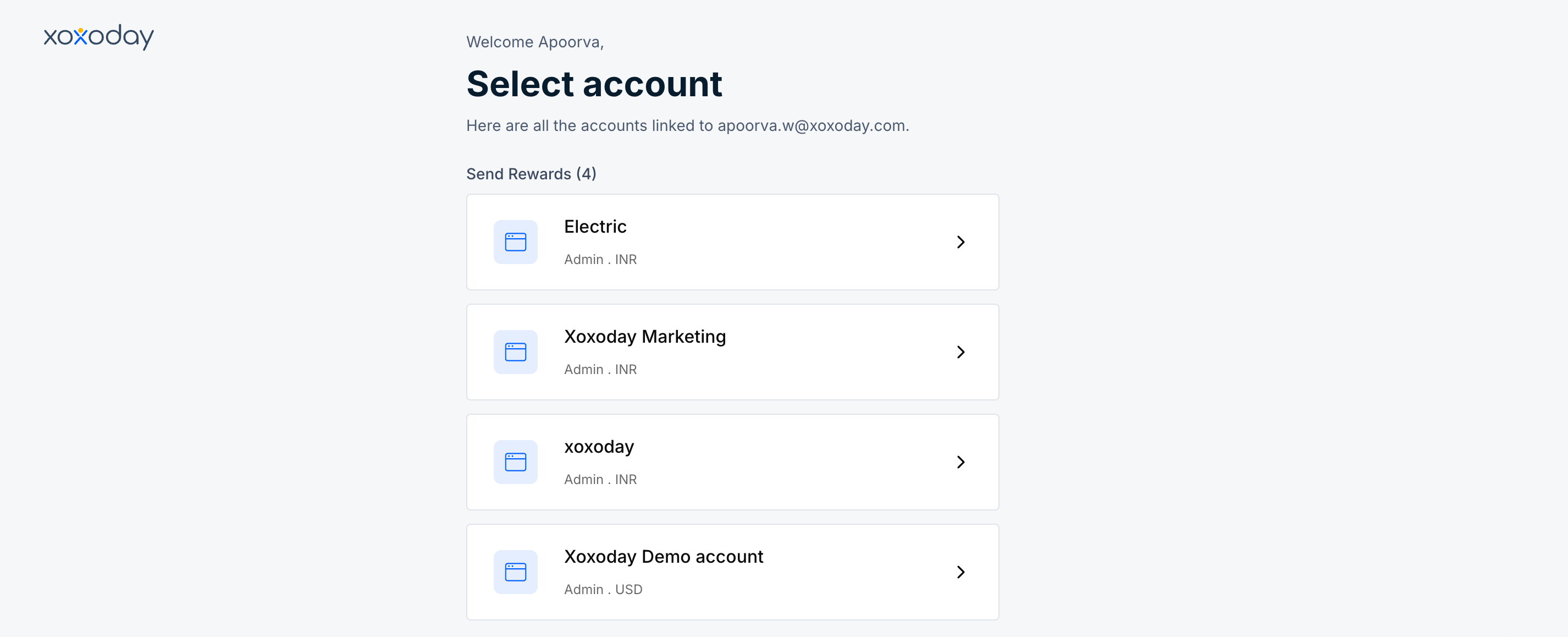
Select the required account from the list of associated accounts
Still need help? Raise a support ticket.
See how to switch between multiple Plum accounts as an admin, useful if you manage rewards across more than one organization.
Click the Profile icon in the top-right corner of the Plum Admin Dashboard.
Select Switch Account.
Select the required account from the list of associated accounts