
Sign up to Plum Storefront
1
Go to the Storefront
Go to https://stores.xoxoday.com/companyname.
2
Login using your credentials
Login using your registered email address and password.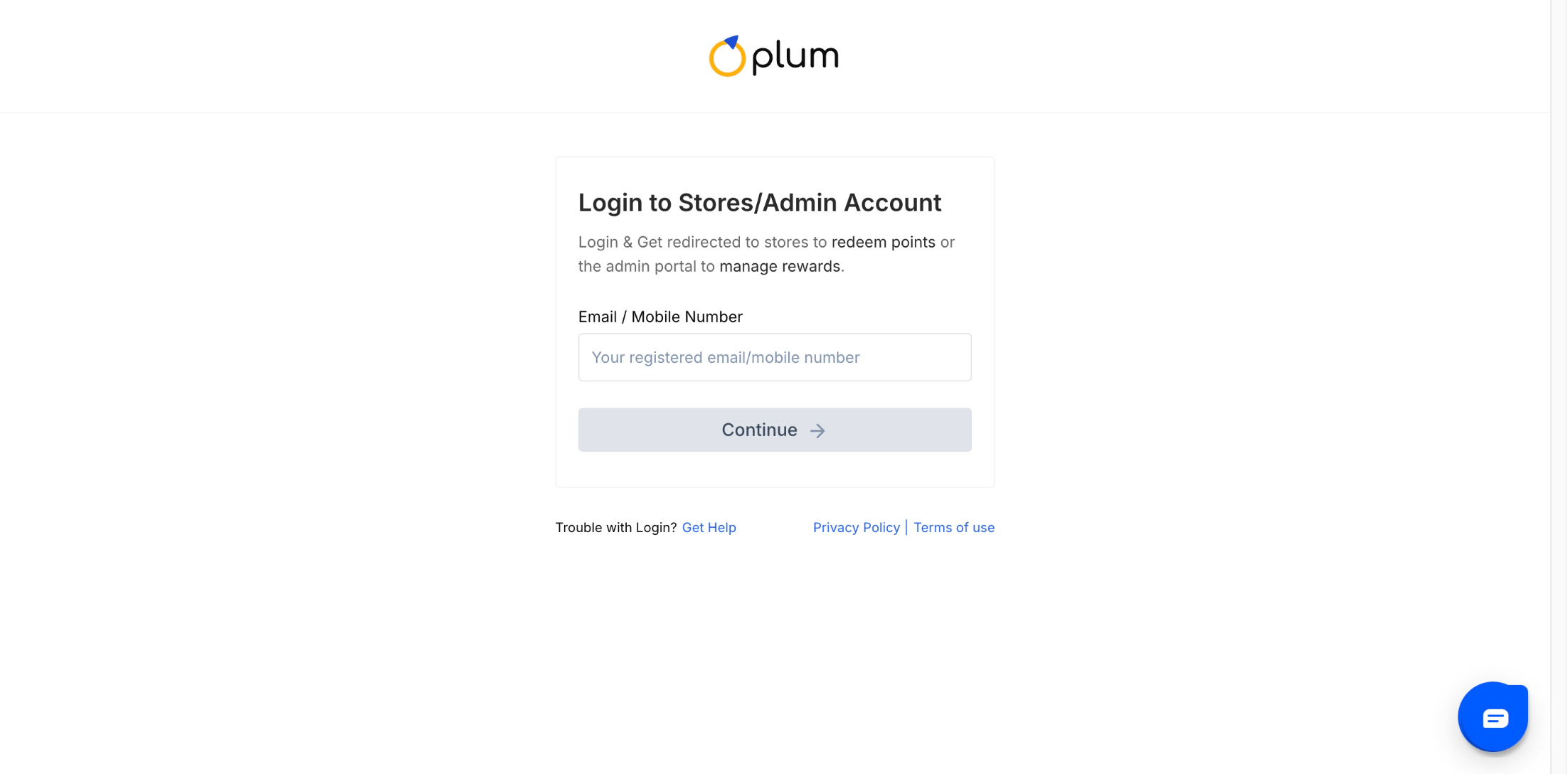

Note: Users with a valid Reward Code do not need login credentials. During checkout, they can continue as a guest and redeem the code directly.
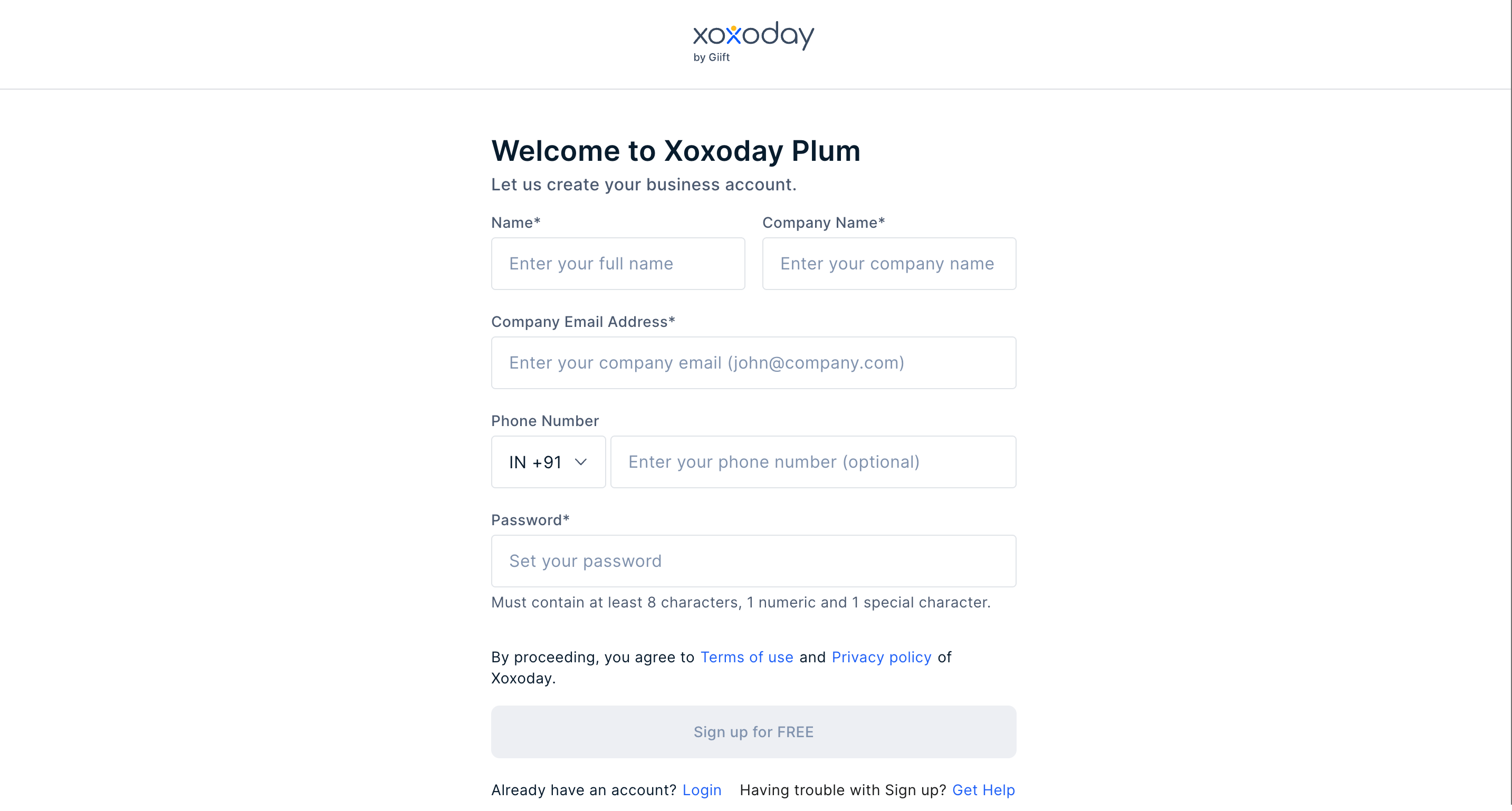
- For Signing up, select the signup option from the accounts dropdown.
Note: Users with a valid Reward Code need not have login credentials. During checkout, they can continue as guest users and redeem the Reward Code.
Forgot your password?
1
Visit the storefront
2
Click Forgot Password
Enter your registered email ID and click “Forgot password”.
3
Reset your password
A reset password link is sent to the email ID provided. Click on the link and set a password.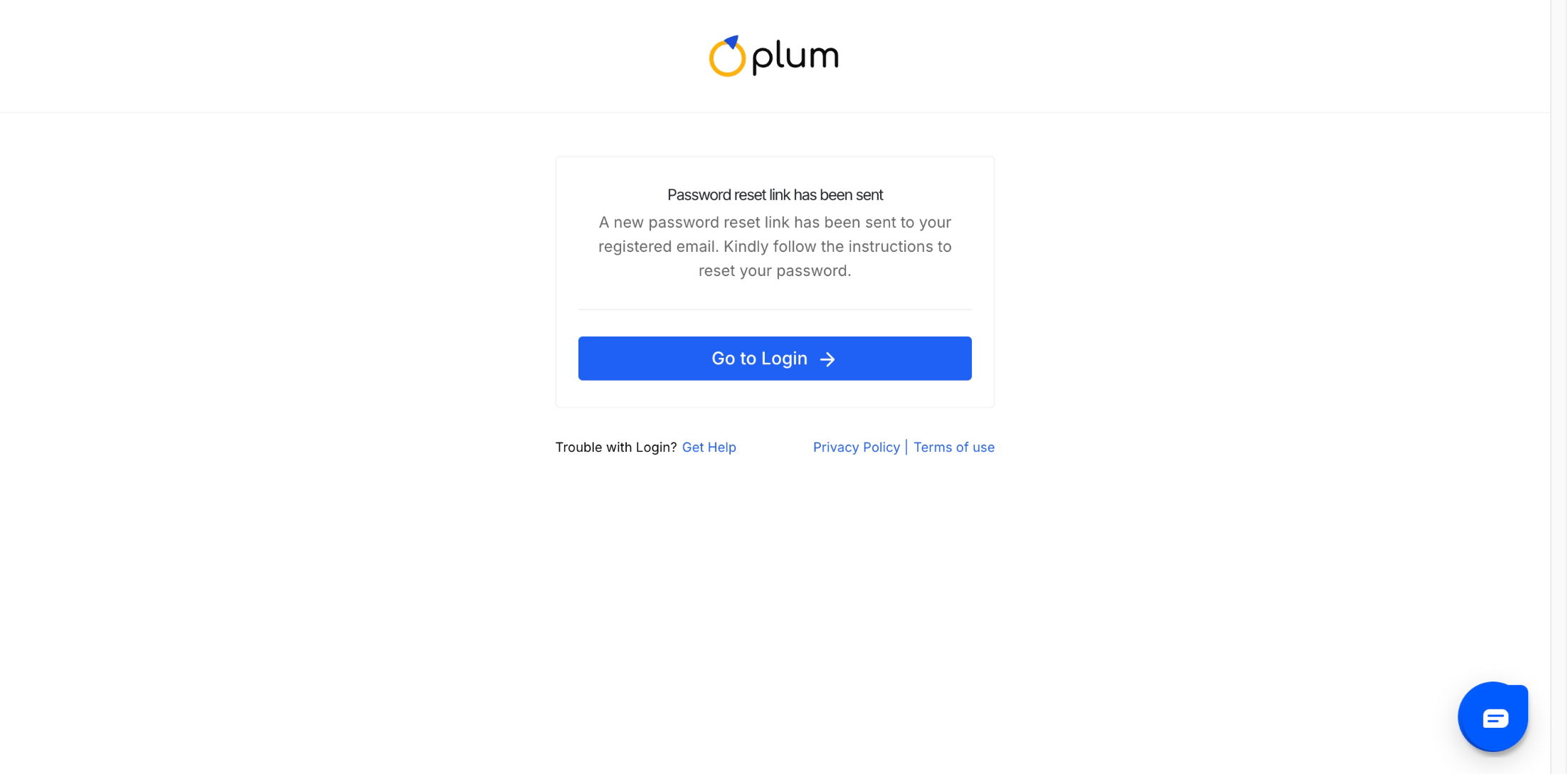
Note: Any users with a valid Reward Code need not have login credentials. During the checkout, continue as a guest user and redeem the Reward Code.
Logging in for the first time
First-time users, please follow the steps below:1
Go to the Storefront
Go to stores.xoxoday.com/companyname, click on the login page and select sign up and this opens the Sign-up form as below.
2
Enter your details
Enter the required information, such as your “Name”, “Email ID”, “Country Code for Phone Number”, and “Password”. You will receive an OTP to verify and you will be successfully signed up.
Still need help? Raise a support ticket.