
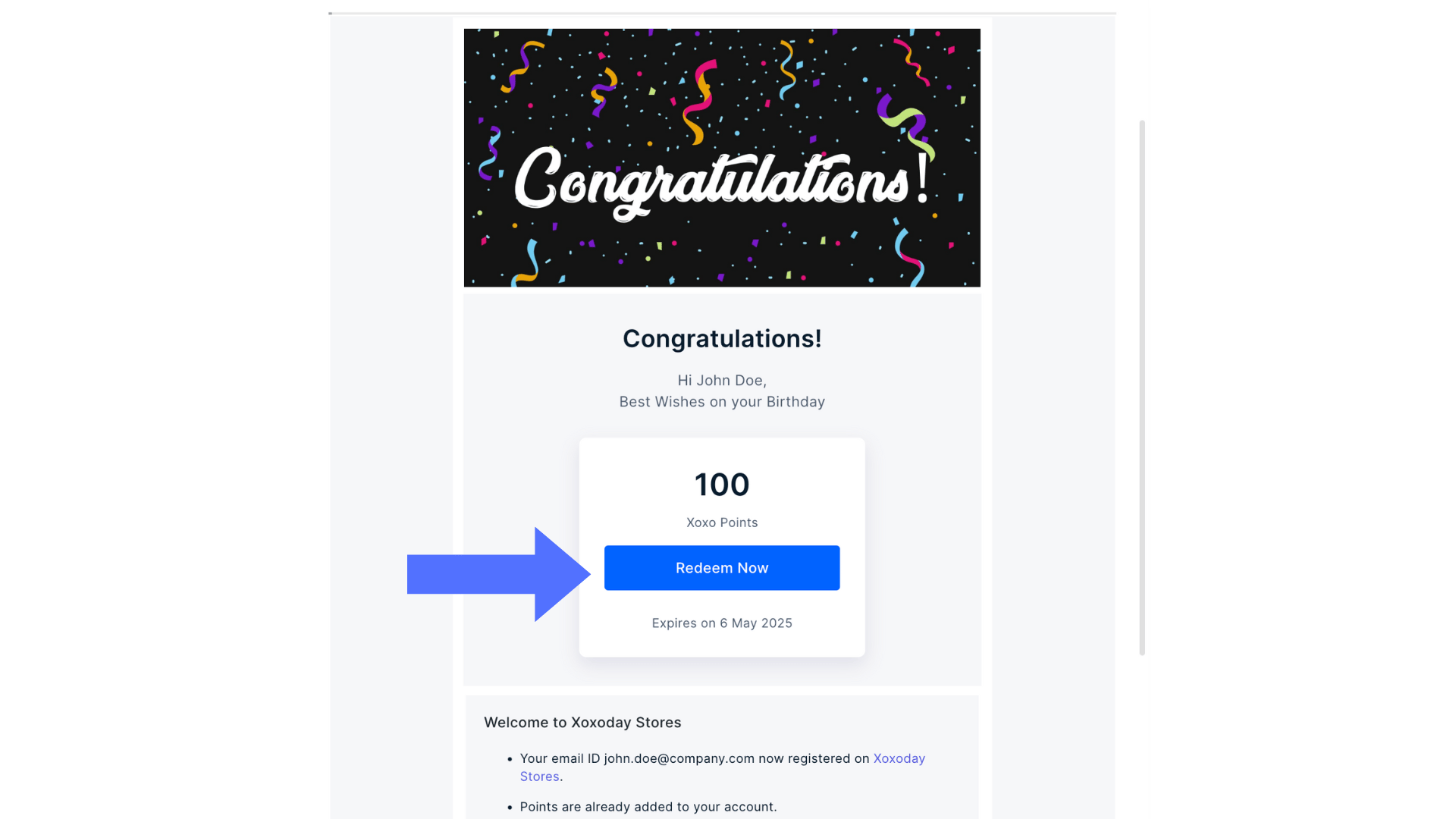
1
Log into your account
Your reward points balance is shown at the top right corner of the page.
2
Choose a gift voucher
Choose any gift vouchers, etc, from the different categories shown.Click on “Add to cart” on the selected brand.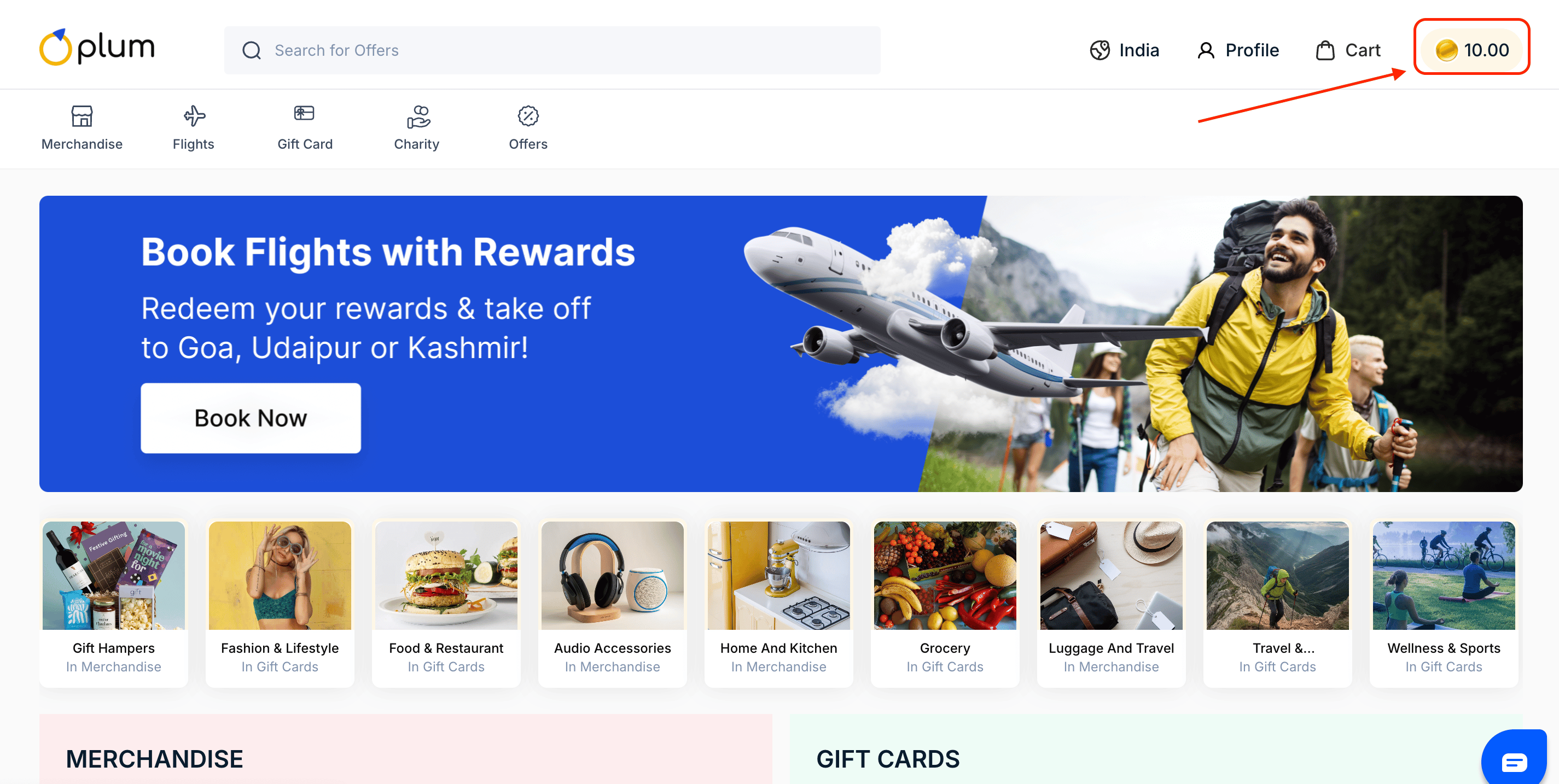
3
Go to Cart
Once you add the product to your card, “Add to cart” button will show the “Go to Cart” option making the journey simple. You can click on the “Go to Cart” button.You can also “Go to cart” by clicking on the cart icon in the top right corner beside the profile.Please read the Terms and Conditions, Validity, and Description of the item before proceeding.
4
Checkout
Click on “Checkout Now” to move to the check-out page.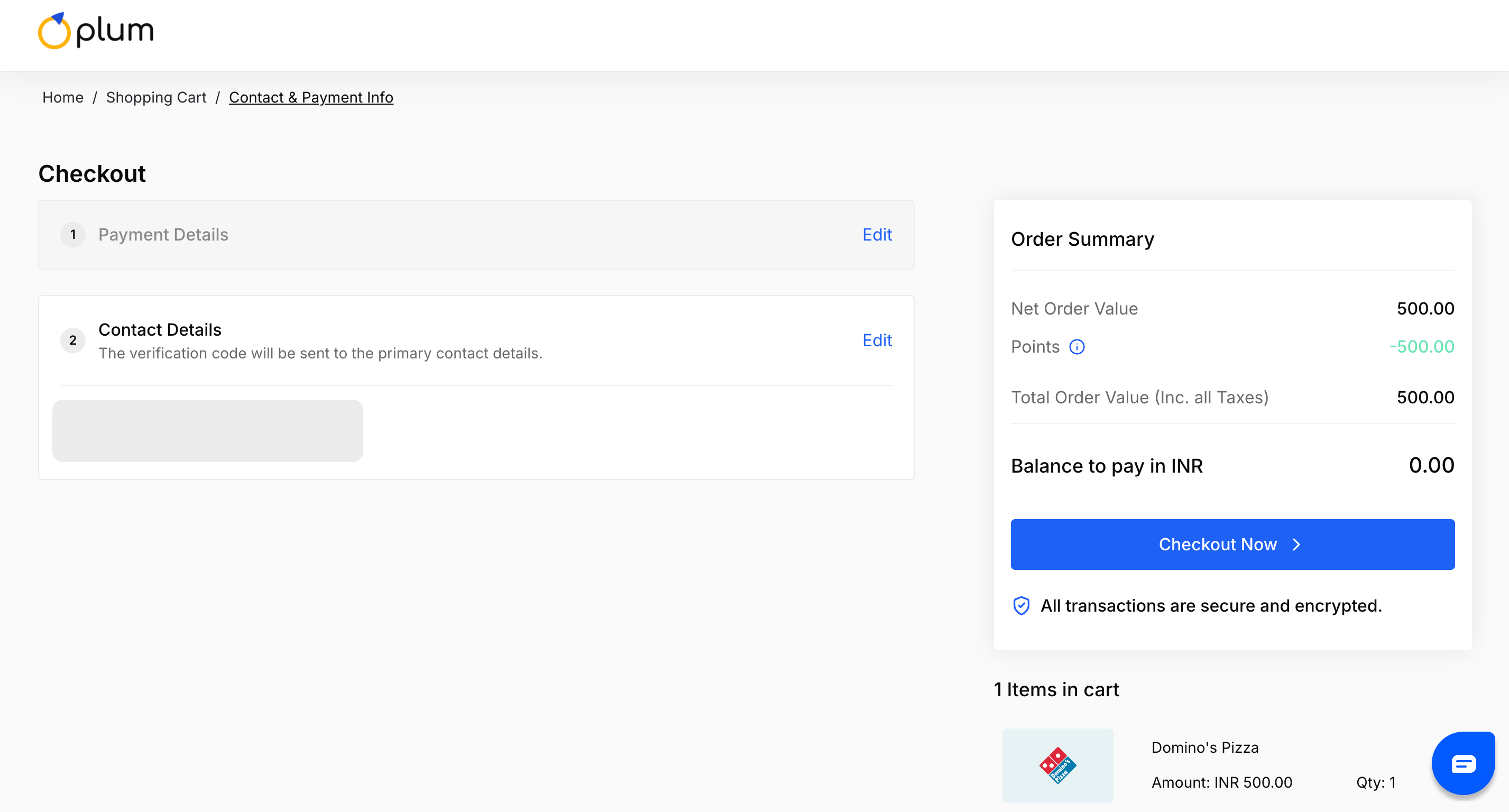
5
Enter your details and complete payment
Enter your name, email, dialing code, and phone number. An OTP will also be sent to the mobile number provided before continuing with the purchase.The user will be able to see the reward point balance and ask if he wants to use the points for the order payment.
Still need help? Raise a support ticket.