
1. Online Payment Methods
Online Payment Methods using Credit Card & Debit Card.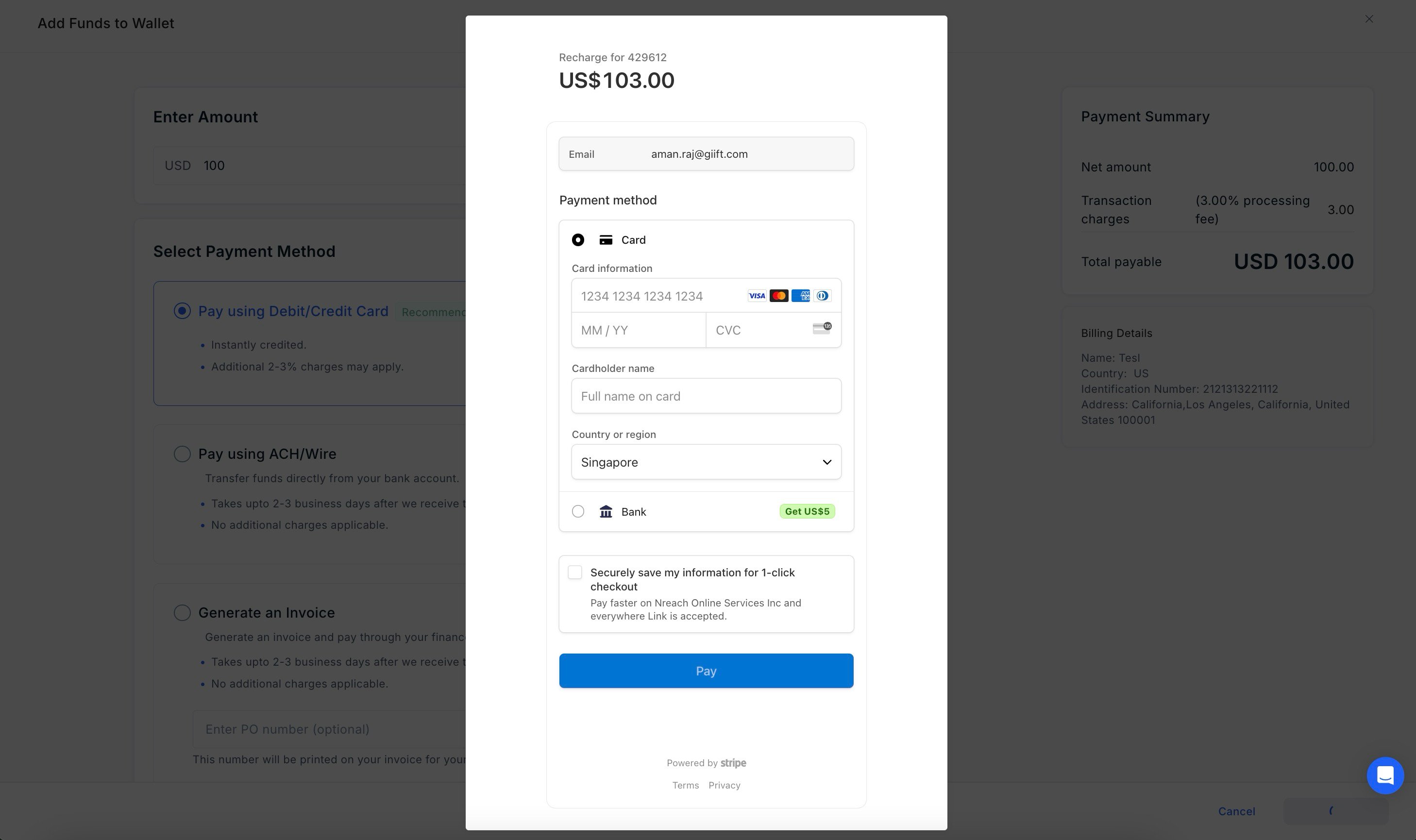
Fund addition for INR Accounts
Online options available - UPI, Credit/Debit Card, Net banking, e-Wallets and more.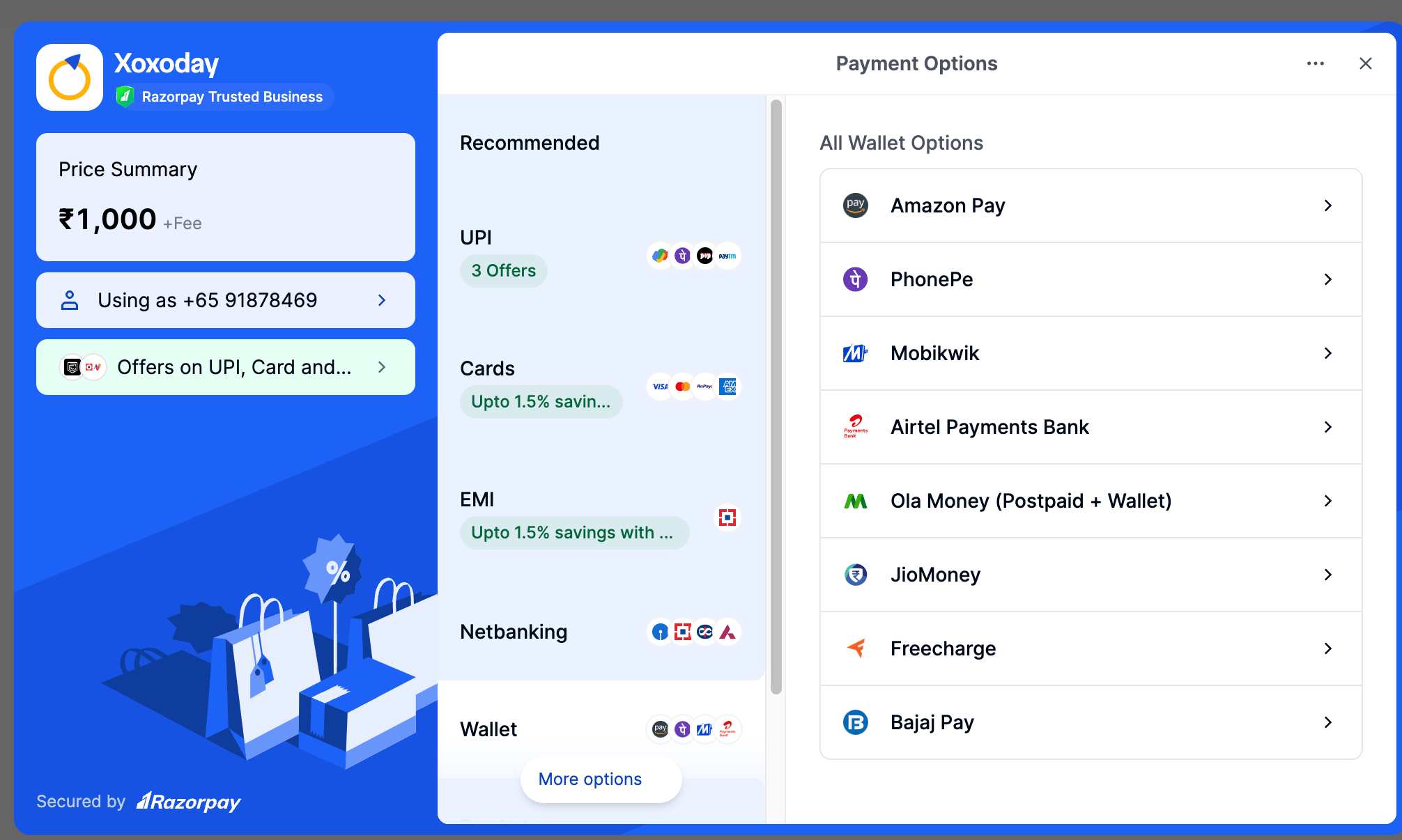
2. Pay Offline
Create an Invoice
An invoice (or pre-payment invoice) is a great way if you want to get your finance team involved in making the payment. Here’s how to do this:1
Log in to your Xoxoday Admin Account
2
Go to the Add Funds section
3
Create Invoice
Input the desired amount in your base currency click “Create Invoice” to proceed.
4
Enter Purchase Order details
Enter the Purchase Order Number (Optional) and Purchase Order Date using the calendar icon.The selected date is stored in the system and displayed clearly on the invoice template, giving finance and procurement teams the visibility they need for smooth tracking and reporting.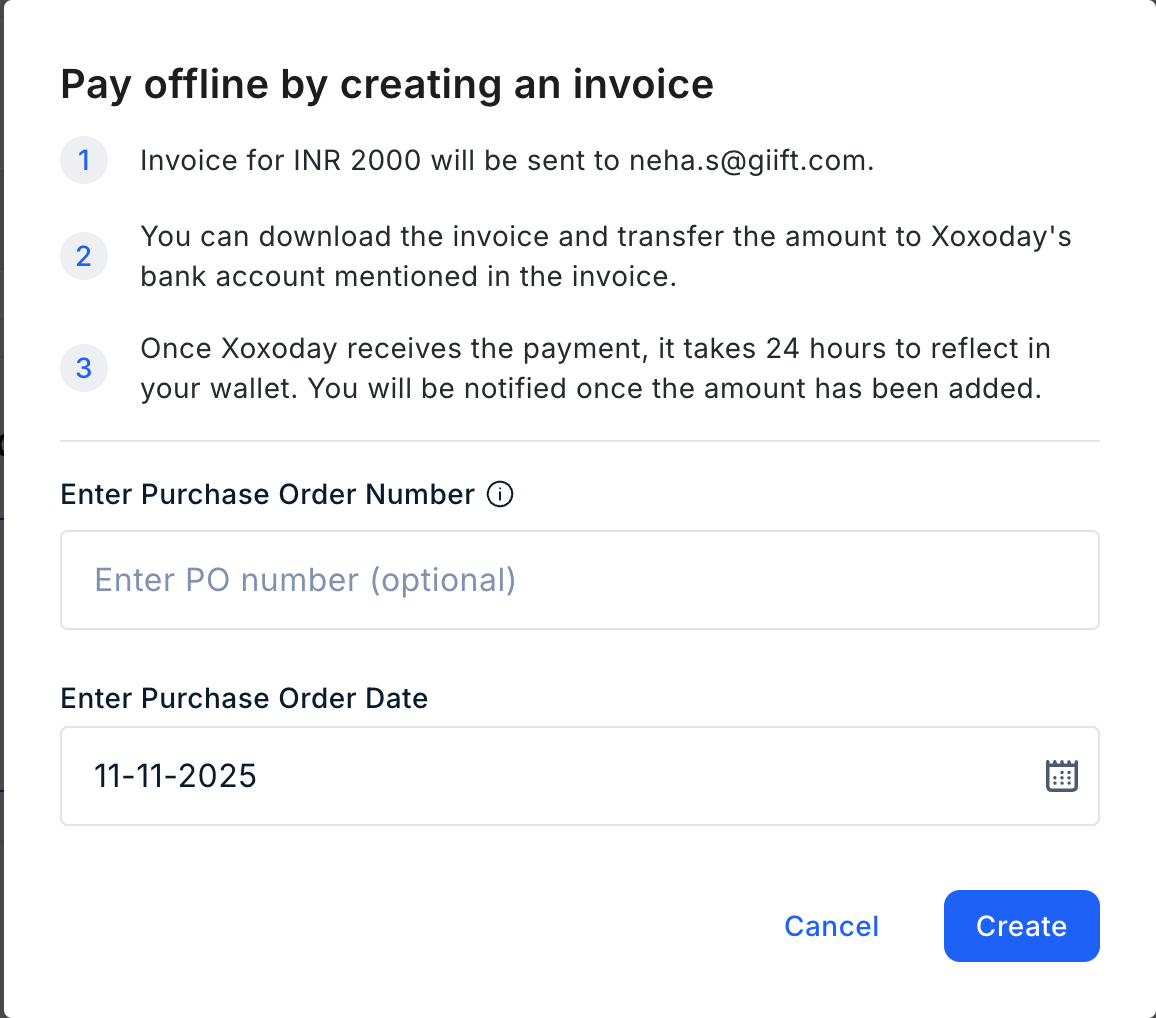
5
Invoice sent to your email
That’s it! The invoice will be sent to your email address.After the payment is made, share the details with ar@xoxoday.com. The finance team will verify the details, and after the verification, the funds will be credited to your account.
Pro tip
- You can optionally enter a PO number at the time of generating the invoice.
- You can view the status in the reports section. It might take a couple of minutes to show up on the dashboard.
Still need help? Raise a support ticket.