Pre-requisites
- As an admin, You should have already connected the Xoxoday with HubSpot.
Steps to create a 1-many campaign:
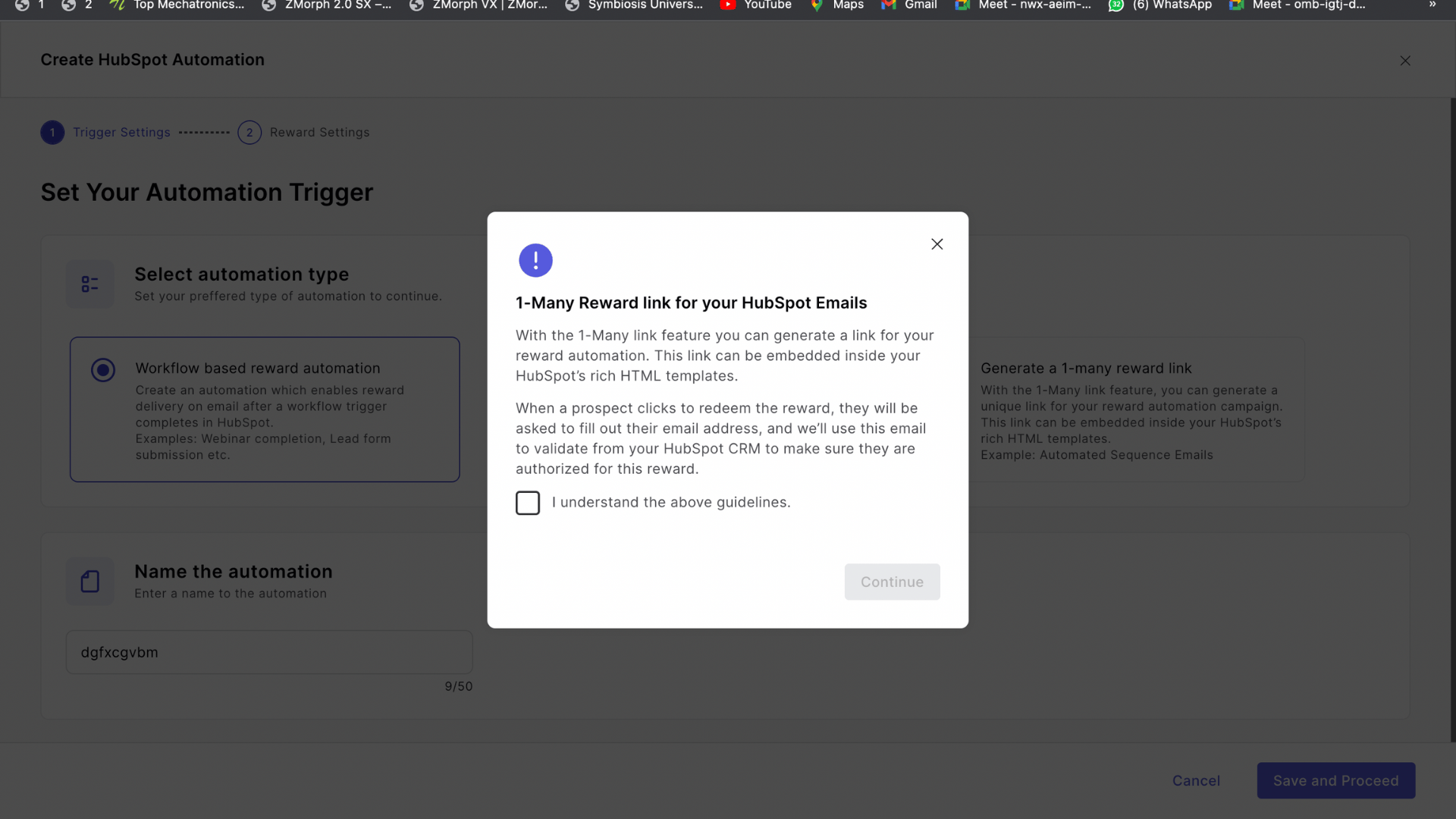
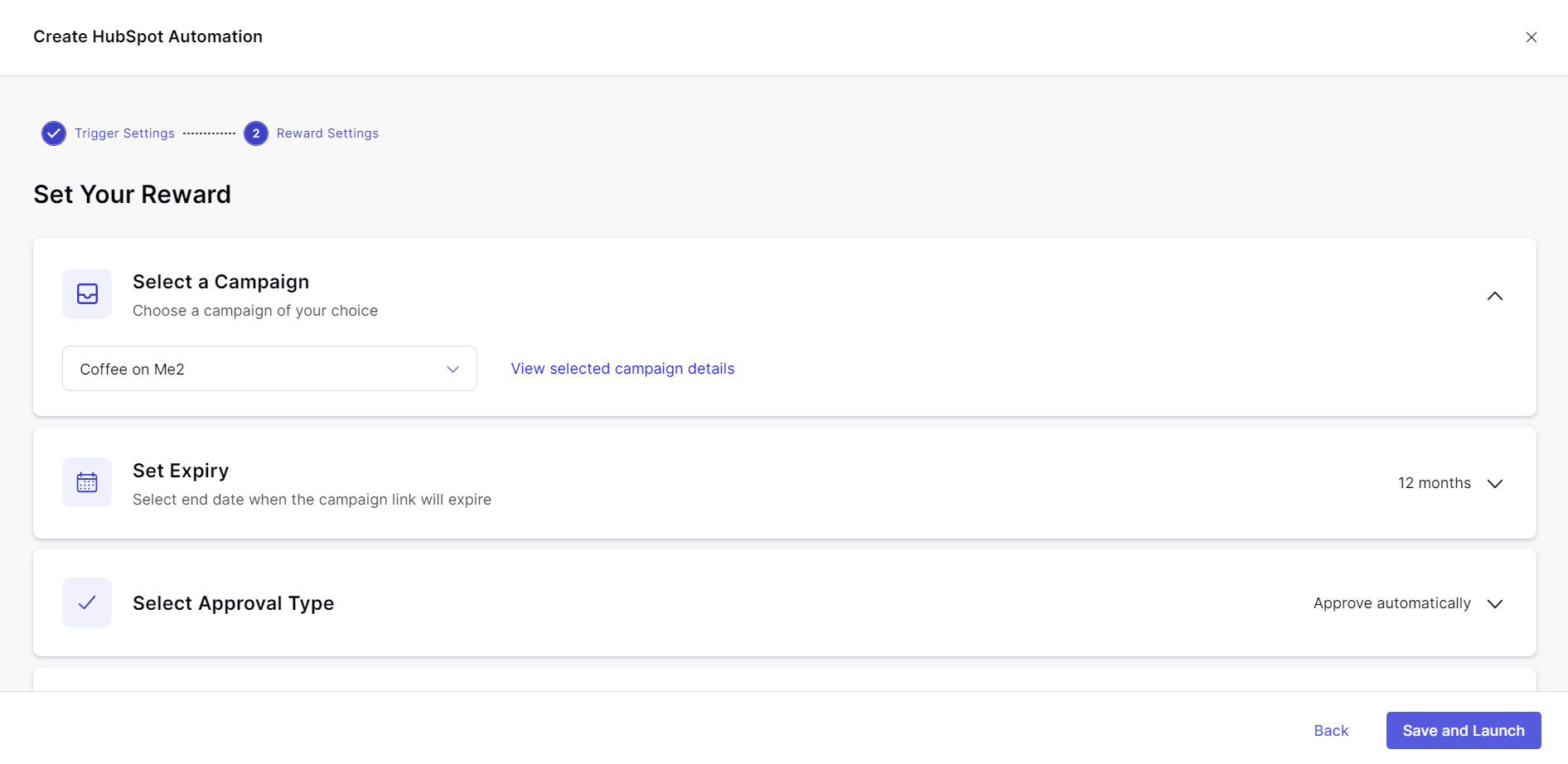
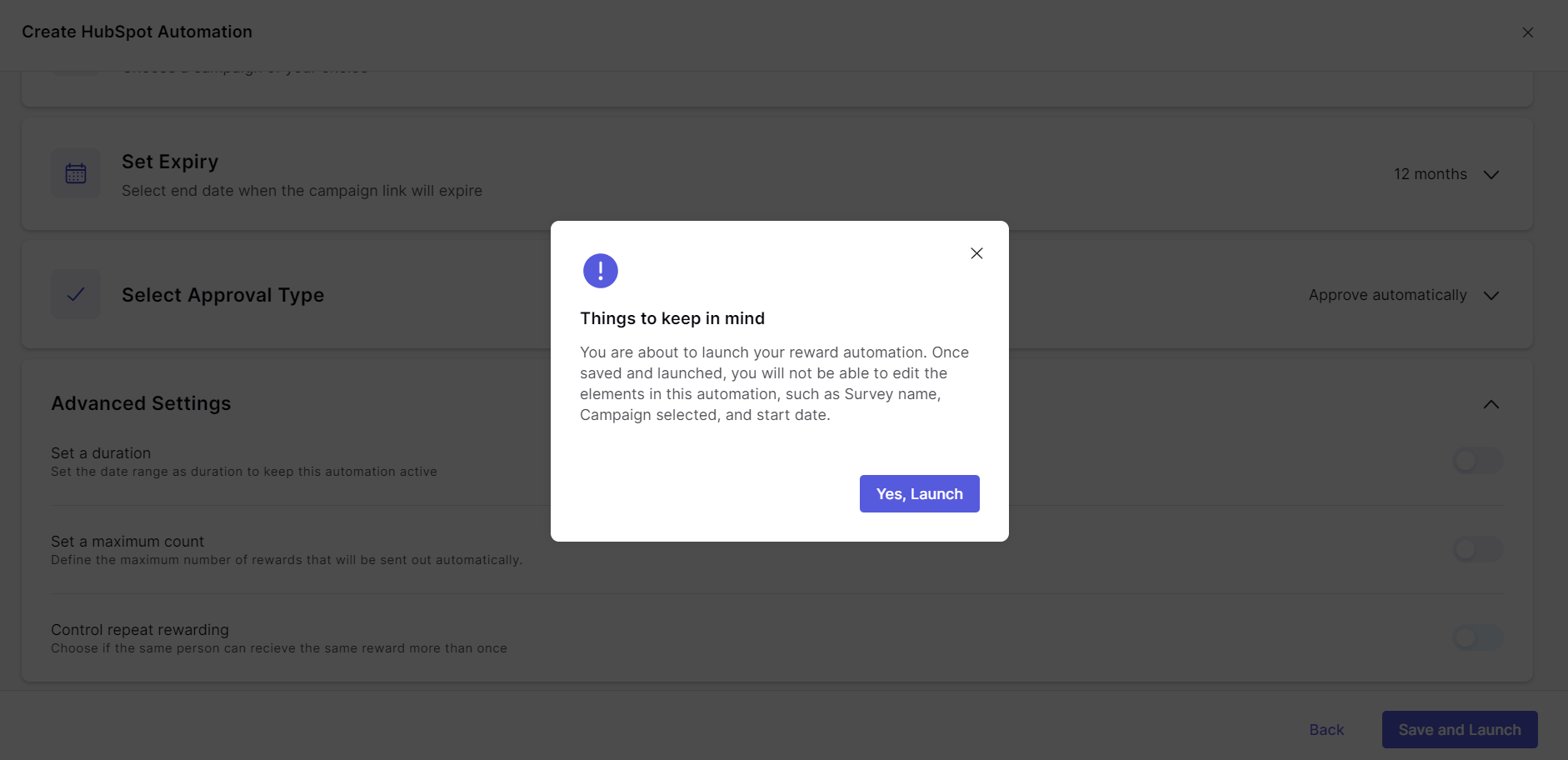
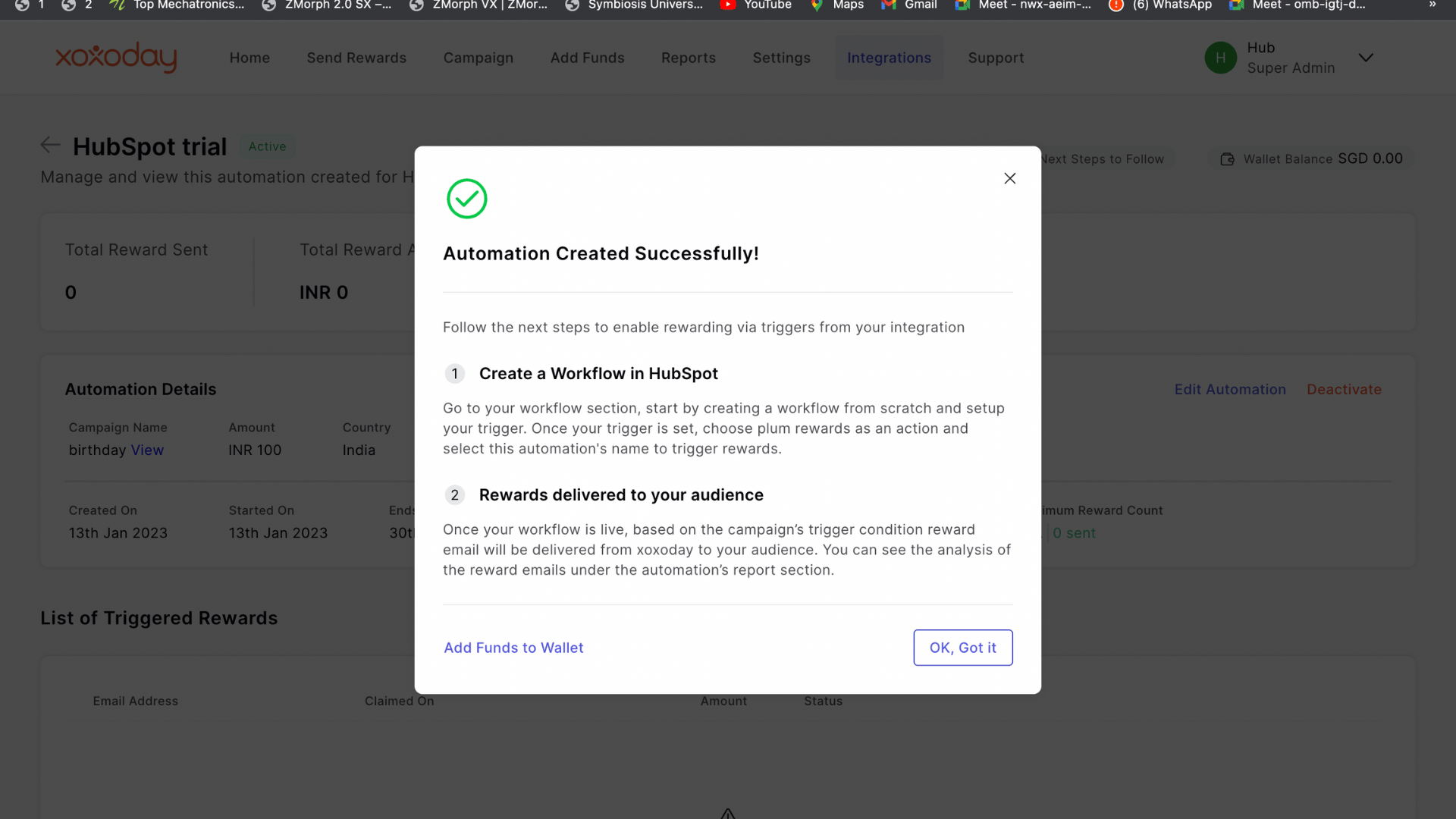
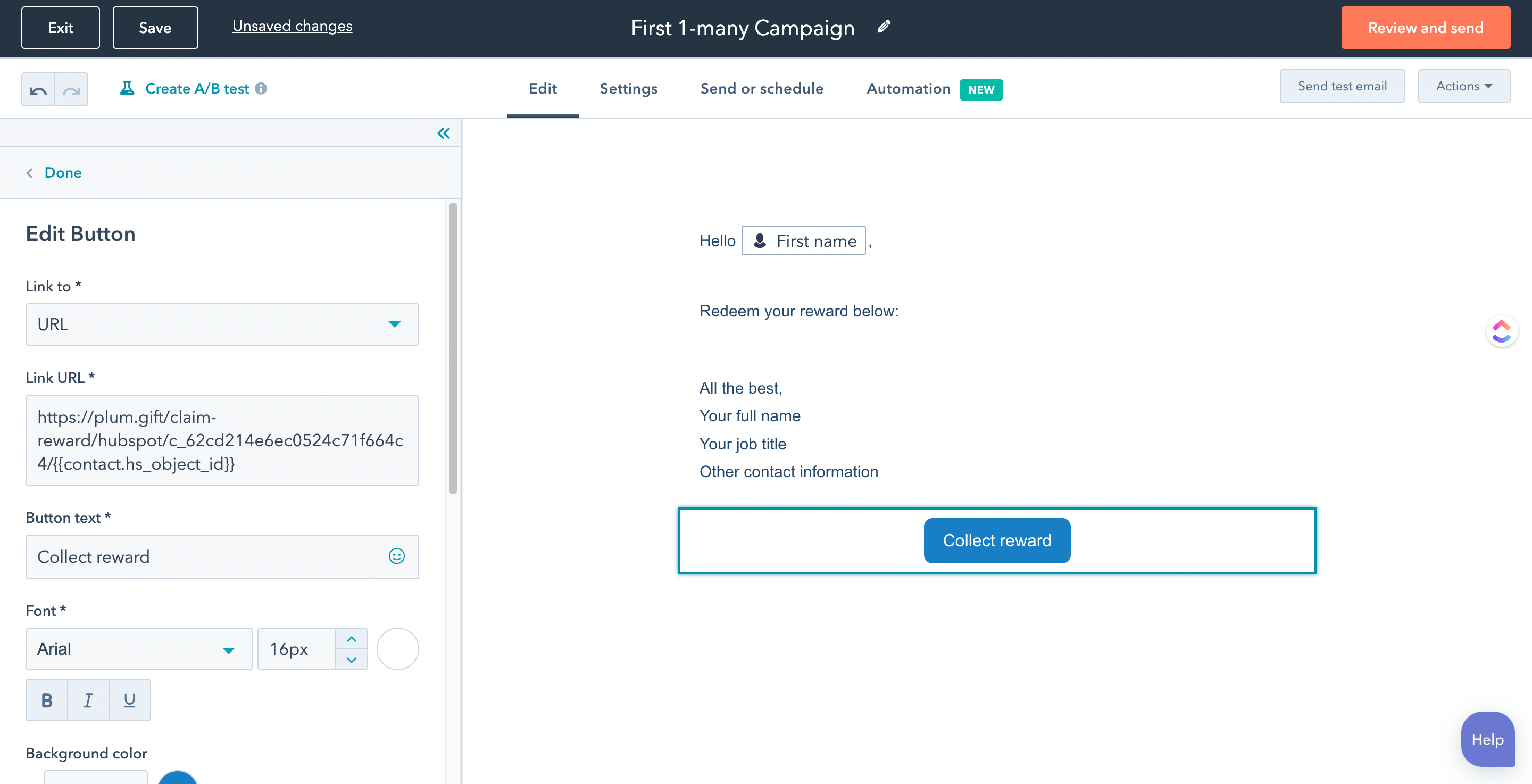
Step 1: The admin creates the Xoxolink campaign. Step 2: The admin creates Automation for HubSpot — and selects ‘1-many reward link’. Accepts the Information message and tick that you understood the guidelines. Click ‘Continue’.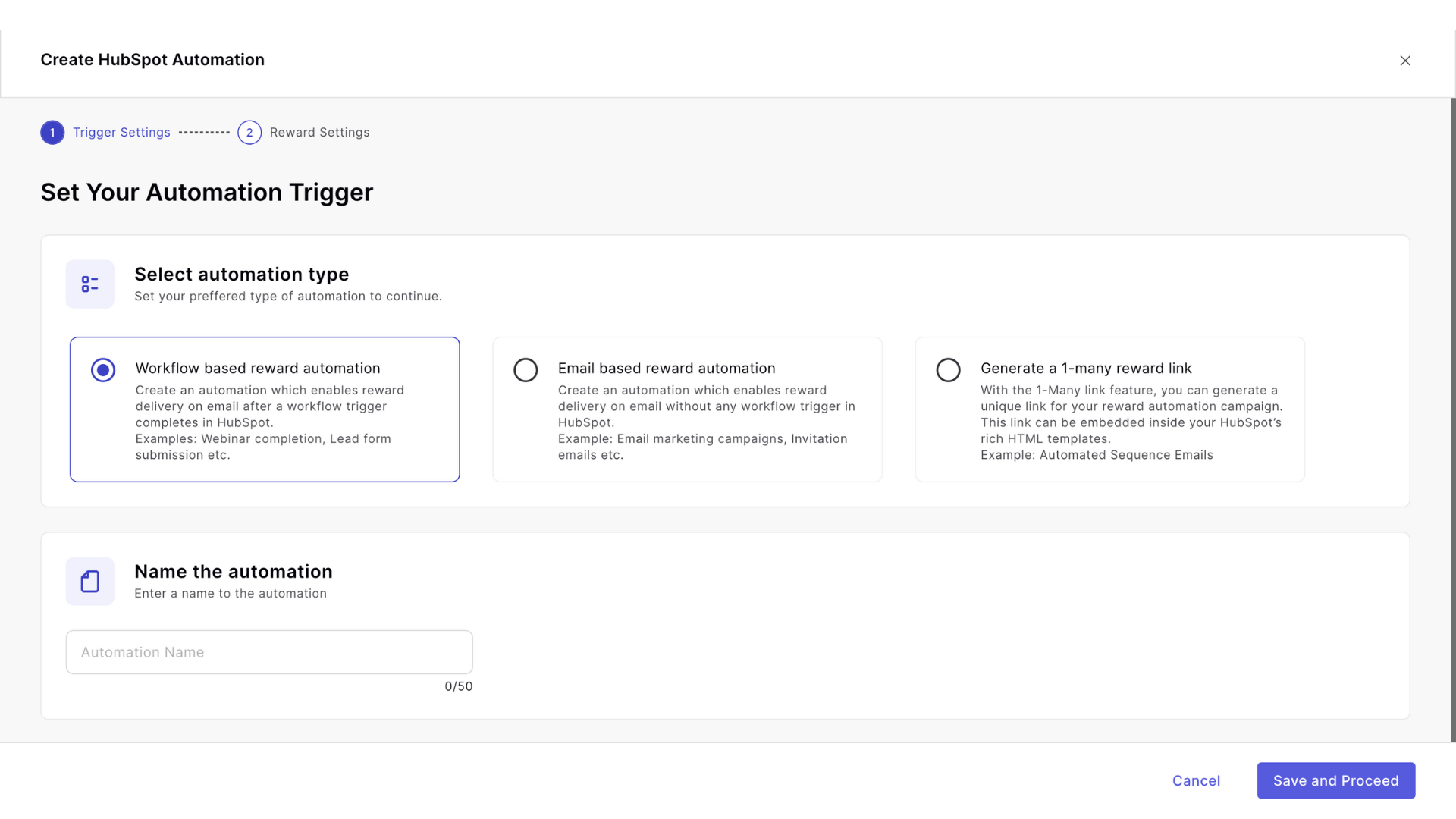
Steps to Redeem a 1-Many campaign
Below are the steps to redeem your rewards: Step 1: From your reward email Click the CTA to go about redeeming.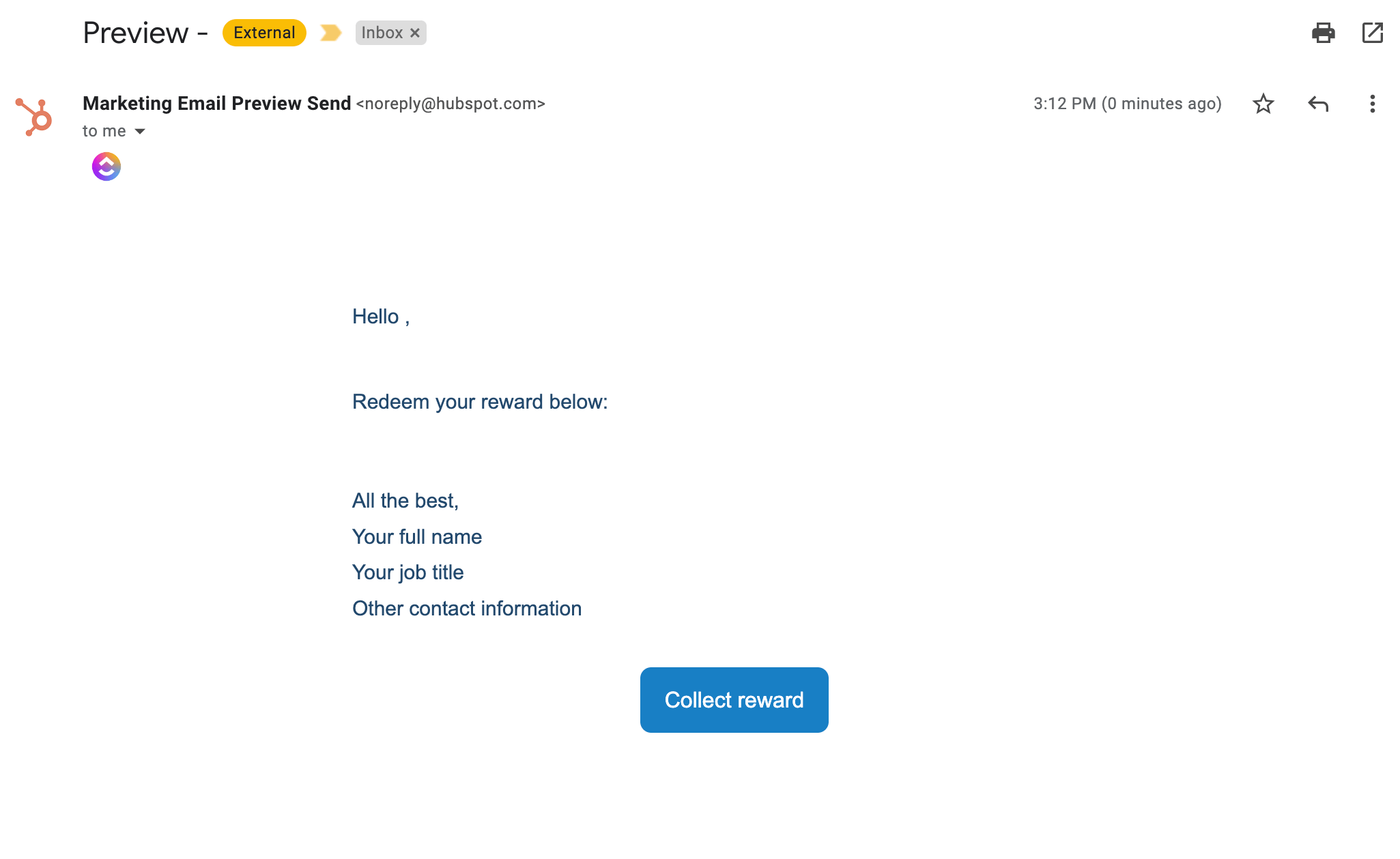
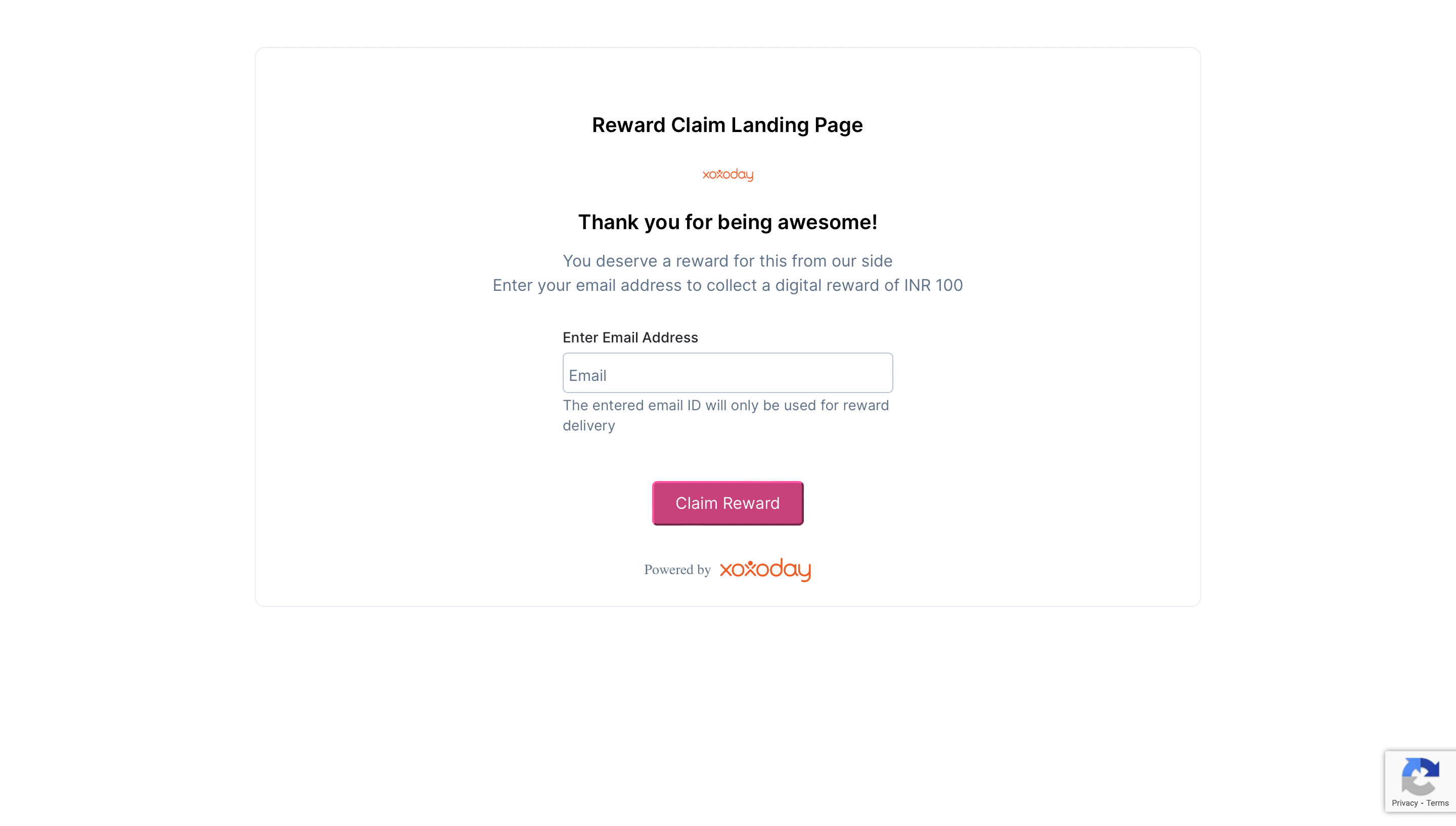
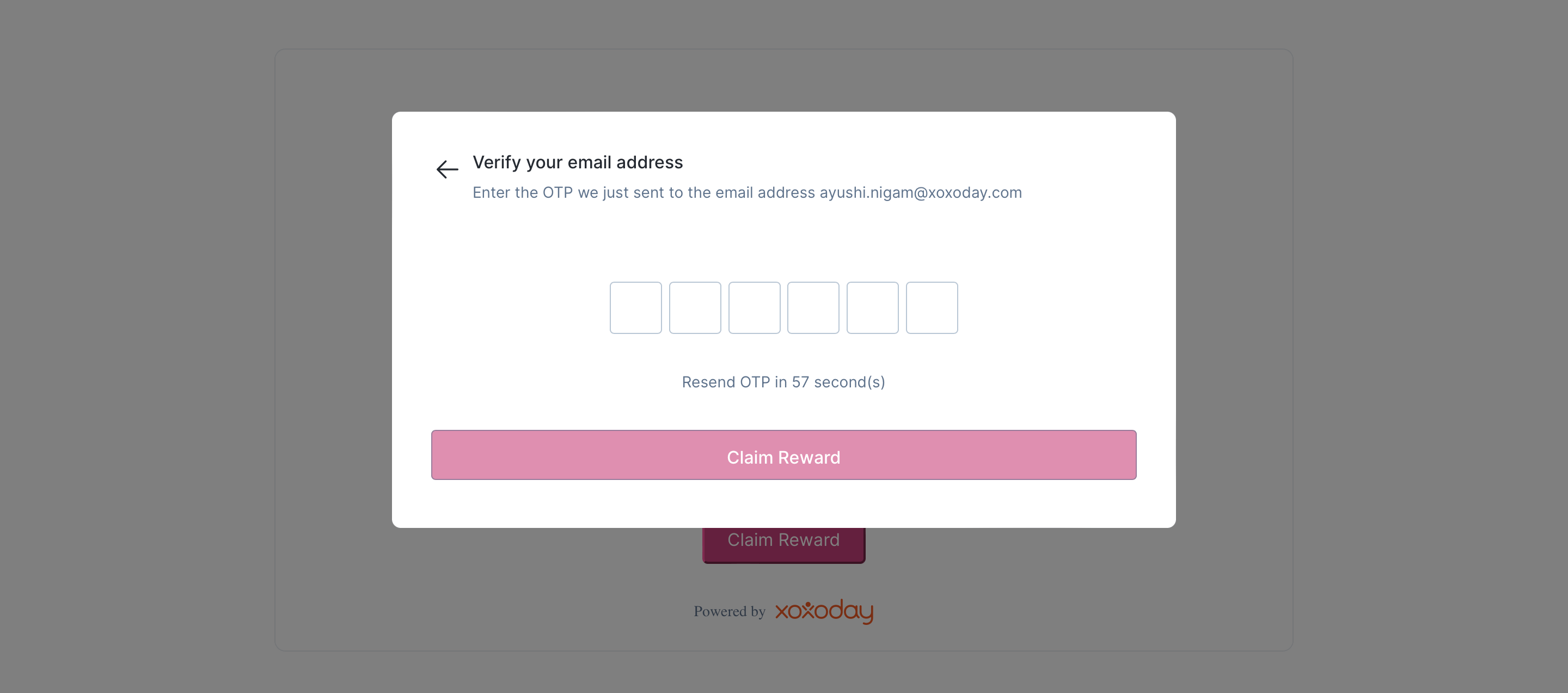
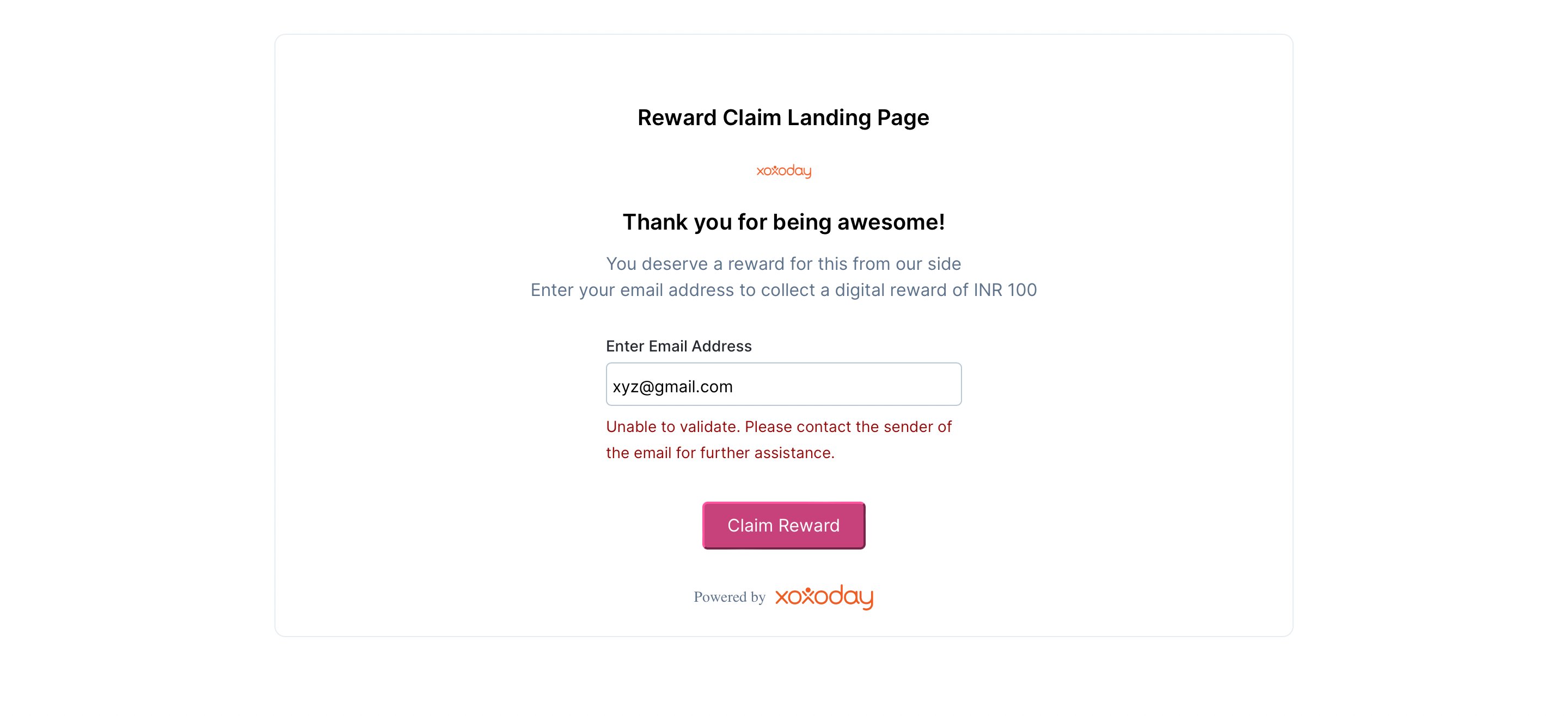
- End user inputs email address say xyz@gmail.com
- If the email address is present in the HubSpot contacts, we proceed to send the reward
- Else, we show an error message saying ‘Unable to validate. Please contact the sender of the email for further assistance ‘