How the Xoxoday Plum and Typeform Integration works?
Send personalized rewards, incentives, and gift cards to your respondents to increase the survey response rate with Xoxoday Plum i. Instant Gratification -Provides a sense of fulfillment for the user on completion of a particular task, leaving behind a good taste of the application or platform used.ii. Automated workflows- You can set up custom workflows and triggers to automate the complete process of sending, tracking, and managing rewards, incentives, gift cards, etc.iii. Hassle-free Rewarding- Provides a hassle-free method for organizations to reward users based on specific triggers.iv. Approval Workflows- Eliminate any duplicate or multiple reward claims by using Xoxoday’s robust built-in approval process. Scrutinize all claims before approving or rejecting them.v. Extensive Global Catalogue - Xoxoday’s storefront offers an extensive global catalog of 5000+ experiences, 3000+ gift vouchers, and 12000+ perks for your users to choose from. No-code setup - No human intervention or technical support is needed. No code workflow set up with a step-by-step walkthrough.Getting started with the Xoxoday Plum ↔ Typeform Integration
Follow the step-by-step guide to set up the integration between Xoxoday Plum and Typeform. Step 1 Go to Typeform → Apps and Integrations→ Search for Xoxoday Plum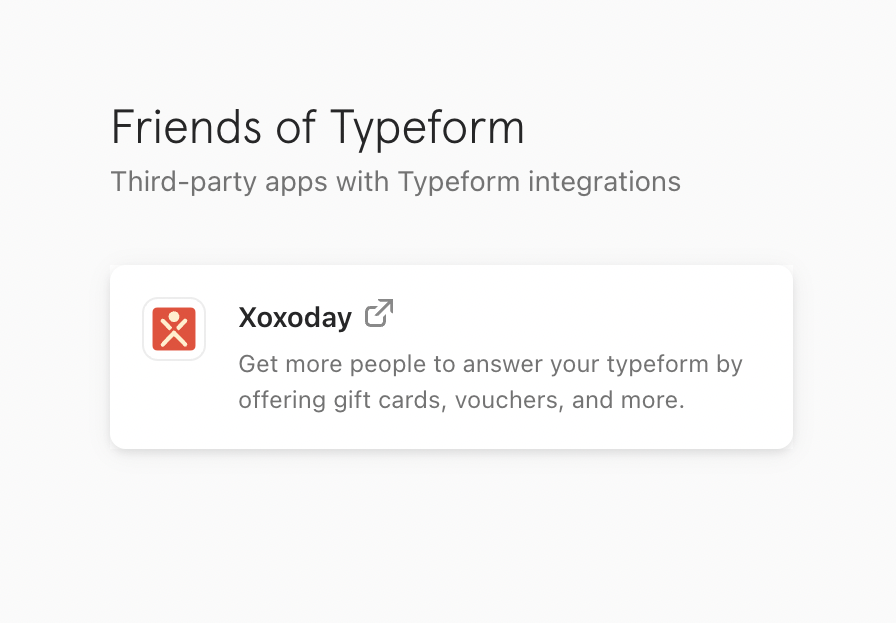
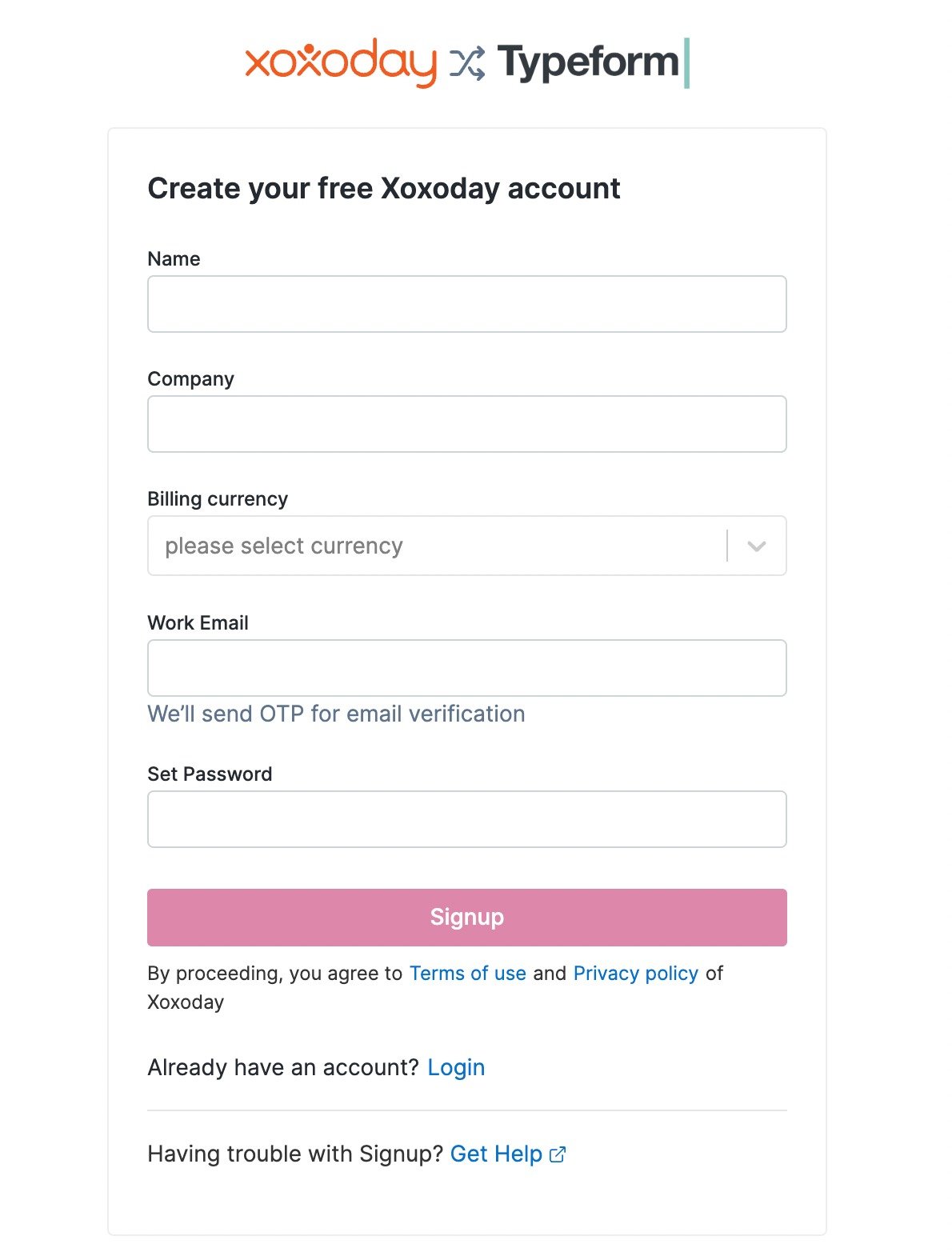
- Click here to know more on how to recharge your account.
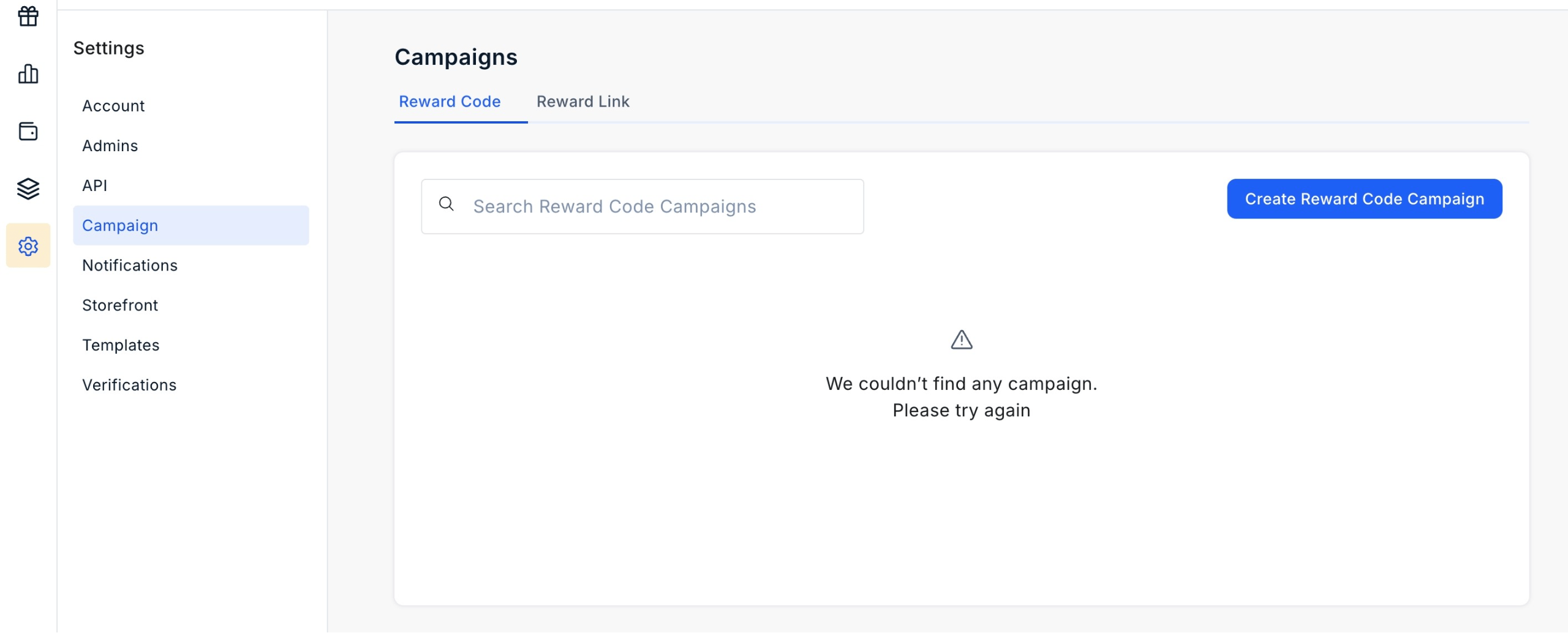
- Now, click ‘Create Reward Code/Reward Link Campaign’.
- You will now be redirected to a page where you can customize reward automation details like Reward Amount, Reward Recurrence, Start Date, End Date, email templates to be sent, etc.- Now, click on the**“Create Campaign”** button.

Step 8
Step 8
- Now, go to Typeform Integration from the sidebar.
- Click on “Create new” automation
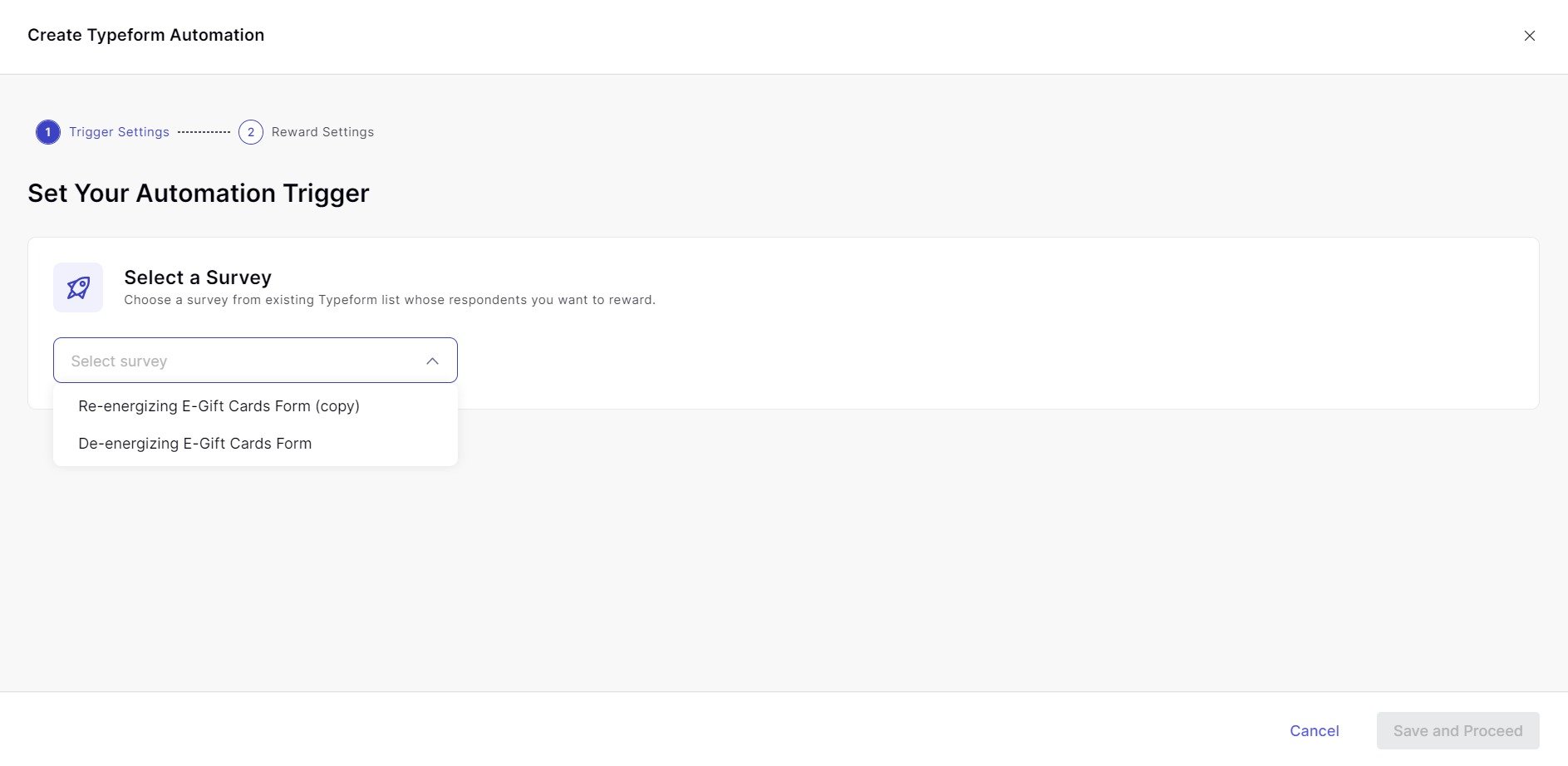
- You will now be prompted to “Select a Survey” for your Typeform Reward Automation.
- Further to this, before launching your reward automation, you can also change;
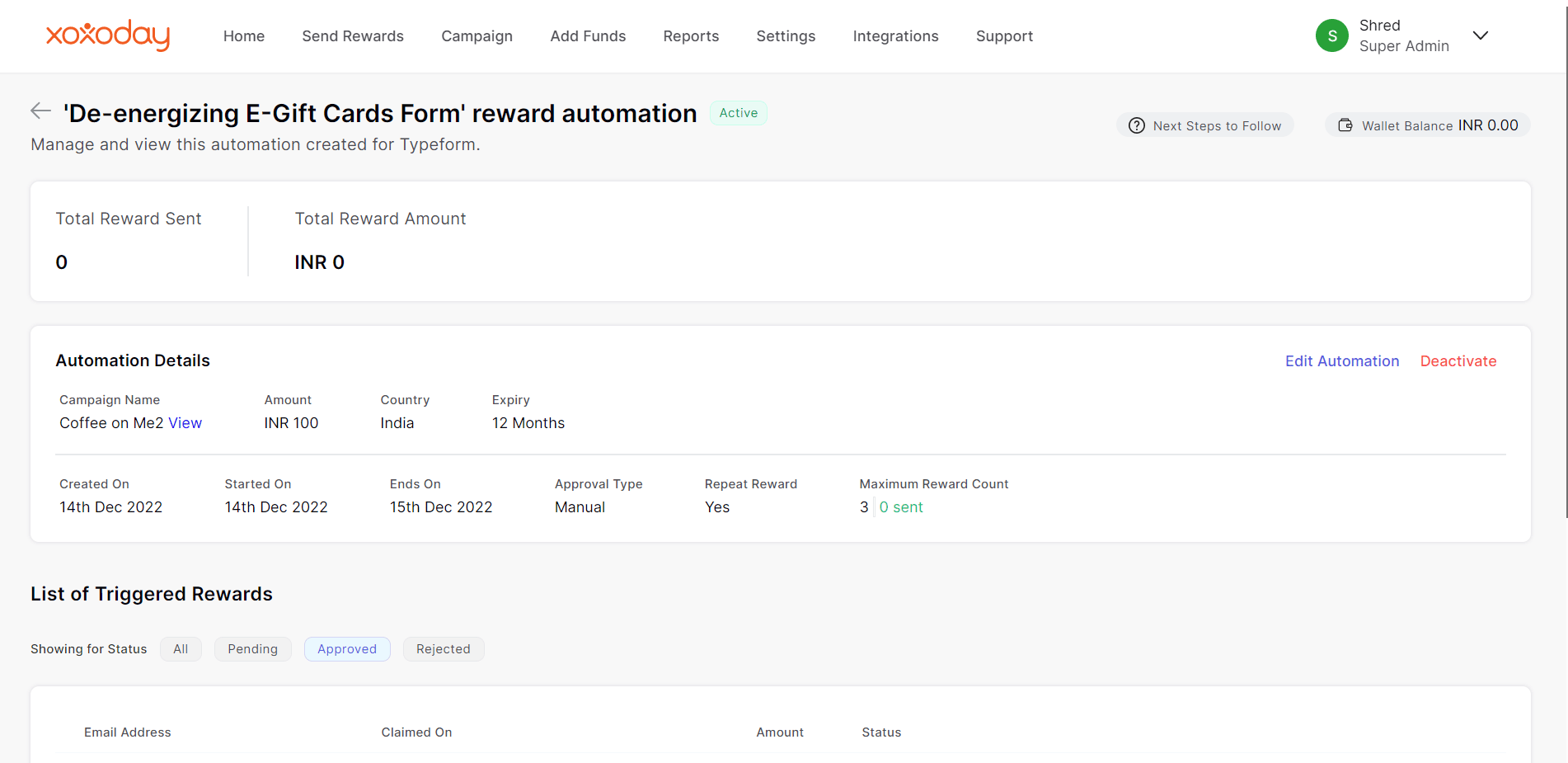
- You can also set up a reward distribution logic based on a Custom time range or Maximum Reward count.
- Now, click on the “Launch” button to activate the Typeform Reward automation.