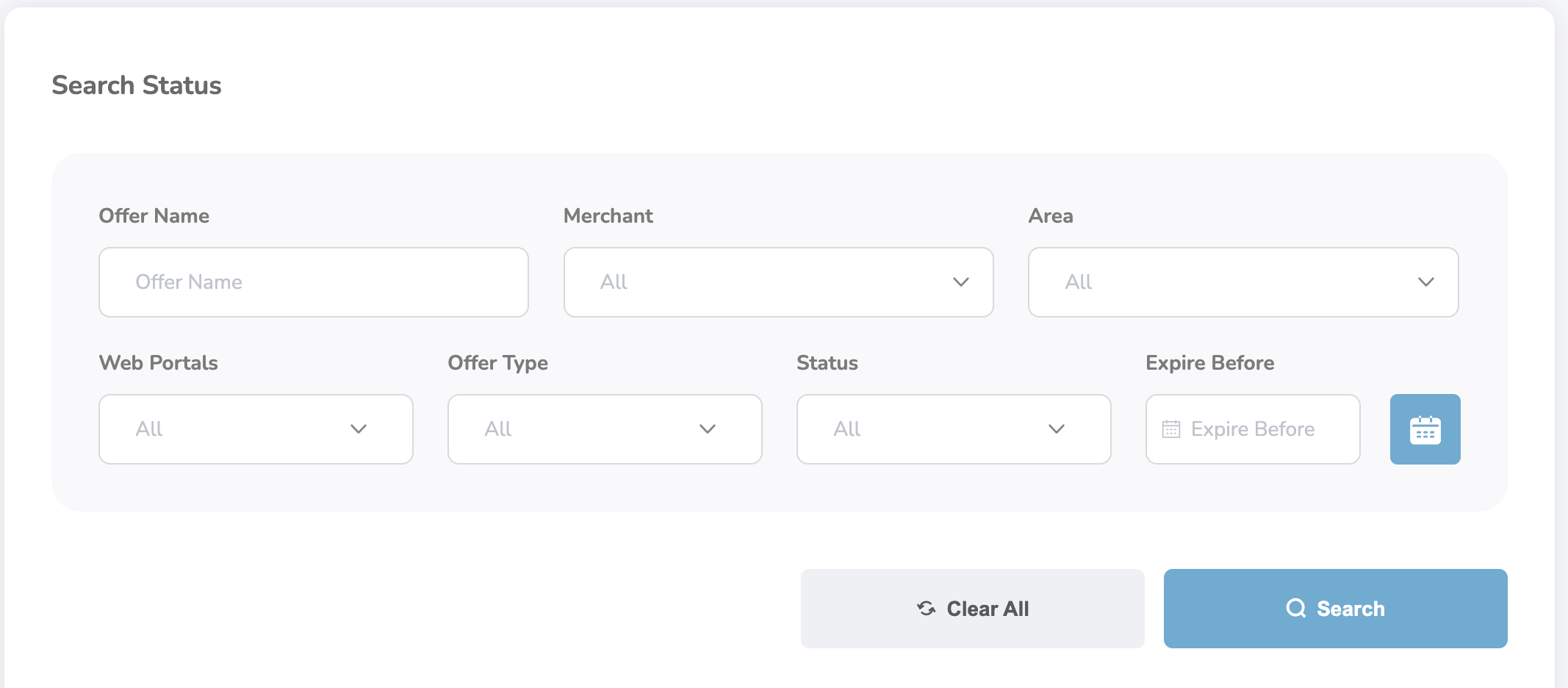
- Offer Name — Enter the name of the offer you wish to search for.
- Merchant Name — Select from a list of merchants using the dropdown icon.
- Areas — Filter offers based on location.
- Web Portals — Choose the relevant web portal associated with the offer.
- Offer Type — Select the type of offer (e.g., Fixed, Percentage, etc.).
-
Status — Filter by offer status:
- Unpublished
- Unpublishing
- Published
- Publishing
- Expired
- Draft
- Expiry Before — Use the calendar icon to select a date and filter offers expiring before that date.