
- Click on “Reports” from the left-hand side menu.
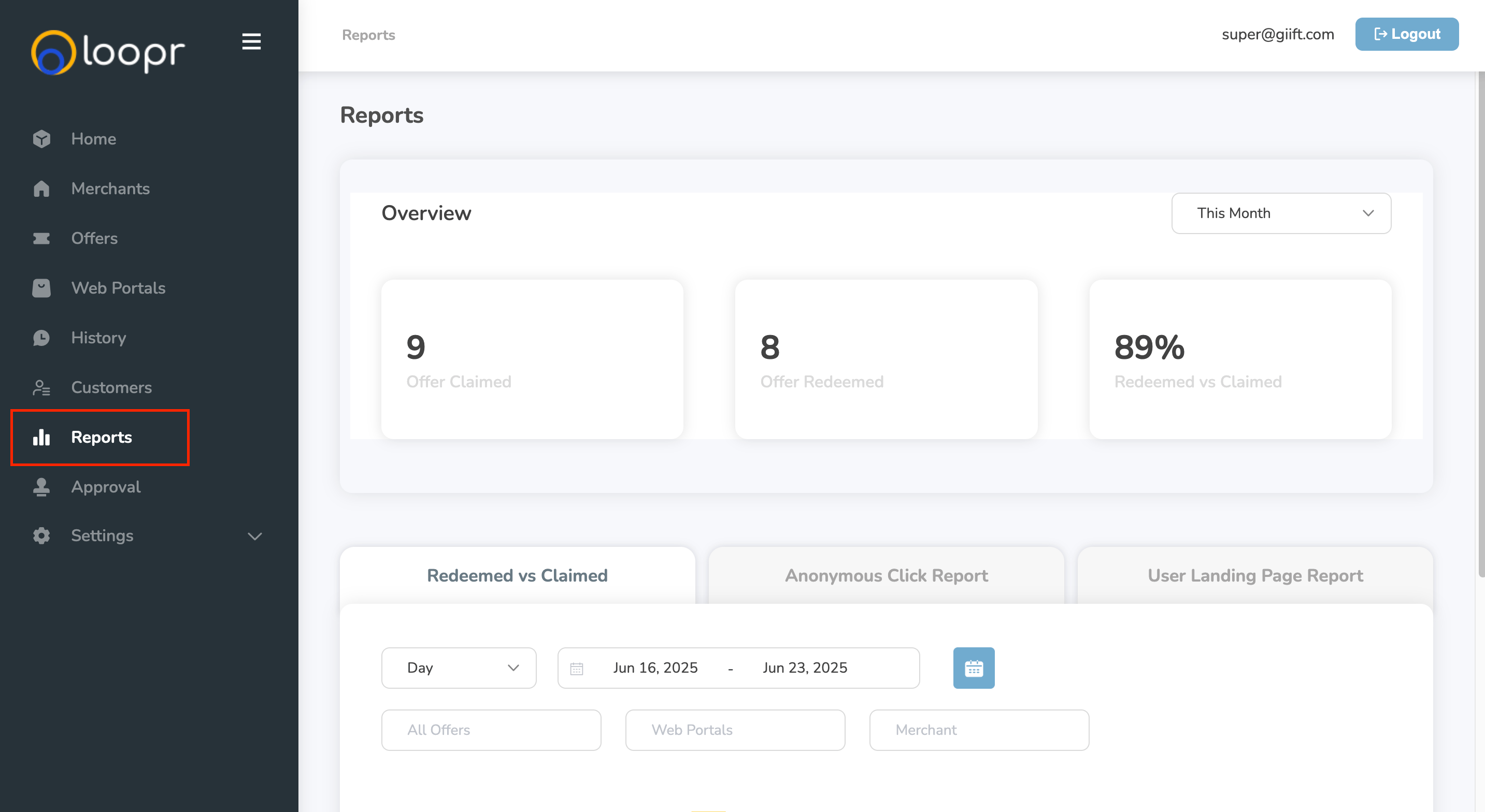
On the Reports page, you can:
- Quick Sort — Quickly sort reports by Most Recent to see the latest activity at a glance.
- Filter by Time Frame — Select a specific date range to view data for that period.
- Filter by Offer — View detailed data for an individual offer to track performance.
- Filter by Web Portal — Access data for each web portal separately to monitor portal-specific engagement.
Still need help? Raise a support ticket.