
Is Plum Storefront accessible on my Android or iOS device?
Is Plum Storefront accessible on my Android or iOS device?
How can I log in to Plum for the first time?
How can I log in to Plum for the first time?
How can I redeem my Xoxoday reward code?
How can I redeem my Xoxoday reward code?
How can I redeem my Xoxoday reward points?
How can I redeem my Xoxoday reward points?
How can I redeem my Giift reward link?
How can I redeem my Giift reward link?
Can I redeem Giift reward points/vouchers for cash?
Can I redeem Giift reward points/vouchers for cash?
How can I redeem Mastercard/Virtual Visa Card using Reward code/Reward points?
How can I redeem Mastercard/Virtual Visa Card using Reward code/Reward points?
Do I need to log in to buy on the Plum storefront?
Do I need to log in to buy on the Plum storefront?
How fast does Xoxoday resolve customer issues?
How fast does Xoxoday resolve customer issues?
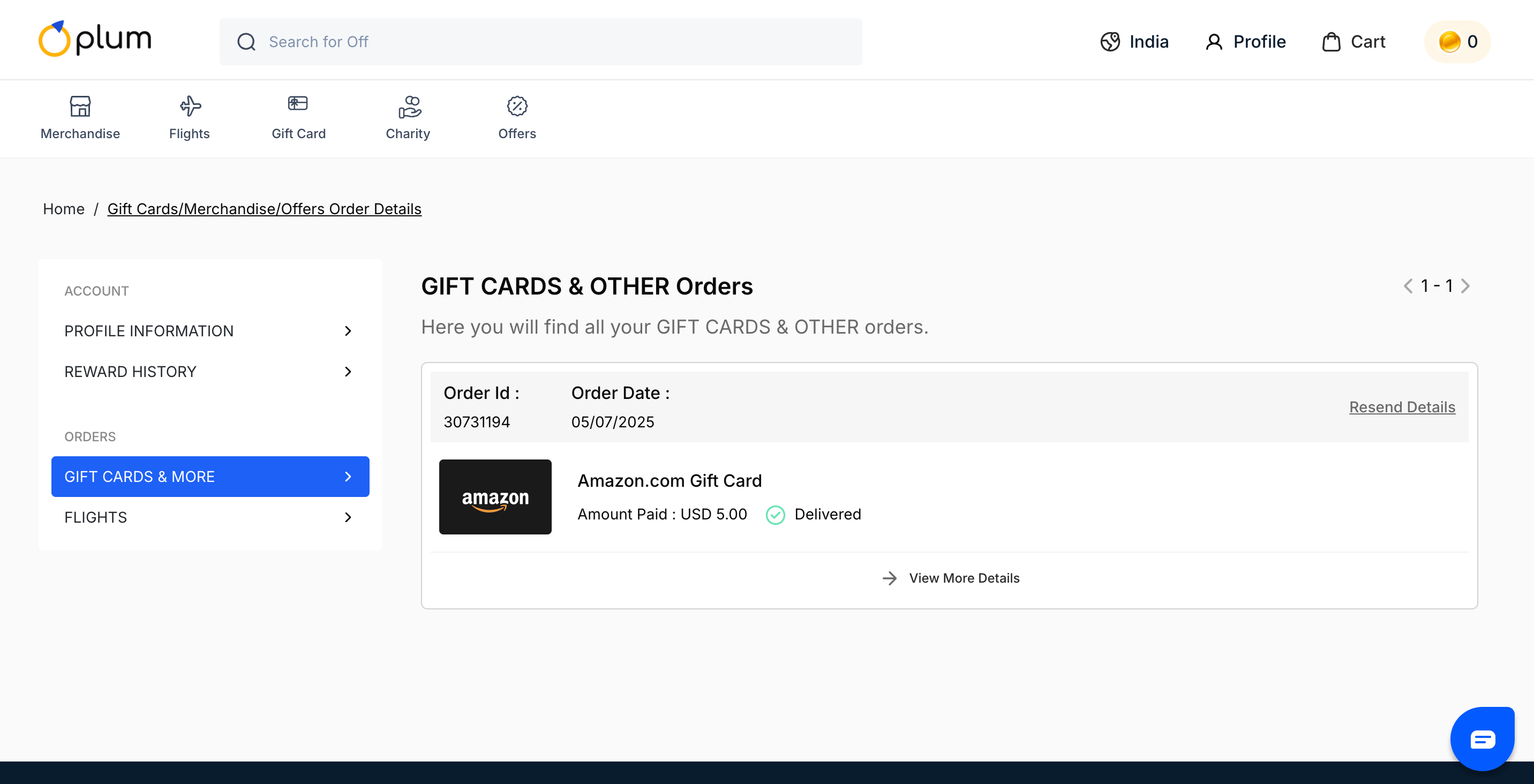
How do you check the order delivery status?
How do you check the order delivery status?
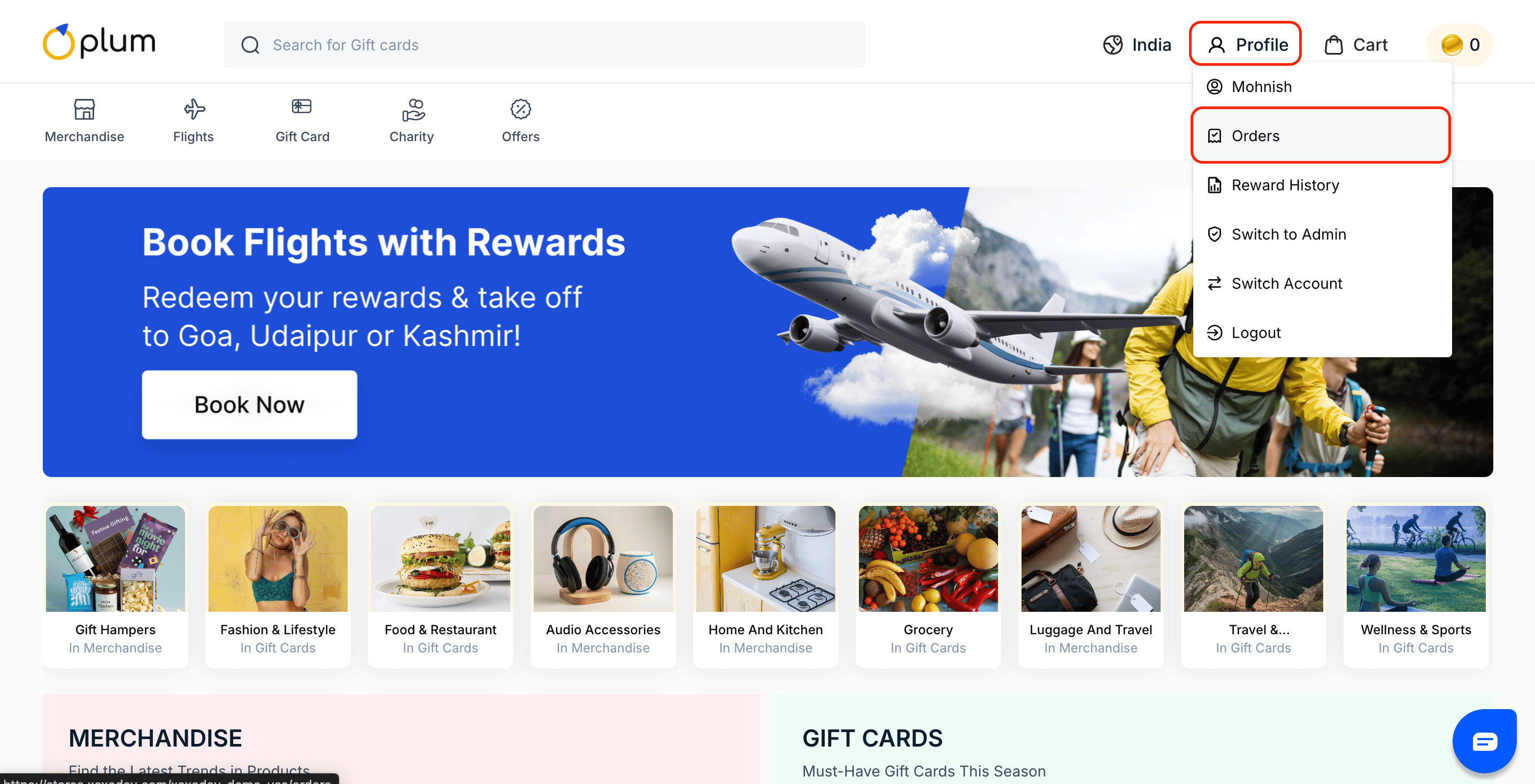
How to change the mobile number from the storefront?
How to change the mobile number from the storefront?
- Go to https://stores.xoxoday.com/
- Now, click on the “Login” button that is present in the top right corner of the page.
- Enter your company email address that is associated with Plum.
- Now, click on “Verify Email”.
- Now, enter the password and click on “Login”
- After logging in to the Plum Storefront, click on the “Profile” button.
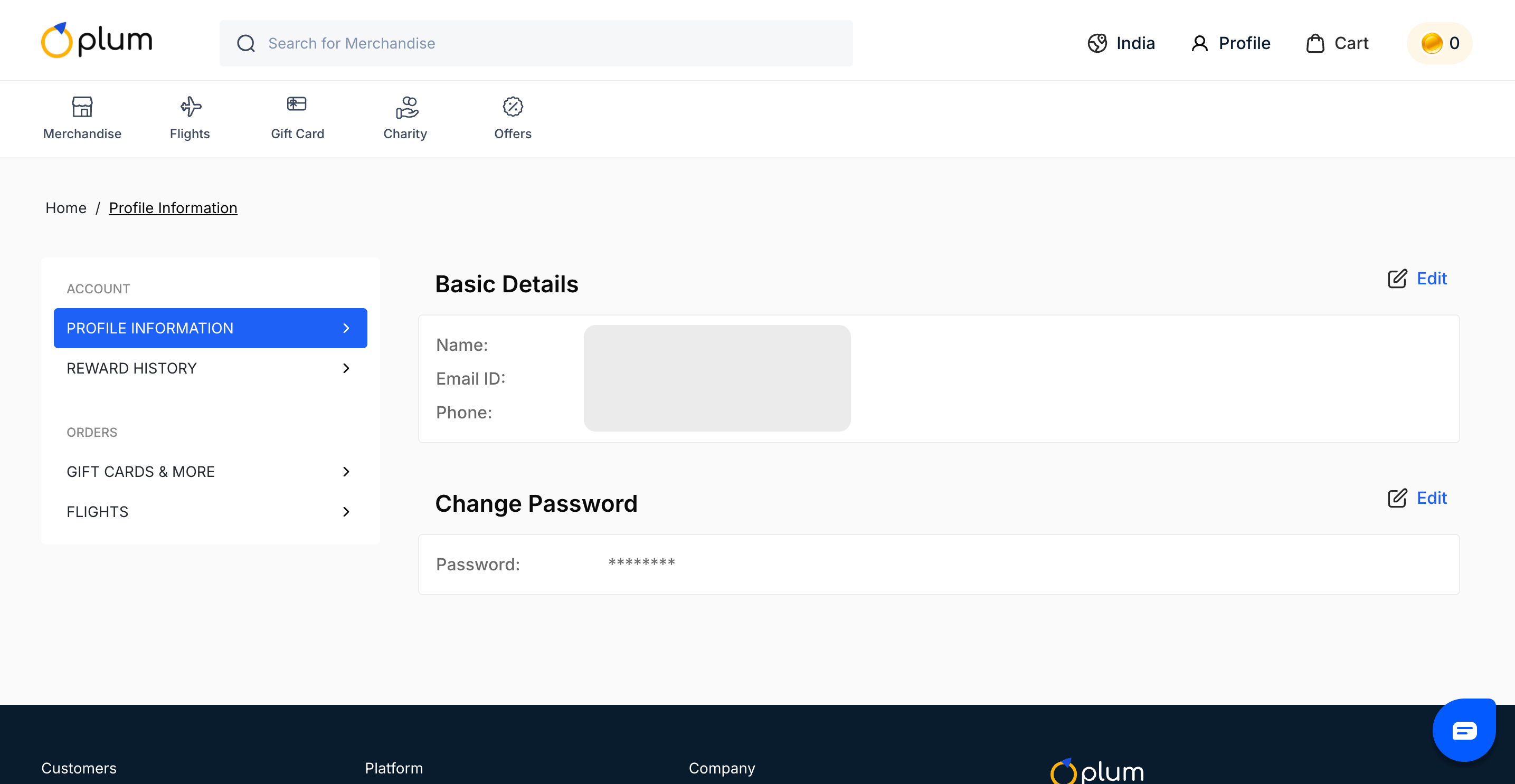
- You can edit information from the “Basic Information” section in the dashboard.
- Now, change the mobile number in the “Phone” section by clicking on “Edit Information”.
- Now, click “Confirm”
- You will receive an OTP. Please enter the OTP on the screen.
-
Congratulations, you have successfully changed your mobile number in the storefront.
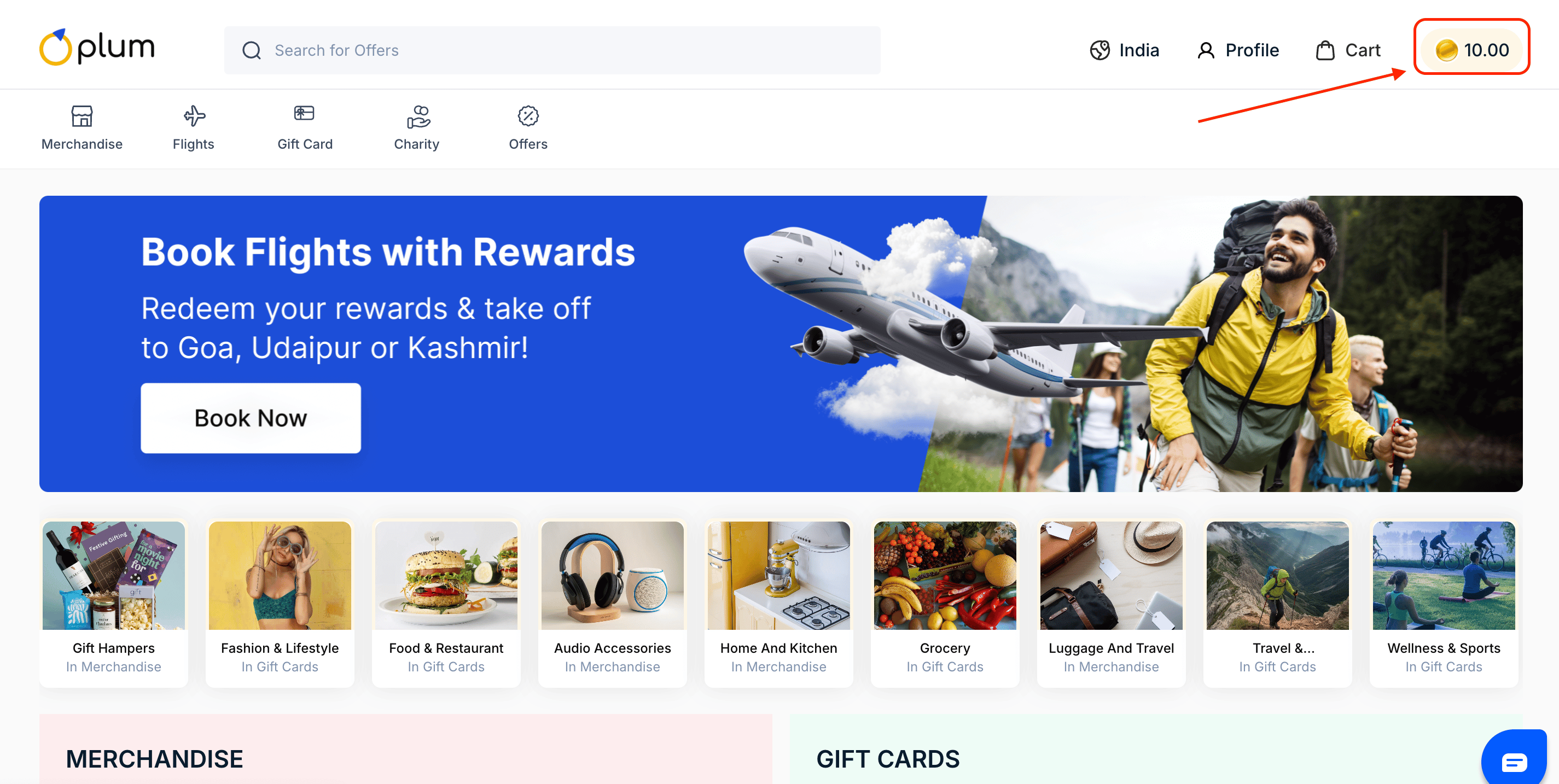
How to view your points balance in the dashboard?
How to view your points balance in the dashboard?
Is multi-lingual support provided for the Xoxoday Plum marketplace?
Is multi-lingual support provided for the Xoxoday Plum marketplace?
I have not received OTP though I have generated it multiple times?
I have not received OTP though I have generated it multiple times?
Do the perks & privileges section have validity on it?
Do the perks & privileges section have validity on it?
What do you mean by conversion rates during redemption?
What do you mean by conversion rates during redemption?
Can I go with a friend for a couple of experience?
Can I go with a friend for a couple of experience?
Are the experiences available on the app and portal the same?
Are the experiences available on the app and portal the same?
Can I gift the experience to my friend?
Can I gift the experience to my friend?
Can I swap the booking I have done for experience?
Can I swap the booking I have done for experience?
How to add points to my account?
How to add points to my account?
How can I change my email id?
How can I change my email id?
I didn't get an email or a reset link to reset the password.
I didn't get an email or a reset link to reset the password.
Is Cash on Delivery (COD) available in Plum?
Is Cash on Delivery (COD) available in Plum?
How do I check the balance and validity of Xoxo Points?
How do I check the balance and validity of Xoxo Points?
How to check reward history - in terms of who it has been rewarded, amount, and procurement date?
How to check reward history - in terms of who it has been rewarded, amount, and procurement date?
How to add/change the company logo? Where does it reflect?
How to add/change the company logo? Where does it reflect?
Does the platform allow participants to place orders by phone?
Does the platform allow participants to place orders by phone?
Will users receive notifications for key reward lifecycle events such as reward generation and expiry?
Will users receive notifications for key reward lifecycle events such as reward generation and expiry?
Can the redemption process require two-factor authentication (2FA) via email or SMS to the registered account holder?
Can the redemption process require two-factor authentication (2FA) via email or SMS to the registered account holder?