
Steps to Add a New Feedback Option:
1
Navigate to the User Feedback Page
Go to Settings > User Feedback from the left menu.
2
Click Add Feedback Content
On the User Feedback Management Page, click the “Add Feedback Content” button.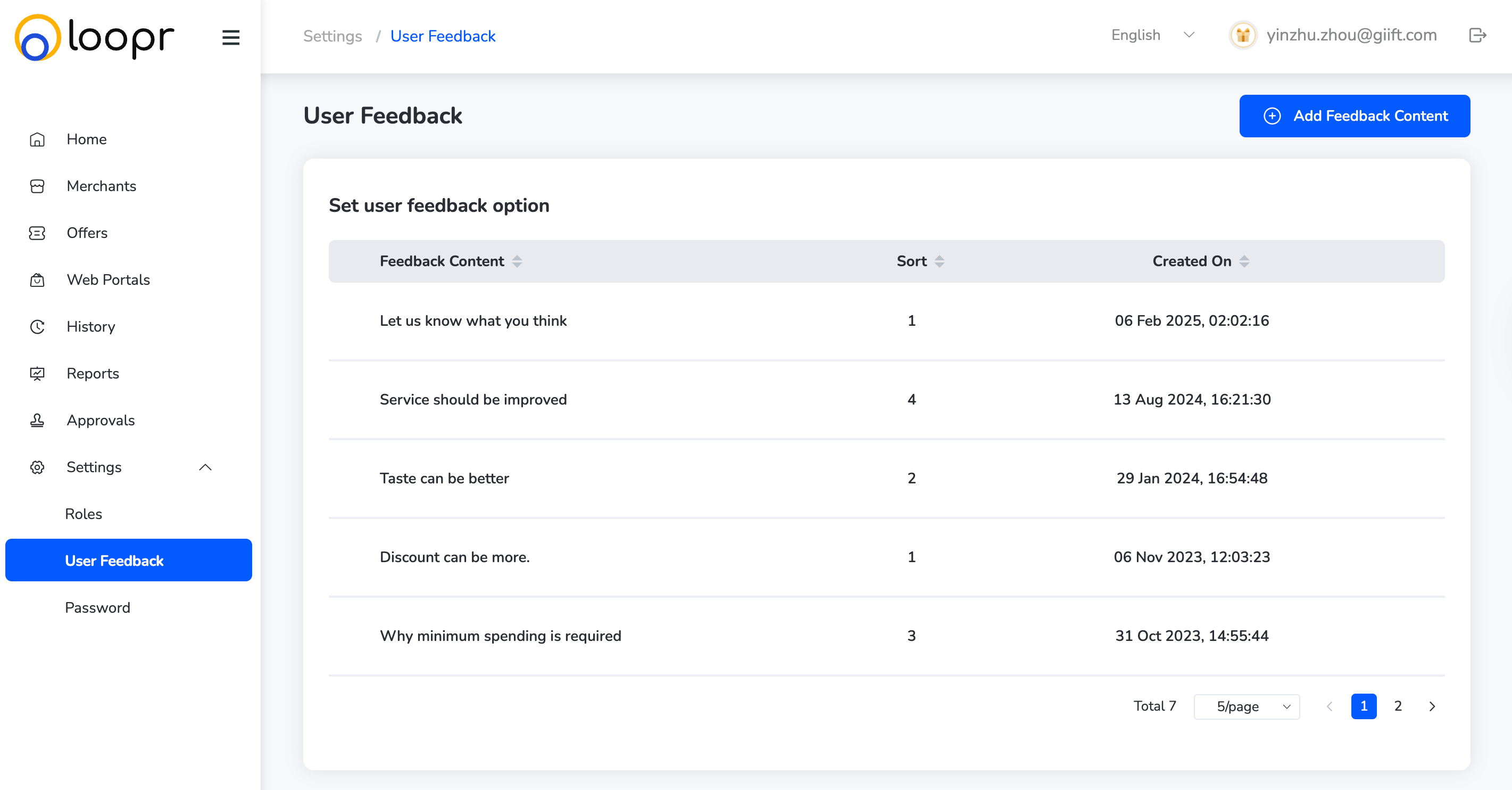
3
Fill in the Feedback Details
A pop-up or overlay window will appear with input fields.
- Input the Feedback: Type the content of the feedback option (e.g., “Great experience”, “Needs improvement”).
- Set Sorting Sequence: Enter a number to define the order in which this option will appear in the list (e.g., 1, 2, 3…).
4
Click Save
Once the information is entered, click “Save” to add the new feedback option to the system. The new feedback option will now appear in the user feedback list.
Still need help? Raise a support ticket.