
Steps to View User Roles:
1
Go to the Roles Landing Page
Navigate to the Settings module and select Roles from the sidebar.
2
Click View Roles
On the Roles page, click the “View Roles” button.
3
View Role Details
A list of all available user roles will be displayed. For each role, you can see: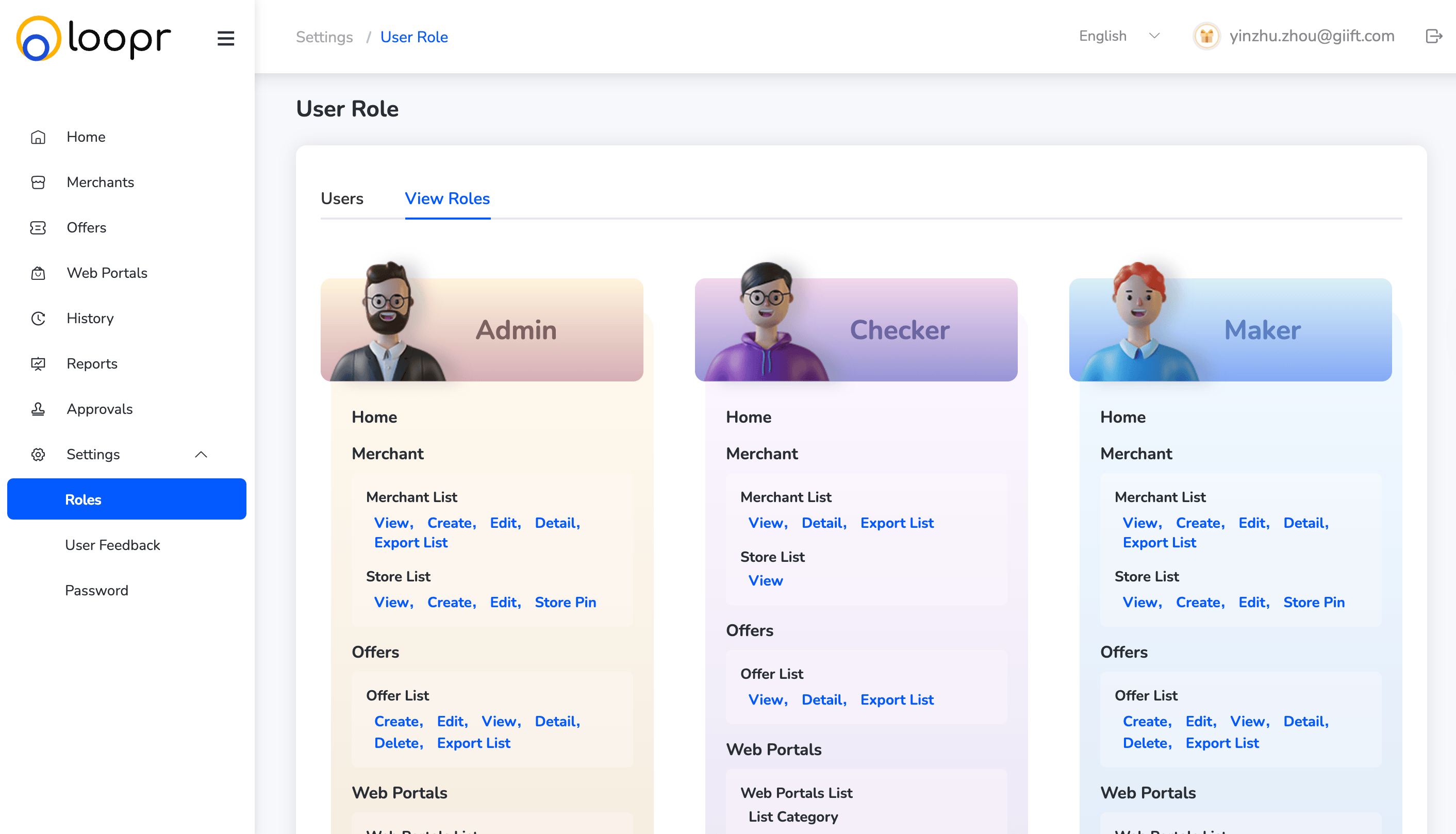
- Role Name (e.g., Admin, Approver, Maker)
- Features and Functions Accessible under that role
- Access Type (View/Edit/Approve/Reject)
Still need help? Raise a support ticket.