
Steps to Reactivate a User:
1
Click the Edit Button
Click “Edit” next to the user’s name.
2
Edit and Save
Edit the Name and Role and click on “Ok”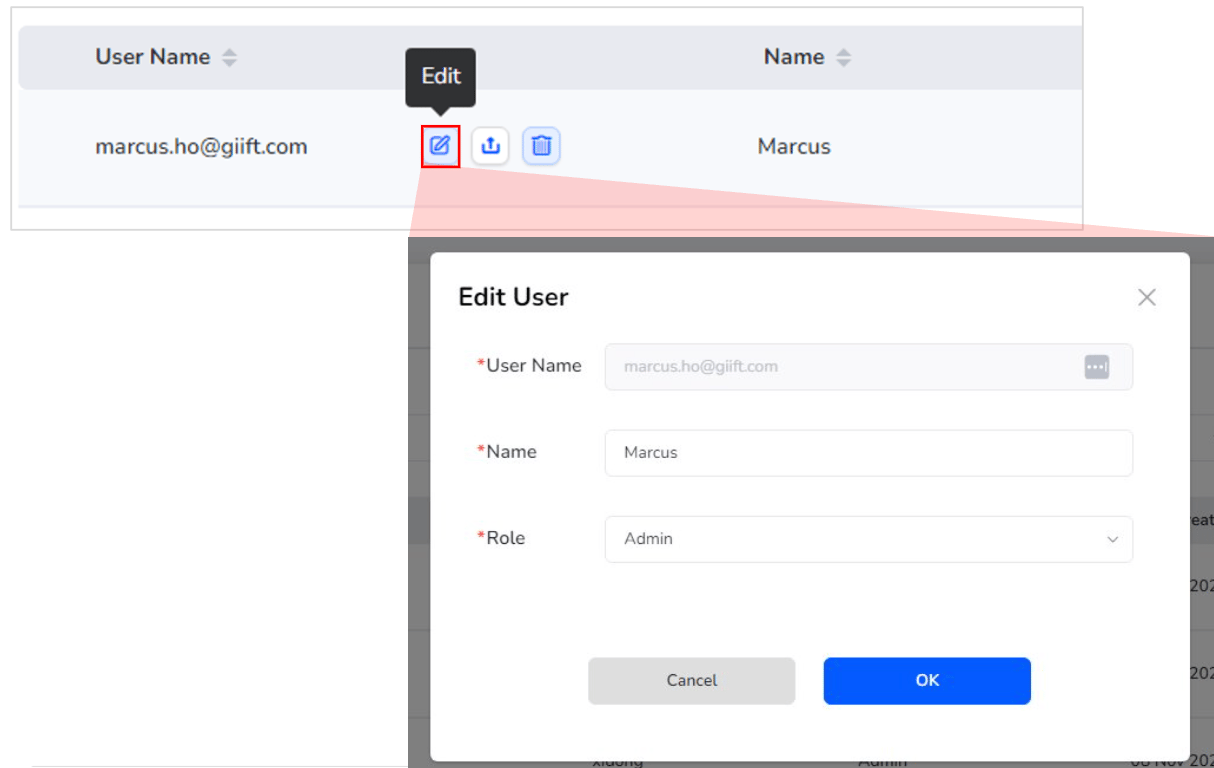
Still need help? Raise a support ticket.
Learn how to edit an existing user’s details, role, and permissions in Plum’s Offers Management portal settings.
Click the Edit Button
Edit and Save