
Steps to Reactivate an Existing User:
1
Click the Active Button
Click “Active” next to the user’s name.
2
Confirm Reactivation
A confirmation pop-up will appear. Click “Confirm” to proceed.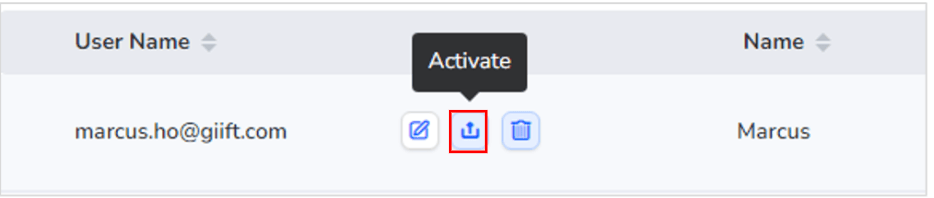
User Reactivated
- The user’s status will change to “Active”, and they will regain access to the platform.
Note: Only users with a “Disactive” status can be reactivated.
Still need help? Raise a support ticket.