
Steps to Add a New User:
1
Navigate to the Roles Landing Page
Go to the Settings module and click on Roles.
2
Click Add User
On the top right of the Roles page, click the “Add User” button.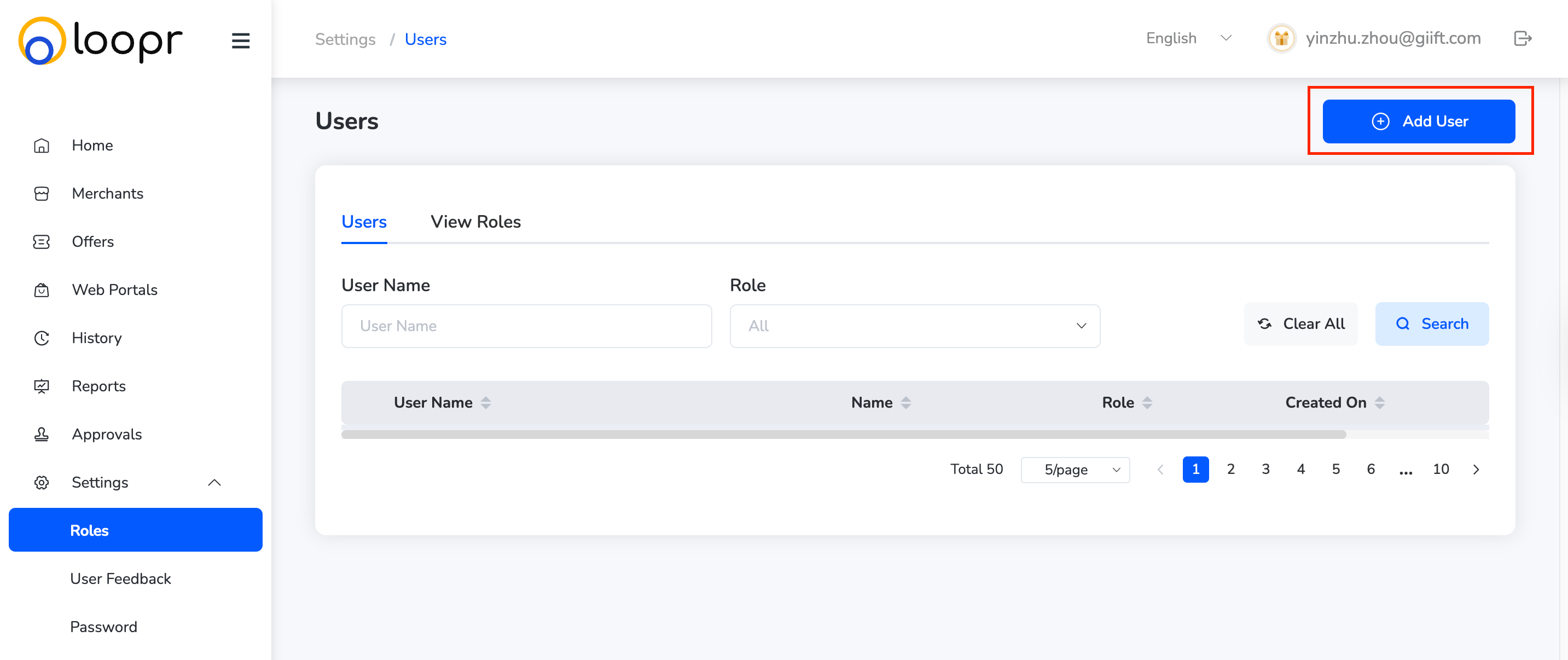
3
Fill in User Details
A form will appear. Enter the following required information: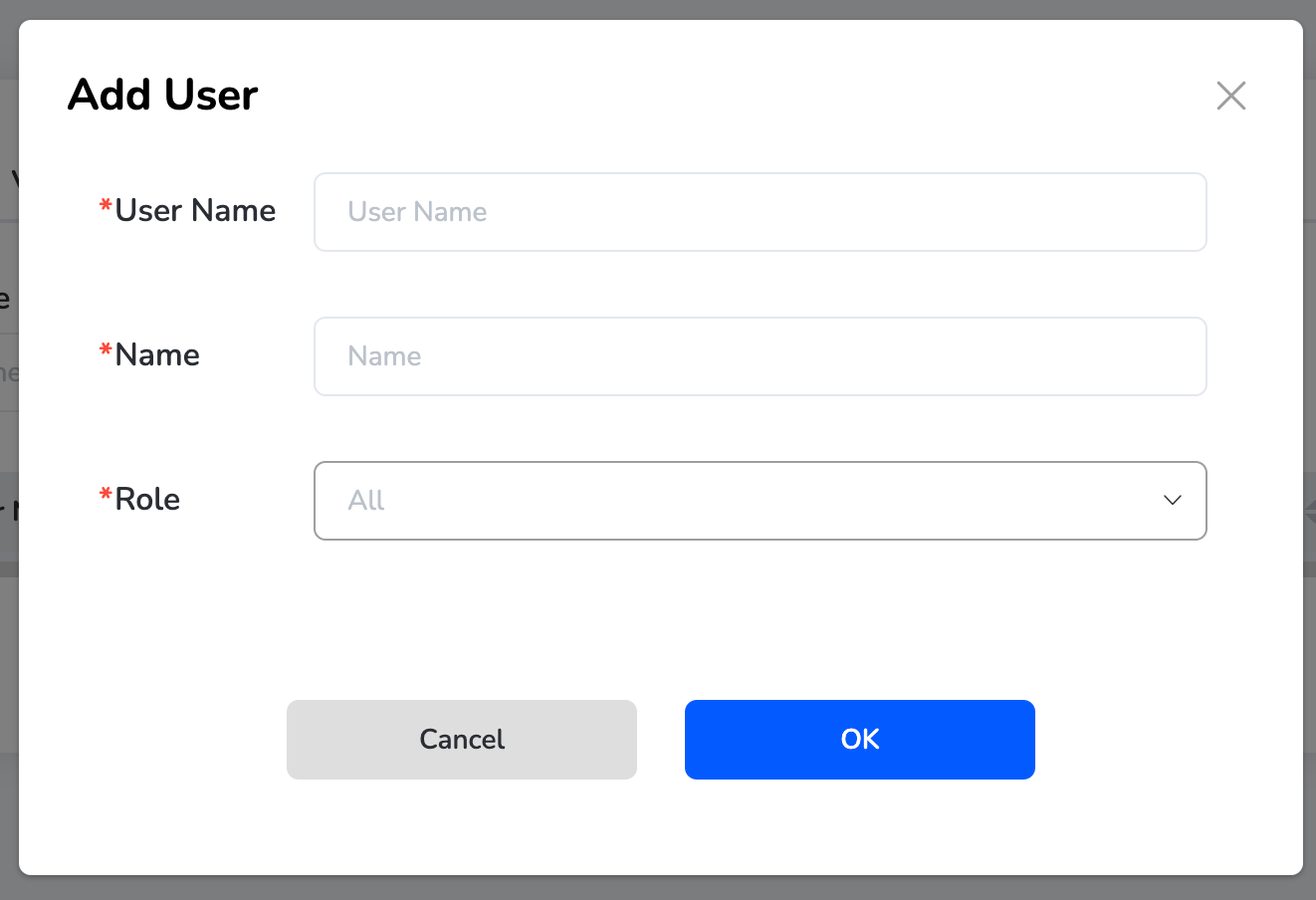
- Name: Full name of the user
- Password: Set a secure password for login
- Role: Select a role from the dropdown (e.g., Admin, Approver, Maker)
4
Save
Once all fields are filled, click “Ok” to create the new user account.
Still need help? Raise a support ticket.