
Pro tip: You can customize your Reward communication at the campaign level. These settings become the default communication template for the campaign. Further, you can customise to set a specific communication at the ‘Send Reward’ option, which will supersede the message in the default campaign template for that particular recipient(s).
Customizing Email in a Reward Code Campaign
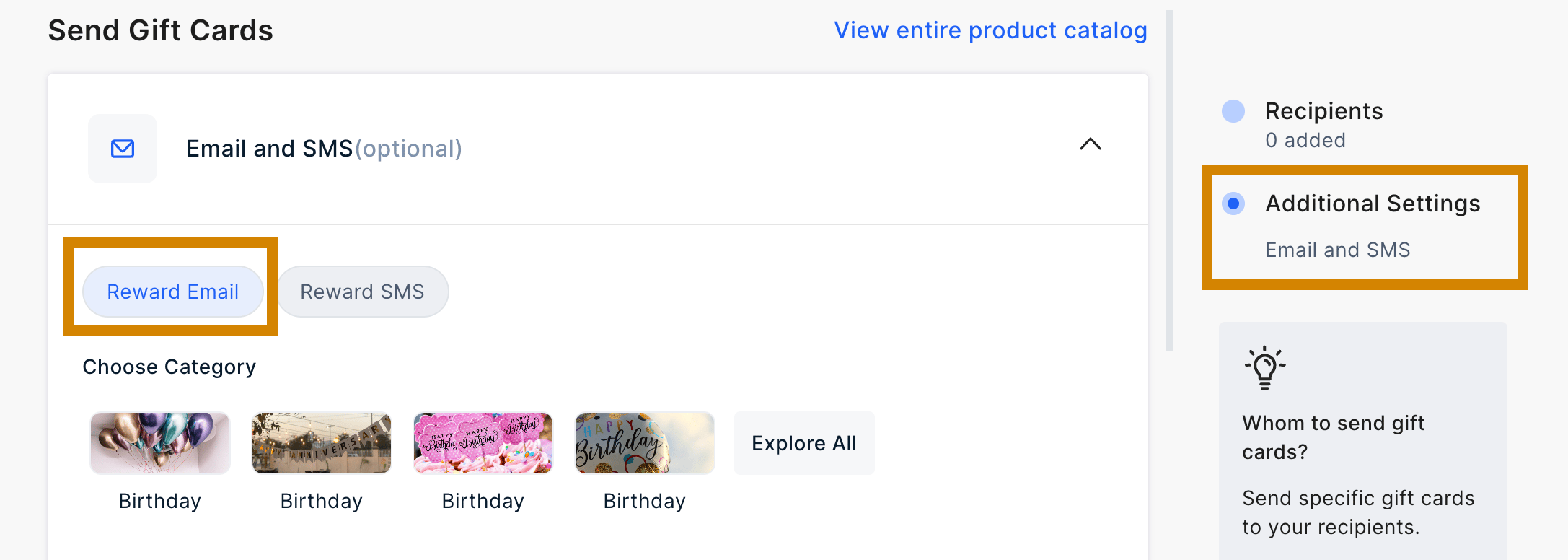
Editing Email in Reward Code Section
To customize the email from the “Reward Code” section, follow these steps:1
Navigate to Email Preview
Navigate to the Reward Code section in the dashboard.After configuring the campaign and uploading recipients, access the “Email Preview” section.From there, you can proceed to edit the email directly.
2
Customize email elements
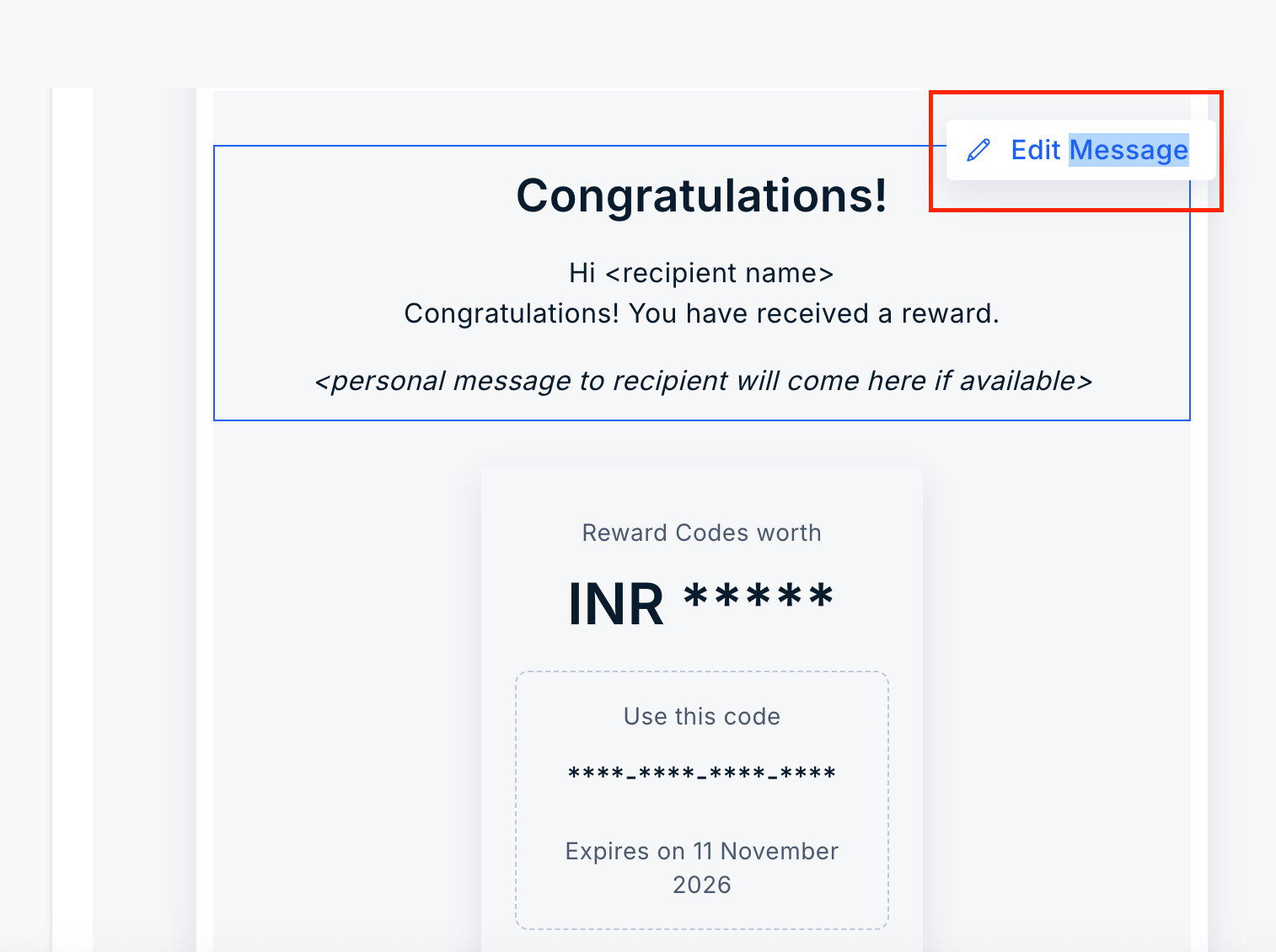
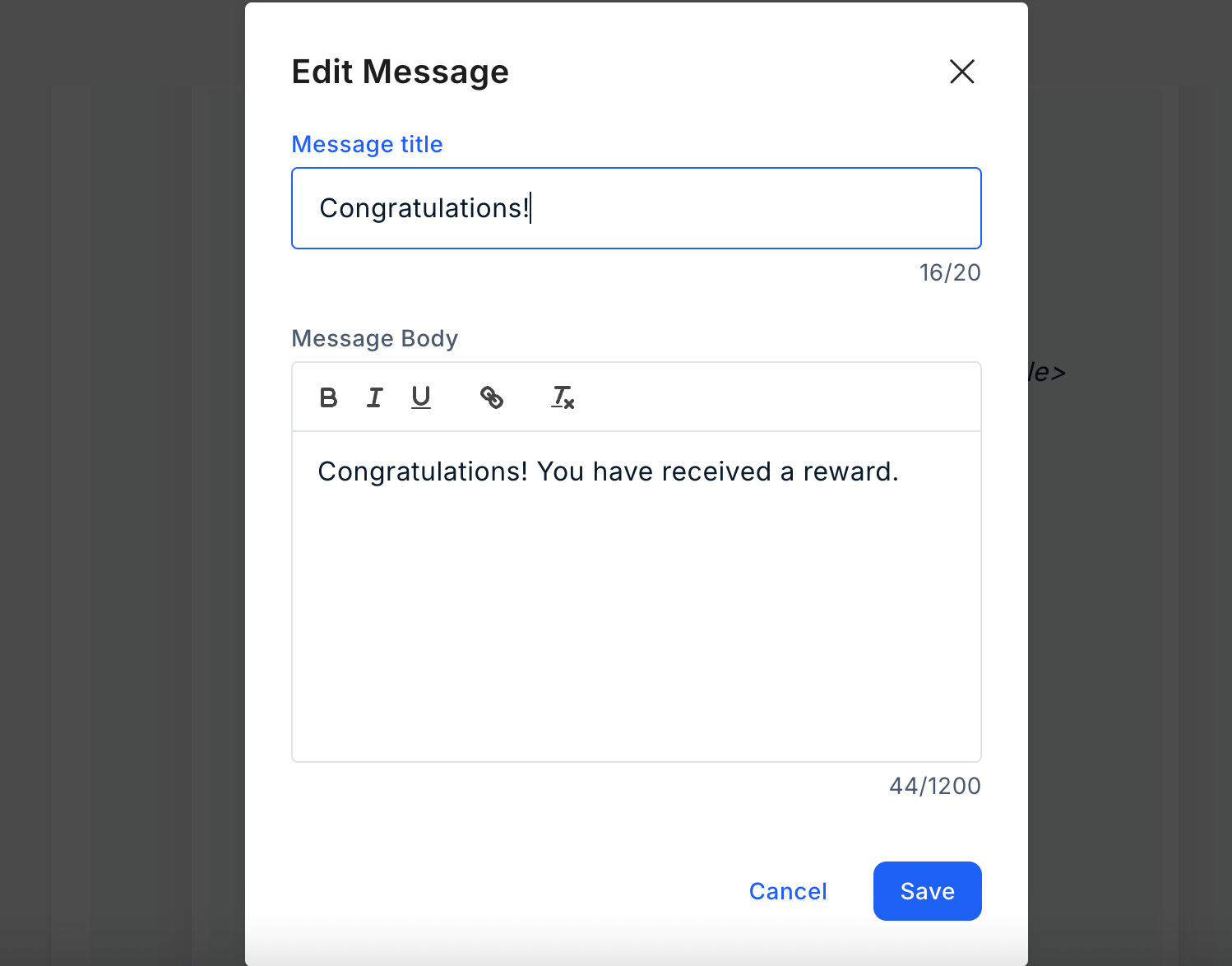
You can customize the following elements before sending the Reward code.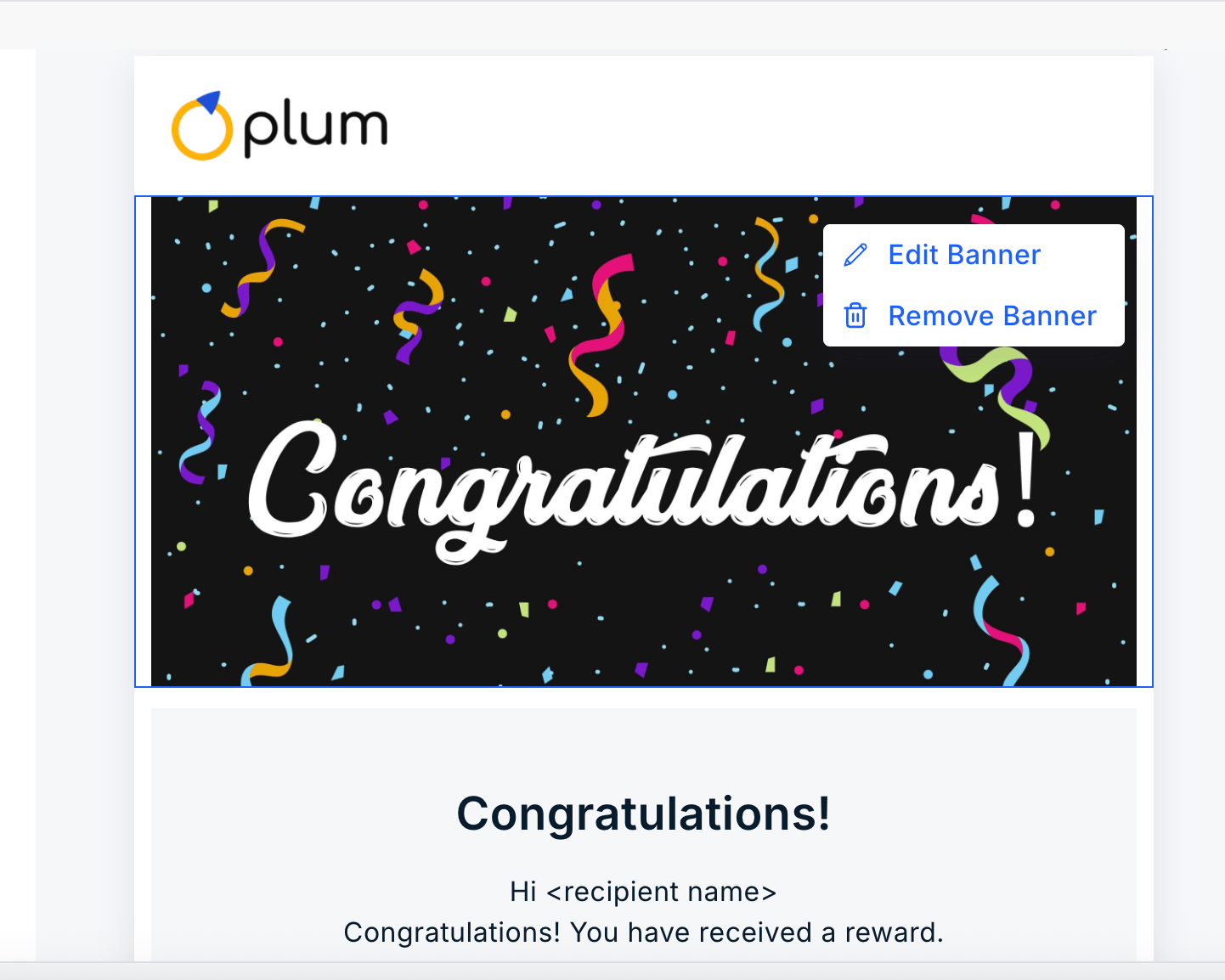
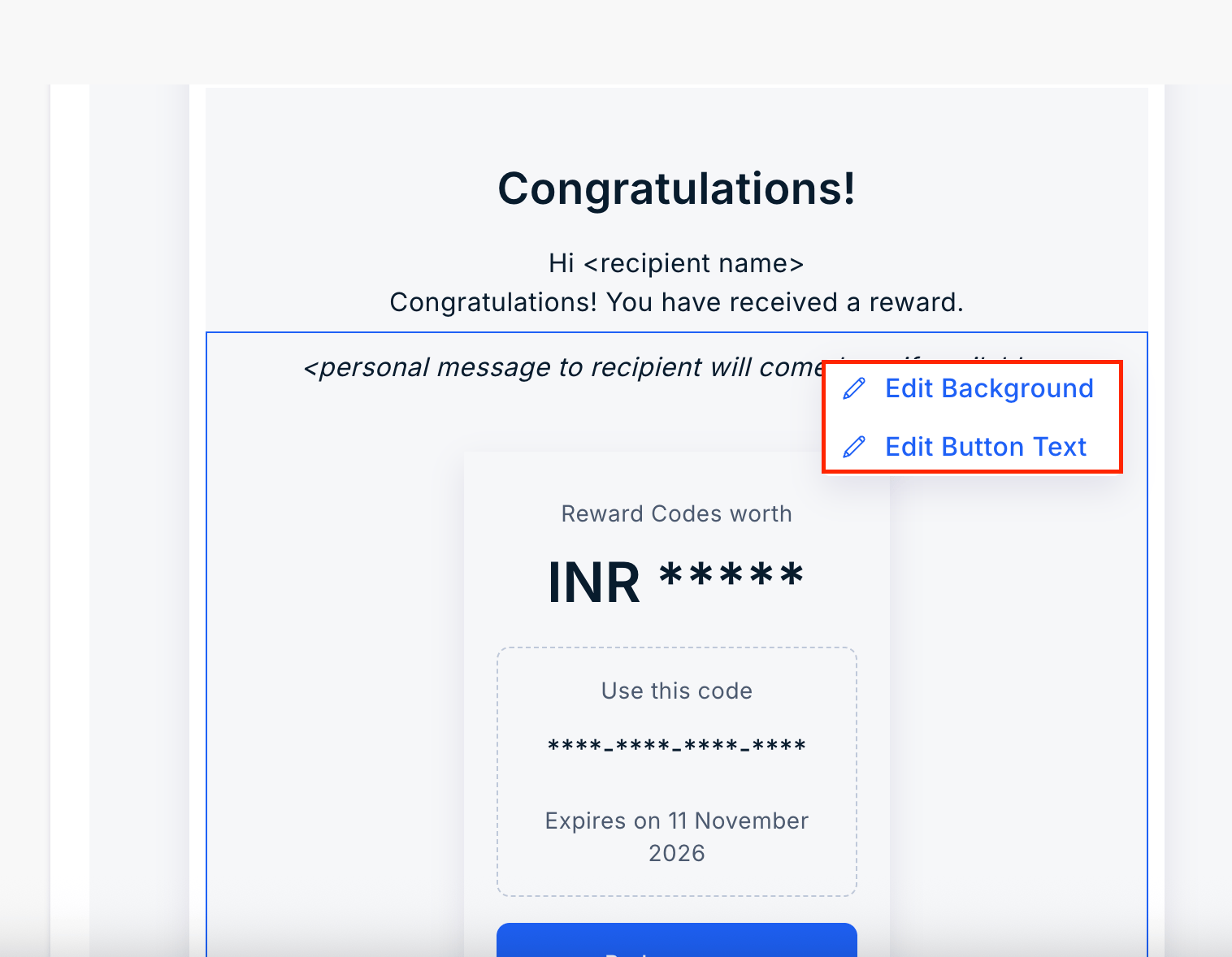
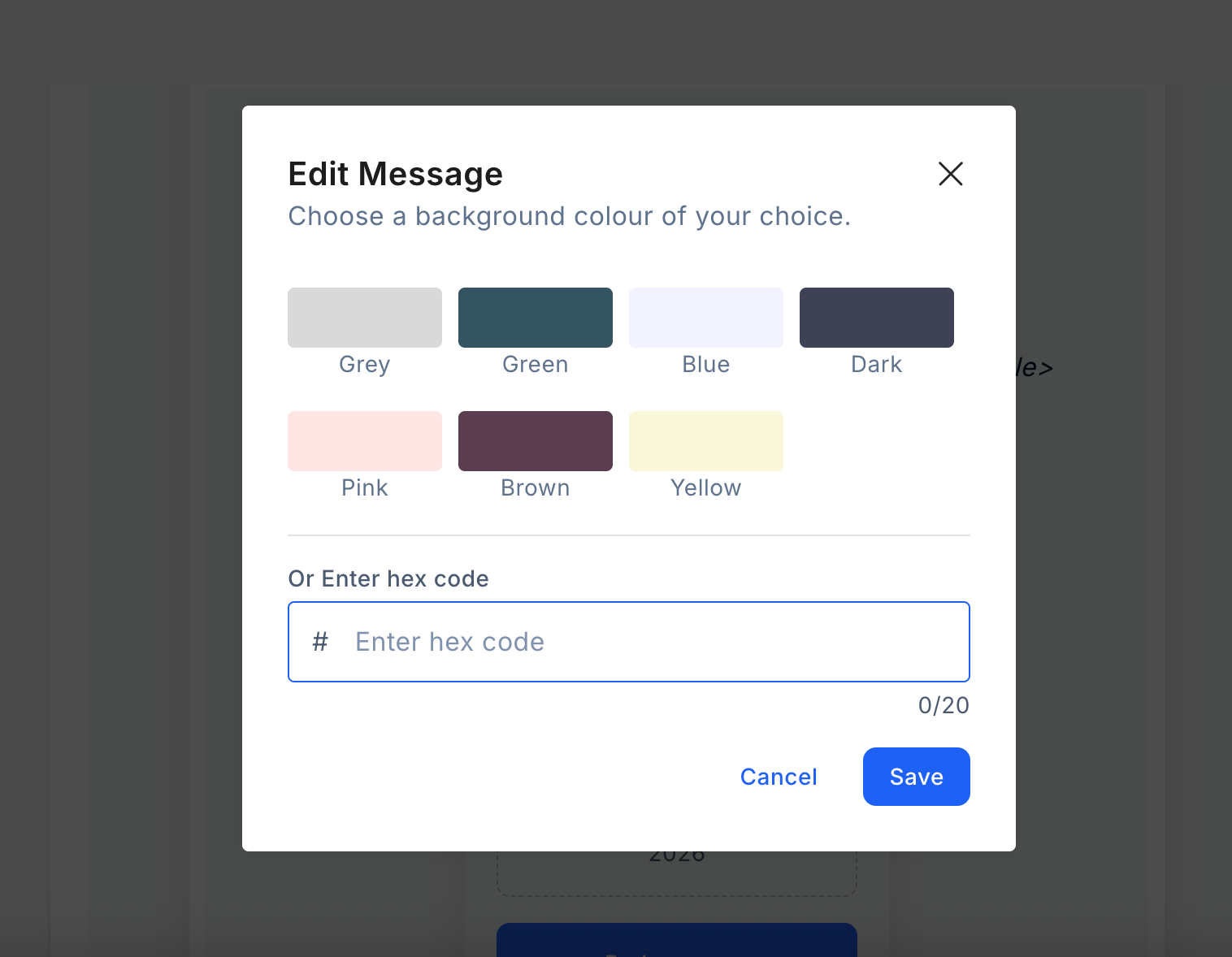
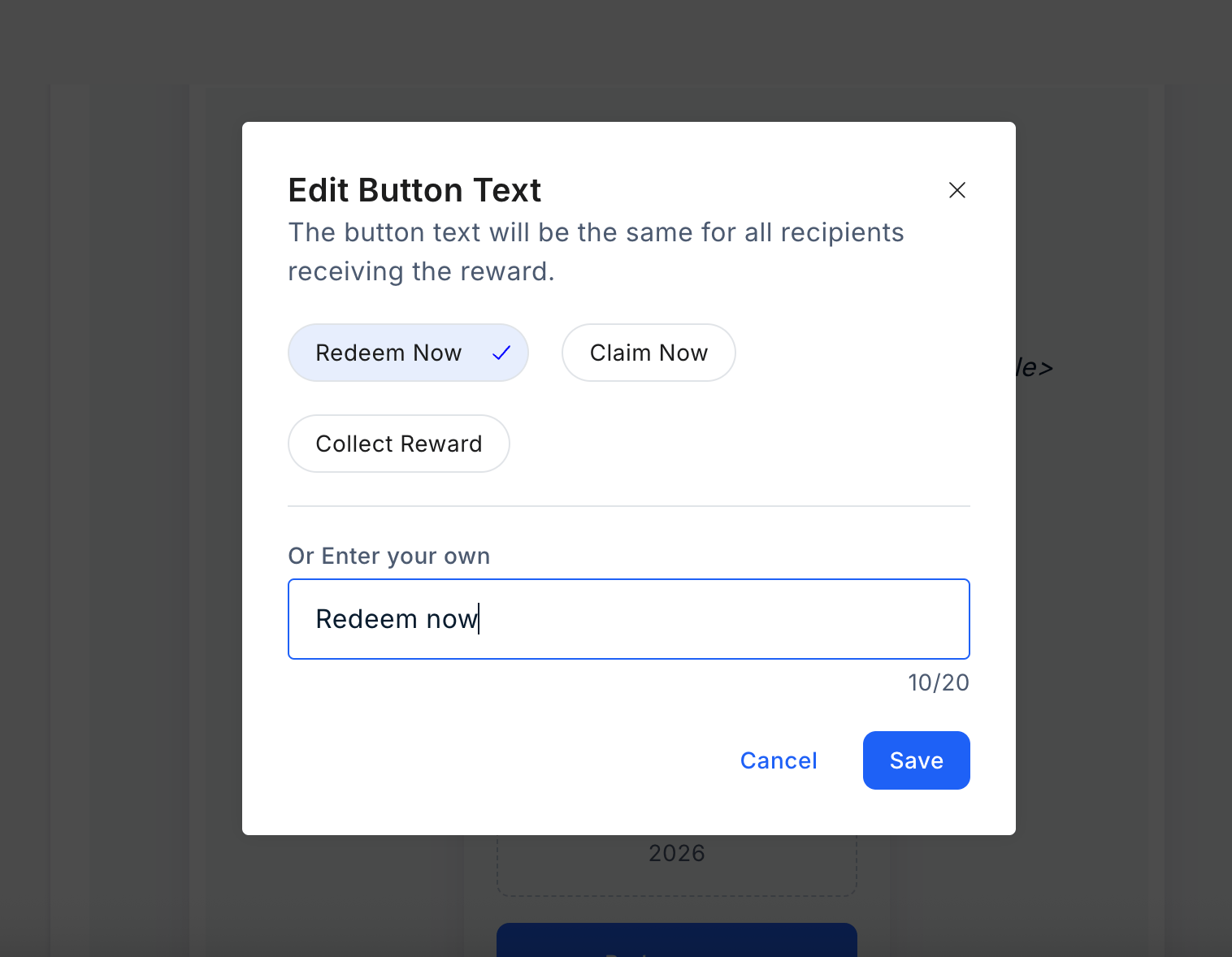
- The subject line of the email
- Headline Message
- Banner Image
- Email footer
Customizing SMS
Editing Email in Reward Code Section
To customize the email from the “Reward Code” section, follow these steps:1
Navigate to Email Preview
Navigate to the Reward Code section in the dashboard.After configuring the campaign and uploading recipients, access the “Email Preview” section.From there, you can proceed to edit the email directly.
2
Customize email elements
You can customize the following elements before sending the Reward code.
- The subject line of the email
- Headline Message
- Banner Image
- Email footer
Customizing SMS
To customize the SMS, follow these steps:o customize the SMS, follow these steps:1
Select Reward SMS
Select a “Reward SMS”.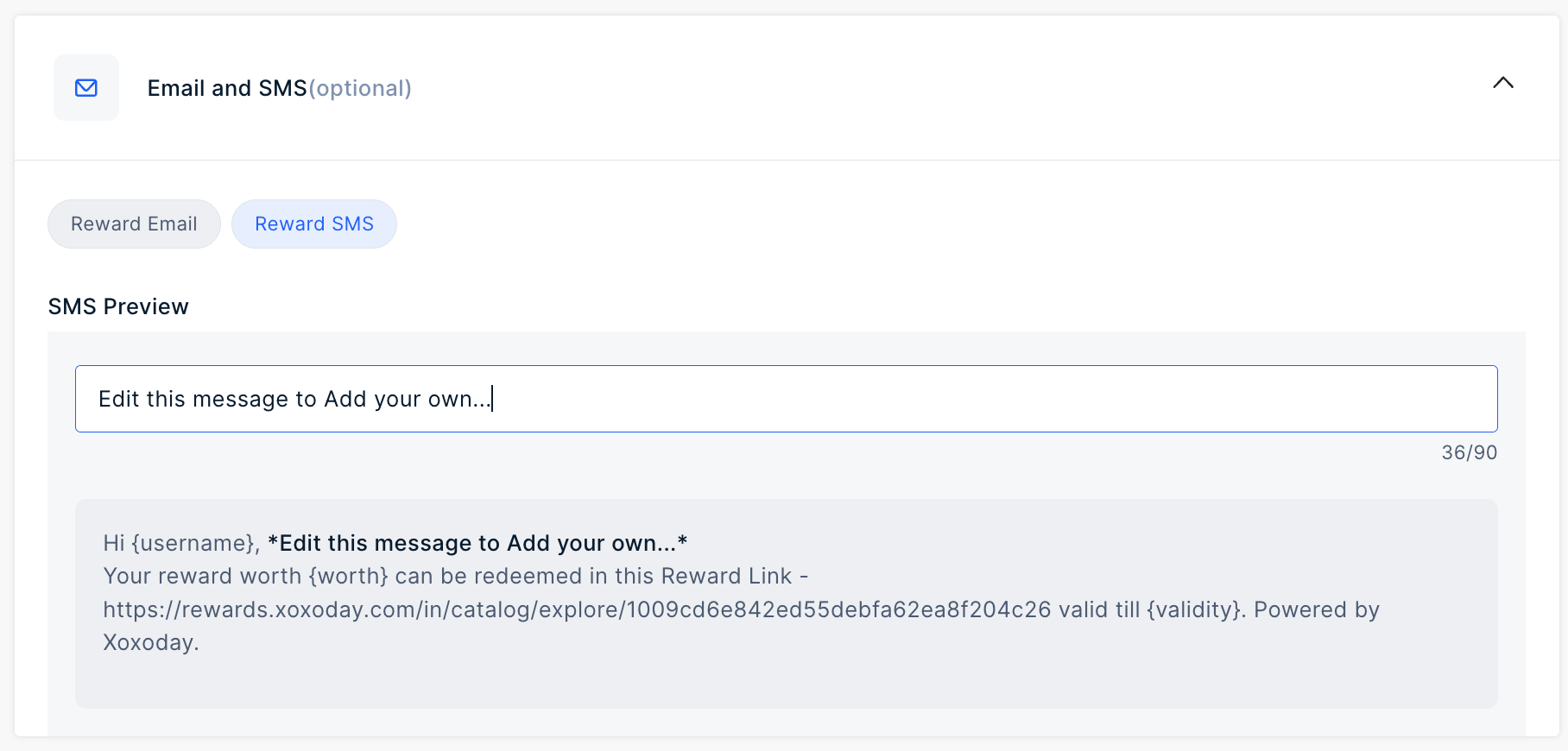
2
Add your message
Add your message in the input field to customize the SMS.
3
Set Expiry (Optional)
Select a duration from the dropdown. Options include 1 month, 12 months, or a custom timeframSelect a duration from the dropdown. Options include 1 month, 12 months, or a custom timeframe.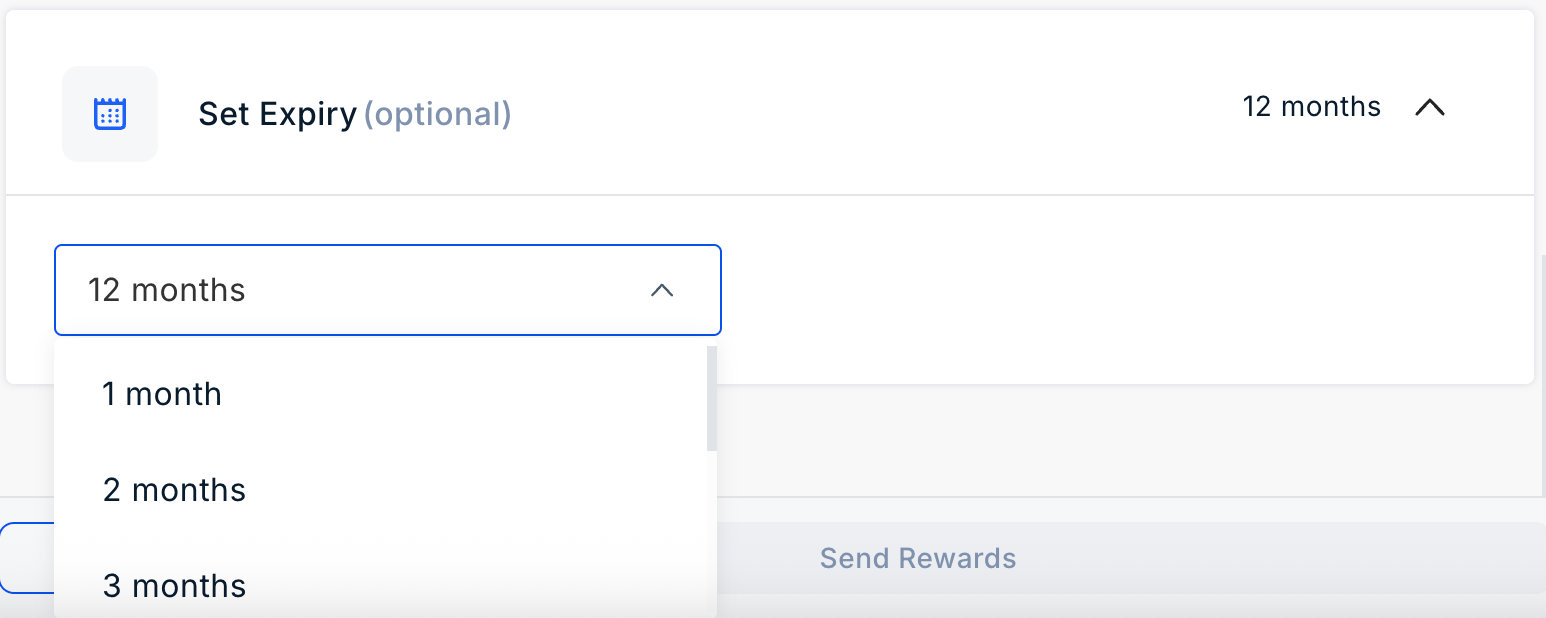
Still need help? Raise a support ticket.