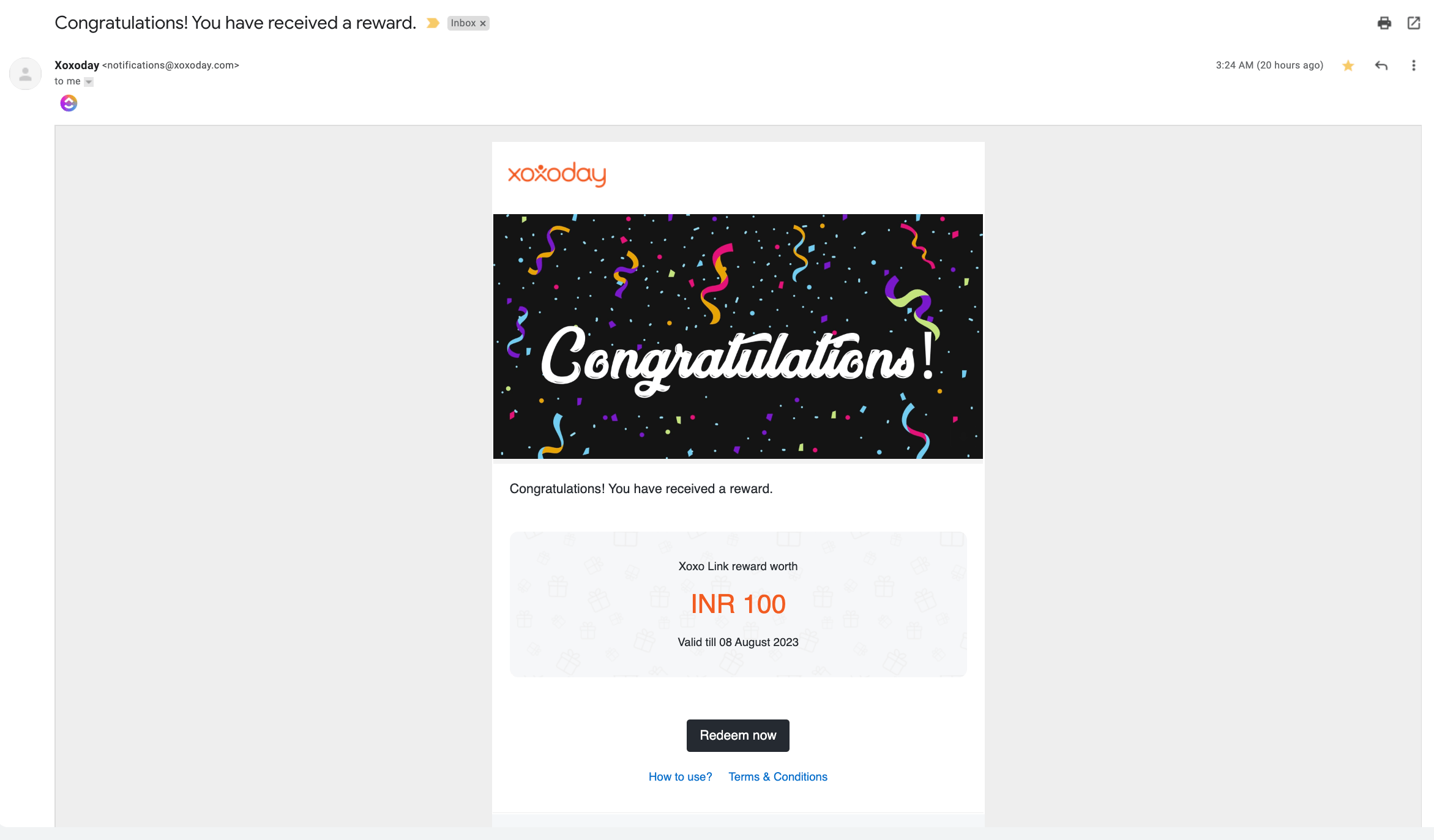
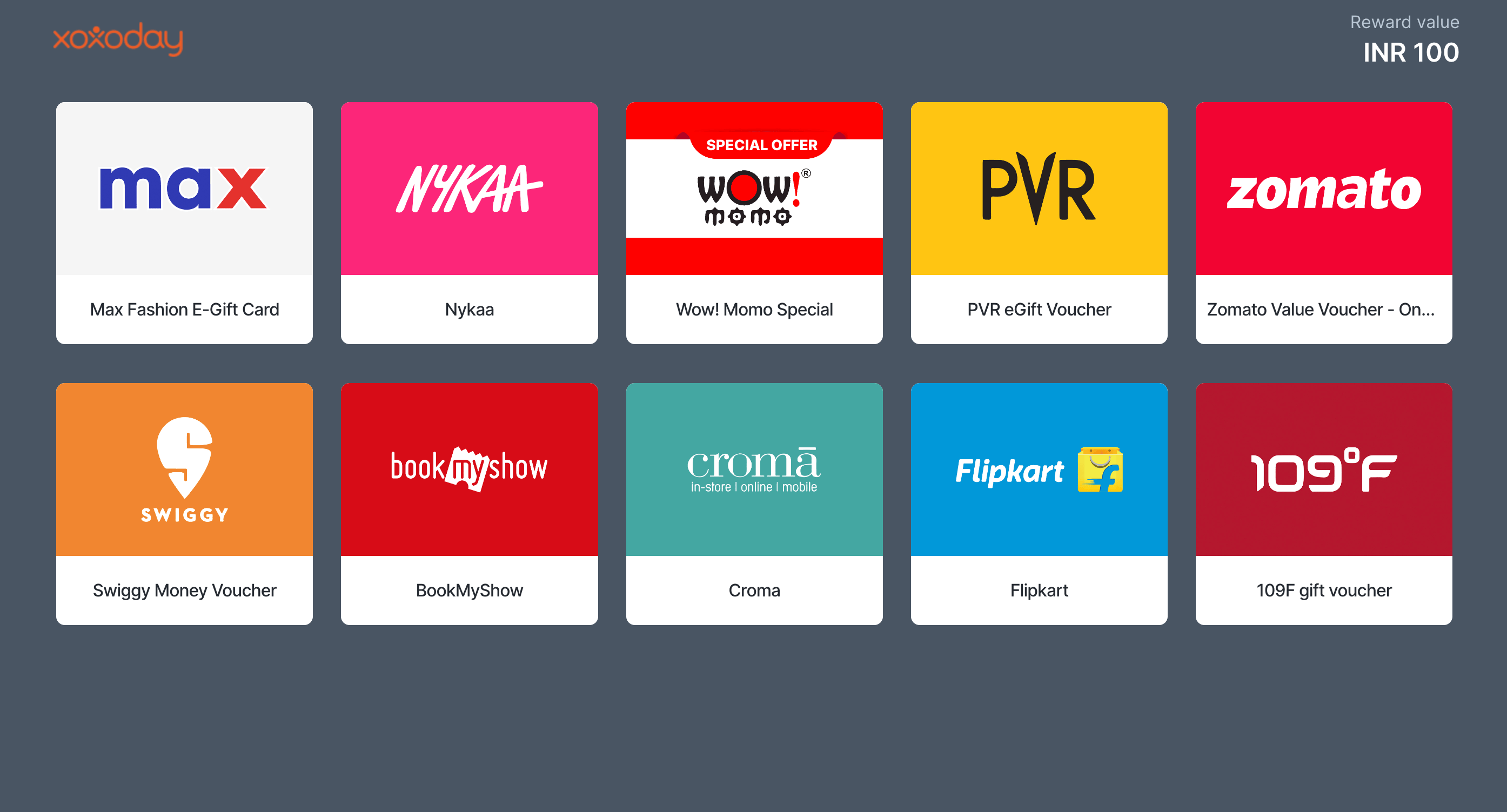
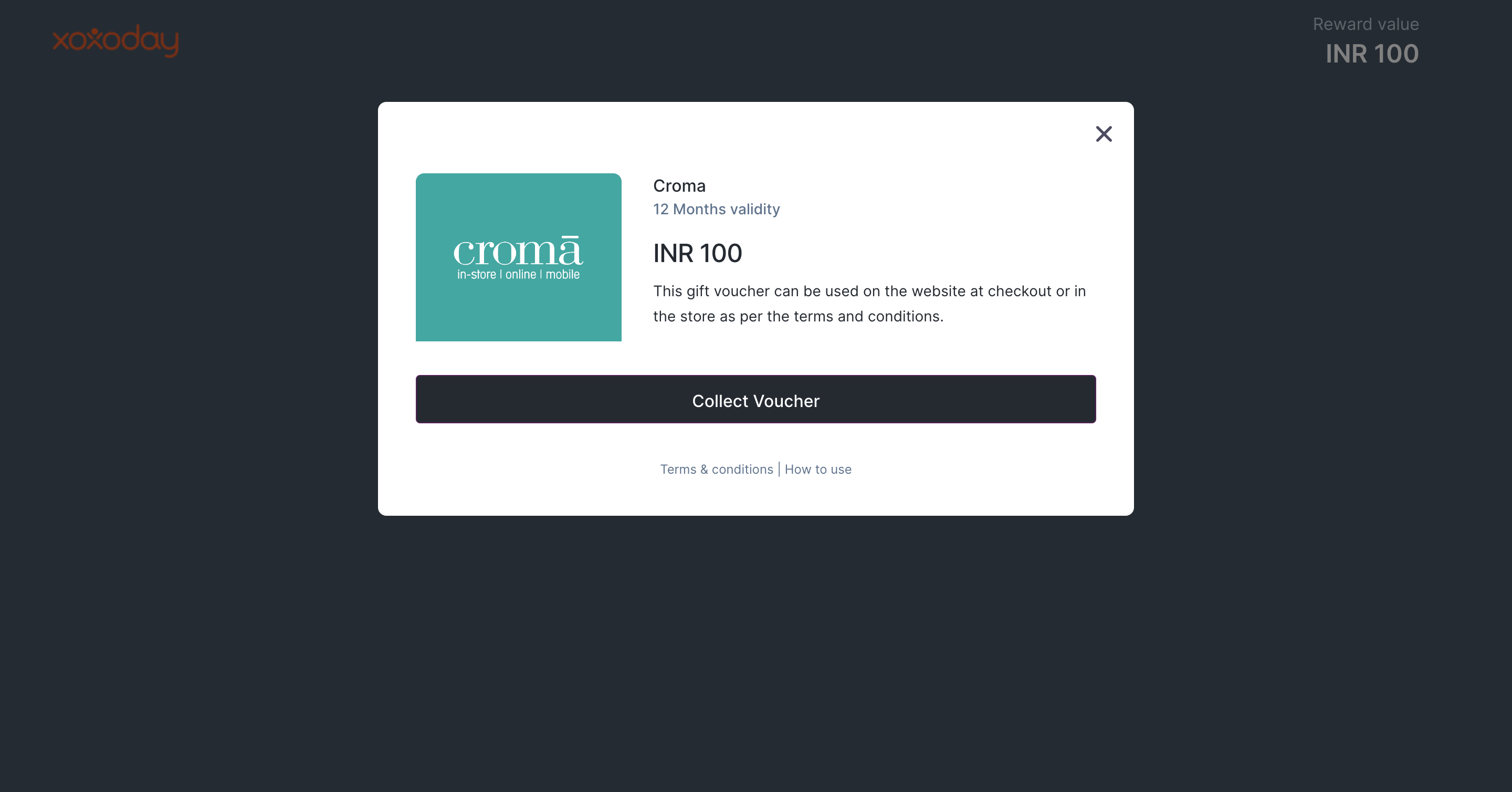
Step 1: Check your mail for the reward email:Step 2:Click on “Redeem now”.Step 3: This will open the Campaign Catalogue for you to select your voucher.Step 4: Select the Voucher of your preference and Click “Collect Voucher”Step 5: This will give you a unique code to redeem at the partner store/website.
Assistant
Responses are generated using AI and may contain mistakes.