Creating a Reward Link Campaign
**Step 1: Login/Signup **to your Xoxoday account here.**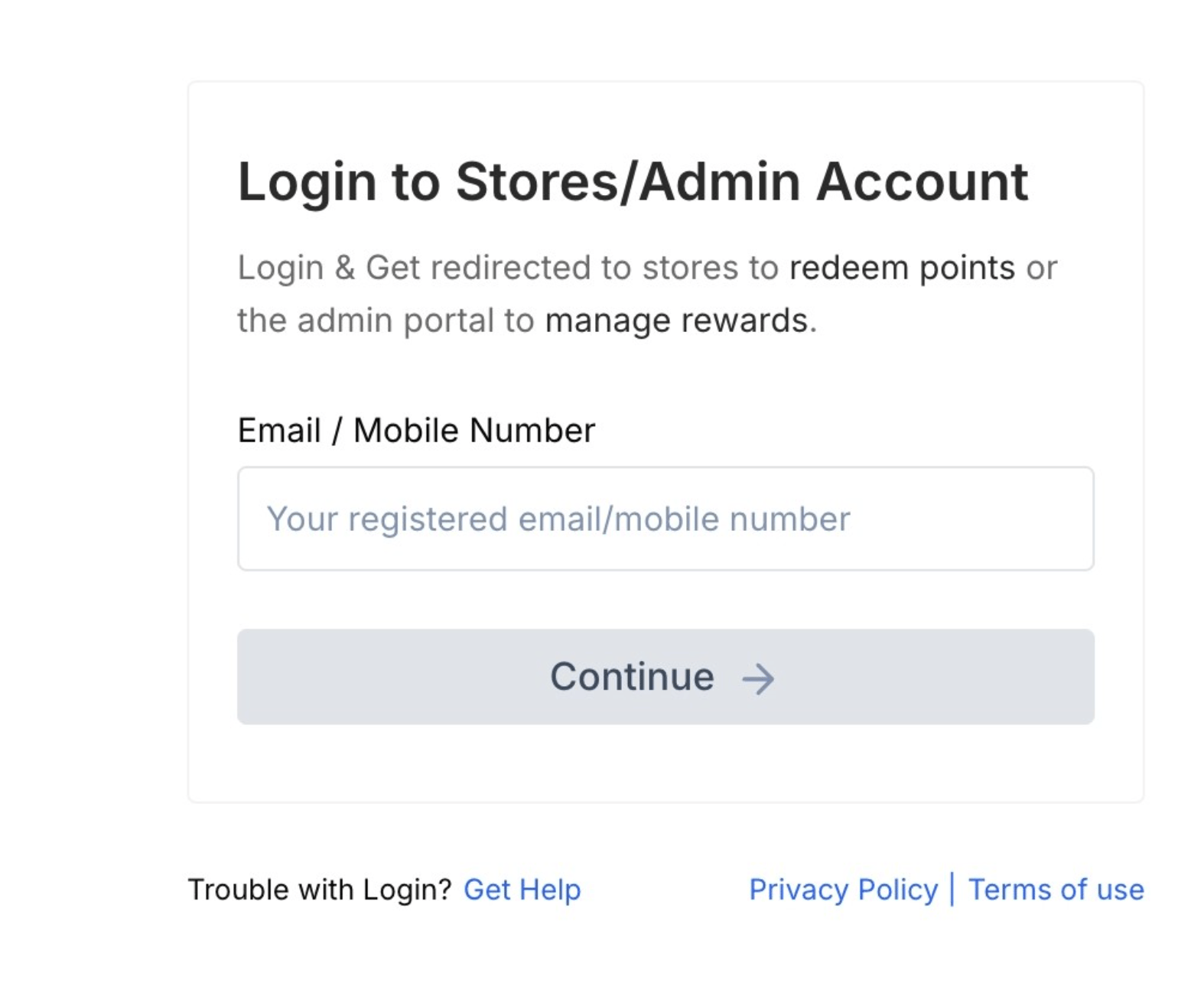
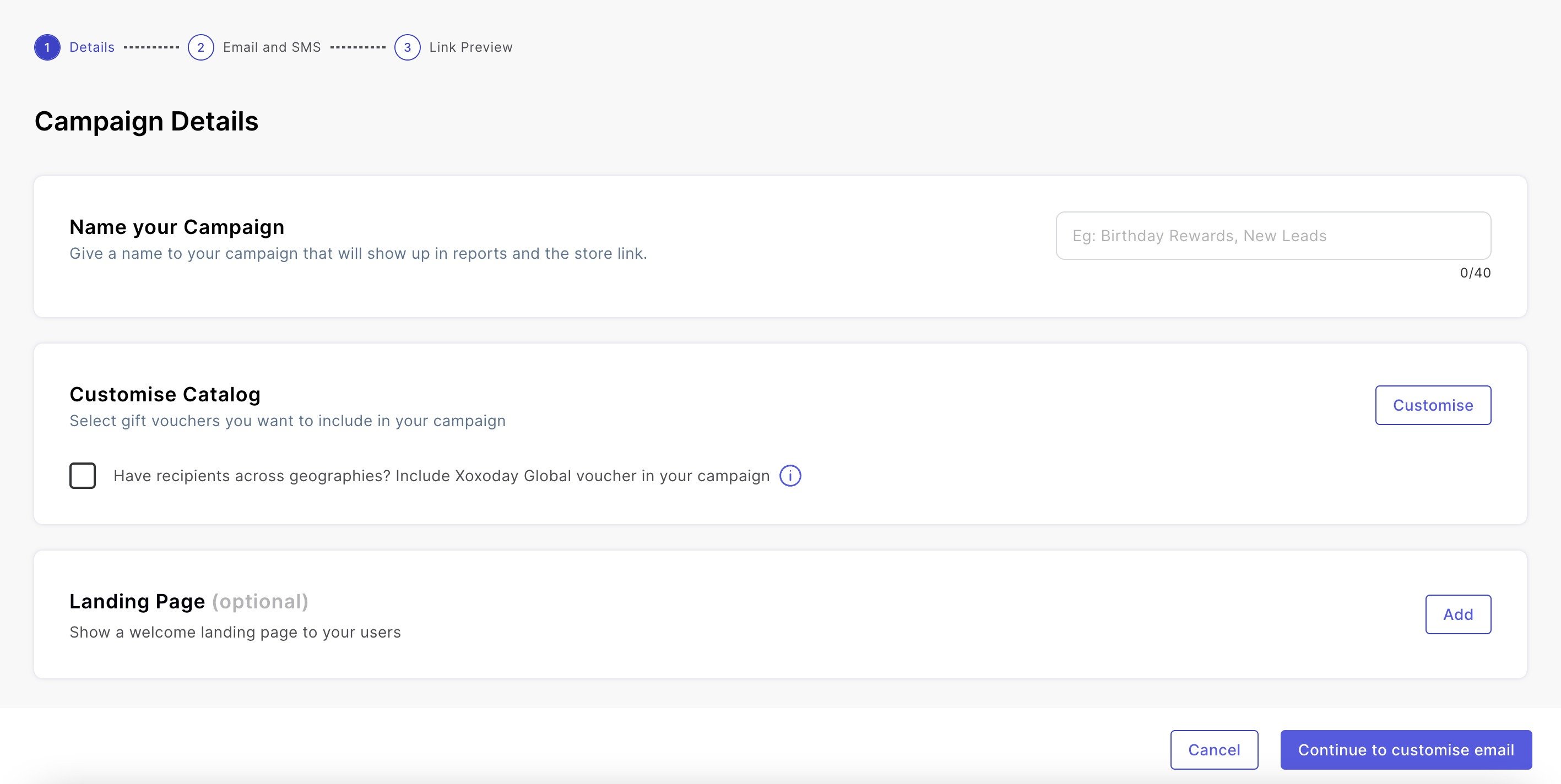
 Step 3:** Choose a Name
Choose a descriptive and memorable name for your campaign to easily identify it later. Consider including the campaign objective or target audience in the name.
Step 3:** Choose a Name
Choose a descriptive and memorable name for your campaign to easily identify it later. Consider including the campaign objective or target audience in the name.
Integrating Xoxoday Plum and Salesforce
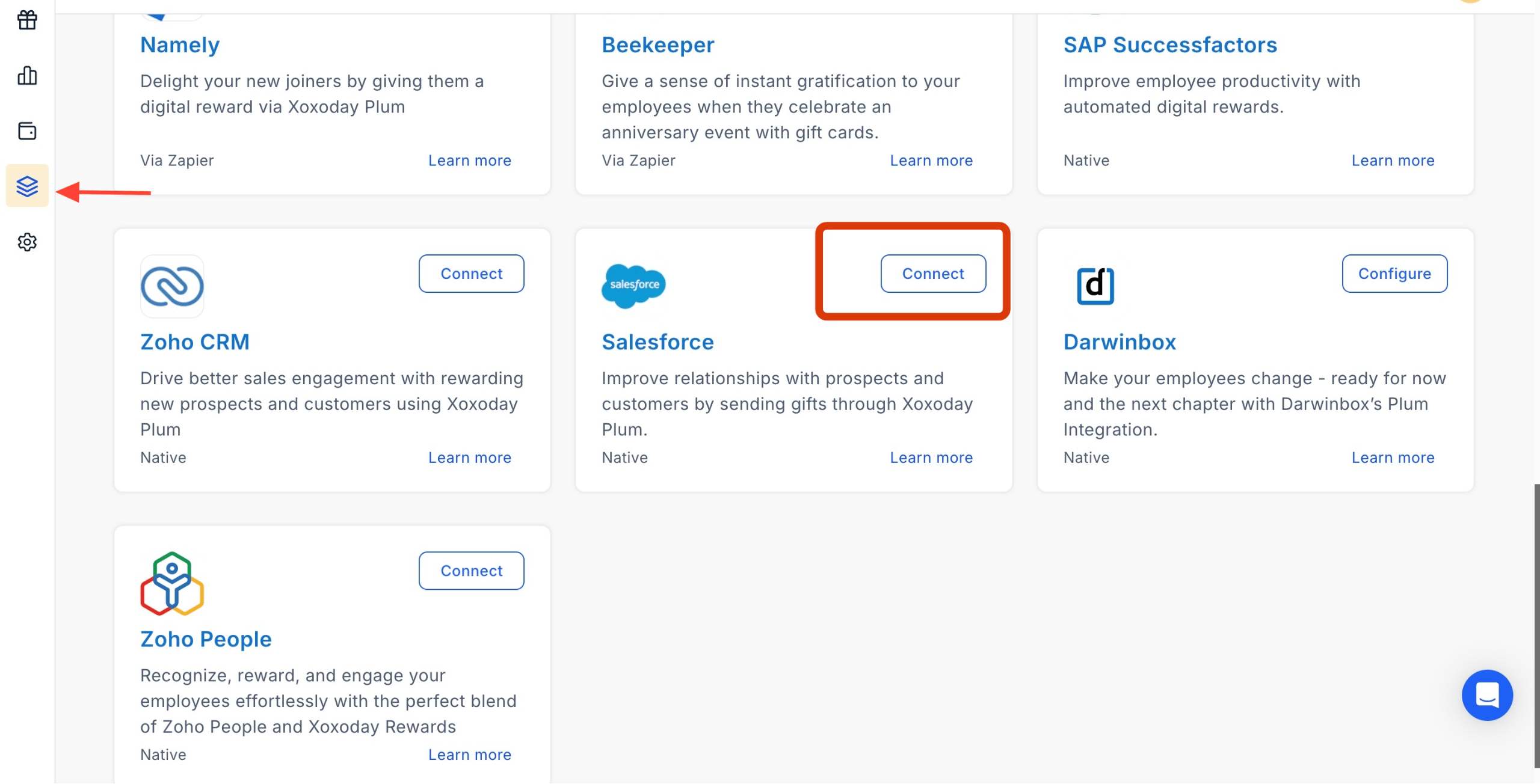
Step 1: Click on Salesforce Integration under Manage Integration and select “Connect” to sync Salesforce with Xoxoday Plum. Once you click on the “Connect” button, you will be taken to the salesforce page to finish connecting both Platforms. Refer to the below link for the Steps. Getting Started and Setting up Salesforce Integration