01 — AI-Powered Enhanced Search and Recommendations
Storefront search now understands brands, categories, keywords, and product attributes, and it tolerates typos. Users get a full results page with grouping, filters, and sorting instead of a short autocomplete list. Previously, search matched only product titles, so users needed the exact name to find anything. That became a real barrier as the catalog grew across gift cards, merchandise, experiences, hotels, flights, and airport lounges..png?fit=max&auto=format&n=4pJkWPESvoj1Svay&q=85&s=e4531965e34c5d6c2fde29eee42158b0)
02 — New Brands in the Hong Kong Catalog
The Hong Kong brand catalog now includes a wider range of brands, expanding reward coverage for programs operating in Hong Kong. Customers can discover, order, and fulfill Hong Kong brand rewards end to end, giving program administrators and recipients a more seamless experience.03 — Maker-Checker Approvals
Super Admins now require a second approver before key actions in Plum Admin take effect. A Maker initiates an action, and it runs only after a Checker approves it. The control covers Send Rewards, Reports, and Settings. Super Admins choose which modules it applies to and who acts as Maker or Checker, so teams can add approvals where the risk is highest and leave everything else unchanged. For an insurer or bank sending rewards to thousands of policyholders or employees, one admin can now prepare a bulk send while a second reviews and approves it before anything goes out. Reward payouts get the same dual sign-off the business already requires for other financial transactions.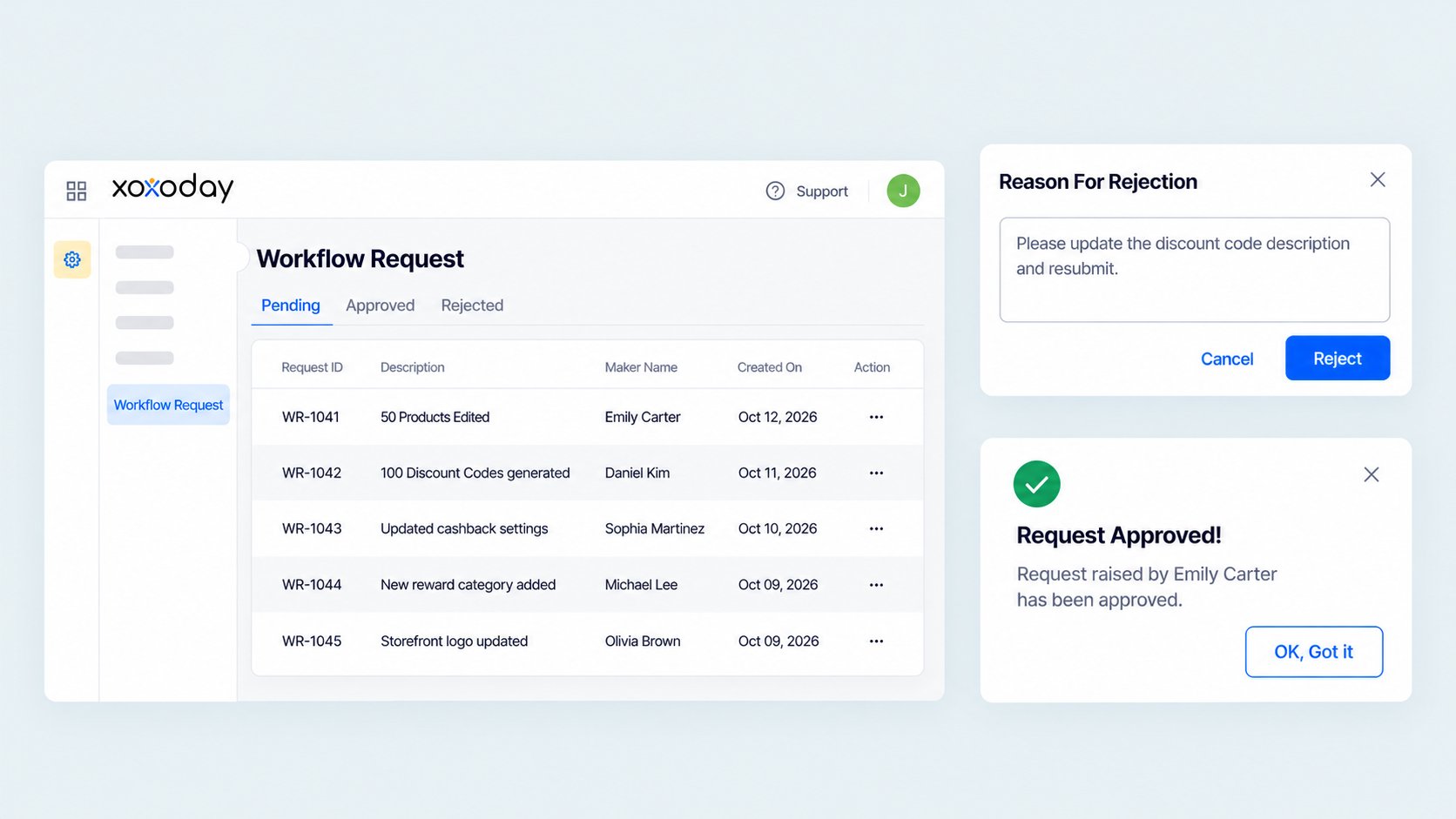
04 — Corporate Email Required for Admin Roles
Personal email addresses such as Gmail can no longer be assigned Admin or Super Admin roles by default. This keeps admin access tied to verified company accounts, so a personal inbox can’t become a way into your program’s rewards, budgets, or settings.05 — Send to Self: Higher Xoxocode Send Limits
Admins can now generate up to 1,000 Xoxocodes per denomination in a single Send to Self request. Previously, codes were capped at 200 per row, so large orders were split across rows and arrived as several files to merge. The full order now arrives as one consolidated secure-link file in the admin’s email. For an enterprise rewarding a large workforce, a quarter’s worth of codes now comes from one request and one file, instead of dozens of rows and a manual merge.06 — Send to Self: Recipient Tagging
Send to Self now supports recipient tagging for Reward Links. Previously, anyone a Send to Self link was passed to could redeem it. Admins can now tag each Reward Link to a recipient by CSV (email or phone), or tag links to an email domain. For an enterprise that distributes rewards through regional managers, a central admin can tag each link to the intended employee before handing them off, so a forwarded link can’t be redeemed by the wrong person.07 — Duplicate Reward Detection
Bulk uploads now block any reward whose unique Reward ID has already been used, whether in the current upload or a previous one. This applies to points, codes, and links, so a re-uploaded file or repeated row no longer pays the same recipient twice. For survey and research programs that send incentives in recurring batches, this closes one of the most common causes of accidental double payouts.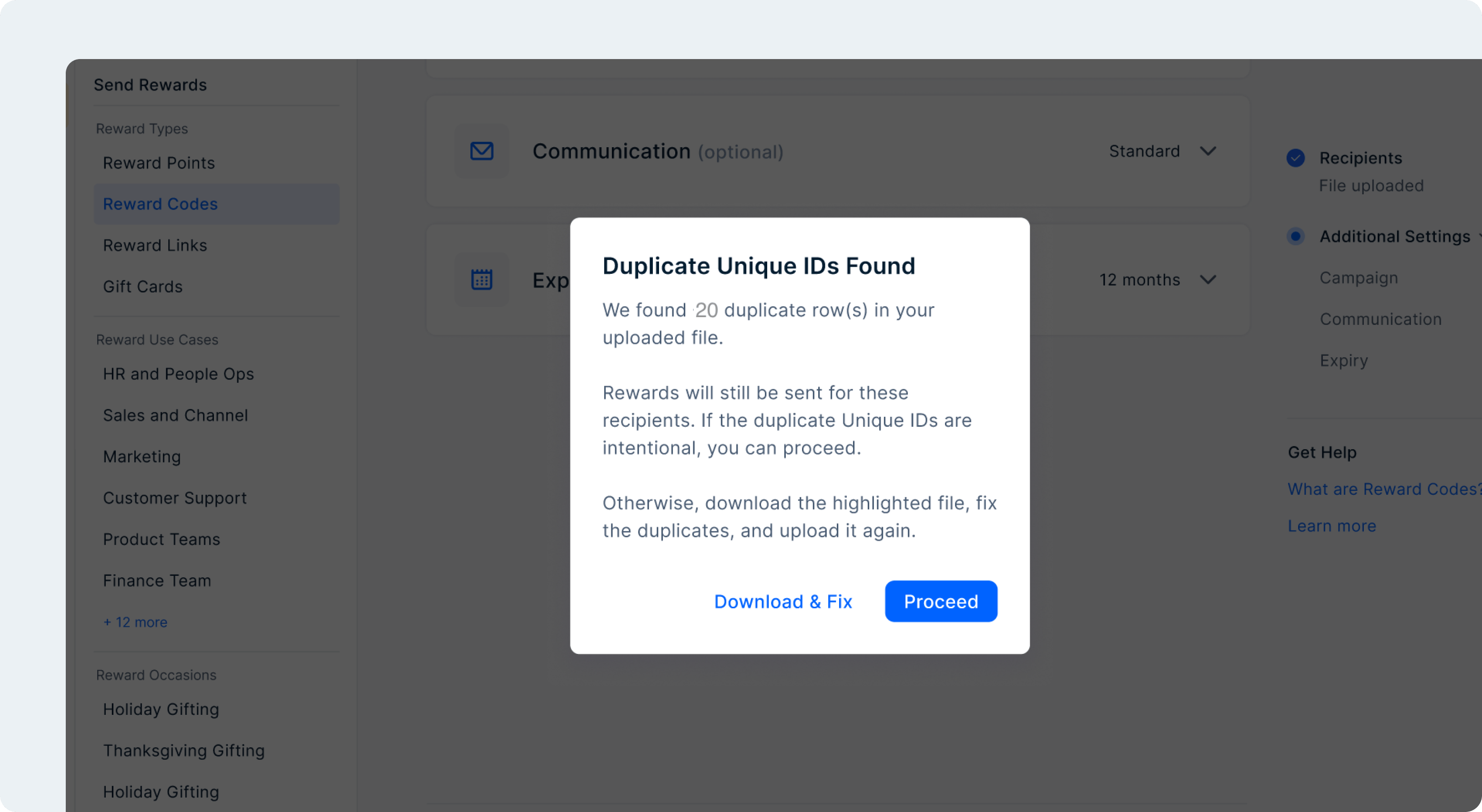
08 — High-Value Redemption Approvals
Redemptions above a set value threshold can now be held for admin approval. No high-value reward is issued until someone on your side approves it, which adds a checkpoint against errors, misuse, and fraudulent redemptions where the stakes are highest. These orders also move out of the standard real-time flow, so they no longer time out.09 — SMS Cancellation Notifications
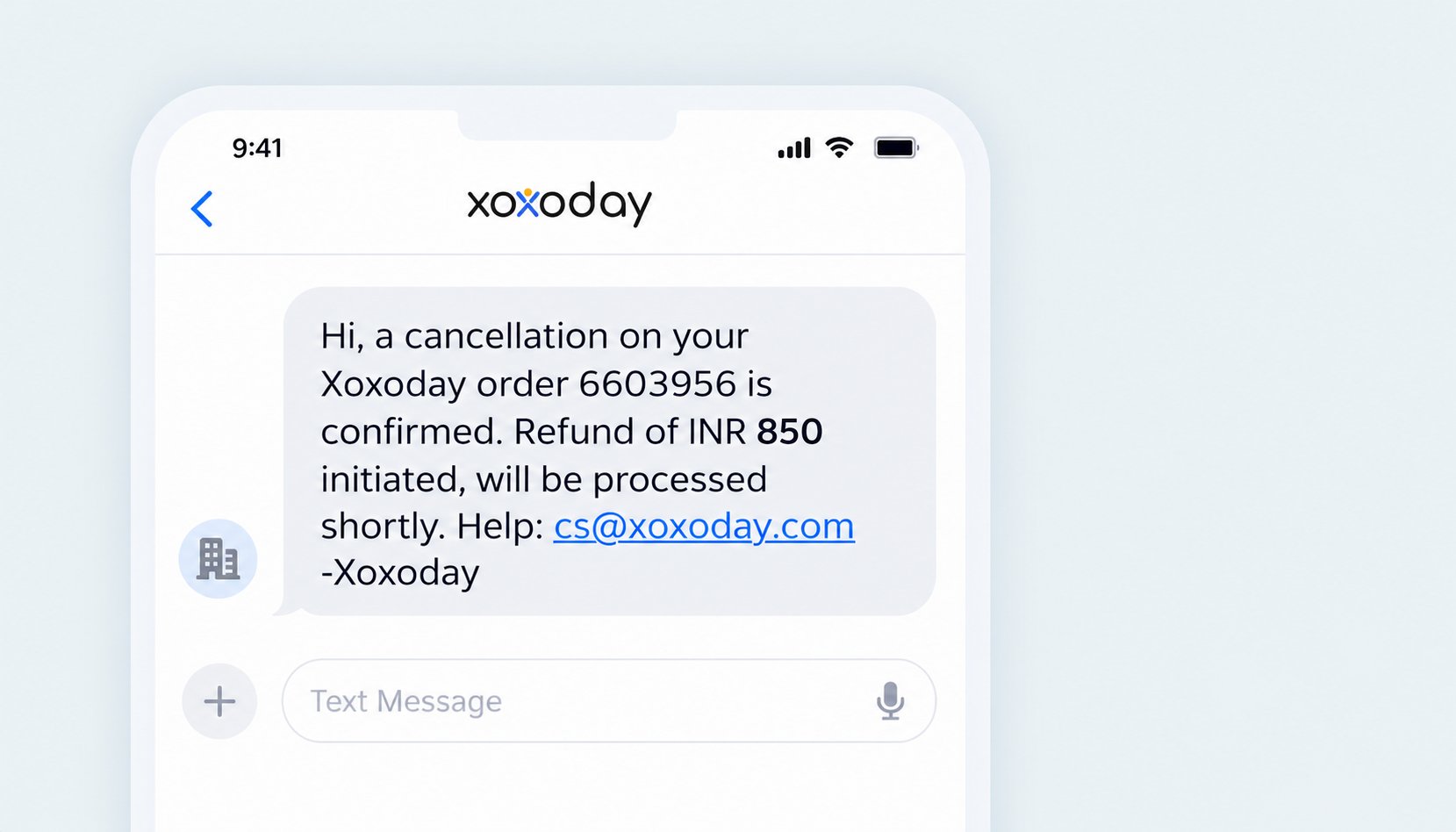
Customers now get an SMS when an order is canceled, with the Order ID, refund amount, and support contact, alongside the existing email. Users who registered with only a mobile number now hear about cancellations and refunds directly.