
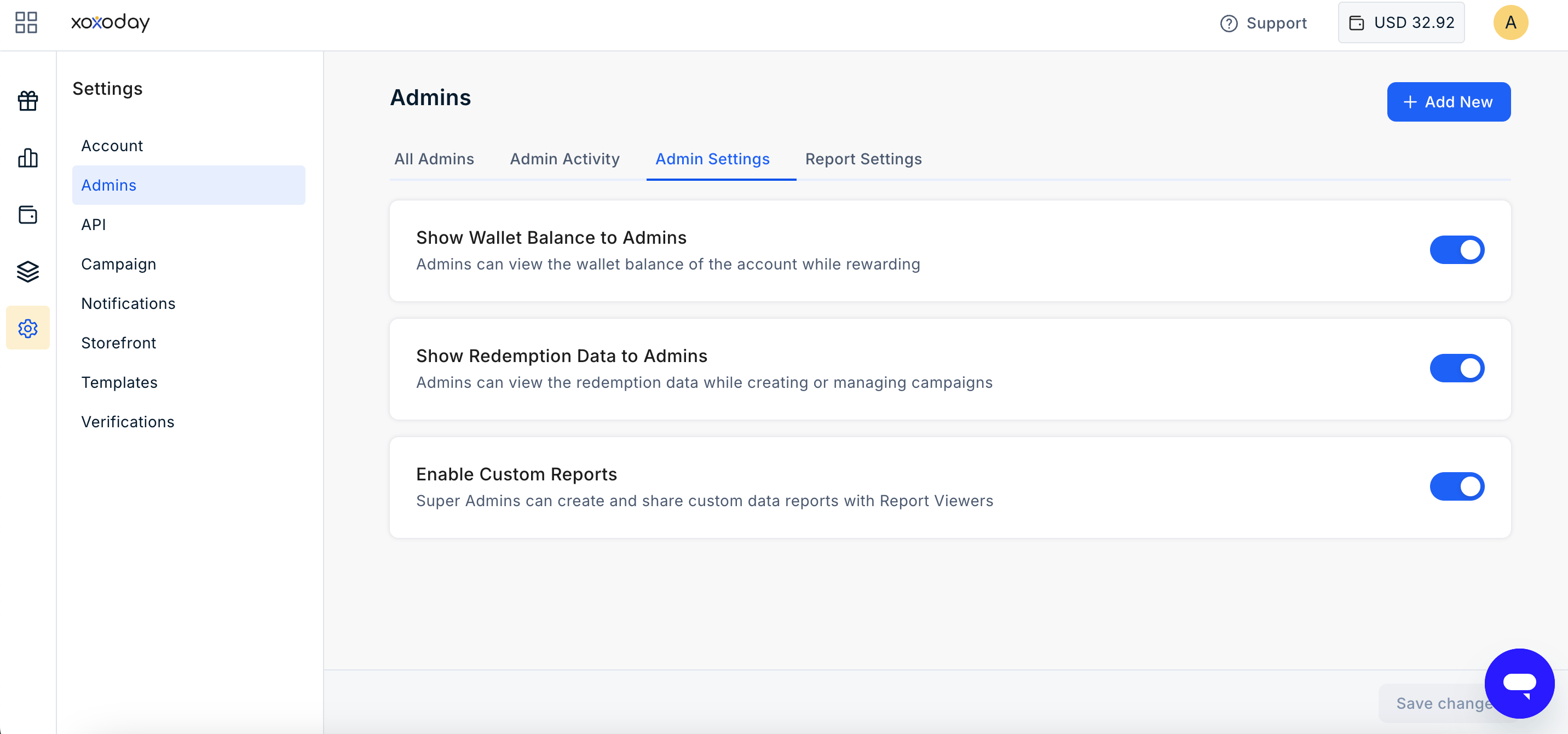
Show Wallet Balance to Admins
Allows Admins to view the organisation’s available wallet balance during the reward flow. When enabled, Admins can view the available wallet balance while sending rewards. This helps Admins track the available balance and avoid initiating rewards when sufficient funds are not available.Show Redemption Data to Admins
Allows Admins to view redemption data while creating or managing campaigns. When enabled, Admins can access redemption information to understand how rewards are being used and make informed decisions when managing campaigns.Enable Custom Reports
Allows Super Admins to create and share custom reports with designated Report Viewers. When enabled, Super Admins can grant or revoke access to custom reports. Users with access can view the reports and dashboards shared with them.Enable Workflow Requests
Enables an approval workflow for supported Admin actions. When enabled, selected actions performed by Admins are submitted as requests and require approval from a designated approver before they take effect. This provides additional control over administrative changes and helps organisations maintain appropriate governance over platform activities.Still need help? Raise a support ticket.