
The Admin Activity page is available only to Super Admins.
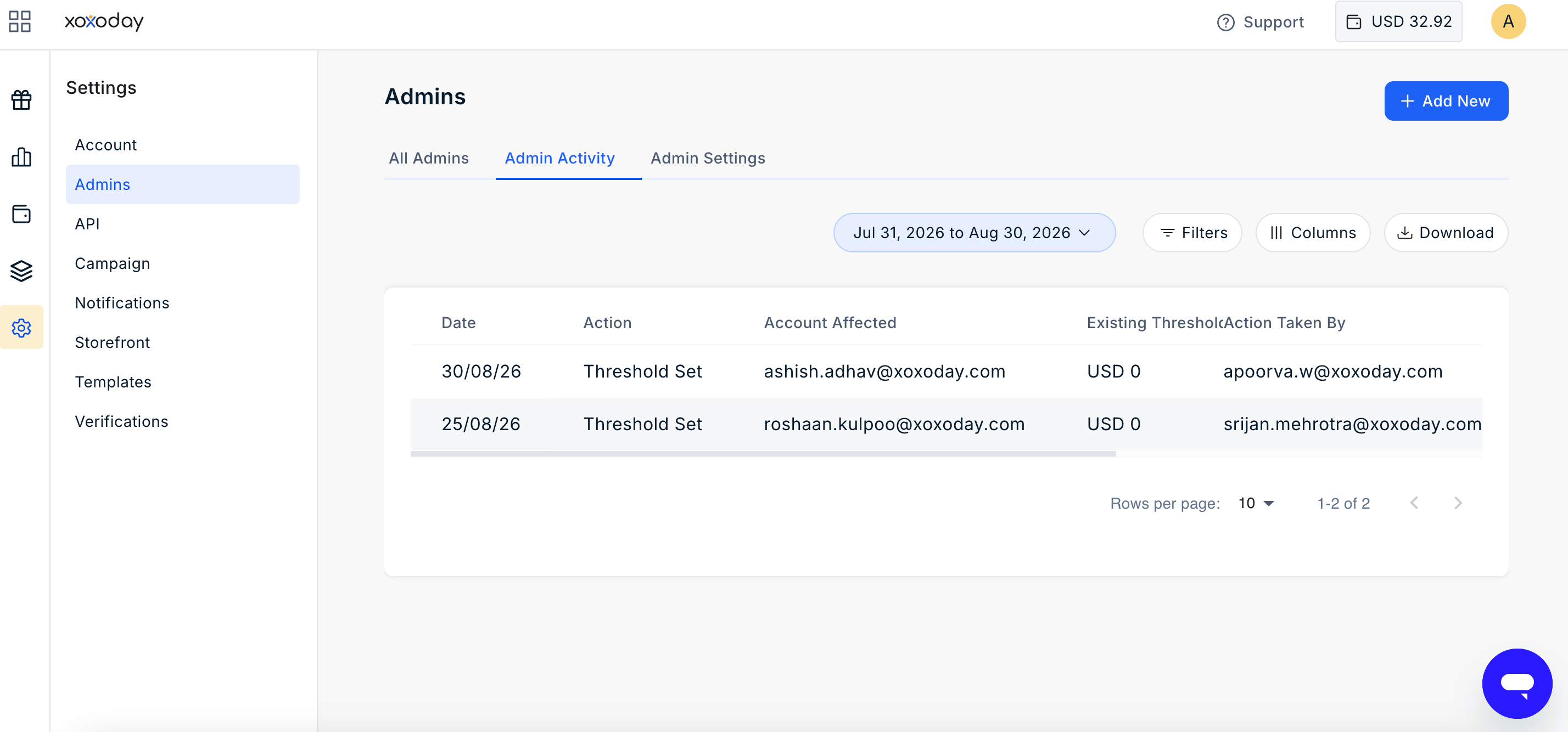
Activity Details
Each activity record includes the following information:Filter Activity
Use the available filters to find specific activity records.- Date Range: Filter activities by a specific date range. By default, the page displays activity from the last 30 days.
- Account Affected: View activities for a specific administrator.
- Action Taken By: View activities performed by a specific Super Admin.
- Action: Filter activities by the type of action performed:
- Threshold Increased
- Threshold Decreased
- Threshold Updated
- Amount Spent Reset
Customize the Table
The Columns option allows Super Admins to select the information displayed in the activity table. The Date and Action columns are always displayed and cannot be hidden.Download Activity
Click Download to export the activity log as a CSV file. The exported file includes the activity details available in the log and can be used for reporting, auditing, or record-keeping purposes.Still need help? Raise a support ticket.