
1
Navigate to the Portal
Go to the Customer Portal using your preferred web browser.
2
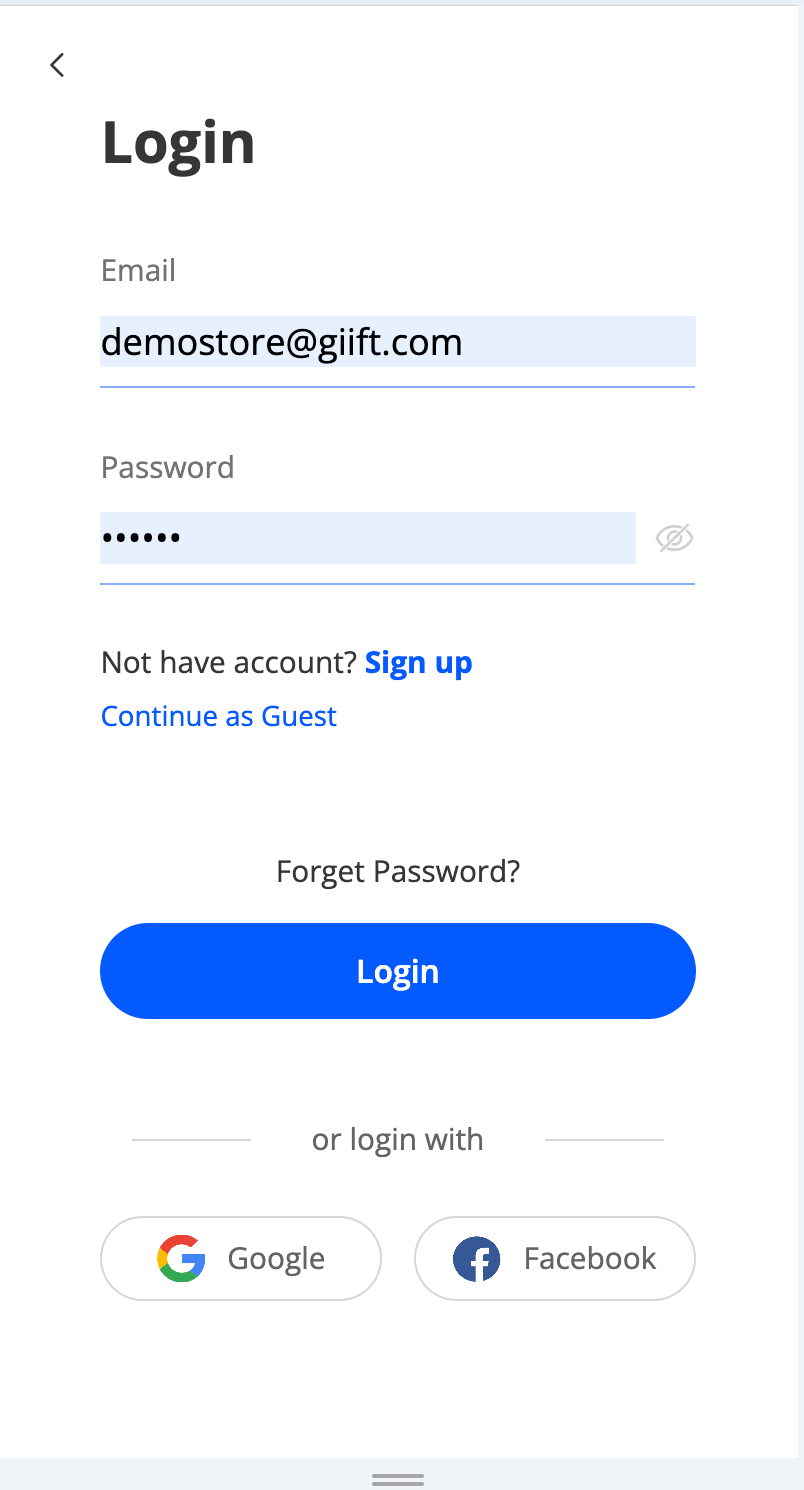
Sign In
- Enter your registered email address and password.
- Click on the Sign In button to access your account.
3
Access Your Dashboard
Once logged in, you’ll land on your Dashboard.Here, you can:
- View Recommended Offers curated just for you
- Track your recent activity
- Access personalized insights and updates
Still need help? Raise a support ticket.