
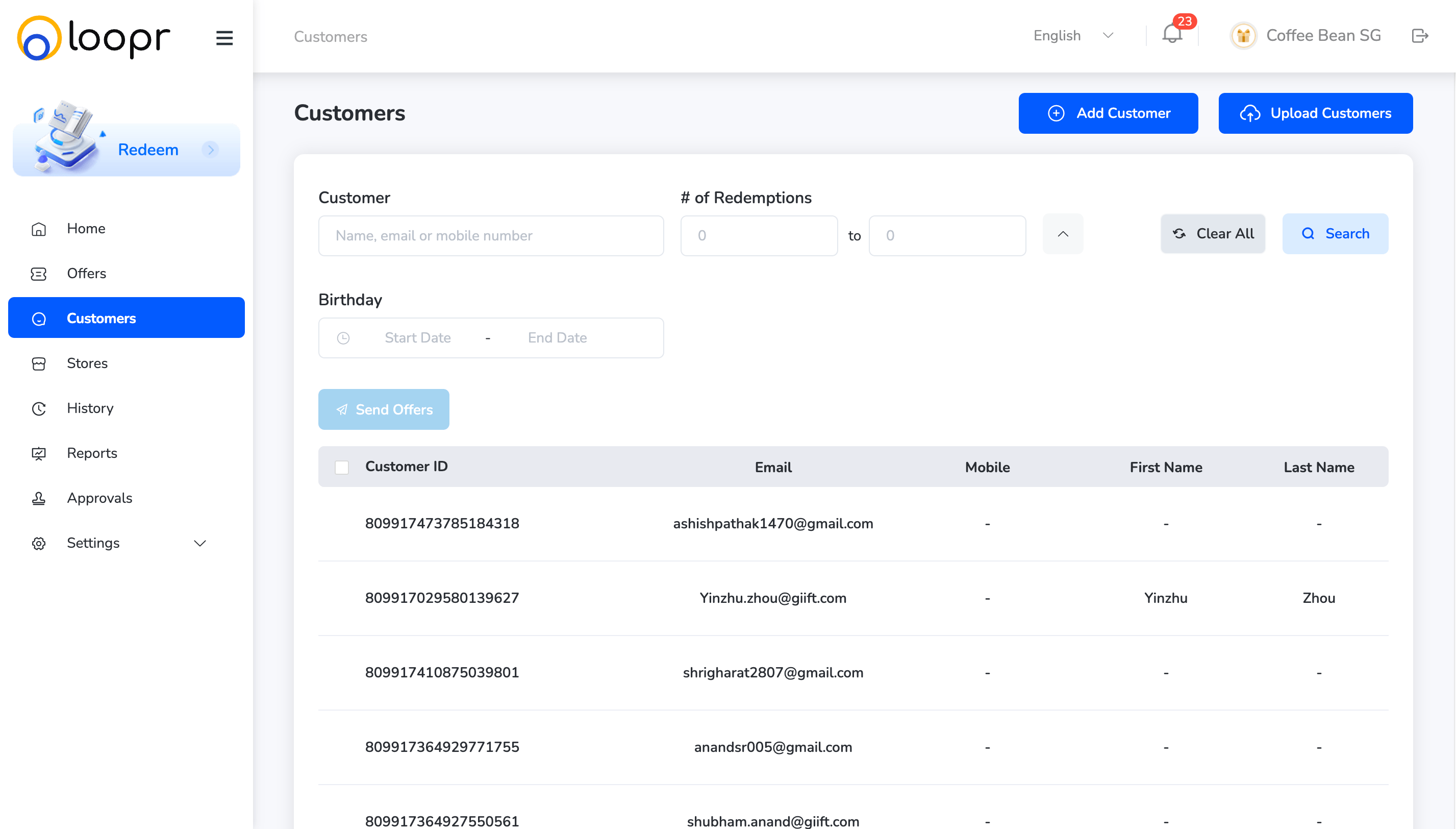
Search for customers
The Customers module allows merchants to search, filter, and export customer data. It also enables you to target specific users for personalized offers.How to Search for Customers:
-
Use the search bar and filters to narrow down the customer list. You can search by:
- Customer Name
- Email Address
- Registered Mobile Number
- Redemption Date
- Birthday Start and End Date
Adding a customer
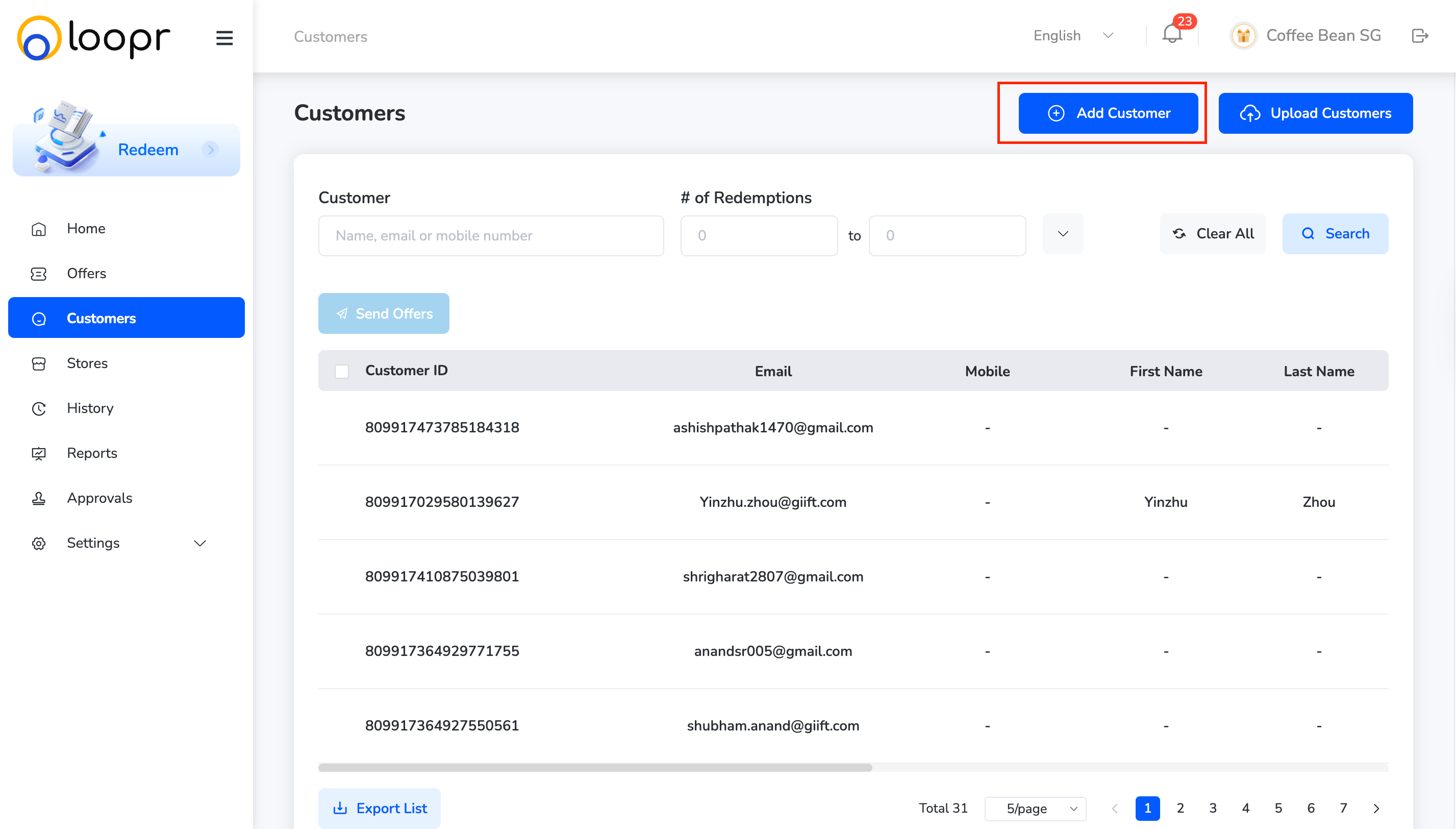
Customers can be added in two ways: manually or through bulk upload. Method 1: Manually Adding- Click “Add Customer” at the top of the Customers page.
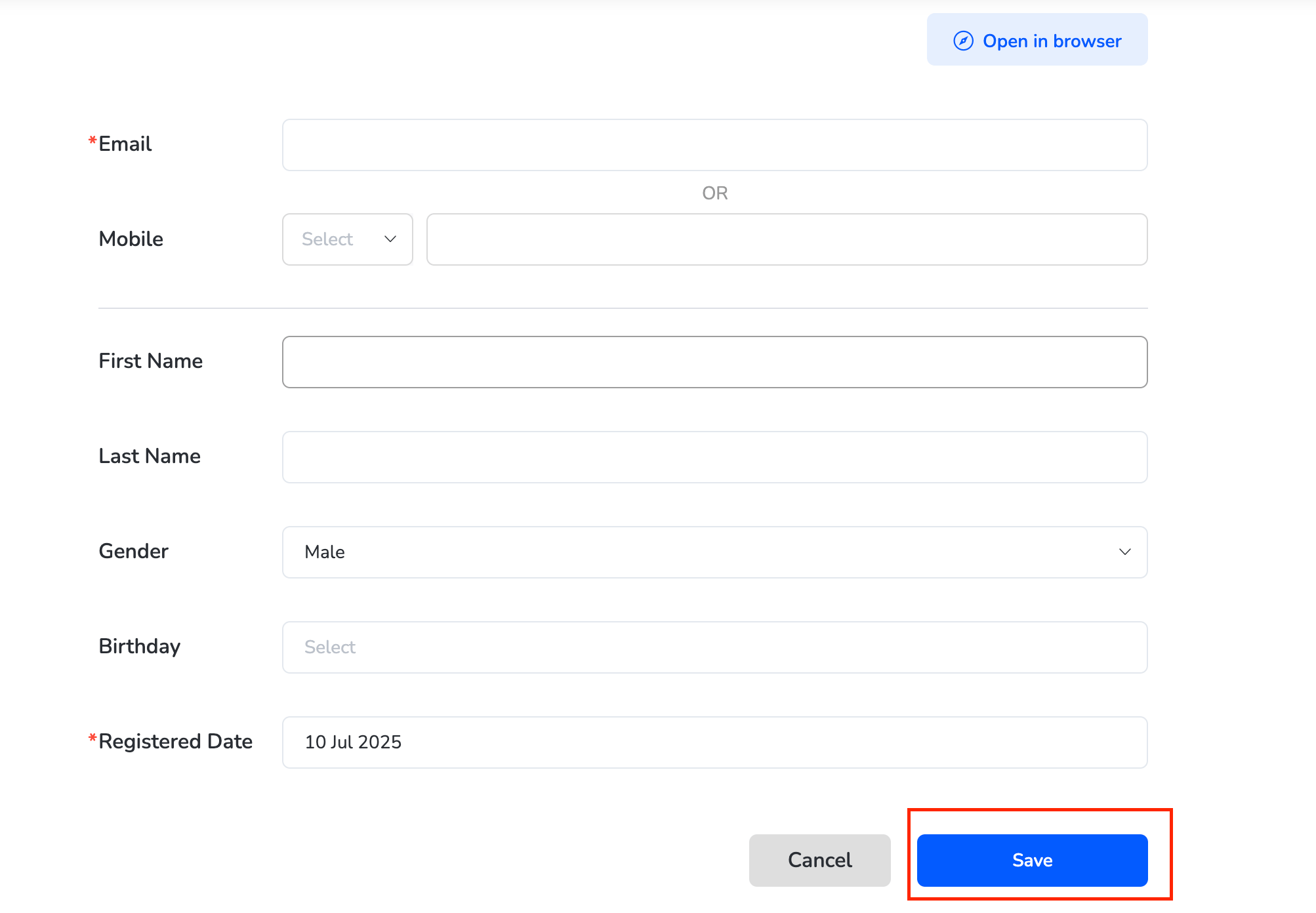
- Fill in details (name, email, mobile, birthday). Once done, Click “Save”.
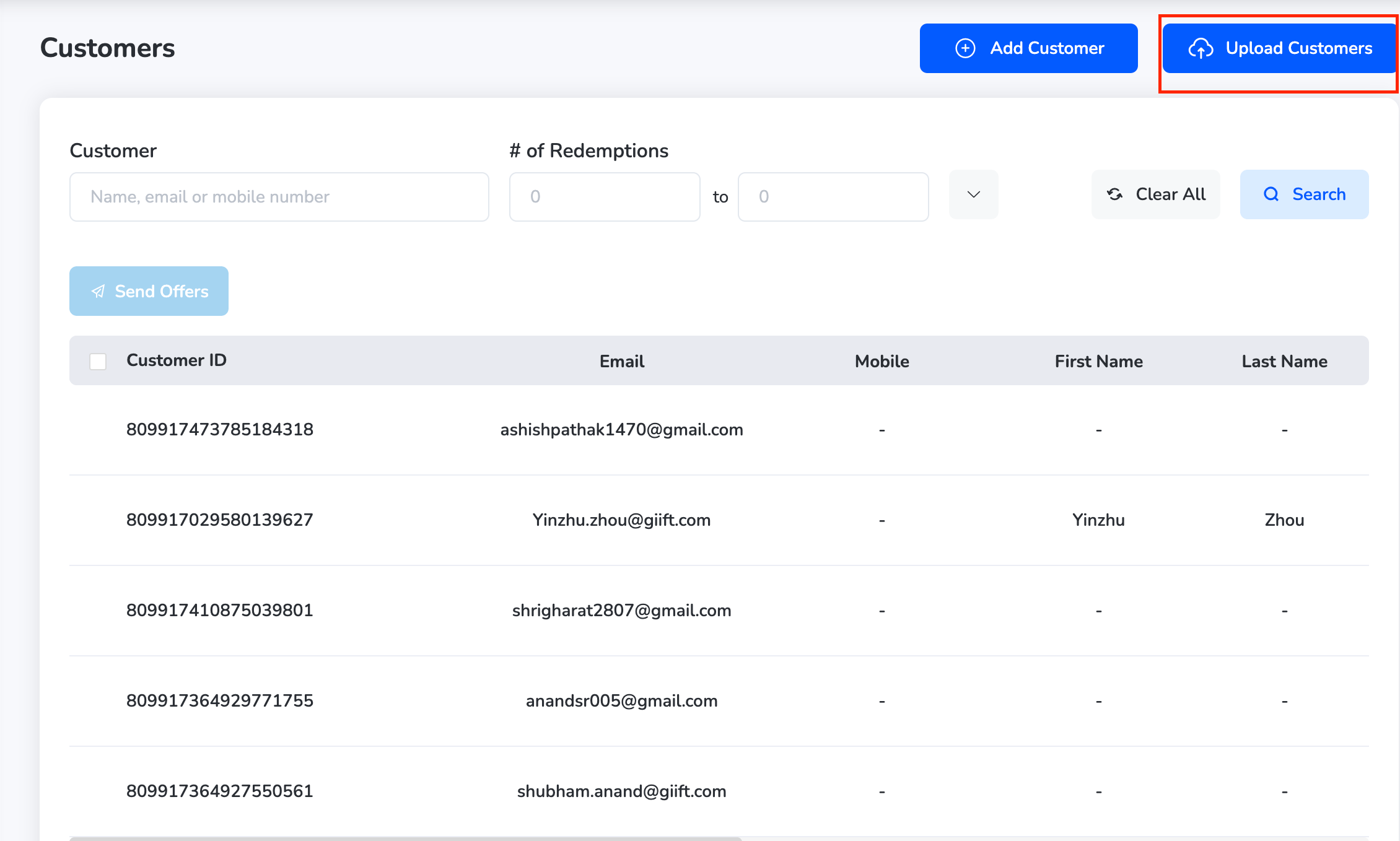
- Click the “Upload Customers” icon.
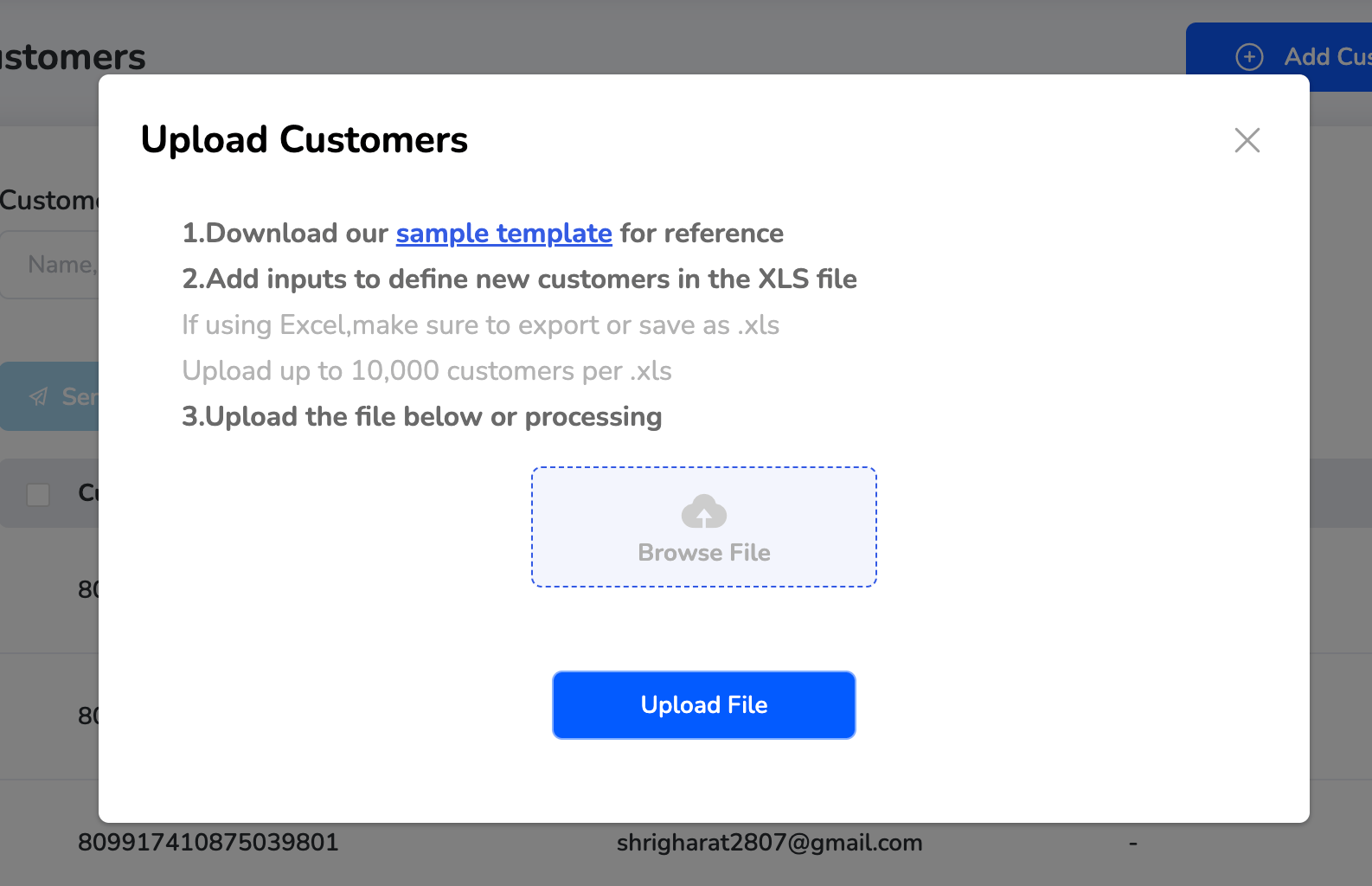
- Upload the file. You can also download the sample template for reference.
Managing Customers
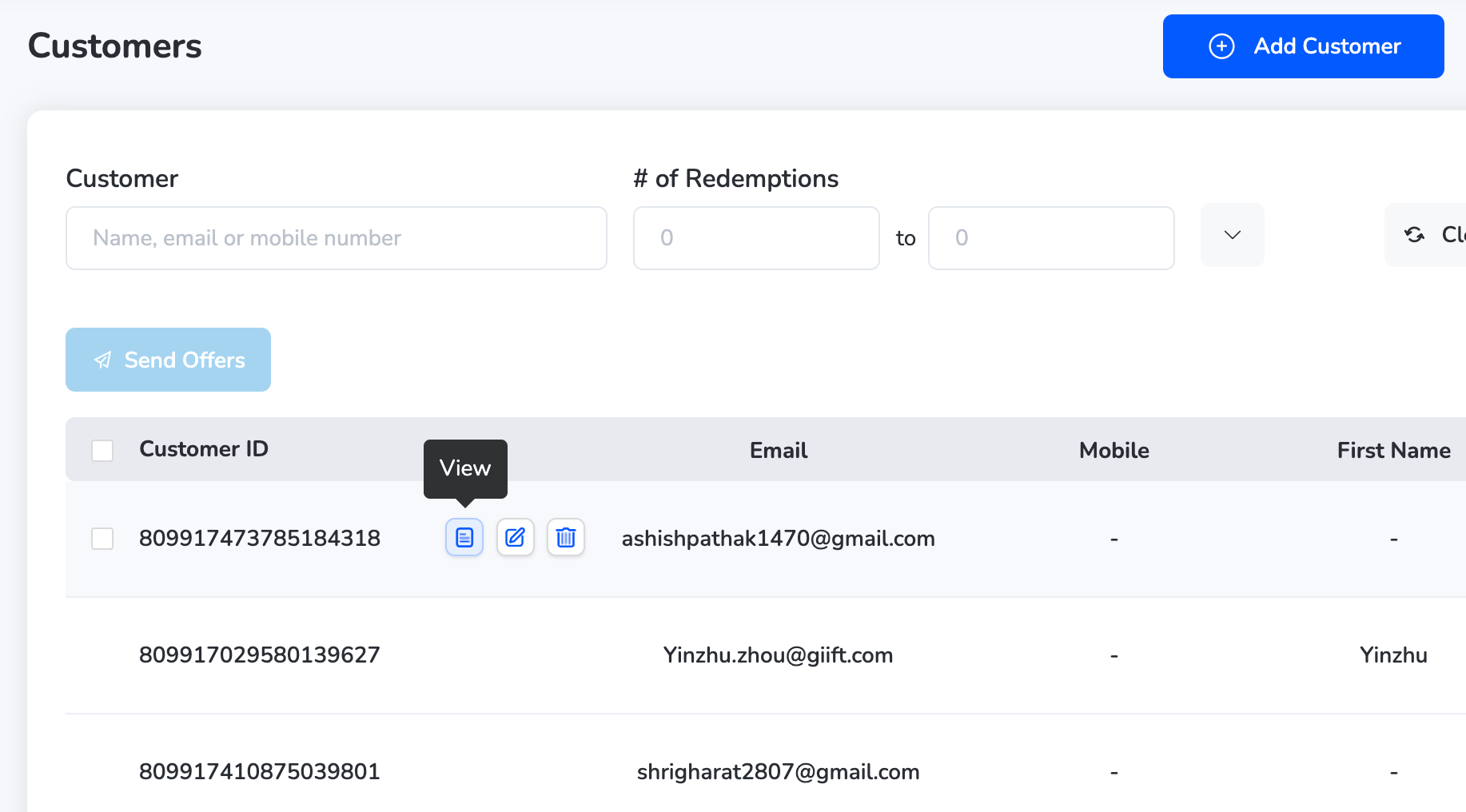
In the Customers module, you can view, edit, or delete individual customer records. View a Customer- Go to the Customers page.
- Find the customer in the list and click the “View” icon next to their name.
-
You’ll see:
- Full customer details

- A tracking section showing offers claimed, redeemed, or favourited by the customer

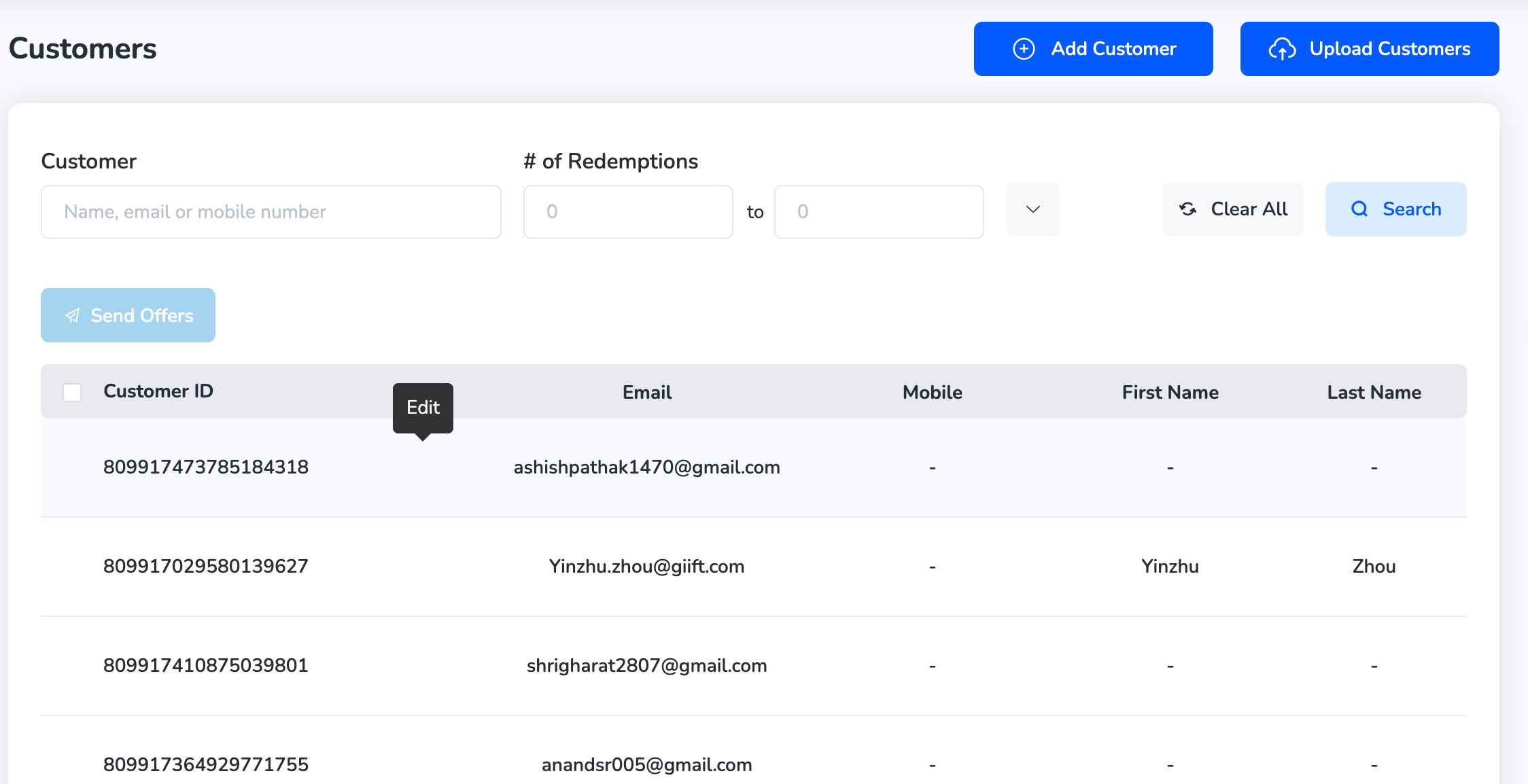
- Click the “Edit” icon next to the customer name.
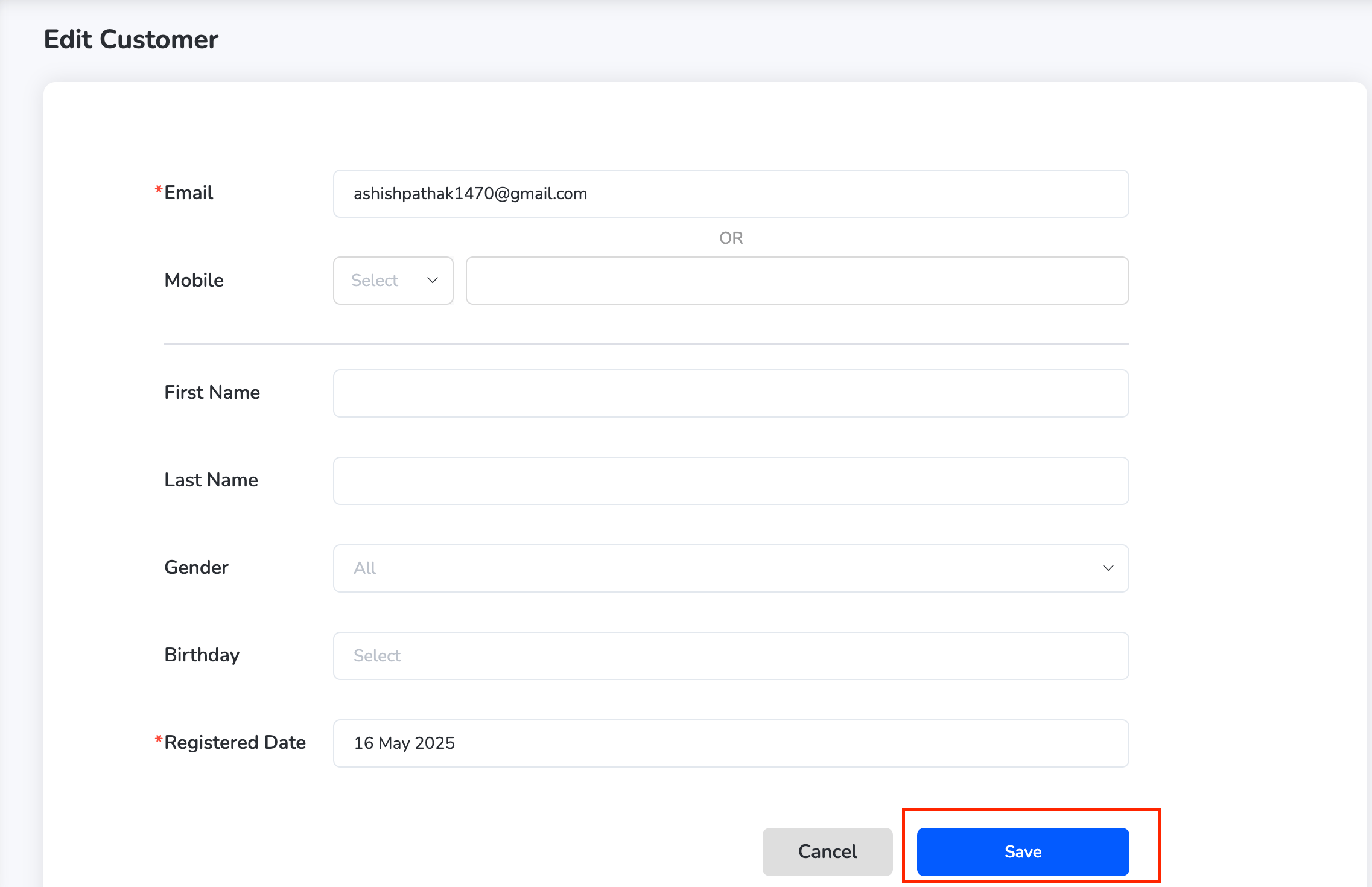
- Update any required details (e.g., email, phone, birthday).
- Click “Save” to apply changes.
- Click the “Delete” icon next to the customer name.
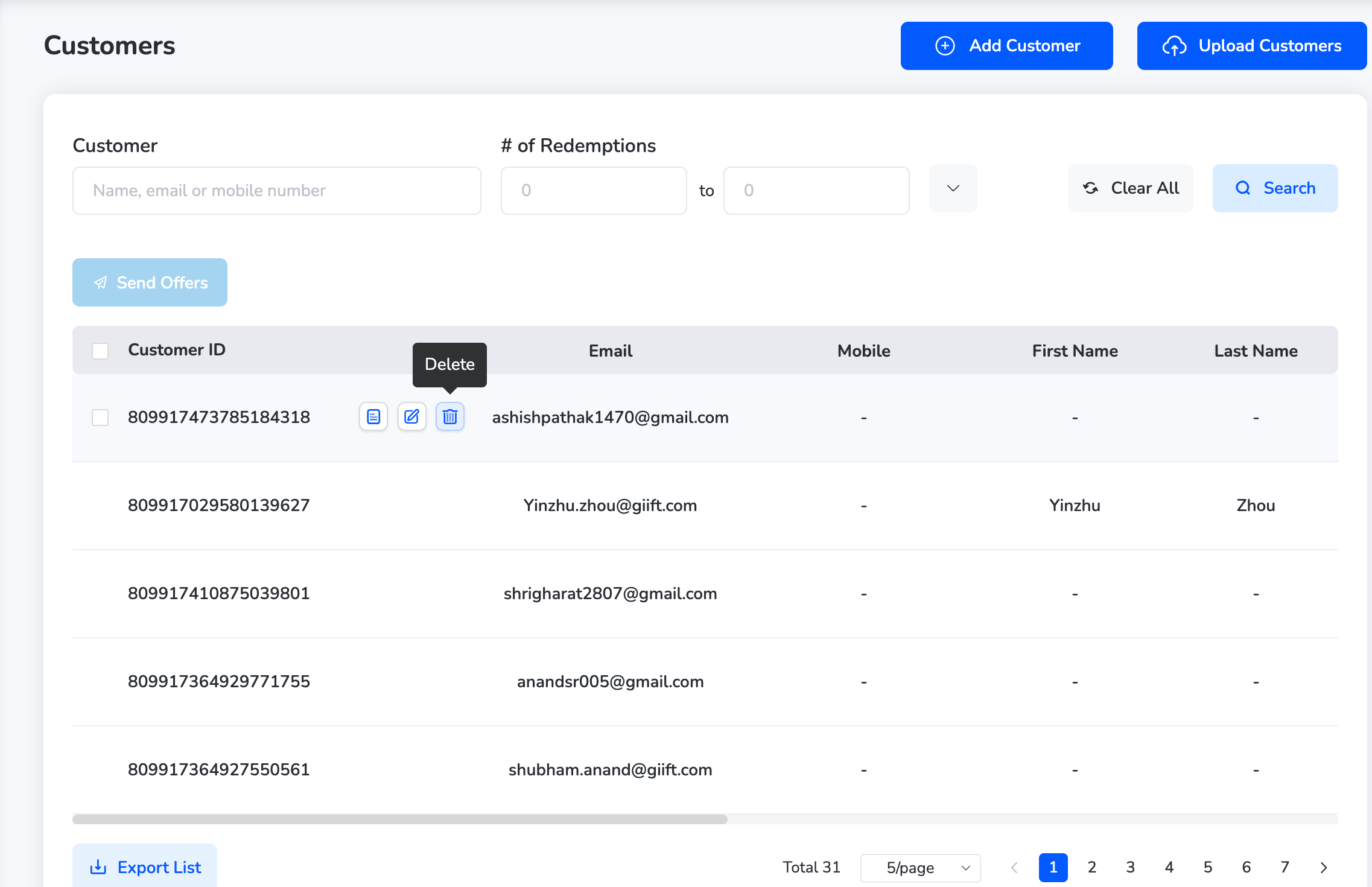
- A confirmation pop-up will appear.
- Click “Confirm” to delete the customer.
Still need help? Raise a support ticket.