
Accessing the Merchant Portal
Follow the steps below to log in and navigate through the main dashboard of the Merchant Portal.Steps to Log In:
1
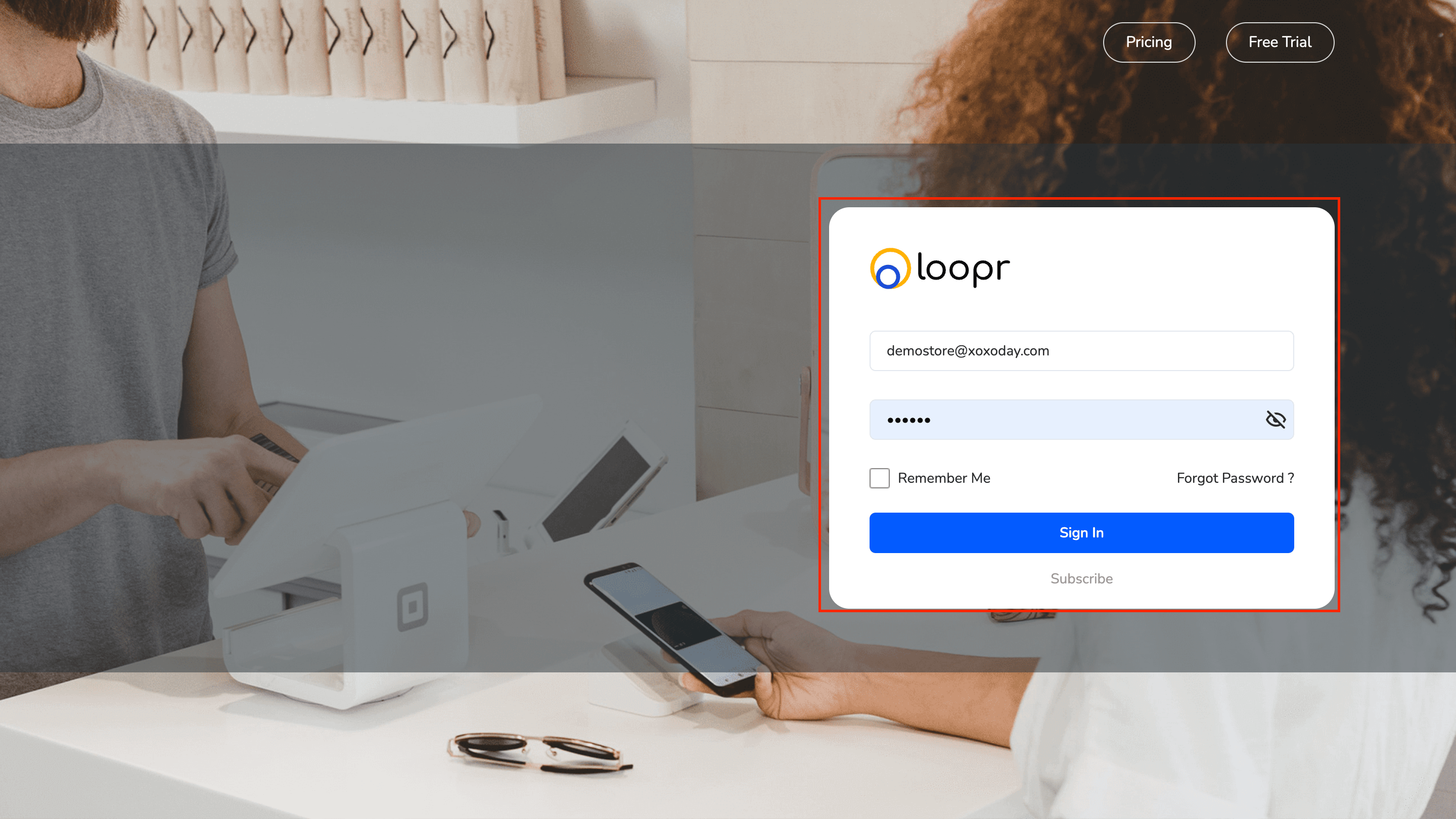
Navigate to the Merchant Portal
Open your browser and go to the Merchant Portal URL.
2
Enter Admin Credentials
- Input your username and password
- Click “Sign In”
Upon successful login, you’ll be directed to the Dashboard.
Dashboard Overview
Once on the dashboard, you’ll see the following key elements:Language & Notifications
- Language Dropdown: Located at the top right, allowing you to switch between supported languages.
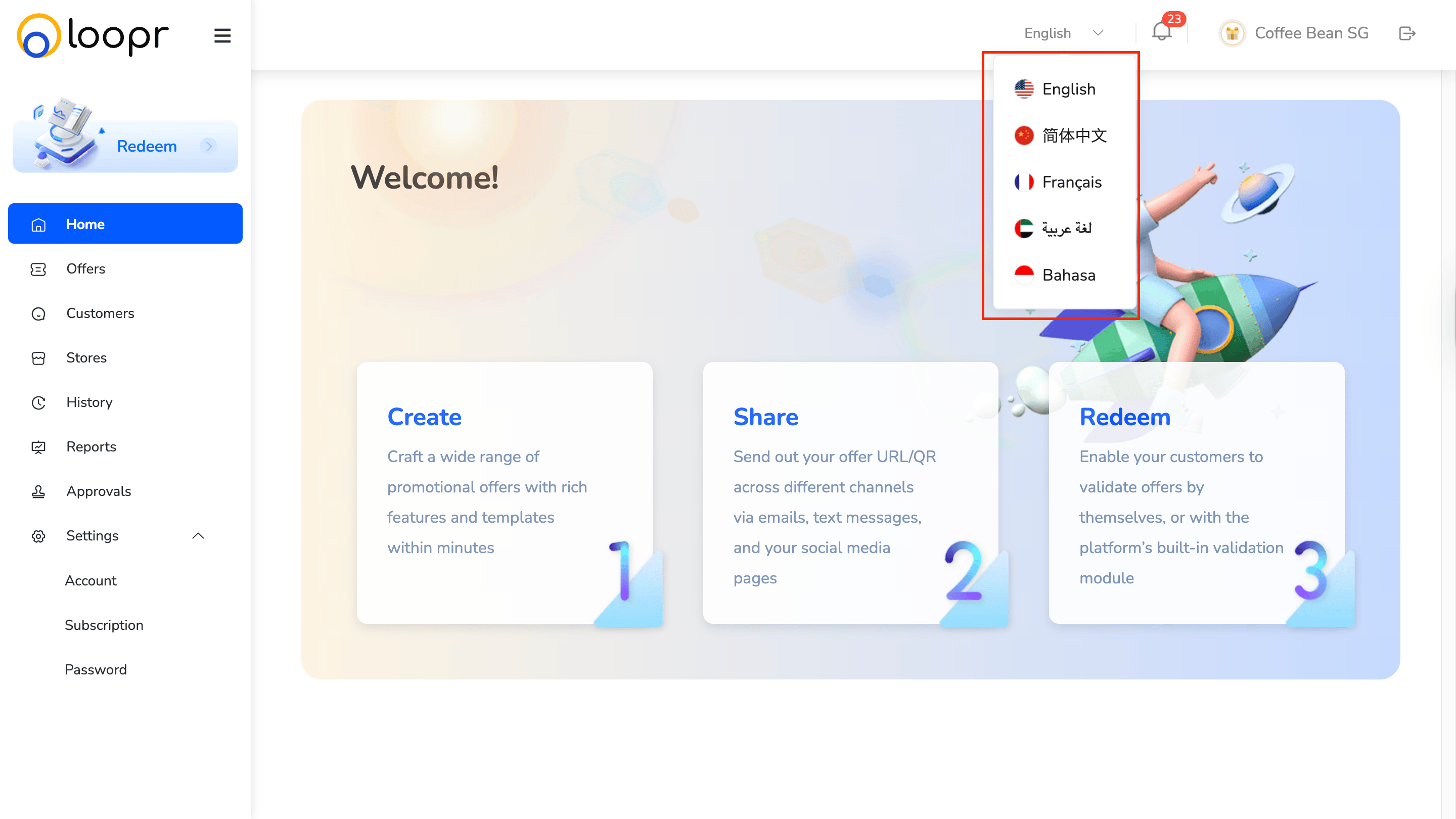
- Notification Icon: Also at the top right, to view important updates and alerts.
Module Access Buttons
You’ll find quick-access buttons for different modules such as:- Home
- Offers
- Customers
- Stores
- History
- Reports
- Approvals
- Settings
- Redemptions
Still need help? Raise a support ticket.