
How to Access
- Go to “Settings” from the left-hand menu.
- Click on the “Account” tab from the dropdown.
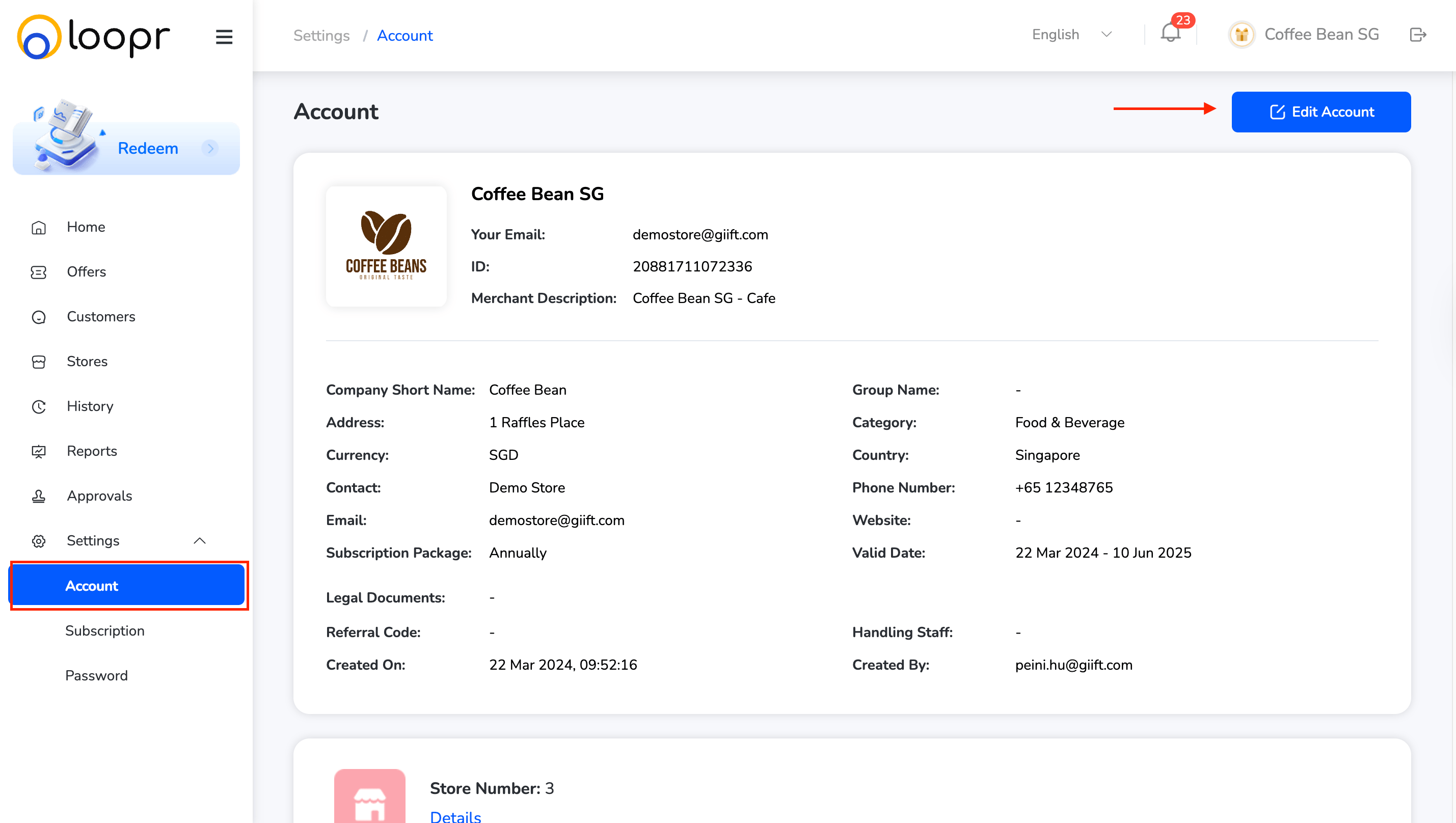
View Account Details
- Your account details (name, email, business info, etc.) will be displayed for review.
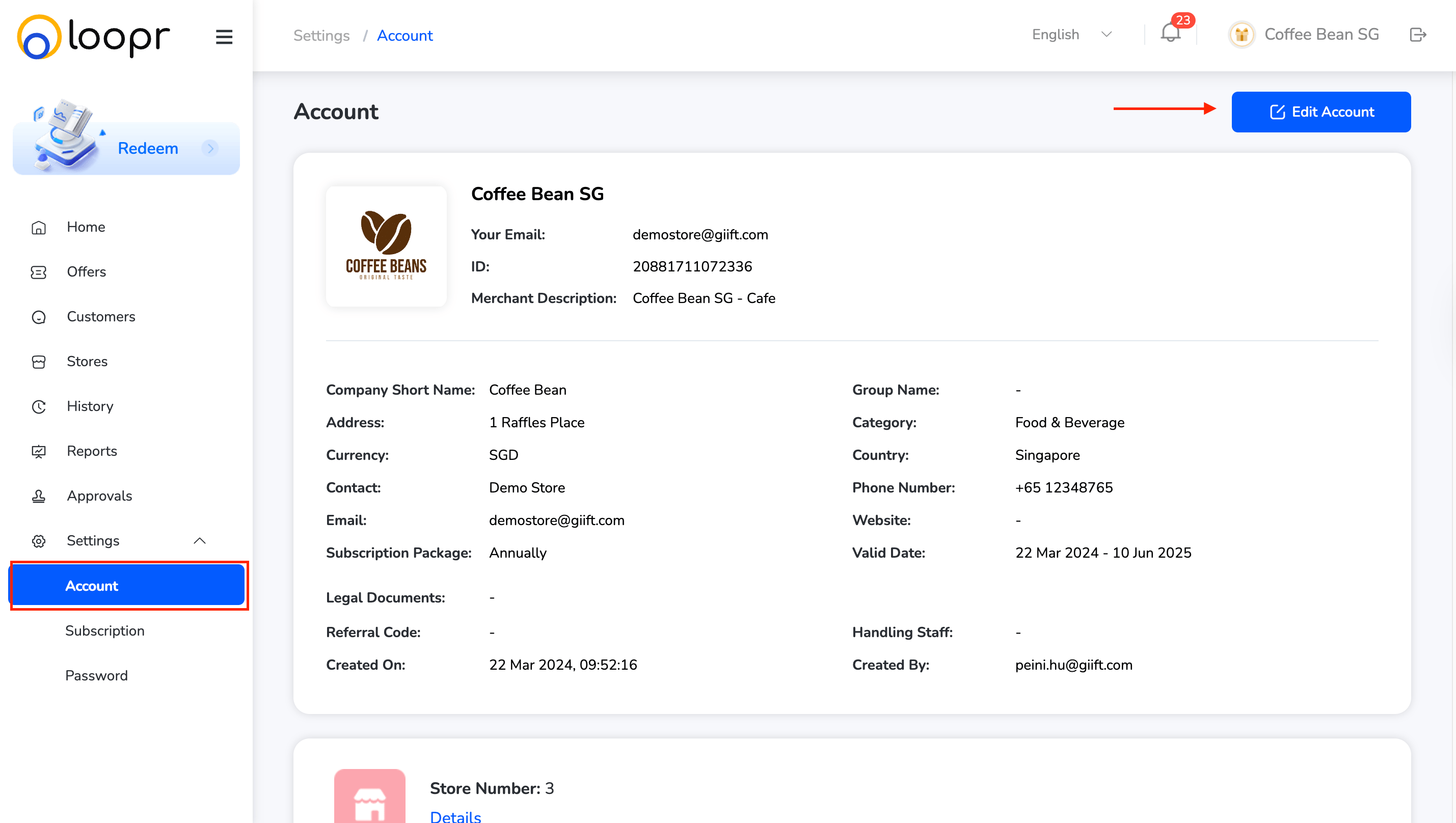
Edit Account Information:
- Click “Edit Account” on the top right.
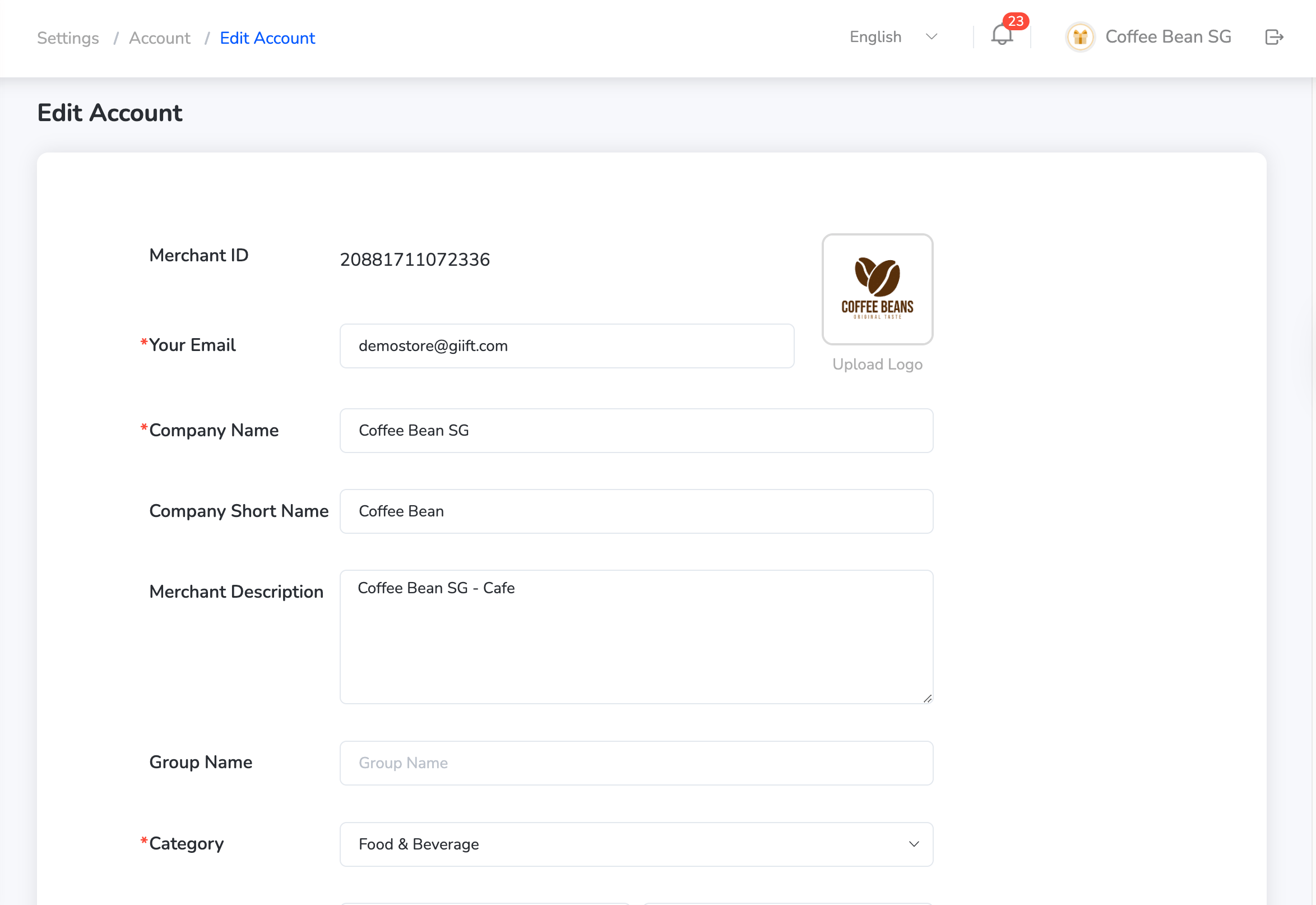
- Make the necessary changes to your personal or business details.
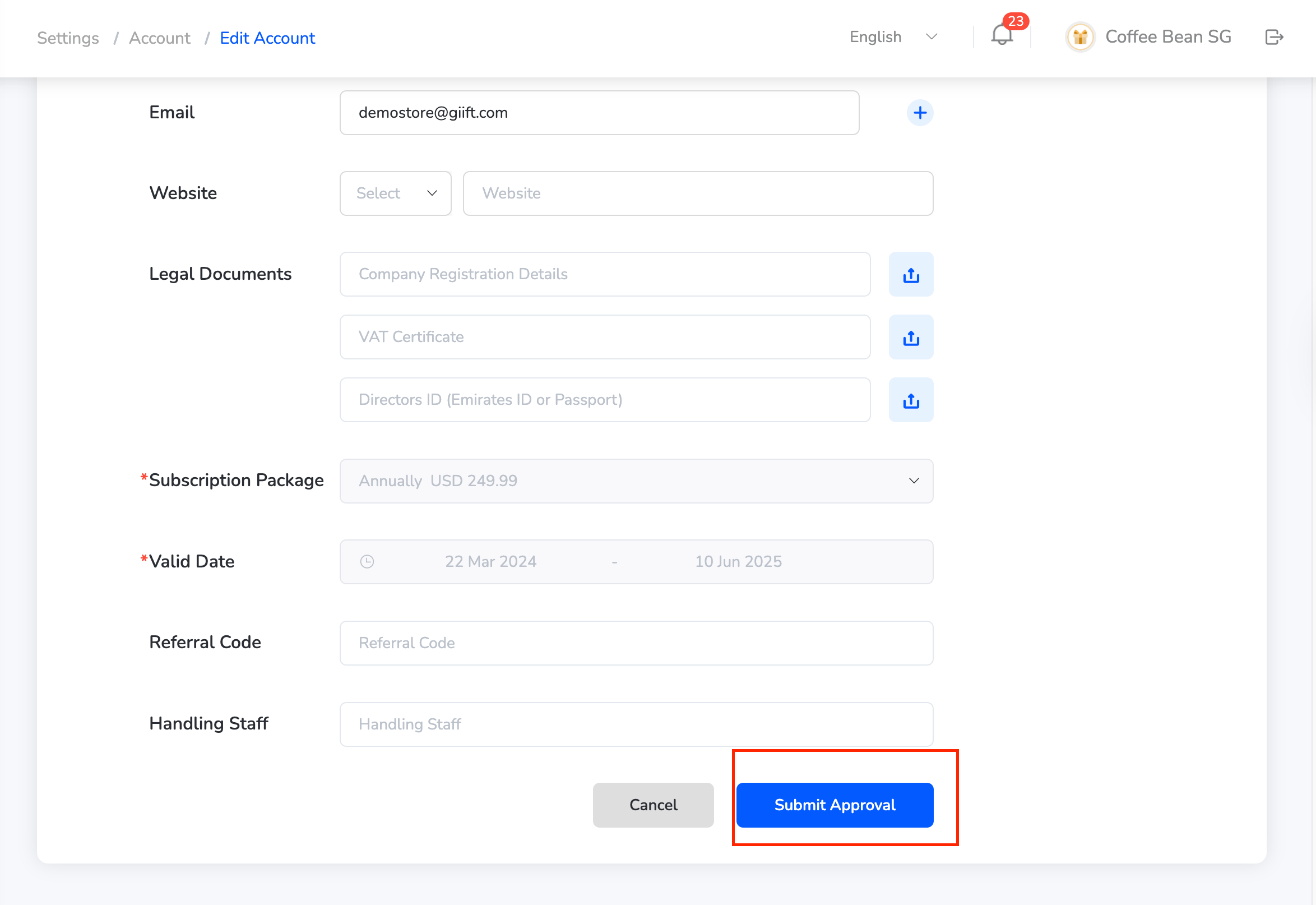
- Once done, click “Submit Approval” to save the updates.
Still need help? Raise a support ticket.