
Accessing Store Management
Navigate to “Stores” from the left menu on the dashboard.-
On the Stores page, you can:
- Search for stores
- Create new stores
- Edit store details
- View store profiles
- Update store PINs

Search for a Store
- Use the search bar at the top to look up a store by name.

Create a New Store
- Click “Create Store” at the top left of the Stores page.
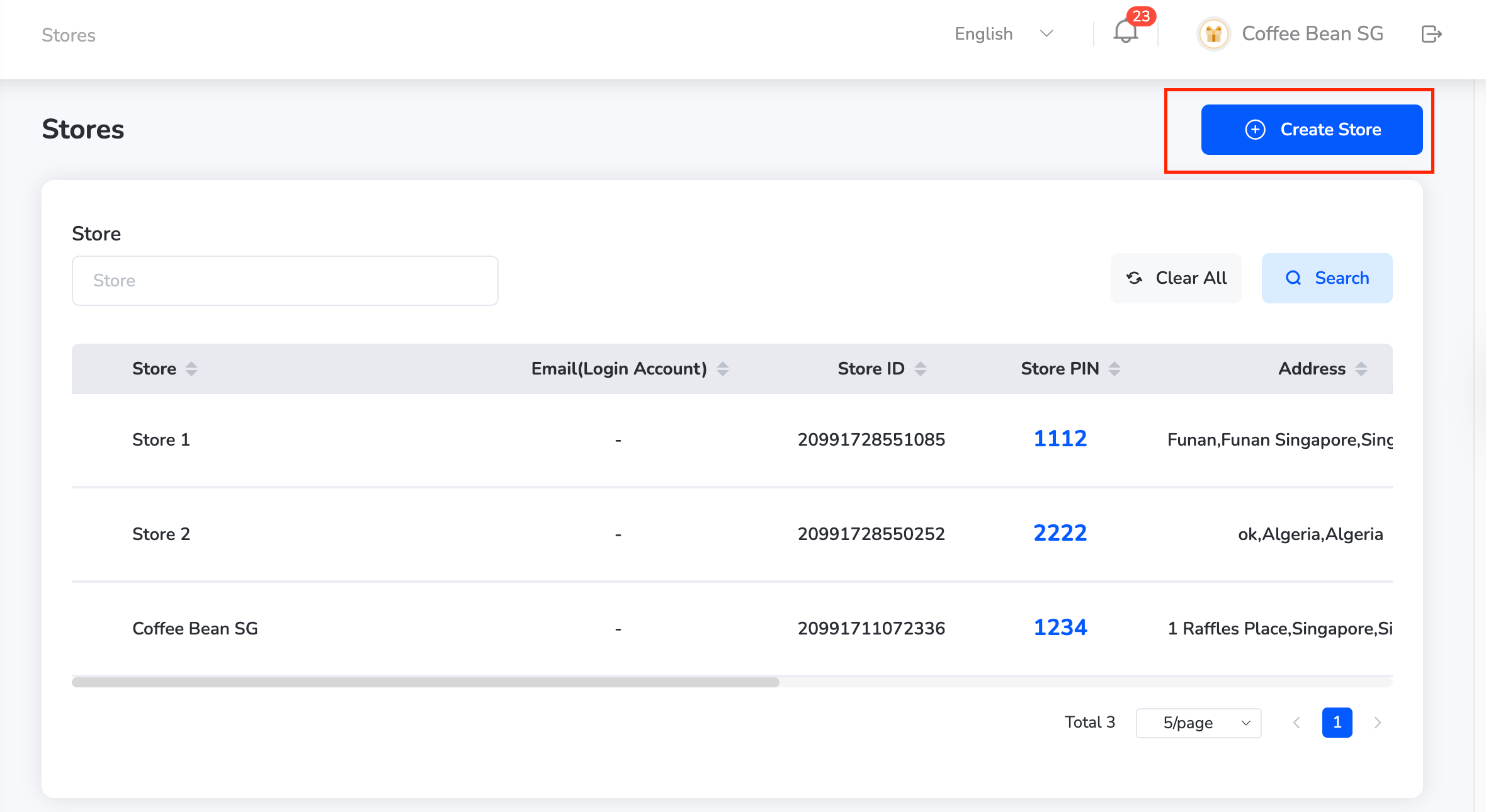
-
Fill in the following fields:
- Store Name
- Address
- Email Login
- Phone Number
- Opening Hours
- Website (optional)
- Facebook (optional)

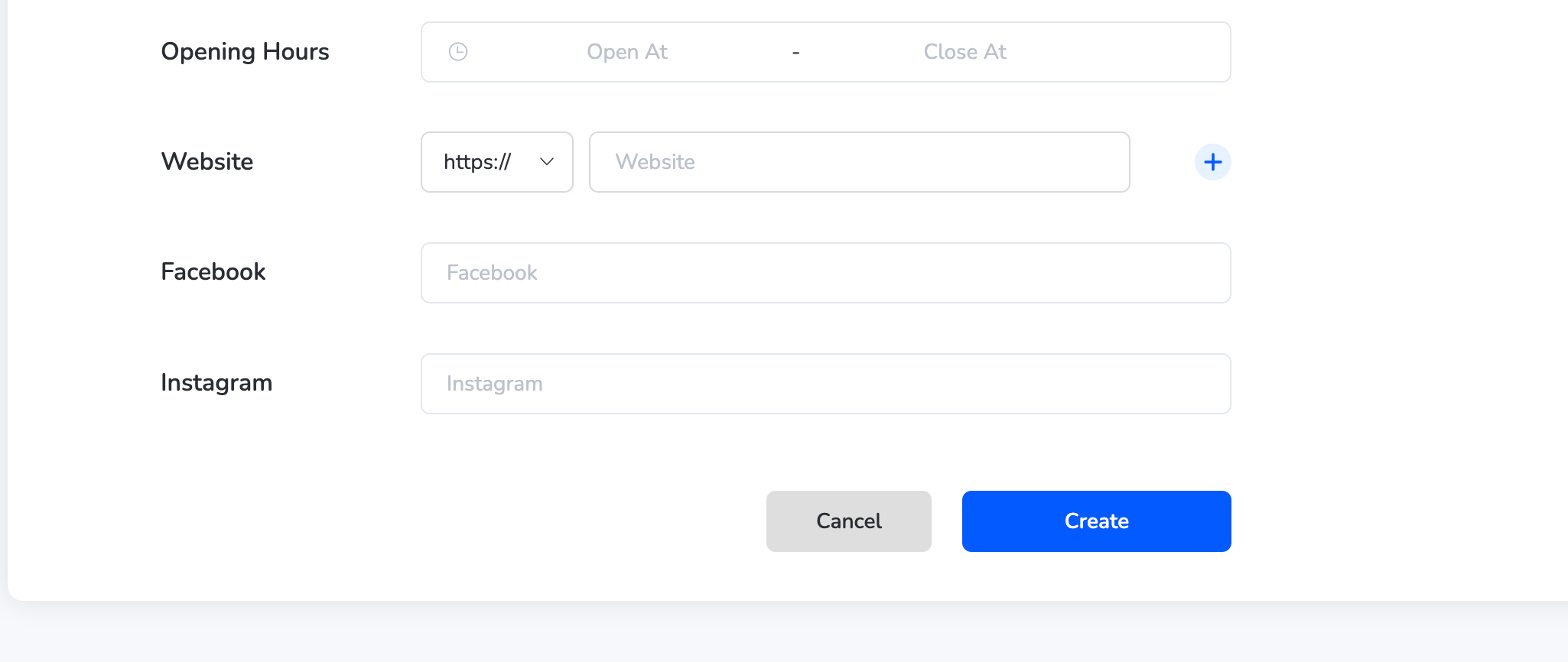
- Click “Create” to add the new store to the list.
The store will now be visible and available for offer mapping and tracking.
Managing Stores
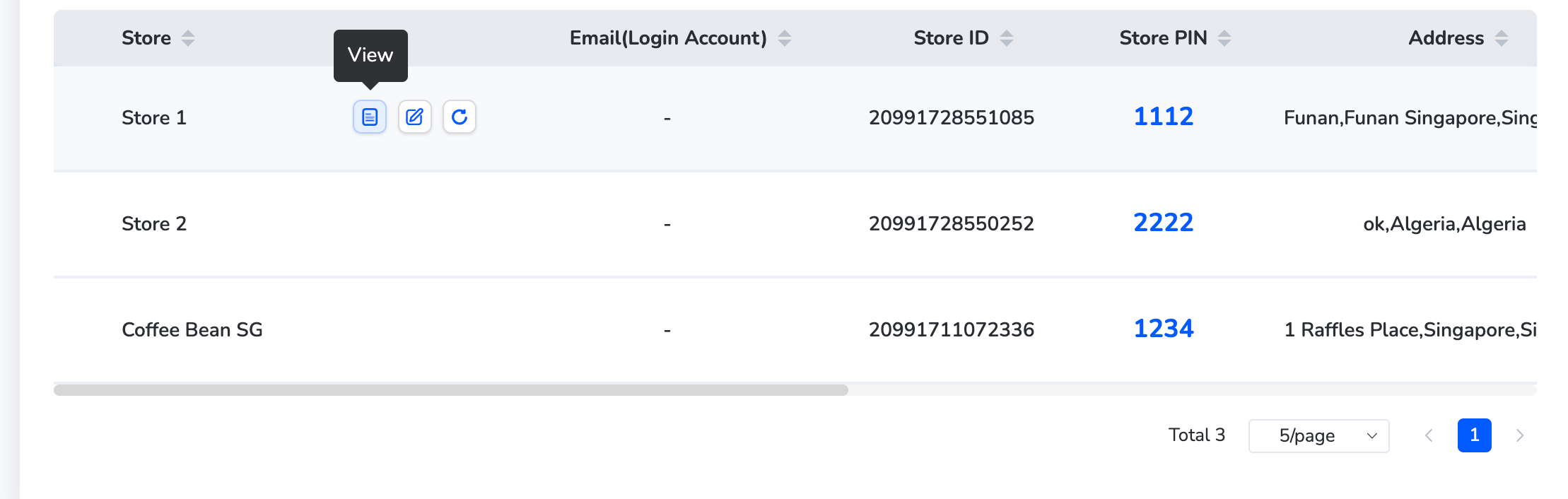
View a Store- Find the store in the list.
- Click the “View” icon next to it to see full details like address, contact info, opening hours, and linked accounts.
- Click the “Edit” icon beside the store name.
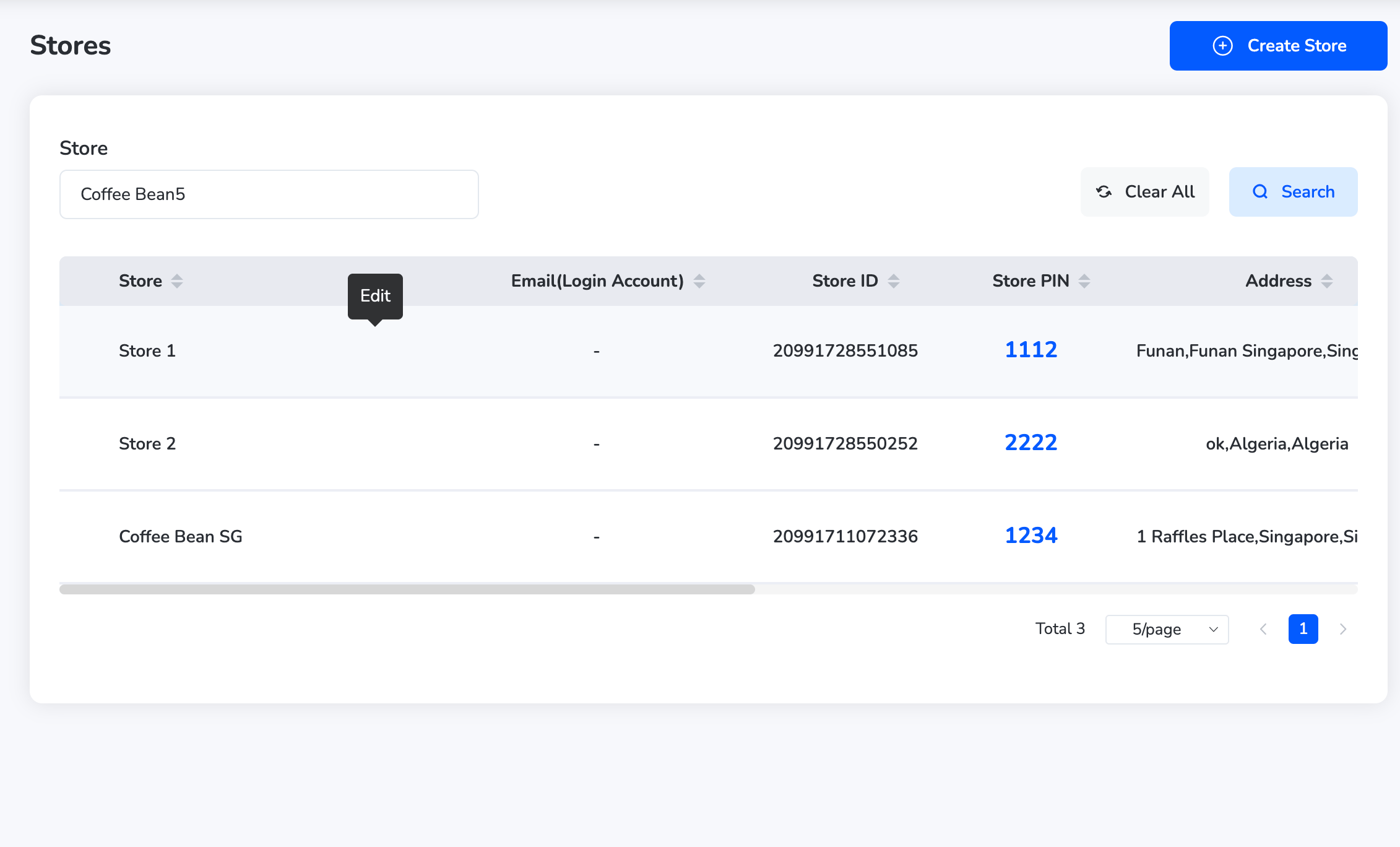
- Update the required fields (e.g., address, phone, email).
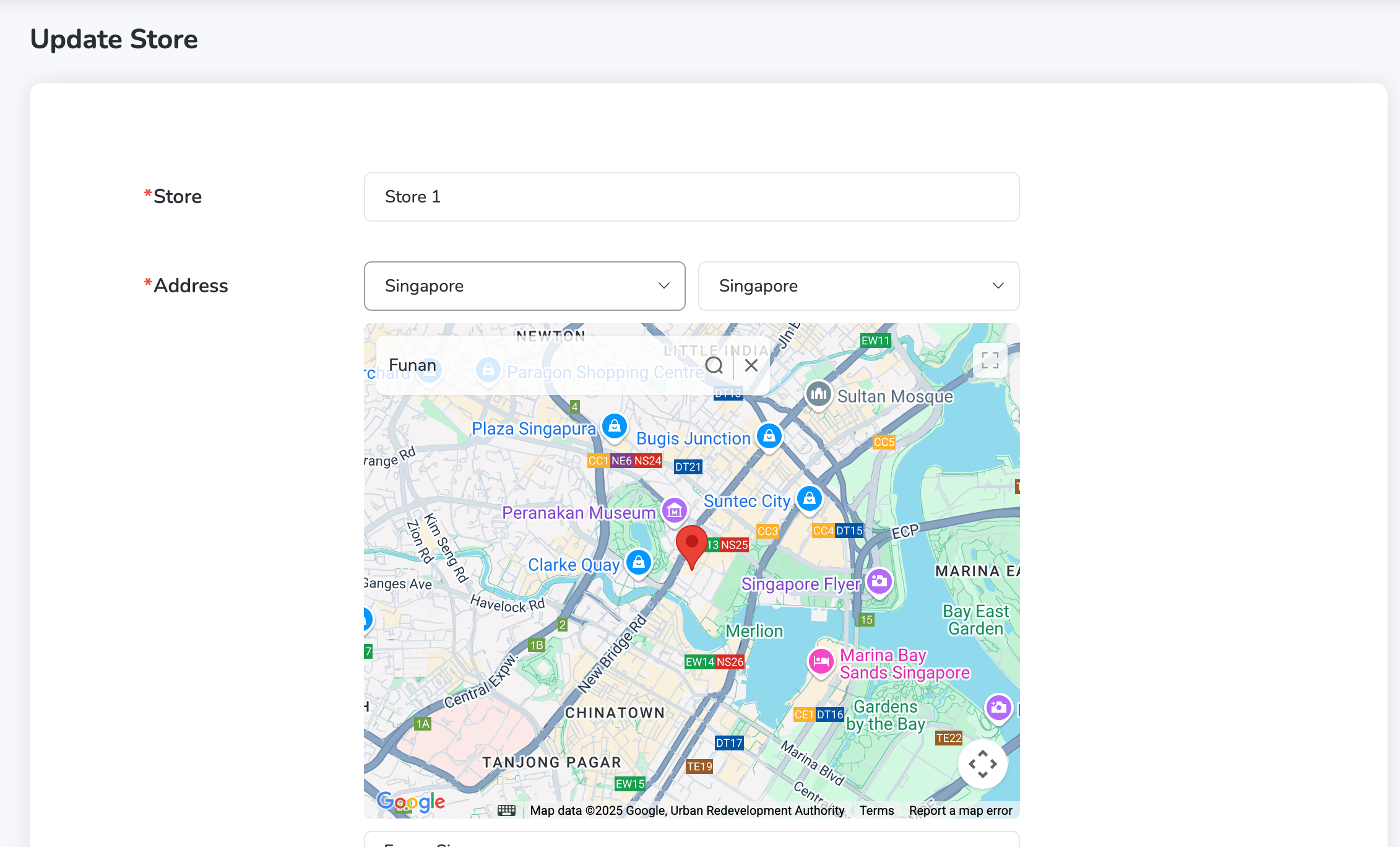
- Click “Save” to confirm changes.
- Click “Update PIN” next to the store.
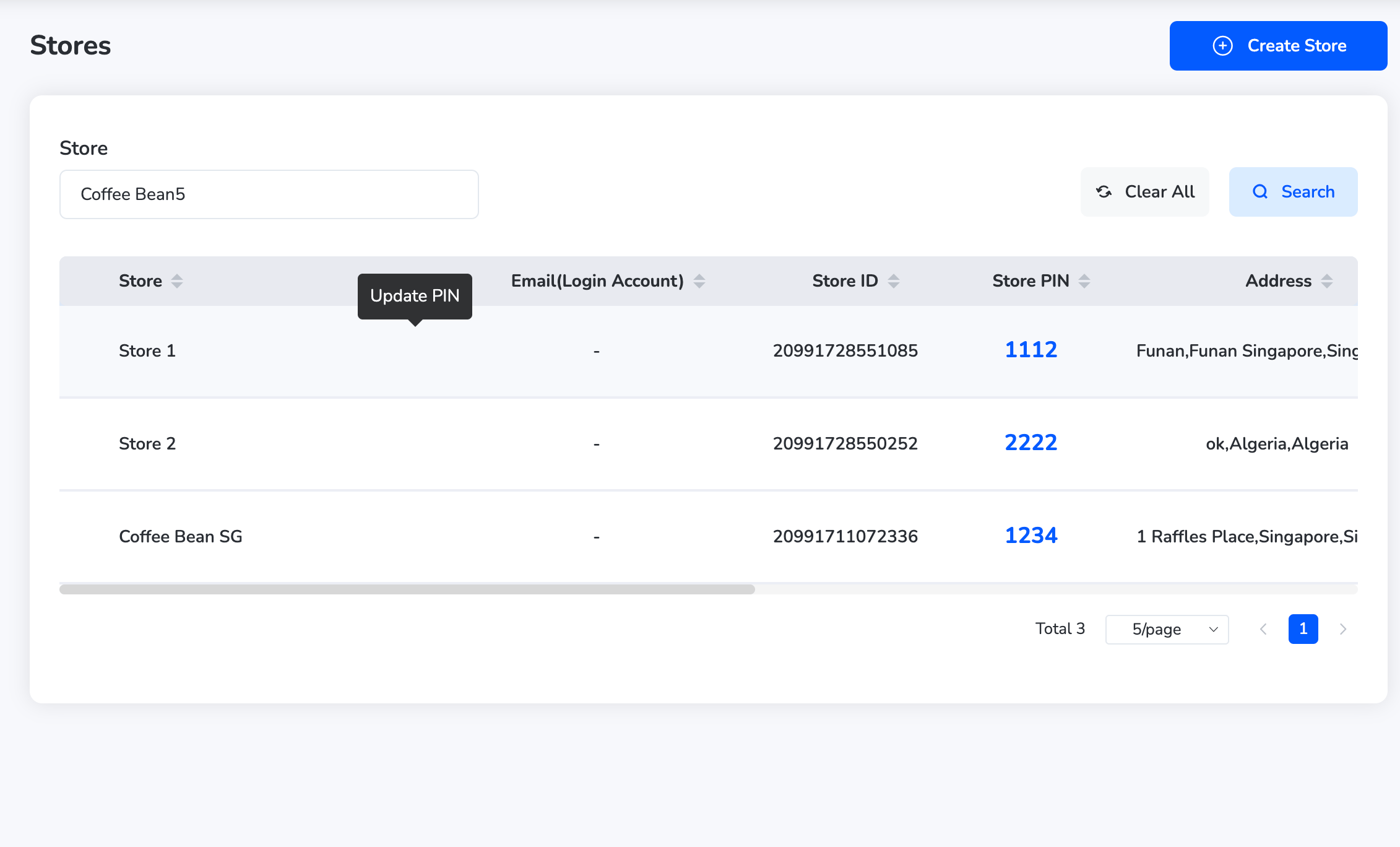
- Enter the new PIN and click “Confirm.”
Still need help? Raise a support ticket.