
Accessing Reports
- Go to “Reports” from the left-hand side (LHS) menu.
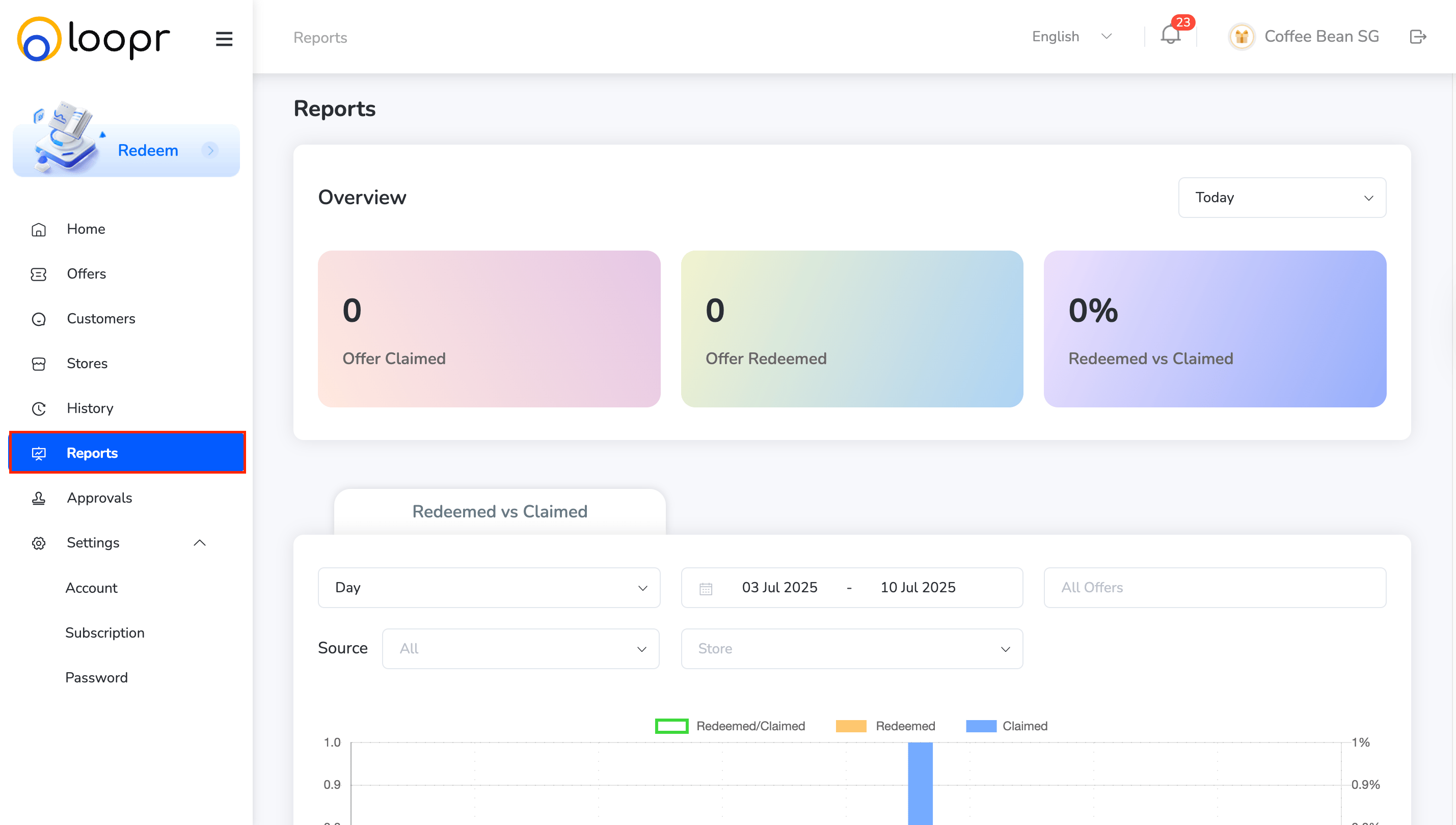
Overview
The report overview displays:- Offers Claimed
- Offers Redeemed
- Redeemed vs. Claimed (with a graphical comparison chart below)
Date Range Options
-
Select from:
- Today
- Yesterday
- Last 7 Days
- This Month

Redeemed Vs Claimed
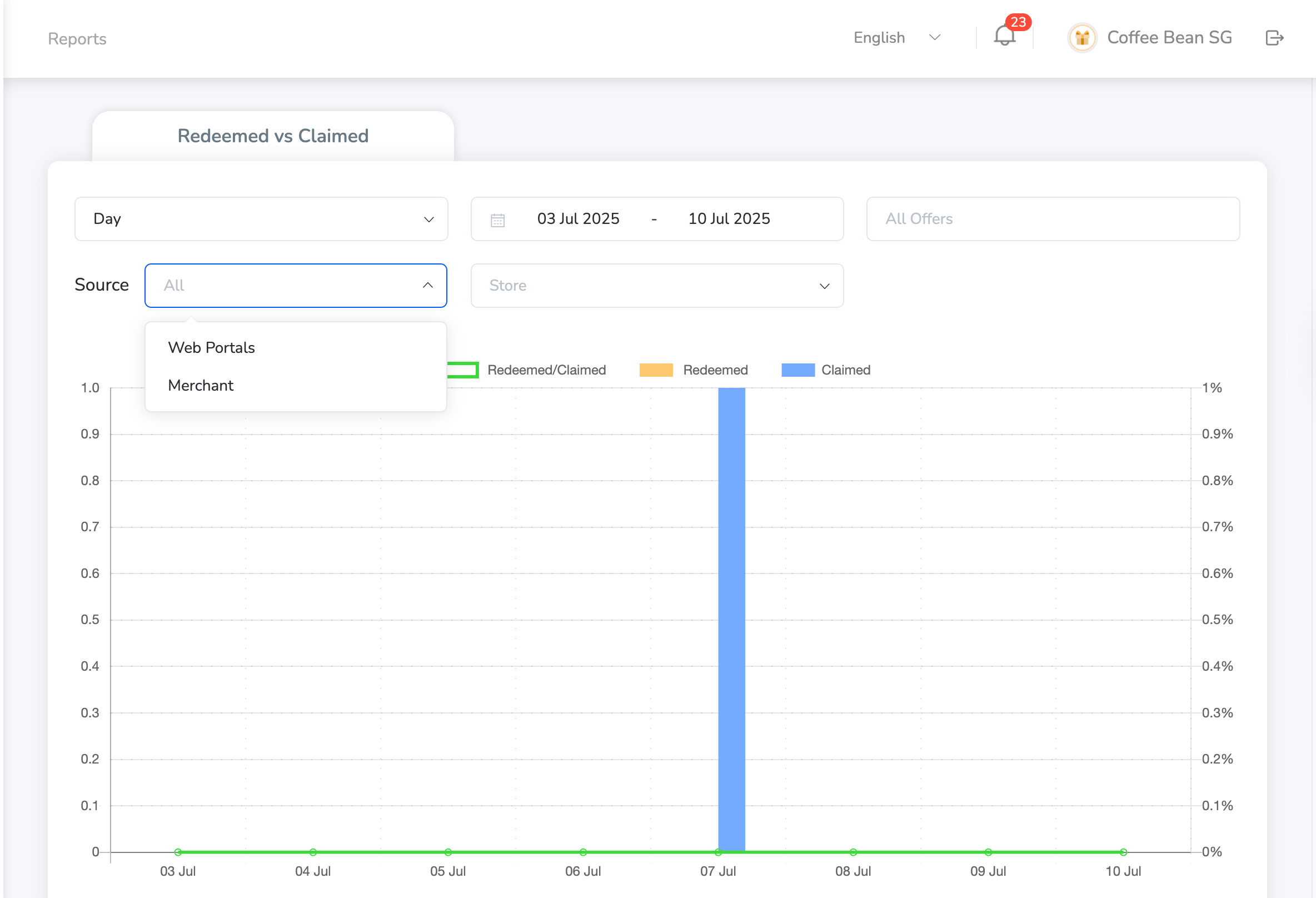
The data for Redeemed Vs Claimed is also depicted as a graph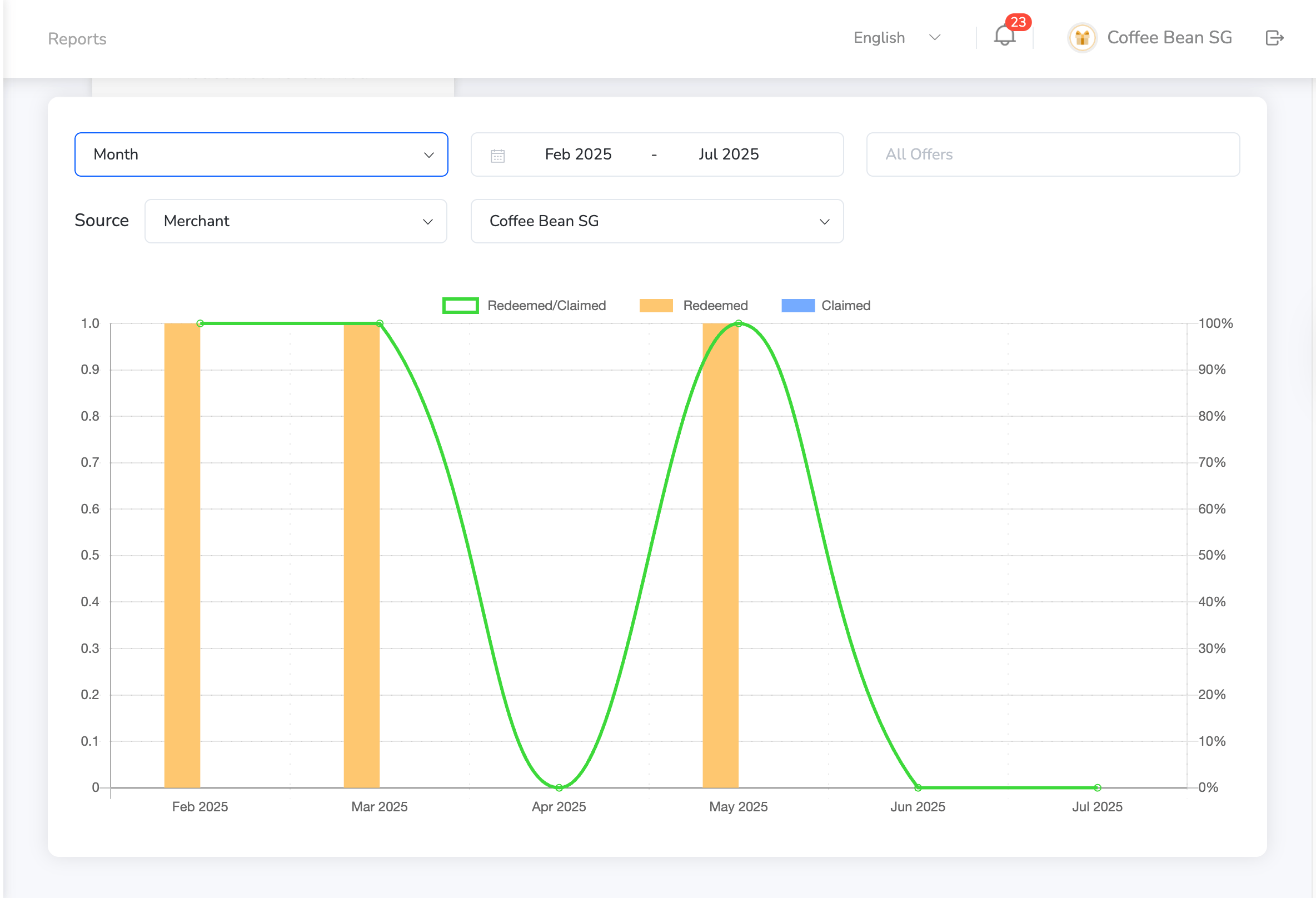
-
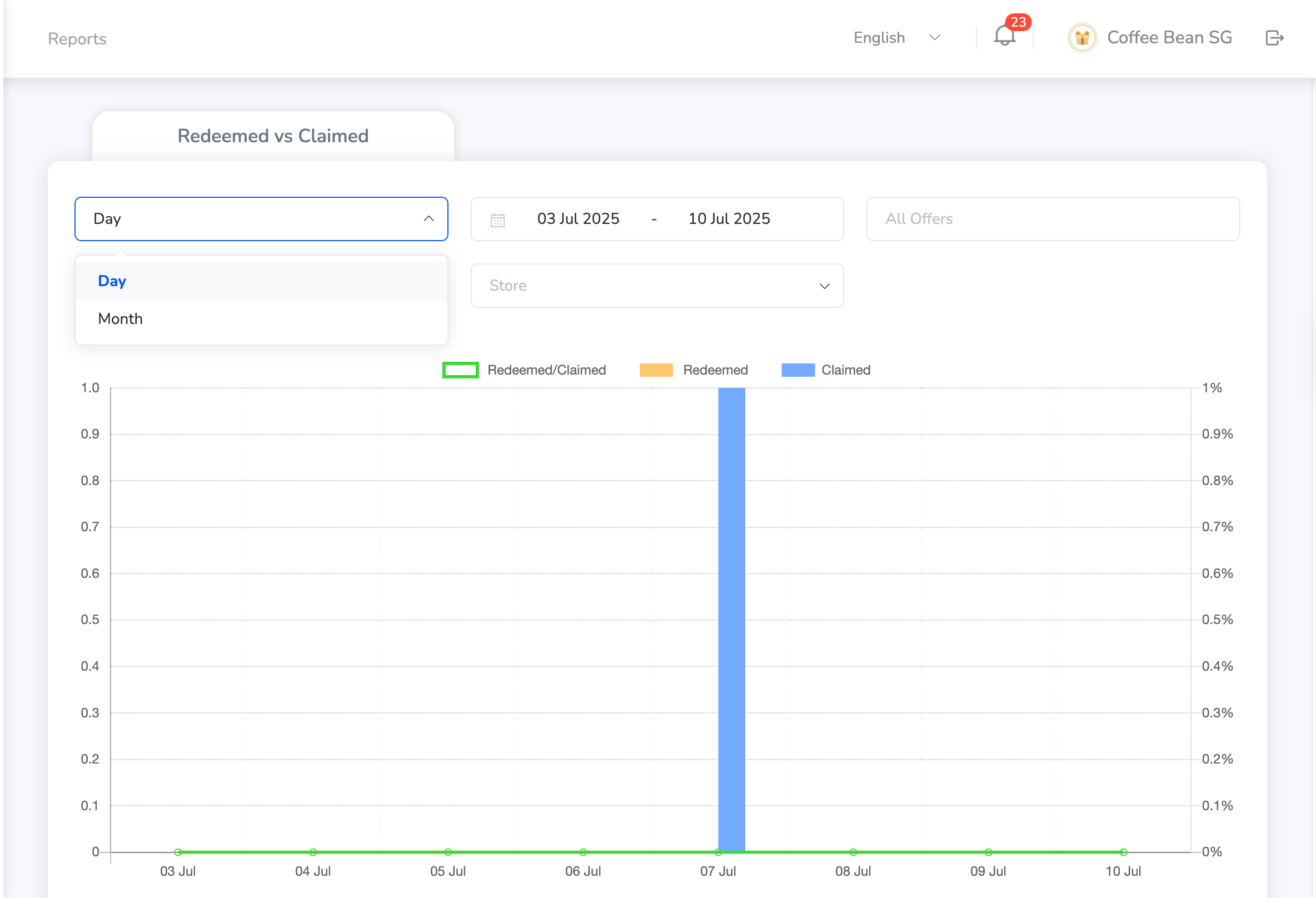
Use the Available Filters — You can filter the report data by:
- Date – View by day or month using the drop down which can be either month or day.
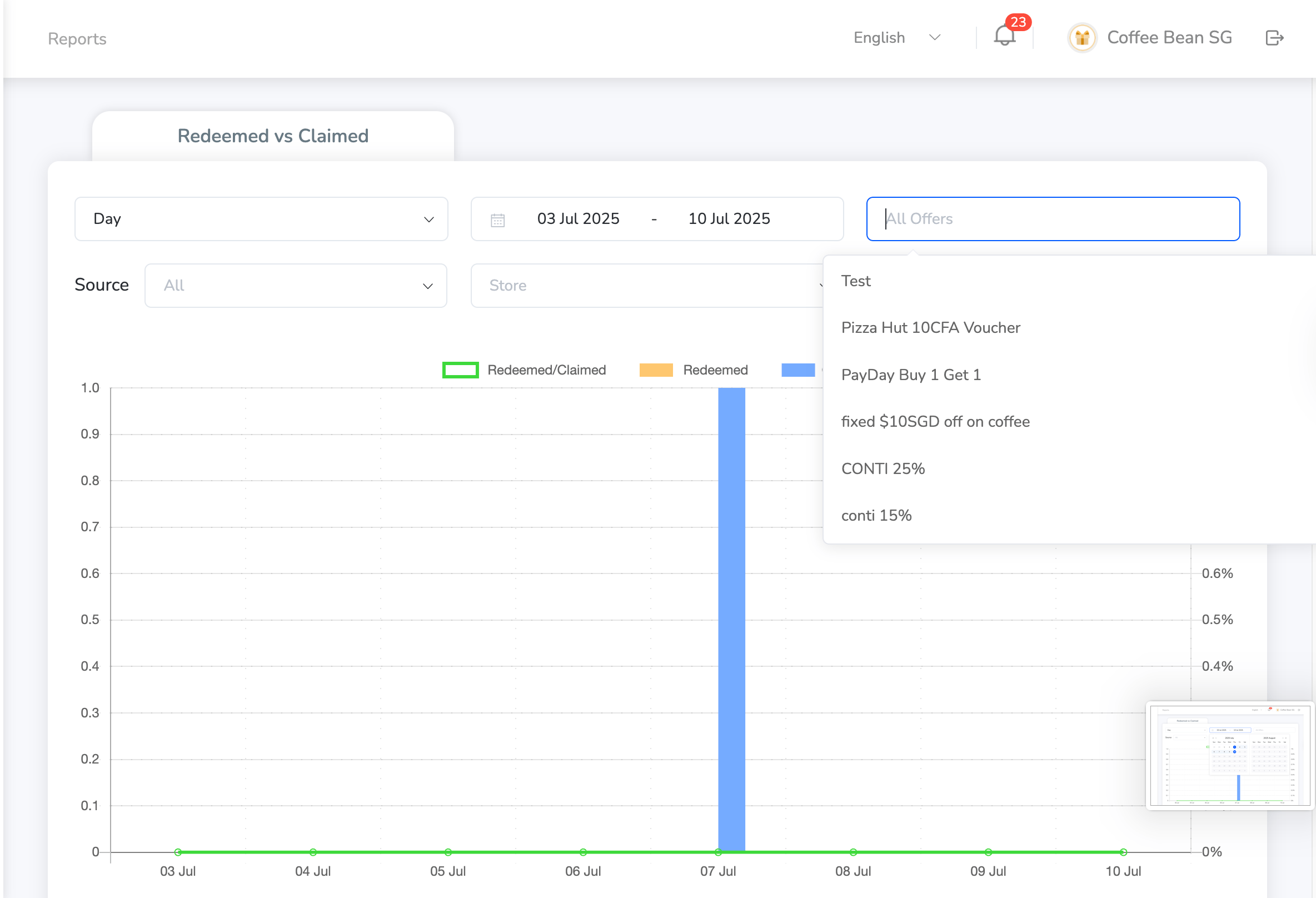
- Offers – Filter for all offers or select specific ones
- Source – Choose between Web Portal or Merchant
- Store Name – Select a specific store from the list
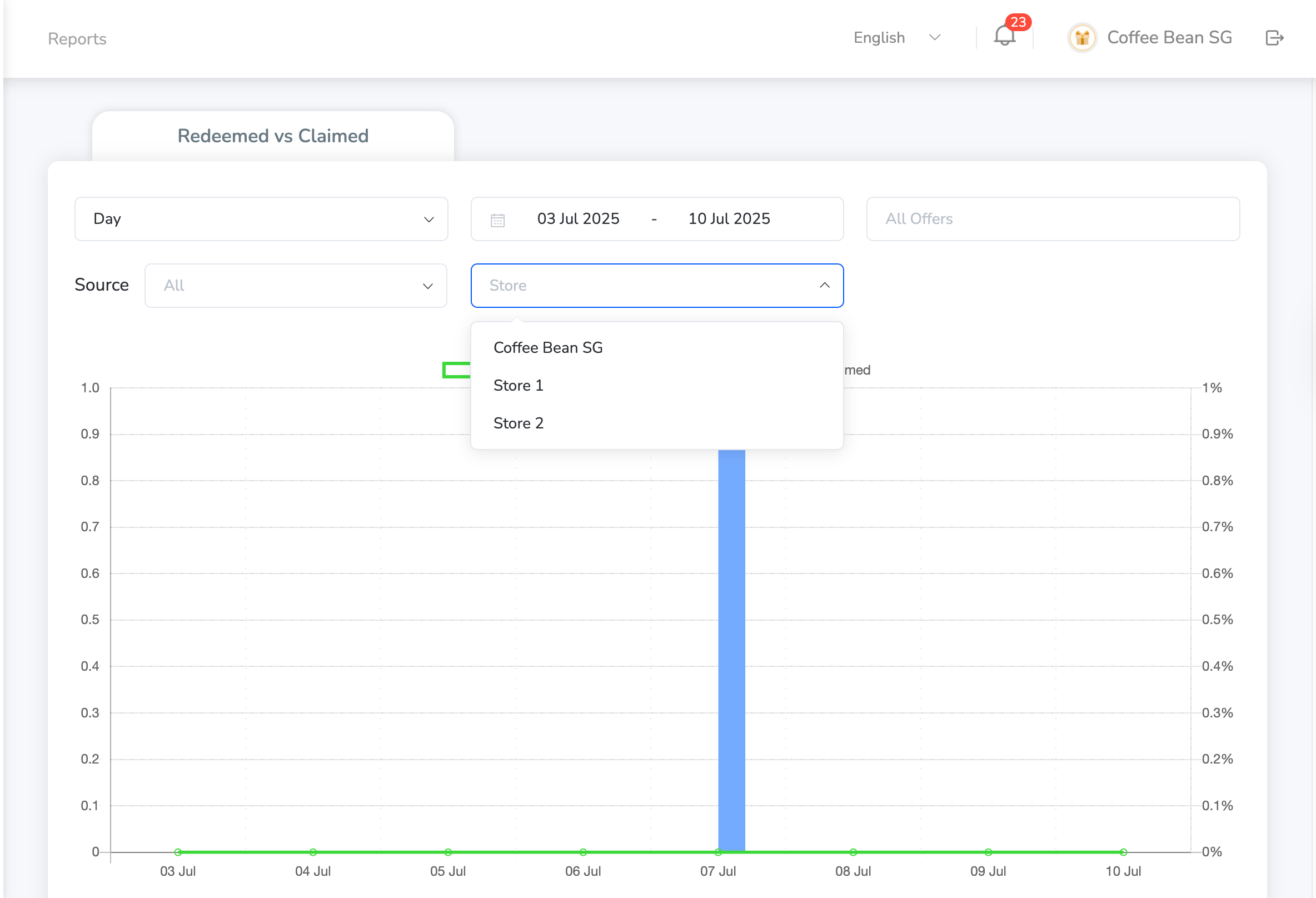
Filtered data is reflected in both the numeric summary and the graphical view below for deeper analysis.
Still need help? Raise a support ticket.