
Offer Redemption
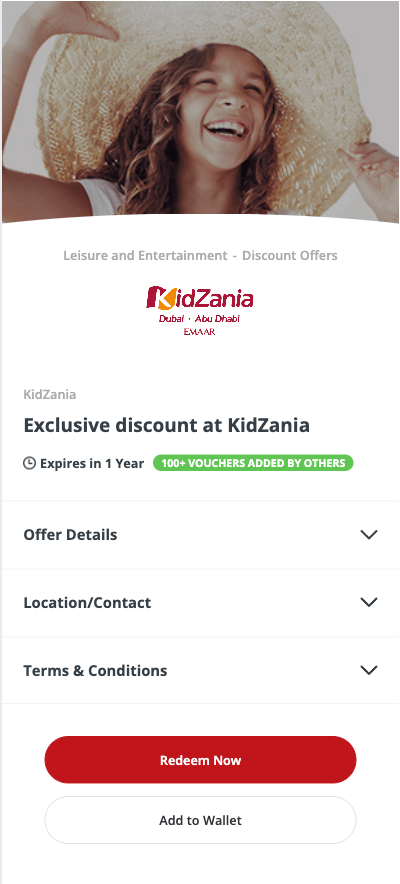
A variety of offers are available on the portal, and customers can select and redeem any offer of their choice. On the offer redemption page, three key sections are presented:- Offer Details: This section displays all relevant information about the offer. Customers are encouraged to review the details before proceeding with redemption.

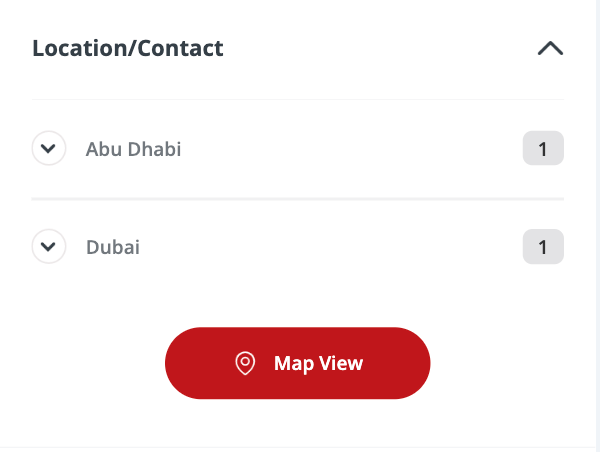
- Location/Contact: This section provides the location details of the stores offering the deal, helping customers know where to redeem it. A “Map View” button is available clicking it shows the store’s location and directions for easier navigation.
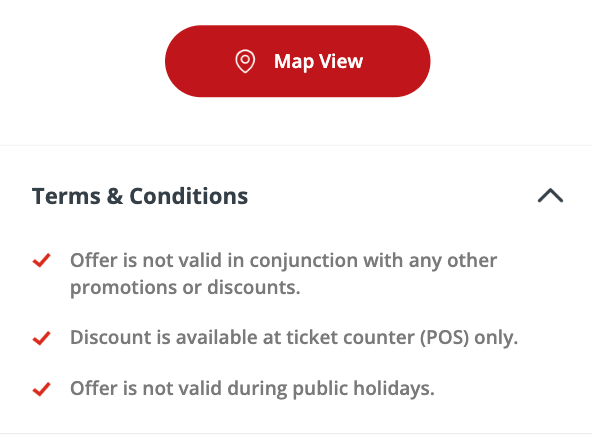
- Terms and Conditions: This section outlines all the terms and conditions for redeeming the offer. Customers should read these carefully before proceeding with redemption.
Offers can be redeemed in two ways: by selecting “Redeem Now” for immediate use, or by choosing “Add to Wallet” to save the offer for future redemption.
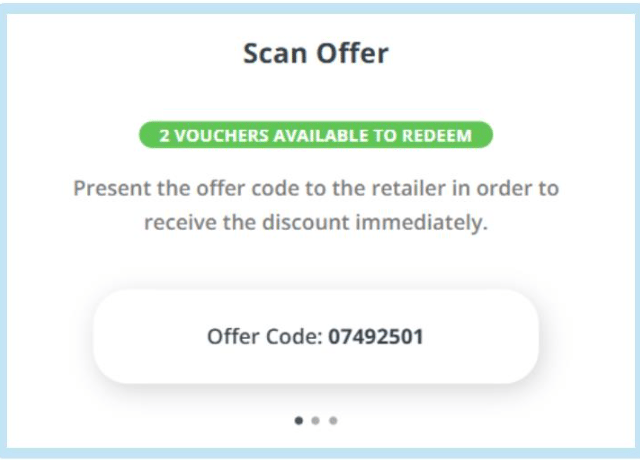
- Redeem Now: When customers click this button, the offer code becomes visible. This code should be presented to the retailer to receive the discount.
Still need help? Raise a support ticket.