
1
Navigate to Web Portals > Brand
Navigate to Web Portals > Brand.
2
Click Change
Click on “Change” under the brand name you want to update.
3
Search for the brand
In the search bar, type the name of the brand you’re looking for.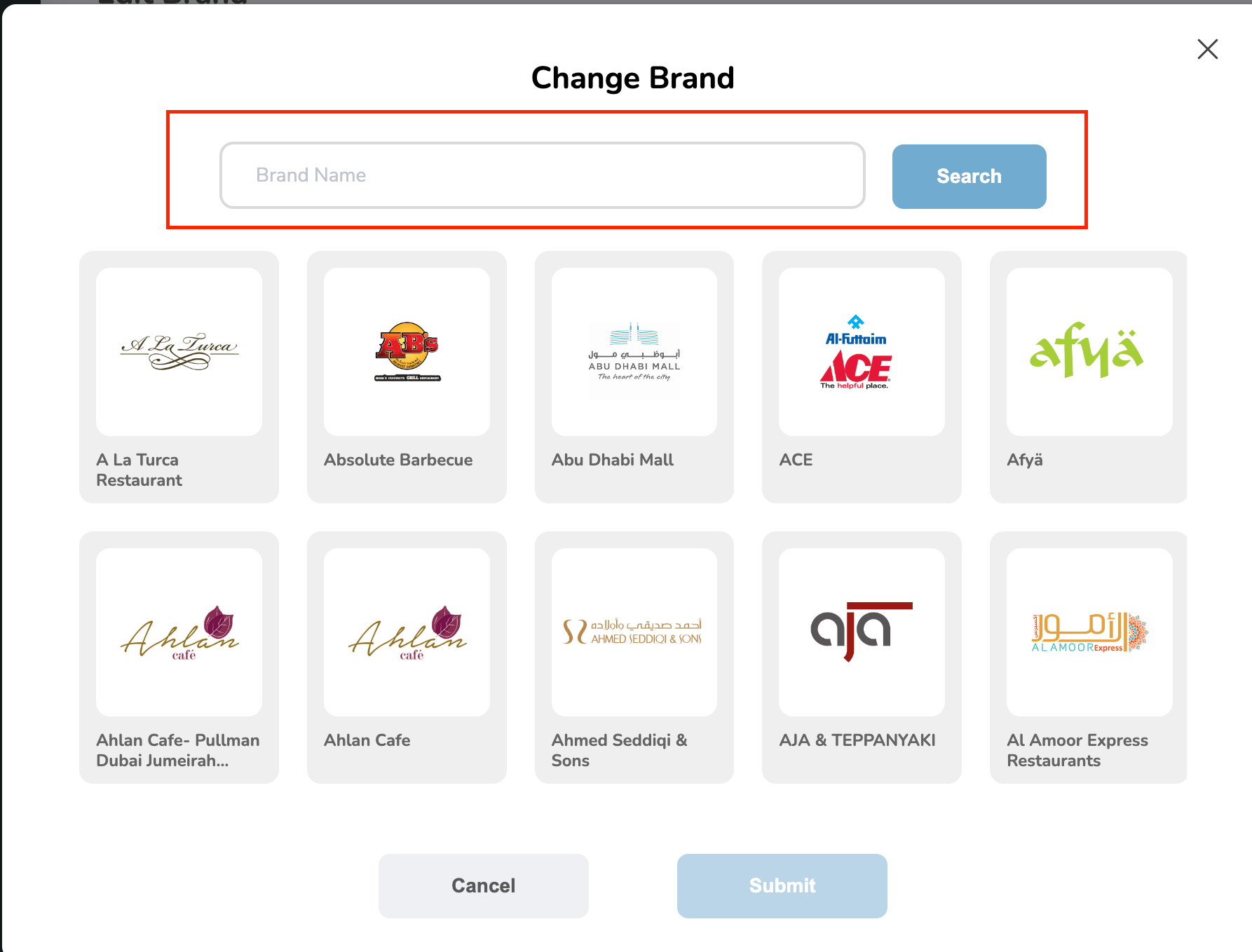
Still need help? Raise a support ticket.