
1
Navigate to Web Portals
Go to the left-hand side (LHS) menu and click on “Web Portals.”
2
Filter Offers
Admins can filter offers using multiple options available above the offer listing table.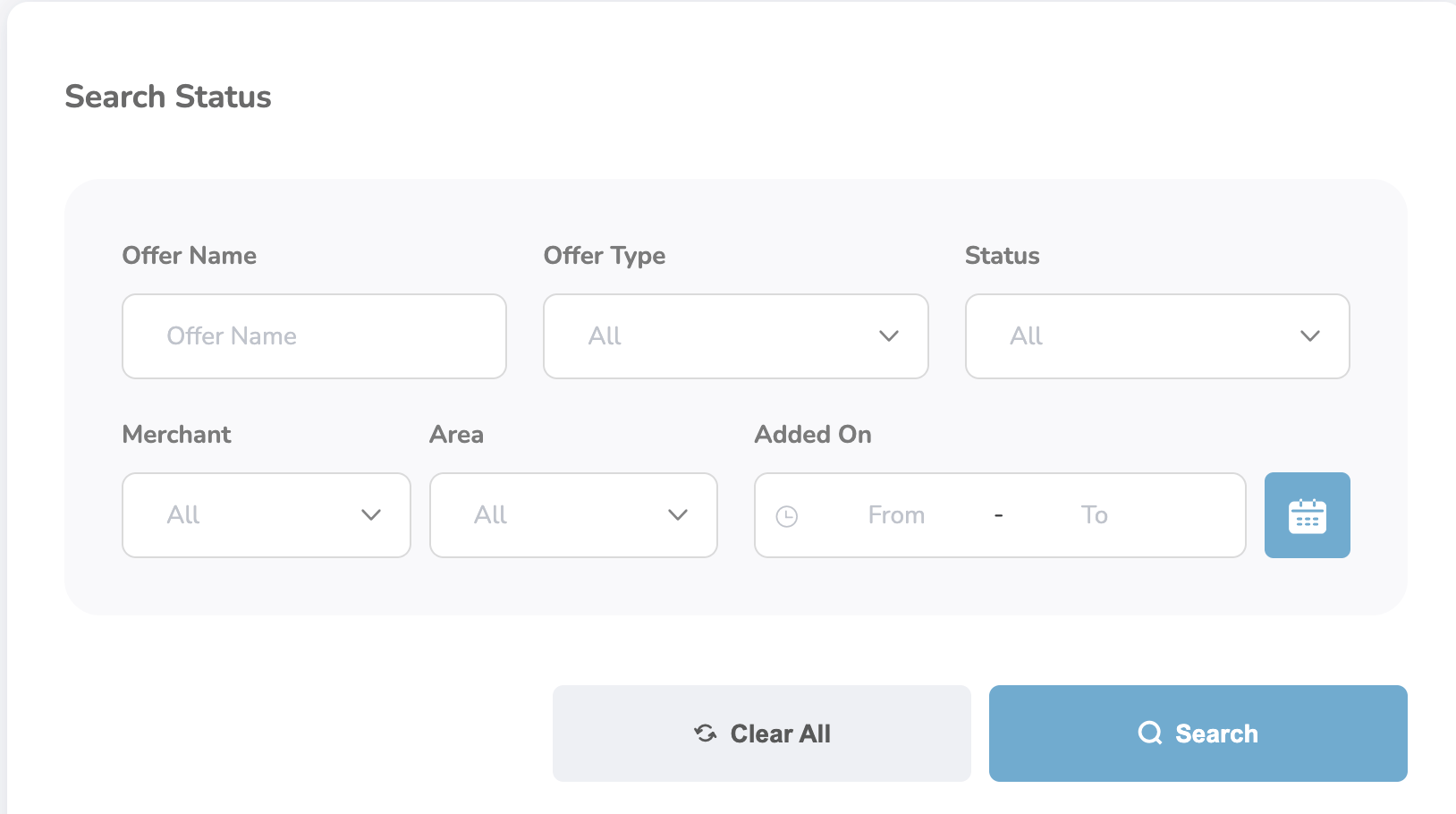
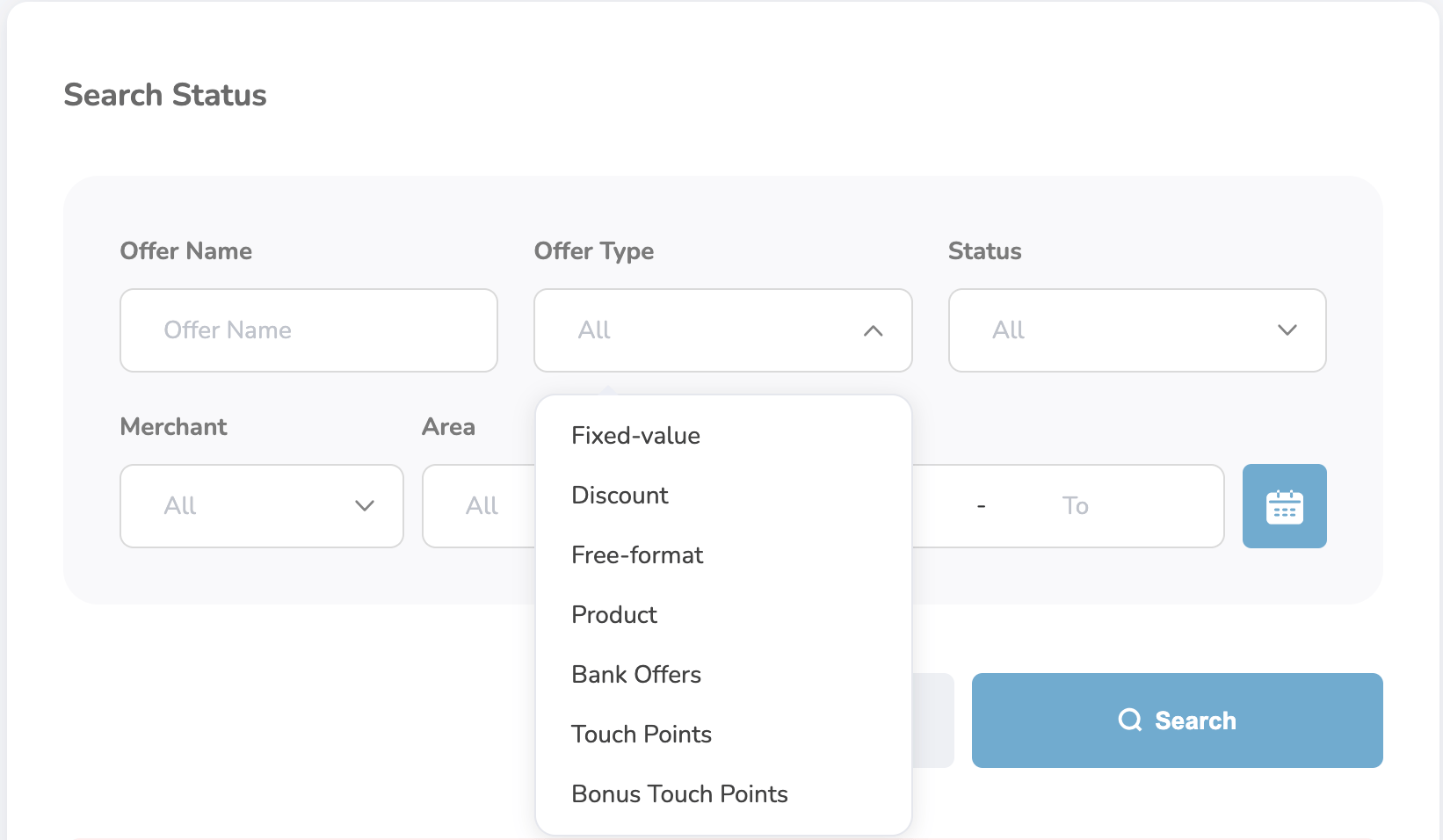
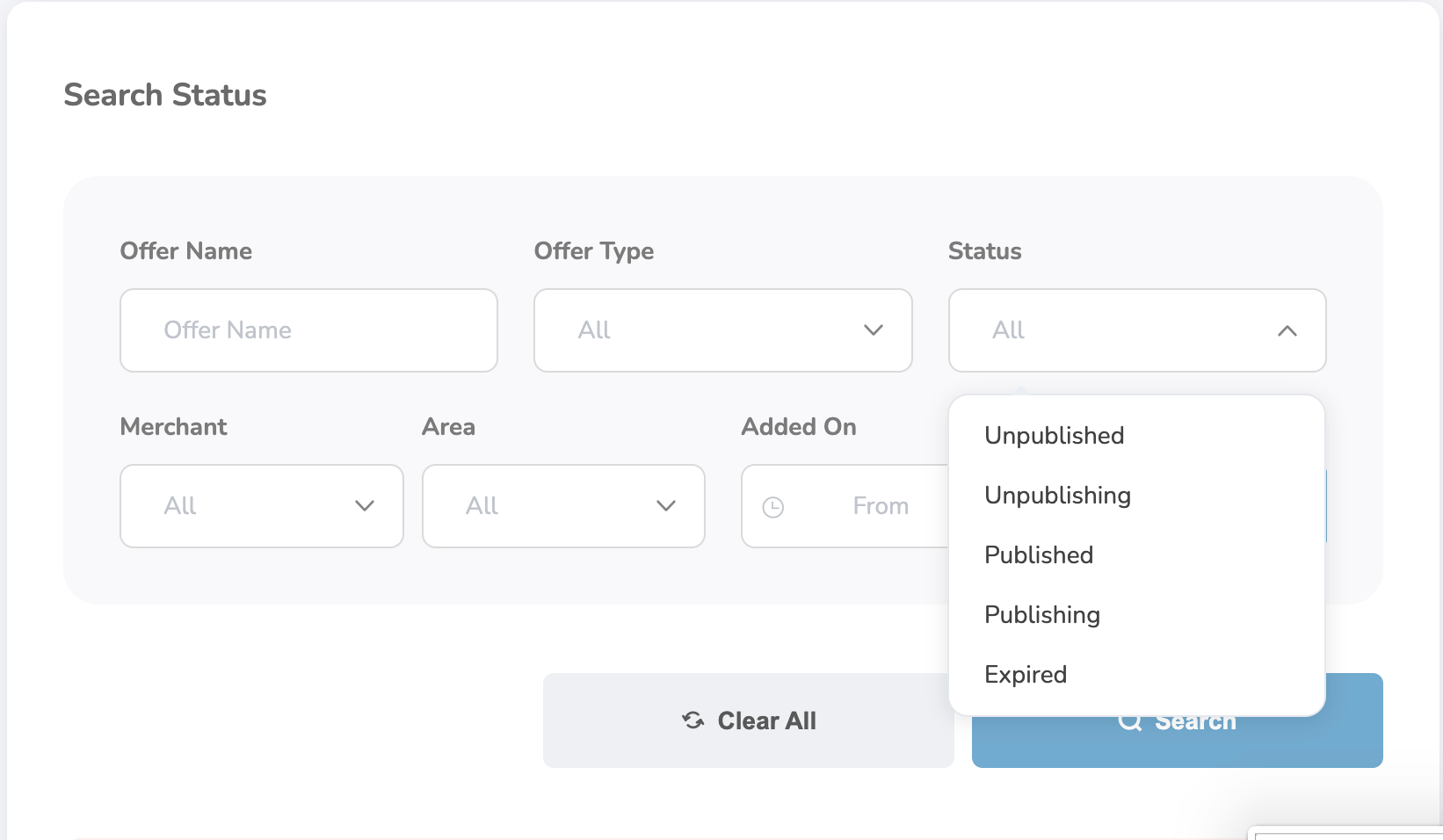
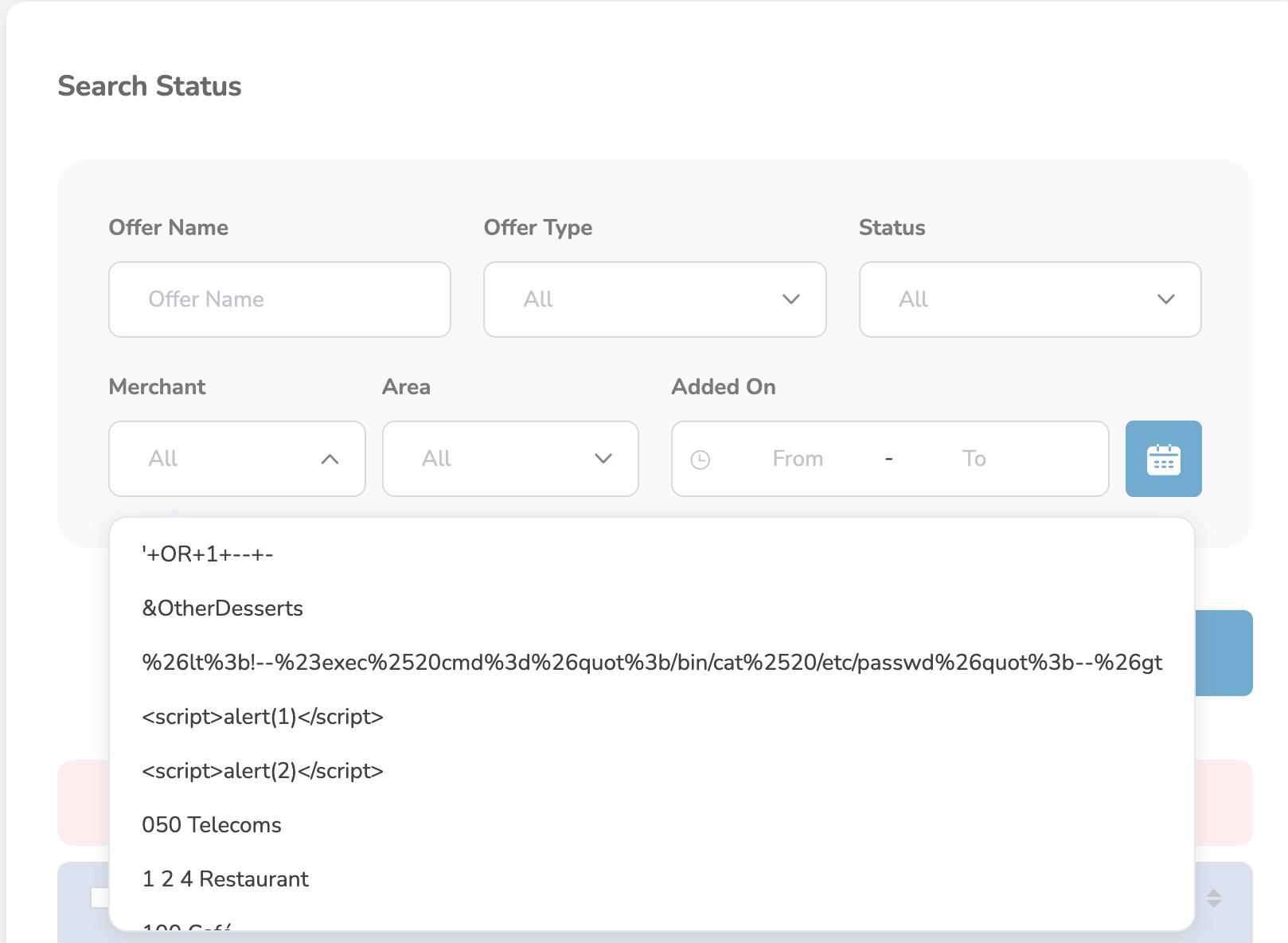
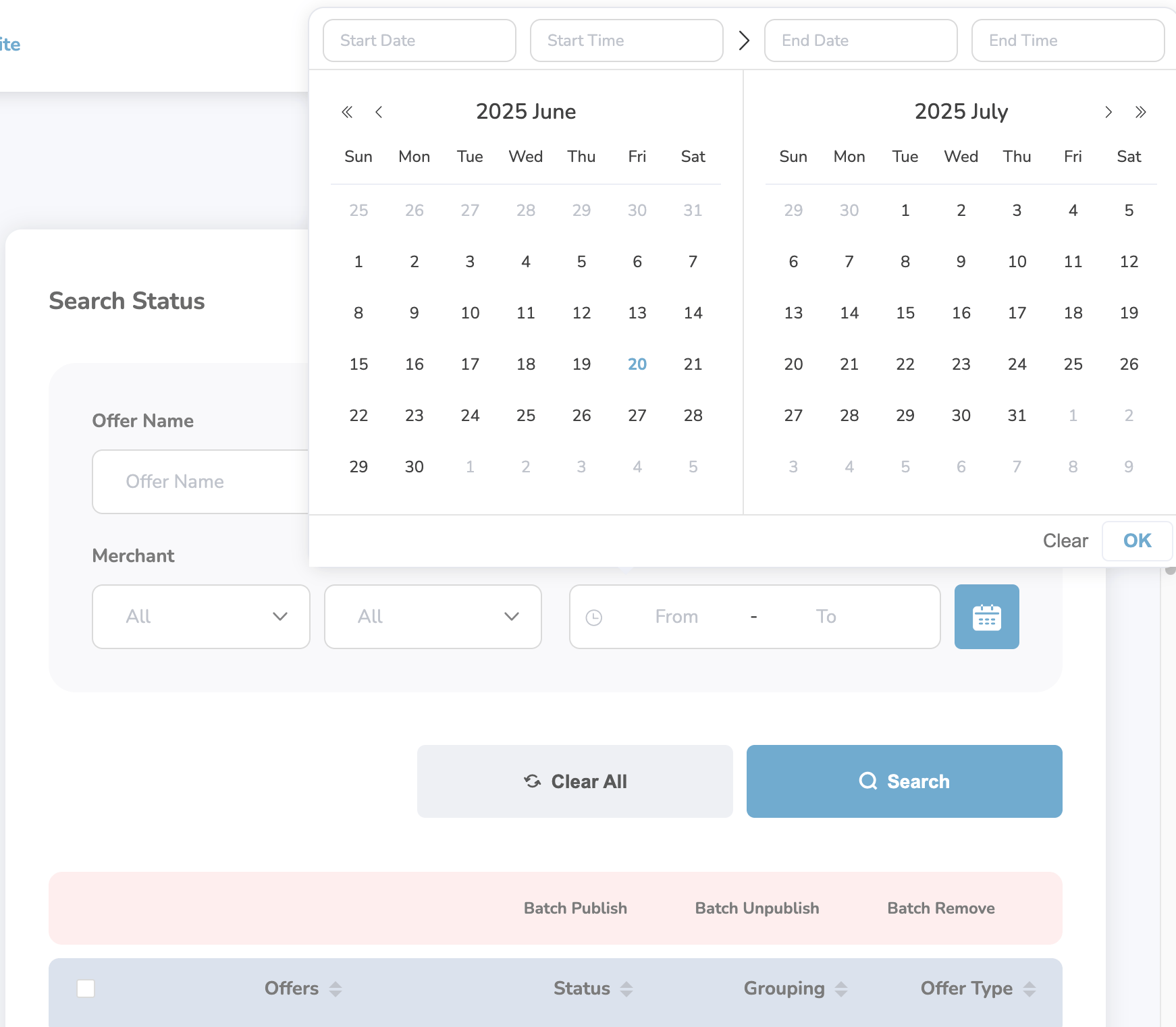
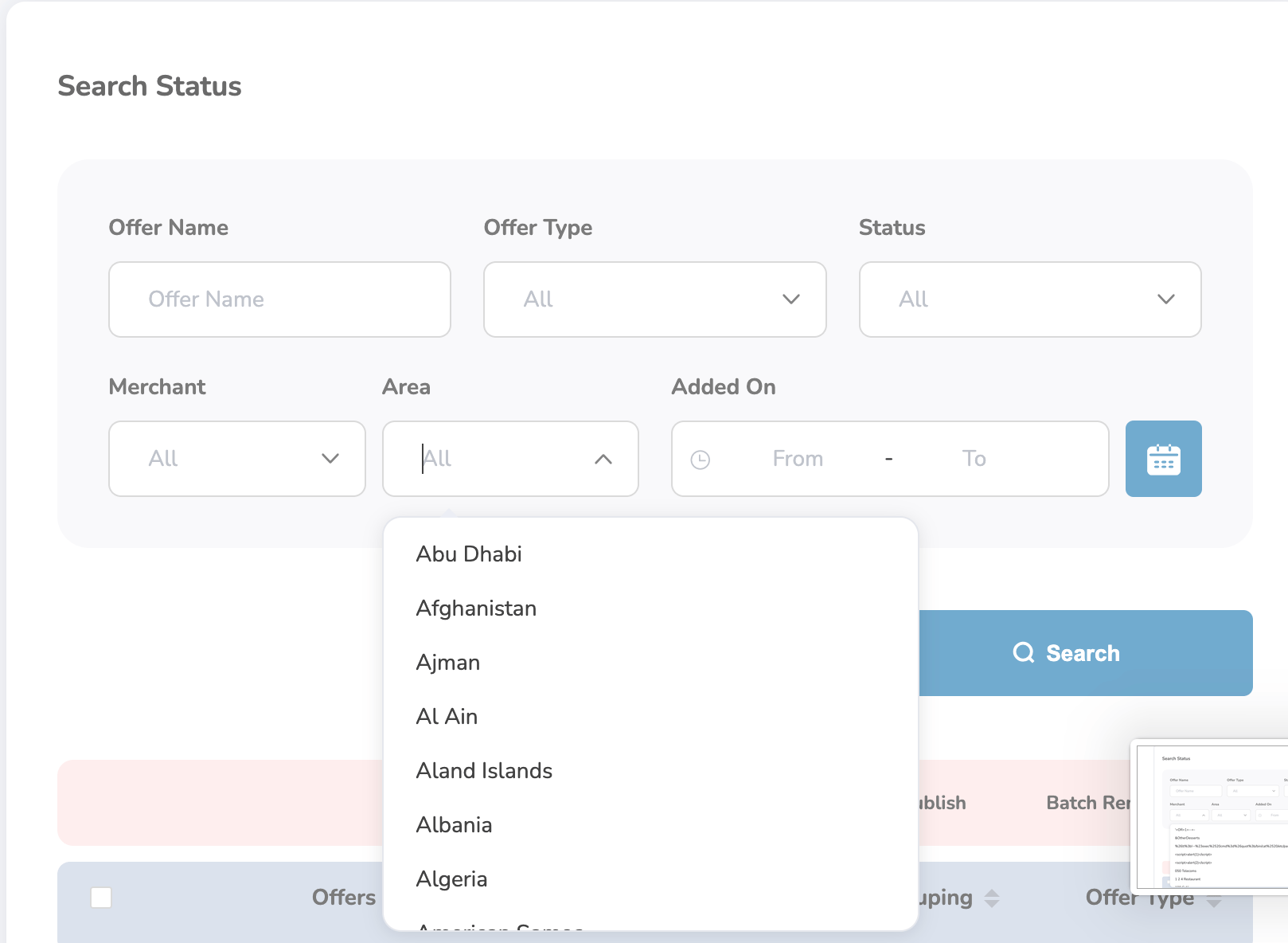
Available Filter Options:
- Offer Name: Enter the name of the offer in the search bar and click Search.
- Select the type of offer (e.g., Discount, Fixed Value).
- Filter offers based on their status (Active, Inactive, etc.).
- Select the merchant linked to the offer.
- Date: Select a specific date or a range to filter offers by date of creation or availability.
- Area
3
Click Search
Click the Search button to view matching results.