
1
View Categories and Sub-Categories
The categories and sub-categories of the selected web portal are displayed on the left panel of the page.
2
View Offers Under a Category
Click on a category or sub-category on the left panel. The offers added under the selected category will be displayed on the right panel.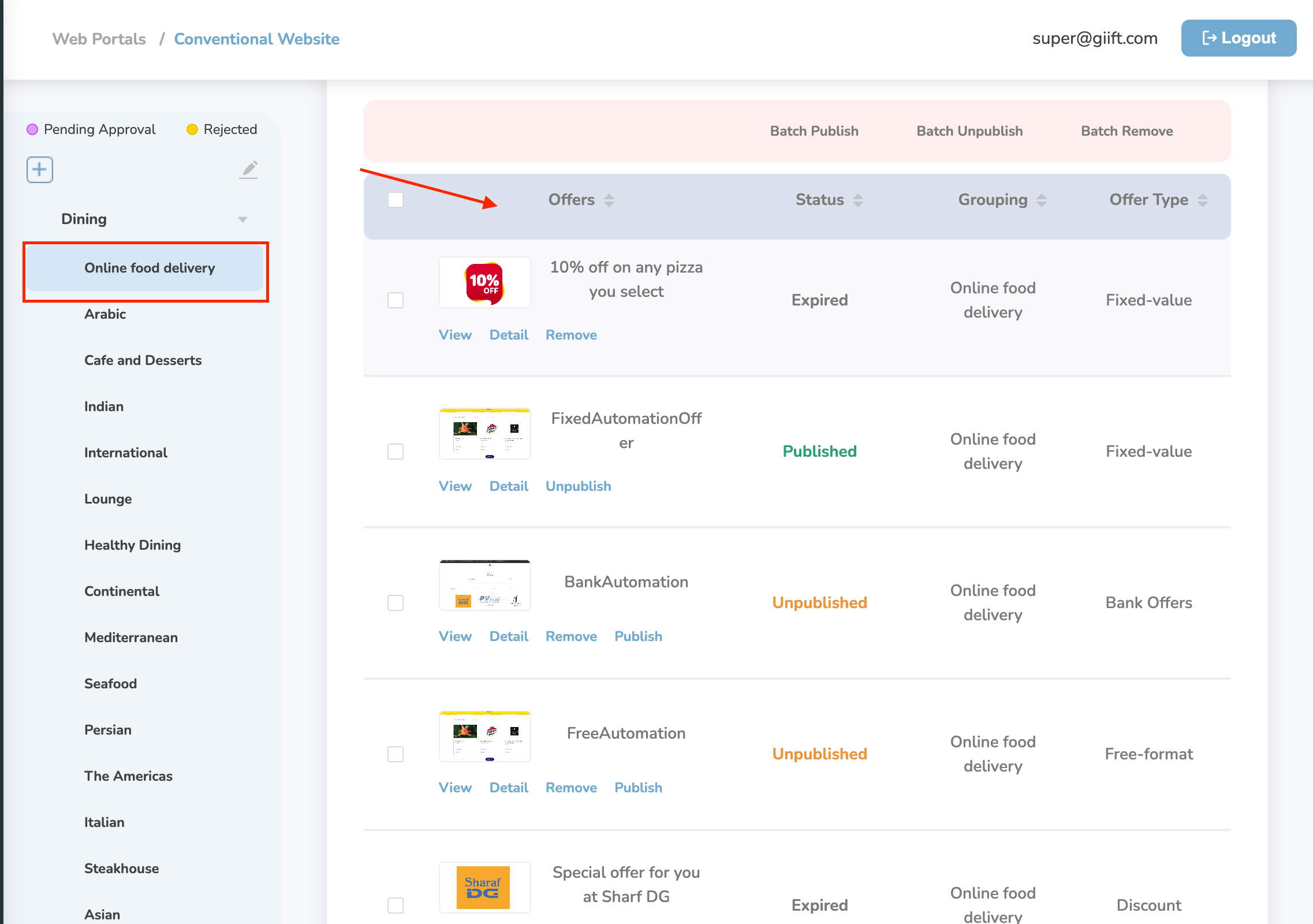
Still need help? Raise a support ticket.